
Why RTX 3090 Still Worth It in 2026 for Editing, Streaming, and Gaming
A secondhand flagship bridges the gap, unlocking multitasking efficiency and dependable throughput until next-generation platforms mature
Hardware by Tasnim Yoshi on Dec 24, 2025
Eventually, pushing a mid-range GPU to its limits will show the fractures. When you have a lot of work to do that includes editing, gaming, and general productivity, you can't avoid restrictions. When VRAM, cores, and stability are at their peak, the system becomes less reliable, indicating it's time to consider upgrading.
Hitting the Limits of RTX 3060
At first, RTX 3060 handled workloads well. It had 12GB of VRAM and a good memory bus. But as time went on, the workflow started using up all 12GB of VRAM and completely filling the GPU cores. That made things unstable while they were working, and blue screens occurred due to GPU memory issues. At that point, it was no longer up to you whether or not to upgrade the GPU.
Launch Issues and Market Reality
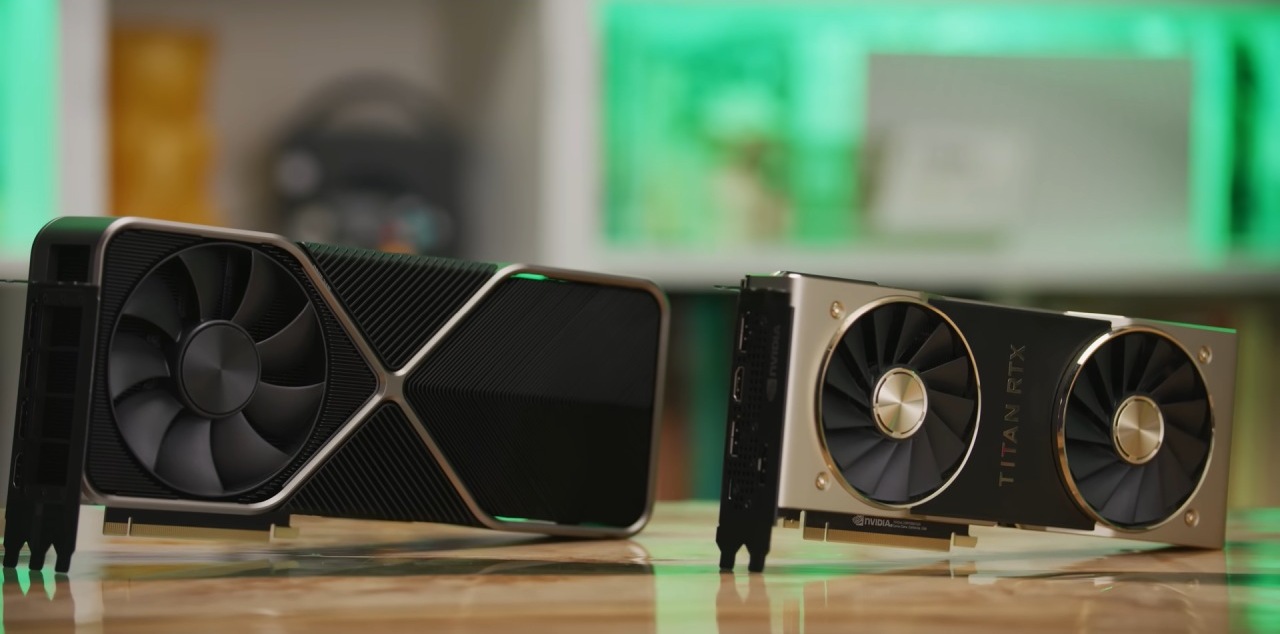
The intention was to go directly to a 90-class card, which is a higher-end GPU. Sadly, the launch was just a paper launch, so the product was quite hard to find. As the Lunar New Year approaches, it will be almost impossible to get newer, high-end models in the short term due to supply constraints. It wasn't possible to wait several months, especially with work obligations still going on.
It was clear what the other option was: buy a temporary upgrade now and then switch to a next-generation 90-class GPU later this year.
Shortlisting the Alternatives
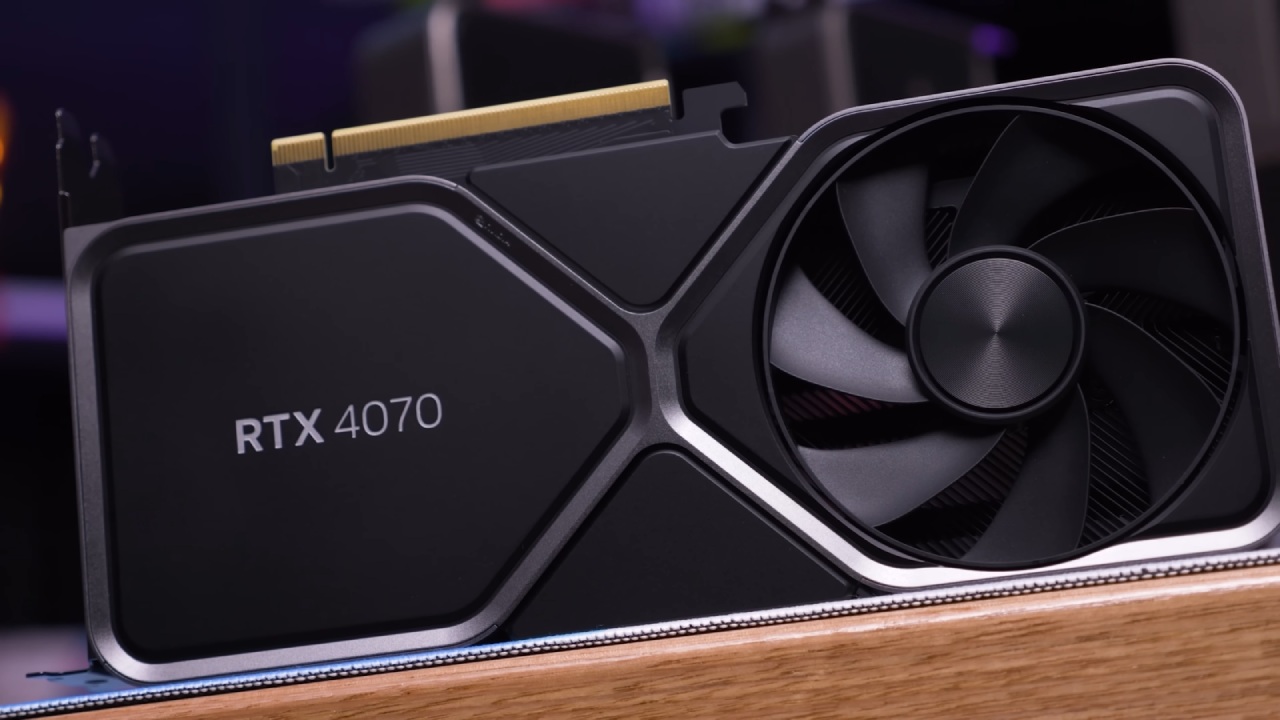
There were two main choices: a new RTX 4070, priced between $550 and $600, or a used RTX 3090 or another 40-series card from the secondary market. At first, people thought pricing for RTX 4090 would drop as newer models came out, but that never happened. It didn't make sense to buy used RTX4090 cards because they cost almost as much as new ones.
They even considered getting an RTX 5080, but the lack of VRAM made it impossible. For applications that use up all available memory, not having enough VRAM might quickly become a problem.
Finding the Right Deal
Everything changed when I put something up for sale on Facebook Marketplace. Someone listed an RTX 3090 for $700, but after some back-and-forth, the price dropped to $650. I felt more sure about my choice because I had done it before. A family member had already bought a similar RTX 3090 and was really happy with how well it worked for coding and other tasks. They consumed all of the 24GB of VRAM.
The seller appeared authentic, said they were a video editor, and agreed to let the buyer test the GPU in person. The card had been water-cooled from the start, and the cooler was quite clean. After installation, the first issue with power was a broken case power switch, not a GPU problem. Once the problem was fixed, the card worked perfectly.
Value and Hardware Specifications
The value proposition was great at $650. It's hard to justify spending more than $675 on a used RTX 3090, and buying a new one doesn't make much sense either. The performance is great for the pricing in the $600 to $650 range.
Some of the best features are 24GB of VRAM, a 384-bit memory bus, and more than 10,000 CUDA cores. These specs make the card very good at handling high-end productivity and multitasking tasks.
Gaming Performance at 1080p
The main focus of gaming is competitive 1080p gaming, which emphasizes frame rate over visual quality. In Apex Legends, performance changed from map to map, with harder maps giving worse results. While recording at high resolution, the performance stayed between 80 and 90 frames per second, a big improvement over RTX 3060, which struggled to keep up at 60 to 80 fps under the same conditions.
The performance rose significantly, to roughly 150–160 fps, when recording was disabled. The older CPU was slowing down the system, making games less fluid, even though the GPU could have handled it better. If RTX 3090 had a strong CPU, it would operate even better in games.
Multistreaming and Stress Testing
Fortnite was a challenging test because it was streamed to multiple platforms simultaneously, had replay buffers running, and was captured locally. Even with these settings, the system still operated nicely, with frame rates always around 60 and often over 100.
RTX 3090 was very powerful since it could multistream, record high-quality video, and play games competitively on a single PC. This was because it had 24GB of VRAM to handle the task.
Editing and Render Performance
The editing performance got better right away. Even with projects that had many cuts and layered edits, going through difficult timelines was quick and easy. This was especially evident in reaction-style content, where it's vital to quickly navigate the timeline.
Render testing made the decision to upgrade much stronger. A complicated project that took 10 minutes to complete was finished in 1 minute and 48 seconds, and the file size was 1–2GB. This was a big step up from the old technology and showed that the GPU really speeds up real-world production processes.
Final Thoughts on RTX 3090 in 2026
RTX 3090 is still performing well in 2026, especially when paired with a newer, more powerful CPU. The card can get much closer to its full potential on newer platforms with DDR5 and newer processors.
Don't get a new RTX 3090. But for some others, it still makes sense to buy it secondhand. RTX 4070 is better for gaming mainly because it has faster fps and is more efficient, but it only has 12GB of VRAM. For VRAM-heavy tasks, 3090 is still the best choice.
The amount of labor you have to do is what matters most in the end. RTX 3090 is still a fantastic choice if you need a lot of VRAM for apps, streaming, or production work. If you merely want to play games that don't need a lot of RAM, mid-range GPUs are the best option right now.
RTX 3090 did exactly what it was designed to do: it made editing, gaming, and rendering faster and more stable. The long-term goal is to get a next-generation 90-class GPU, but this card does a great job of filling the gap and showing that it can still work well in the right setting.
Also, check our other NVIDIA articles below:
- NVIDIA GeForce RTX 5080 Review (2025): Still A 4K Gaming Powerhouse?
- NVIDIA RTX 5070 Review: Mid-Range Muscle or Marketing Hype?
- RTX 5070 Ti Review: Performance, Thermals & Power Efficiency Tested
- ASUS GeForce RTX 5090 LC Liquid Cooled GPU Review: Unmatched Silence & Speed
- MSI GeForce RTX 5090 32GB SUPRIM SOC Review: Power Efficiency, Cooling, and Gaming Performance
- INNO3D RTX 5060 Ti 16 GB X2 Review: Gaming Benchmarks, Temps, and Power Efficiency
- HP Omen 45L Review: RTX 5090 Performance, Thermals, and Value Analysis
- ASUS TUF Gaming GeForce RTX 5060 Ti Review: DLSS 4, Power Efficiency, and Gaming
- ASUS Prime RTX 5060 Ti OC 16GB Review: DLSS 4, Ray Tracing, & Thermals Tested
- NVIDIA GeForce RTX 5060 Review: Specs, Gaming, and Cost per Frame
- MSI GeForce RTX 5090 GAMING TRIO OC Review: A Monster Power GPU
Subscriber, NoobFeed
Latest Articles
No Data.