
Battlefield 6 Benchmarks Show How Intel Arc B580 Handles Modern Gaming
Battlefield 6 testing highlights Intel Arc B580 strengths at higher resolutions with XESS while exposing driver inconsistencies.
Hardware by Nahe Yan on Jan 23, 2026
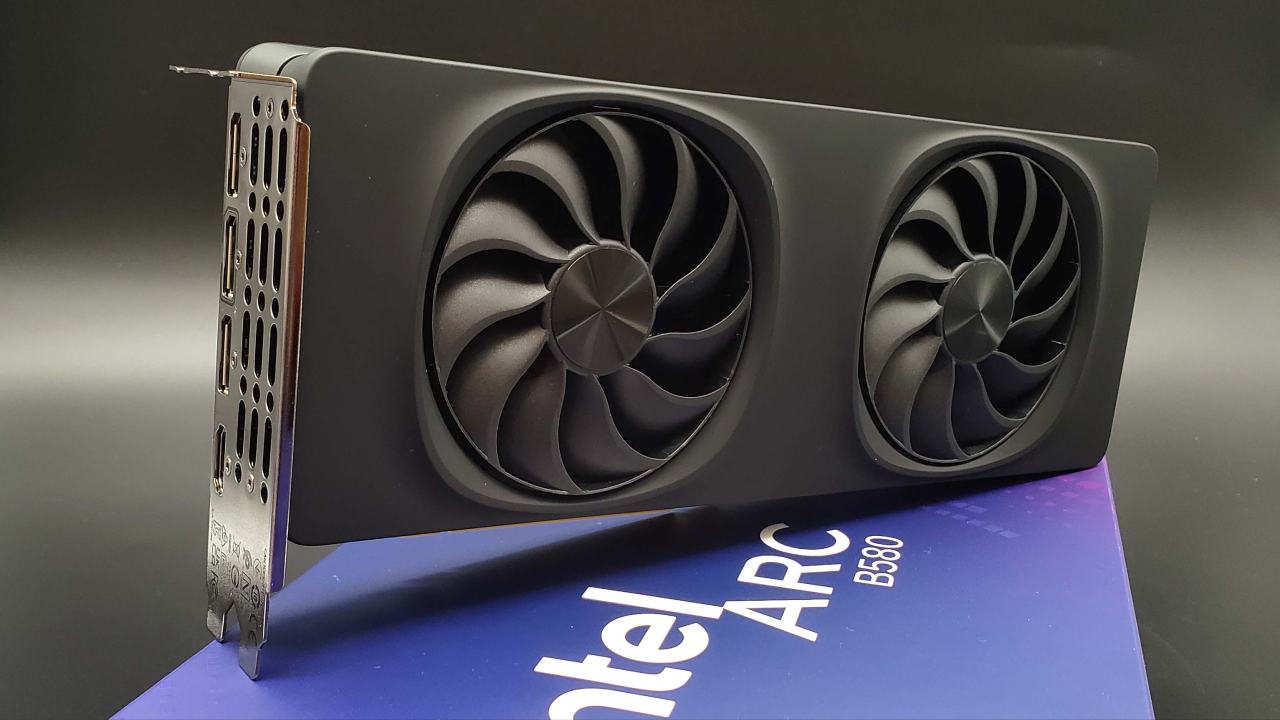
Battlefield 6 is still getting a lot of attention because of how big it is, how good it looks, and how hard it is to run on modern GPUs. Intel Arc B580 is a recommended requirements GPU for the game. It has a good blend of price, performance, and feature support.
We tried the Intel Arc B580 Limited Edition with the latest drivers and Resizable BAR turned on. This is still very important for Arc GPUs. The first tests used an Intel Core i5-12600KF overclocked to 5.1GHz and 32GB of DDR5 RAM with the GPU. The GPU is aimed at budget-conscious users, though the system itself was designed for a higher-end setup. Later, a second test machine with a Ryzen 9800X3D and 32GB of RAM was added because the first one was not stable.
The graphics settings were mostly set to High because it gives you visuals that are almost as good as Ultra but with greater framerates. Tests were run at 1080p, 1440p, and 4K resolutions with XESS Native AA, XESS Ultra Quality Plus, and no anti-aliasing.
Performance and Picture Quality at 1080p
When using High settings and XESS Native AA at 1080p, performance was usually between 80 and 90 fps. Frame pace changed a bit, with 1% lows dropping now and then; there was no constant microstuttering during gaming. Compared to TAA, which looked too soft at this resolution, the picture was much clearer.
When I switched to XESS Ultra Quality Plus at 1080p, the average frame rate increased to about 100 fps. But the images become substantially softer, especially in trees and distant objects. This setting wasn't as tempting because the added blur from upscaling brought the original performance below 60 fps. Turning off anti-aliasing completely made the sights sharper and the performance more reliable, but the shimmering effect became more obvious.
During testing on the Intel-based platform, driver stability problems arose, resulting in numerous crashes when toggling anti-aliasing or upscaling modes. These problems prevented testing from continuing for a long time until the GPU was relocated to the other system.
How Much Power Does It Use?
Arc B580 was rated at 180W to 190W, yet it used very little power in Battlefield 6. At 1080p, the power draw was often around 100W. It is still possible to underreport with monitoring software. However, previous tests on other titles revealed that the GPU might draw up to 120W. Battlefield 6 doesn't fully utilize the GPU because it doesn't use ray tracing, so the GPU doesn't need as much power overall.
A Look at How Well 1440p Works
At 1440p with High settings and XESS Native AA, the frame rate stayed between 60 and 70 fps; it dropped into the low 60s during heavy-action sequences. The game was still playable, but it wasn't as smooth because it kept dropping below 60 fps. Even with native anti-aliasing enabled, visual noise was more noticeable in plants.
About 10 fps were added when XESS Ultra Quality Plus was set to 1440p. This helped keep the frame rate over 60. It got worse, though, with more noise and a soft background. The picture looked better after I turned off all anti-aliasing. Even though it kept the frame rate steady at 60 fps, shimmering still occurred. Changing the settings to Medium or Low added 15 to 20 fps. This means that 1440p might be a good choice for you, based on what you want to see.
Competitive Settings with High Refresh Rate
It worked well for players who cared more about frame rate than pictures to use Low settings and set textures to High. The frame rate was over 120 fps at 1080p without anti-aliasing, resulting in a smooth, quick experience. Some things looked funny, like shadows popping out of place. The picture was still good enough to see enemies far away, though.
At 1440 p.m. with low settings and no anti-aliasing, the average frame rate was about 100 fps. The higher pixel density made the image cleaner and less shimmery than 1080p, while still being very responsive.
Results of 4K Performance and Upscaling
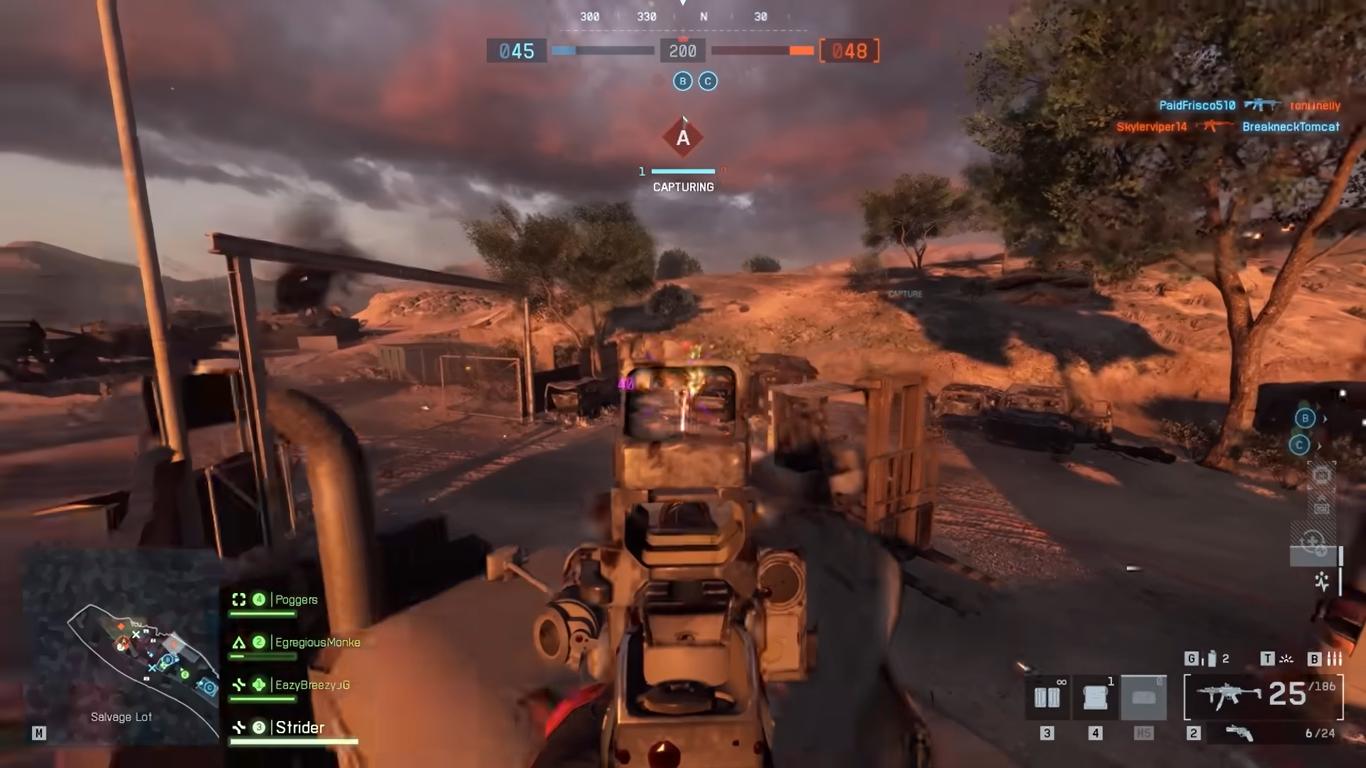
It's important where the GPU is placed because the native 4K speed was close to 60fps. But the speed dropped during dramatic scenes, and the low settings made shadows pop in. When you switch to XESS Balanced mode, the speed increases to about 80 fps because the resolution is halved.
The best visual result for XESS was at 4K. Even though the picture wasn't as soft as it was at lower resolutions, there were still no ghosts. There was still some noise on the plants and fences, but the picture quality was more like original 4K than 1080p or 1440p. This setup was a good balance between speed and clarity.
Observations on Platform Stability
Platforms had very different levels of driver steadiness. The Intel-based system often crashed when settings were changed, but the AMD-based system worked fine and never had any issues. The driver is acting in a way that is unique to this platform, not the GPU itself. However, it is still something to think about for future users.
Final Thoughts
At some settings, the Intel Arc B580 did well in Battlefield 6, but not at all of them. Because of the suggested GPU name, hopes were higher at 1080p, but the results were still good enough. It worked better than I thought it would at 1440p, especially when I changed some settings. When combined with XESS, the GPU surprisingly produced watchable results at 4K, making it a good choice for anyone who is okay with upscaling.
Driver dependability is still a problem, especially on some platforms. Still, when it was stable, the Arc B580 worked well with different resolutions and play styles.
Also, check our other Intel chips Articles below:
- Intel Core Ultra 9 285K Review And Performance Breakdown (2025)
- Intel Core Ultra 9 285K vs AMD Ryzen 7 9800X3D: In-Depth Gaming Performance and Benchmark Comparison
- Intel Core i5-13400F Gaming Performance: Still Worth It in 2025?
- Intel Core i9‑14900K vs. AMD Ryzen 7 7800X3D: Power Profiles & Gaming Benchmarks
- Intel Core i9 14900K: Specs, Benchmarks, and Competitor Comparison
- Intel Core Ultra 5 245K Review: Gaming, Productivity & Power Efficiency Tested
- Intel Core Ultra 9 285 K's iGPU Gaming: In-Depth Benchmarks & Analysis
- Intel vs. AMD Gaming Laptop: Performance, Thermals & Battery Life Compared
- AMD Ryzen 7 9800X3D vs.7800X3D vs. Intel Core Ultra 7 265K: Gaming, Thermals & Price Analysis
Editor, NoobFeed
Gaming Hardware Updates
No Data.