
CPU and GPU Optimization Trends: Intel Binary Tool vs. NVIDIA Shader Cache
Intel optimization tools reshape workloads and challenge traditional benchmarking accuracy across modern CPU performance evaluations.
Hardware by Shinji Okazaki on Apr 02, 2026
Changes in how performance is evaluated and provided can be seen in recent work on optimizing CPUs and GPUs. Intel and NVIDIA are both attempting to make workloads easier to handle, especially by optimizing code and processing shaders. This has a direct effect on how well things work in the real world and on benchmark accuracy.
Intel built a binary optimization tool to improve code performance on its chips. The tool analyzes existing code and rewrites it so the CPU can execute instructions faster. Instead of running a job as it is, it changes the instructions to better fit what the processor can do.
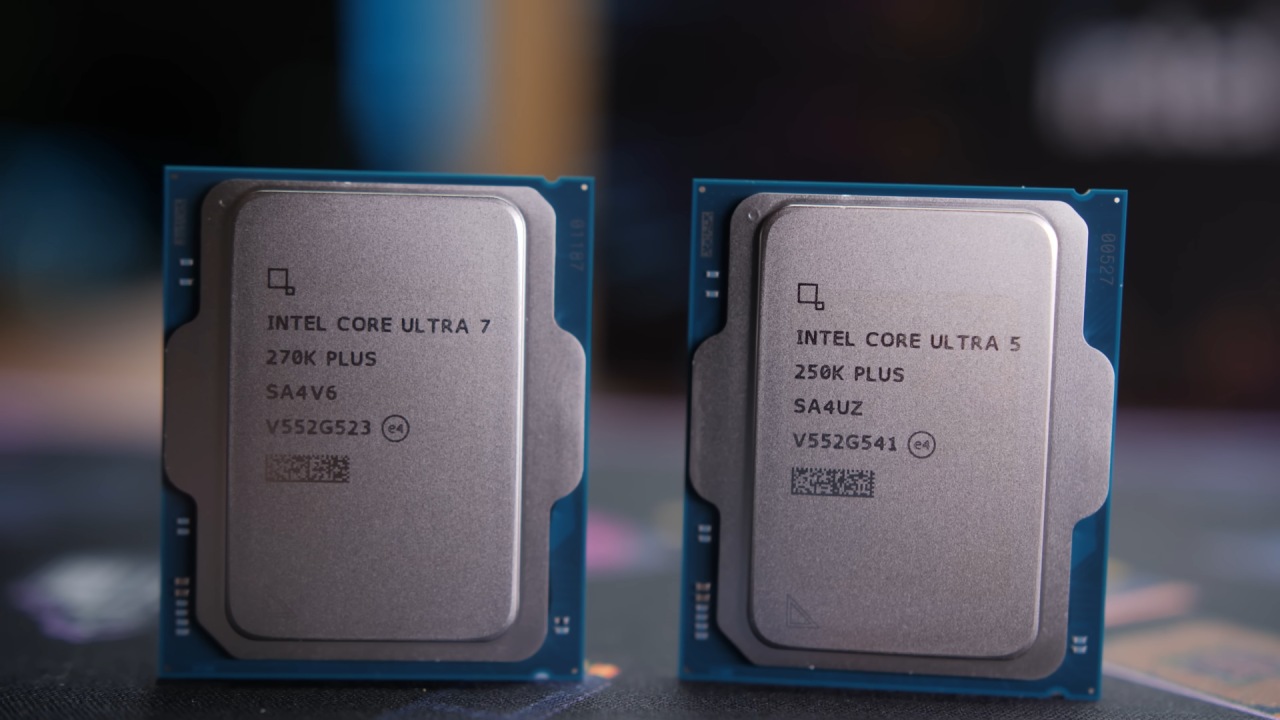
Intel's Method for Optimizing Binaries
This shows that performance gains are moving away from hardware improvements toward more efficient software. You can't just look at clock speeds or core counts anymore; you also have to think about how well the workload is changed before it runs.
Effect on the Integrity of the Benchmark
This optimization strategy makes benchmarking tools harder to use. Benchmarks are used to assess how well a system performs a specific task. The results are no longer a direct comparison of systems when the workload itself is changed.
You can see what's wrong here. The result becomes inconsistent if one processor is allowed to change the task while another is not. It's hard to tell whether performance improvements are due to better hardware or a change in the workload.
Because of this, benchmarking platforms are changing how they operate to prevent these kinds of optimizations from skewing results. The purpose is to ensure that all systems are tested consistently.
Changes in Instruction Level Noticed
After optimization, testing indicated that the way instructions were processed differed measurably. The total number of instructions decreased by 14%, indicating that the execution path is now more efficient. Scalar instructions went down by 62%, but vector instructions went up by 1366%.
We can see this as a move toward parallel processing. The CPU can process more data points at once by turning more operations into vector-based instructions, which speeds up the process.
You have faster execution, but the workload itself changes significantly, worsening the issues with benchmark validity.
What this Means for Performance in the Real World
In real life, this kind of optimization can make things work better without needing more gear. The CPU is running a newer version of the code, which may improve performance for supported workloads.
Not all apps will profit from this in the same way, though. Whether the task can be effectively revised will determine whether performance improves. This causes variability, meaning that some tasks improve while others remain the same.
We are seeing a shift where software optimization is becoming just as important as hardware upgrades for improving performance.
NVIDIA's Plan for Preloading Shaders
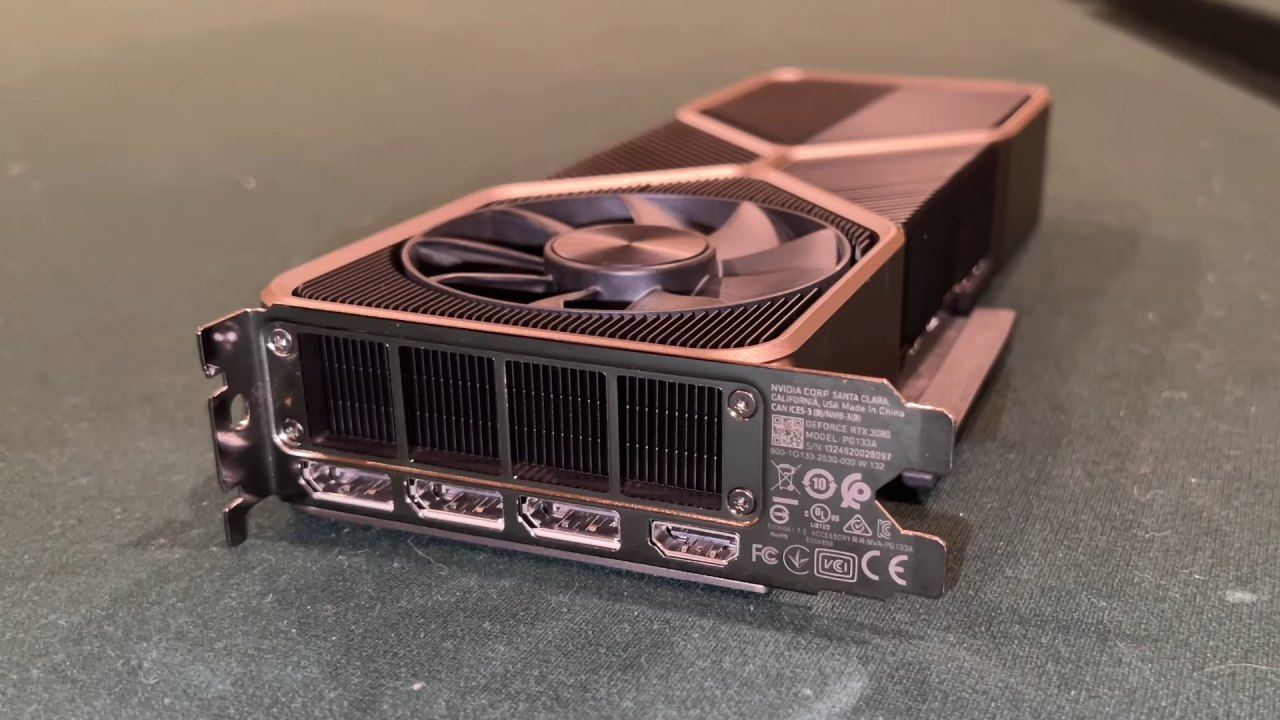
With a new preloading feature in its drivers, NVIDIA is putting more emphasis on shader processing. This technology lets shaders be compiled and saved on the computer ahead of time. You can give this cache some disk space to speed up gameplay.
Instead of making shaders from scratch as you play, some of the work is done before you start. This makes the program run more efficiently on the computer and can make it more consistent.
Less Stuttering During Runtime
Games have experienced stuttering issues for a long time due to shader compilation. Building shaders as you play can cause frame dips or delays. Preloading handles some of this work in advance.
You will still see some shader production while you play, but the processing load is lower. This makes things run more smoothly, especially when shader compilation would usually cause problems. This isn't the whole answer, but it fixes a big part of the problem.
Intel and NVIDIA do Things Differently
Intel and Nvidia are optimizing in different ways. Intel's goal is to change the way tasks are processed more deeply by rewriting workloads before they are run. NVIDIA, on the other hand, is reducing runtime overhead by preparing assets ahead of time.
Intel's strategy changes how the job is done, whereas Nvidia's focuses on when it's done. One focuses on making execution more efficient, and the other on timing the workload. Both methods aim to improve things, but they do so at different points in the pipeline.
Things to think about when it Comes to Scalability and Compatibility
NVIDIA's shader preloading works with many different games, making it more compatible and scalable. You can use it for many different things without special help.
However, Intel's method may only work for workloads that can be optimized well. This implies that its benefits depend more on how well it works with other software and how it is set up.
There is a trade-off between depth and breadth. In some circumstances, Intel offers more in-depth optimization, whereas Nvidia offers more general assistance with some improvements.
Final Thoughts
These changes show that the way performance enhancements are made is changing. Companies are investing in preprocessing, caching, and workload reorganization rather than relying solely on hardware improvements.
We can see that competition is making things change quickly. Intel came up with new ways to optimize things, and NVIDIA changed how shaders work in response. This back-and-forth is speeding up new ideas about how systems handle workloads.
You are getting closer to a world where performance is based on both the hardware's capabilities and the smart optimization of software, not just the hardware itself.
Also, check our other hardware articles:
- AMD Ryzen 9 9950X3D Review: Setting The Standard For 2025 Gaming CPU
- Amazon Luna 2025 Review: Is Prime Gaming's Cloud Service Your Go-To For Casual Fun?
- AMD RX 9070 XT Review: AMD's RDNA 4 Champion for 1440p Gaming
- GeForce Now Ultimate: Ditching Your Gaming PC For Cloud RTX 4080 Power?
- NVIDIA GeForce RTX 5080 Review (2025): Still A 4K Gaming Powerhouse?
- Intel Core Ultra 9 285K Review And Performance Breakdown (2025)
- AMD Ryzen 7 9800X3D Review: 3D V-Cache Goes God Mode with Stunning Gaming Performance
- Intel Core Ultra 9 285K vs AMD Ryzen 7 9800X3D: In-Depth Gaming Performance and Benchmark Comparison
- NVIDIA GeForce RTX 5080 Super Performance In Cyberpunk 2077: Path Tracing & DLSS 4.0 Tested
- AMD Radeon RX 9070 XT In Cyberpunk 2077: Ray Tracing & FSR 4.0 Tested
- Intel Arc B580 Review: The $250 GPU Revolutionizing 1440p Gaming
- Intel Arc B570 Vs. B580: Value, Specs, And Real-World Gaming Performance
- RTX 5090 Laptop Vs. M4 Max MacBook Pro: Ultimate Raw Performance Vs. Battery Endurance
- Intel Arc b580 Vs. RTX 4060: Game Performance And Value Analysis
- RTX5090 Hell Is Us Demo 4K Ultra Benchmark: DLSS Vs. Native Performance Guide
- NVIDIA RTX 5070 Review: Mid-Range Muscle or Marketing Hype?
- Nintendo Switch 2 Review: Handheld Performance, Features & Value Breakdown
- RTX 5070 Ti Review: Performance, Thermals & Power Efficiency Tested
- Samsung Odyssey OLED G81SF Review 2025: Ultimate 32-Inch QD-OLED Gaming Monitor
- AMD RX 9070 Performance Review: Thermals, Clocks, and Real-World FPS
- AMD Ryzen 5 7600 Review: Best Budget Gaming CPU of 2025?
- AMD Radeon RX 7800 XT Review: RDNA 3 Power For Midrange Gaming
- Asus ROG RTX 5090 Astral OC Vs. Founders Edition: The 4K Gaming Benchmark
Editor, NoobFeed
Gaming Hardware Updates
No Data.