
FSR4 Vulkan Mod Tested in Doom The Dark Ages and Indiana Jones
FSR4 improves image stability and reduces ghosting compared to FSR3.1 in Vulkan.
Hardware by Shinji Okazaki on Feb 25, 2026
FSR4 is currently running on Vulkan; Advanced Micro Devices hasn't officially released it yet. Instead, modders added support through a DX12-to-Vulkan link, and it works. Optiscaler can now run FSR4 on Vulkan-based games like Doom: The Dark Ages, Indiana Jones and the Great Circle, Baldur's Gate 3, and No Man's Sky.
According to reports, AMD has several teams working on Radeon software and FSR technology. But modders didn't add Vulkan support for FSR4 until almost a year after the game launched. The present approach uses a backend translation layer, which adds a little bit of overhead and some problems, but it does work.
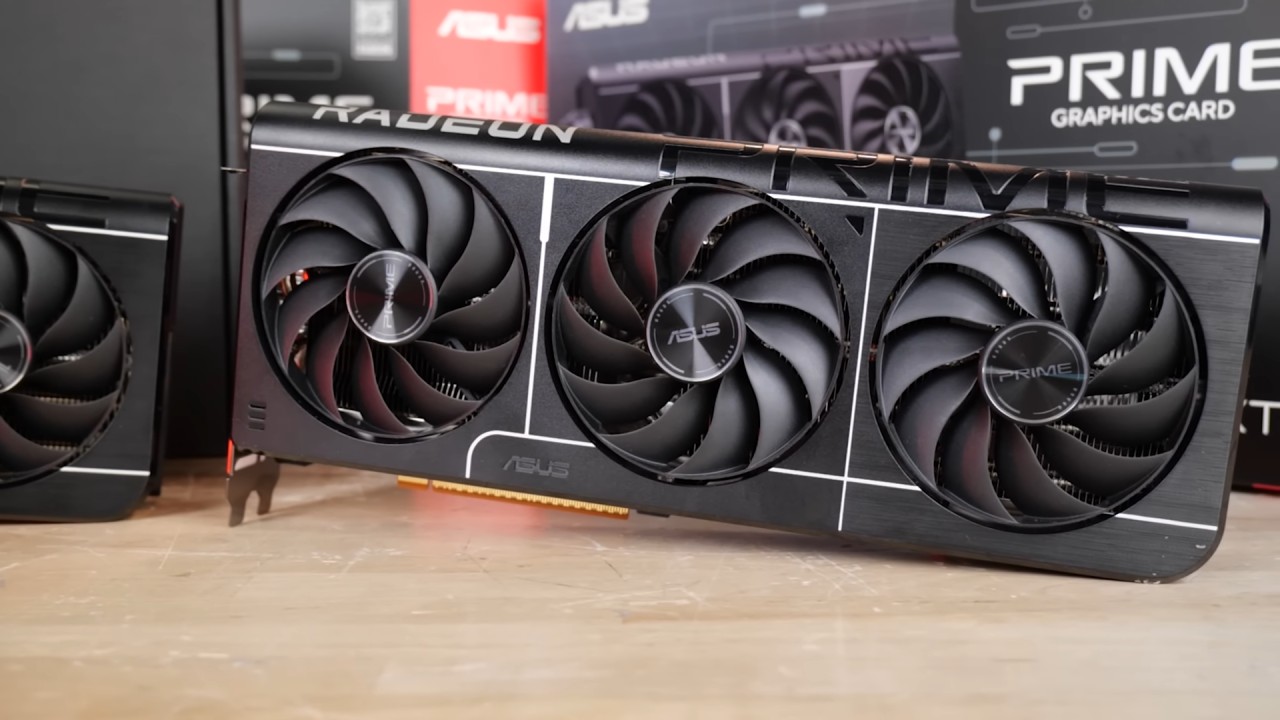
Requirements and the Process for Installing
The most recent Optiscaler test build is required to enable FSR4 in Vulkan games. Optiscaler 0.9.0 pre10 is the right version. This build offers a better Cyberpunk HUDless/FSRFG, FSR4 frame generation, and Vulkan with DX12 backend support, including FSR 2.1.
The normal Optiscaler approach is used for installation. After you download the zip file, unzip it and put the files in the game's executable directory. In some games, the executable resides in the main folder; in others, it may be in the x64 or bin folder.
Run the setup utility after copying the files. If you're playing Vulkan games, choose winmm.dll instead of the usual DXGI option. If you have an AMD GPU, choose the AMD option when asked. You only need DLSS hooks in games that only work with DLSS, like Palworld. Hooks aren't needed for games that already support FSR.
After setting it up, start the game and choose FSR as the in-game upscaler in the settings. Keep in mind that this Vulkan hook for FSR frame creation doesn't work right now when native FSR frame generation is enabled. Some issues with overlays may occur, such as poor mouse handling in the Optiscaler menu.
Doom's Performance and Picture Quality: The Dark Ages
Testing in Doom: The Dark Ages was made with a 9070XT. When running native FSR3.1.4 on Vulkan, the frame rate was about 133fps. When I switched to FSR3.1.5 with the DX12 backend, performance dropped slightlyto about 129 fps. This is because the backend has to do extra work, about 3 fps.
When FSR4.0.3 was enabled, performance dropped further, to about 120 fps. The dip from 129 fps to 120 fps is due to the algorithm being more complex, not the driver being too busy. FSR3.1.5 works fine in this game; FSR4 makes the picture clearer, cuts down on ghosting, and makes motion more stable. You can see the difference when you move.
FSR3.1.5 goes from 720p to 1440p ultrawide in Performance mode. There is apparent pixelation and ghosting in the outcome. In the same 720p-to-1440p situation, switching to FSR4.0.3 improves the image's edges and structure. The image is still readable at 720p input resolution, even though it is not the same as DLSS4.5. Weapon detail still has several problems because the base resolution is so low.
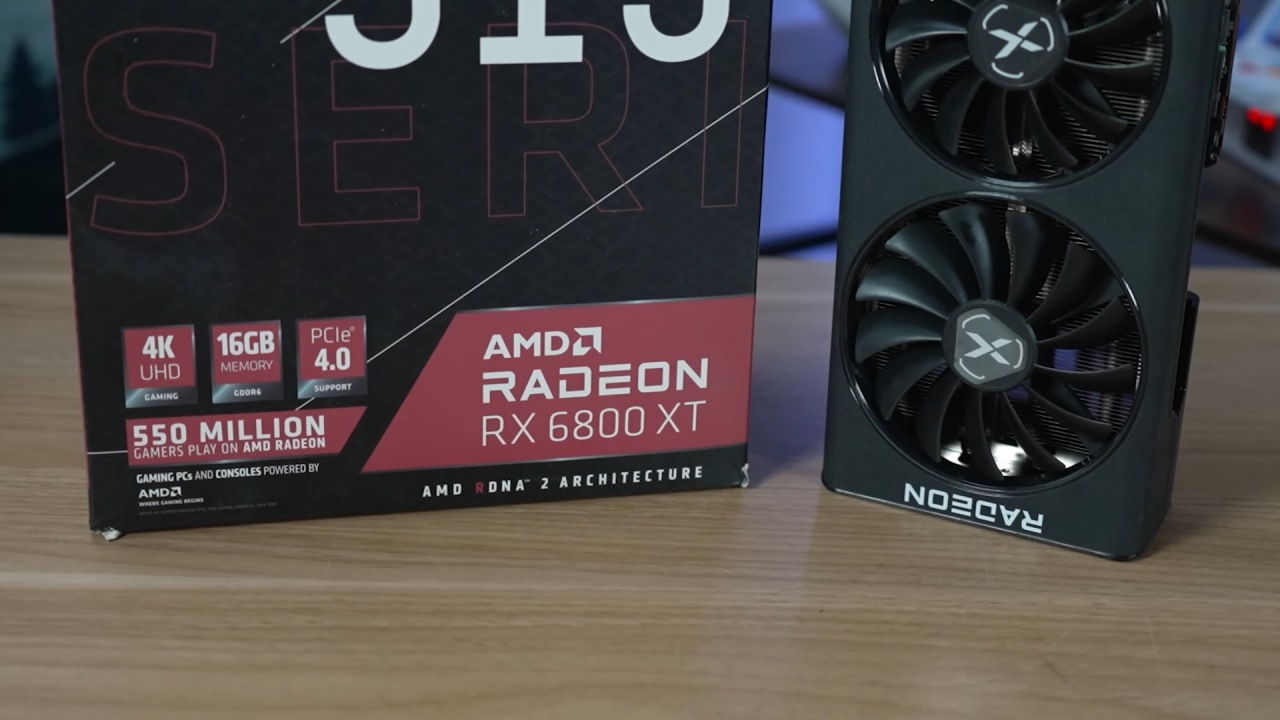
The Great Circle Configuration and Indiana Jones
When you press Insert in Indiana Jones and the Great Circle, the overlay might not show up. The overlay may freeze mouse input, although the upscaler stays on. This can be fixed by setting things up by hand. Go to the game directory and find the Optiscaler settings file. To turn on the DX12 backend path, set the Vulkan upscaler to FSR 3.1_12. This turns on FSR4.0.3 by itself.
In the game, choose either FSR or DLSS from the list of upscalers. Optiscaler sends the input to FSR4 via the DX12 backend, even though DLSS appears to be selected. When operating in Performance mode from 720p to 1440p ultrawide, the frame rate stays consistent at roughly 120fps to 130fps. There is less ghosting and instability than in FSR3.1. Changing to Quality mode makes the picture much more stable. There may still be some motion blur, which could be due to game settings.
Final Thoughts
The Vulkan implementation works on older GPUs, like the RX 7000 series. But older GPUs may have more backend overhead than the 9070 XT. The performance gap between native Vulkan and the DX12-backed Vulkan approach is still small on the 9070 XT.
The current method has some problems and extra work, but Vulkan-based FSR4 support is working. If the right backend and hooks are set up, Optiscaler lets you use FSR4 frame generation in games that don't have native AMD frame generation.
FSR4 is now available in Vulkan games through a modified backend path. It offers better picture reconstruction and motion stability than FSR3.1 while still allowing playable performance, such as 120fps at 1440p ultrawide from a 720p input resolution.
Also, check our other AMD articles below:
- AMD Ryzen 9 9950X3D Review: Setting The Standard For 2025 Gaming CPU
- AMD Ryzen 7 9800X3D Review: 3D V-Cache Goes God Mode with Stunning Gaming Performance
- AMD RX 9070 Performance Review: Thermals, Clocks, and Real-World FPS
- AMD Ryzen 5 7600 Review: Best Budget Gaming CPU of 2025?
- AMD Radeon RX 7800 XT Review: RDNA 3 Power For Midrange Gaming
- Sapphire NITRO+ AMD Radeon RX 9070 XT Review: The Ultimate 4K Gaming GPU
- AMD Ryzen 7 7800X3D: Delivers Gaming Performance Far Beyond Expectations
- AMD Ryzen 9 7900X Review: Powering the AM5 Era with DDR5 & PCIe 5.0
- Intel Core i9‑14900K vs. AMD Ryzen 7 7800X3D: Power Profiles & Gaming Benchmarks
Editor, NoobFeed
Gaming Hardware Updates
No Data.