
NVIDIA GeForce RTX 5060 Ti Gaming Performance: Best Settings for 1440p High Refresh Rate
Comprehensive RTX 5060 Ti analysis covering esports dominance, AAA scalability, and ray tracing limitations at 1440p 240hz
Hardware by Shinji Okazaki on Dec 18, 2025
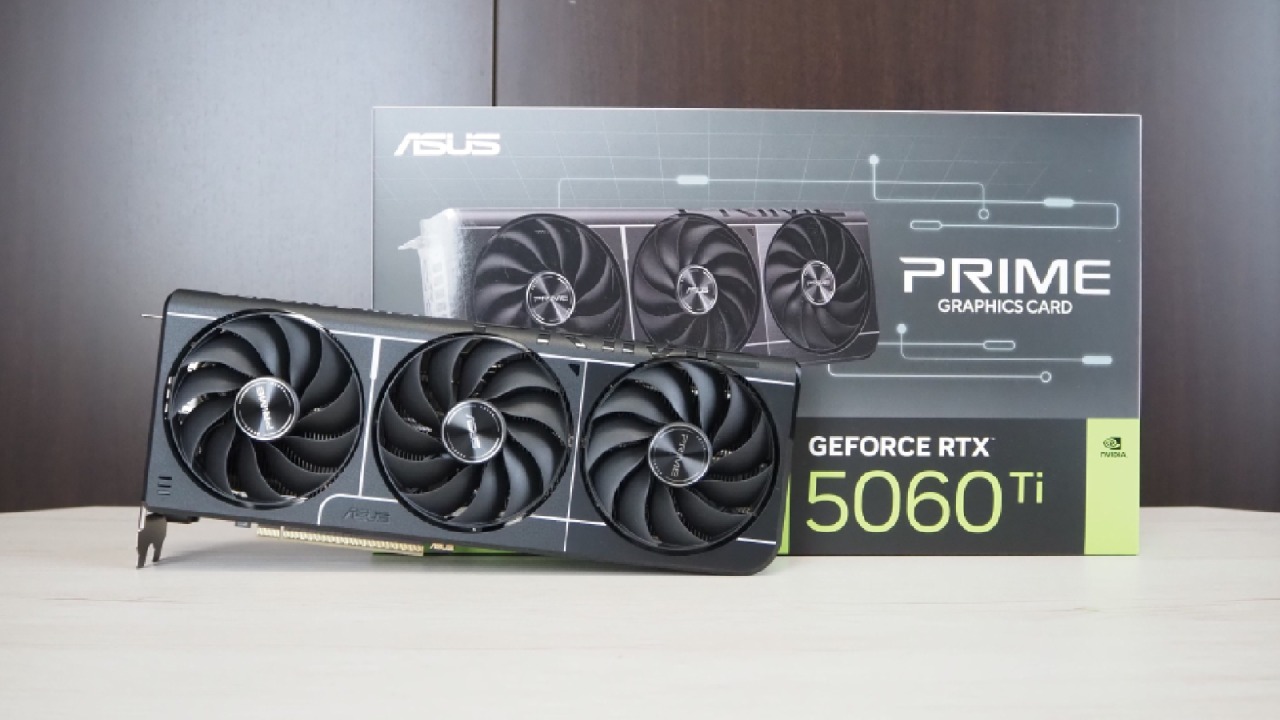
We tested the GPU with esports games, hard AAA games, and full-ray-tracing workloads to see whether the RTX 5060 Ti is good enough for 1440p 240Hz gaming.
DLSS and frame generation behavior are broken down to show which options deliver reliable performance and which don't.
Playing Games Competitively at 1440p 240hz
The results in CS: GO2 are good. At maximum settings and 1440p, the RTX 5060 Ti averaged 334 fps. Setting the game to the lowest possible settings made it run smoothly at all times. RTX 5060 Ti passed the CS: GO 2 test without issues.
RTX 5060 Ti did quite well in Apex Legends, reaching the engine limit of 300fps with all settings set to low. Even the lowest 1% stayed above 240 fps most of the time.
RTX 5060 Ti could play Marvel Rivals on the lowest settings with DLSS set to Quality. The average frame rate was 205. Switching to balanced mode gave you better performance, but quality mode gave you the clarity you needed during intense combat.
Fortnite also did very well. With DLSS Super Performance and low settings, you could still get good frame rates even at 4K. Performance stayed much above 200 fps, which is good for a 240Hz monitor. With Reflex turned on, a capped framerate might make things more stable, but the overall results were good.
These findings show that the RTX 5060 Ti can run a 1440p 240Hz monitor in esports-focused games.
AAA Gaming with Better Graphics Settings
Not everyone plays to win, so we also examined how well people performed in more challenging AAA games. Forza Horizon 5, The Last of Us Part Two, and Battlefield 6 were all on the list.
RTX 5060 Ti averaged 171 fps in Forza Horizon 5 at 1440p on severe settings. This GPU also lets the game run smoothly at 4K.
Battlefield 6 only averaged 94 fps at 1440p high settings, which isn't enough for a first-person shooter. Lowering the parameters to low and turning on DLSS balanced boosted performance to an average of 162 fps. The graphics aren't as good, but you can see enemies better, and the framerates feel responsive, which is good for multiplayer.
The Last of Us Part Two looks good on PC, even without ray tracing. RTX 5060 Ti averaged 107 fps with all parameters set to high and DLSS set to Quality. This level of performance is good for a third-person game, where the motion is smoother than in first-person games. But if you push the settings too far, the framerate soon plummets.
How well Ray Tracing and Path Tracing Work
Ray tracing is hard, and performance across different titles can vary widely. We tested Cyberpunk 2077, Doom: The Dark Ages, and Alan Wake 2.
When playing Cyberpunk 2077 at native resolution with the highest settings and route tracing turned on, the game ran slowly. Setting DLSS extreme performance and frame generation to x2 made a big difference in the outcomes. When HDR is set up correctly, the visuals remain clear, and the frame rate averages 127 fps, resulting in a seamless experience on a 1440p 240Hz monitor.
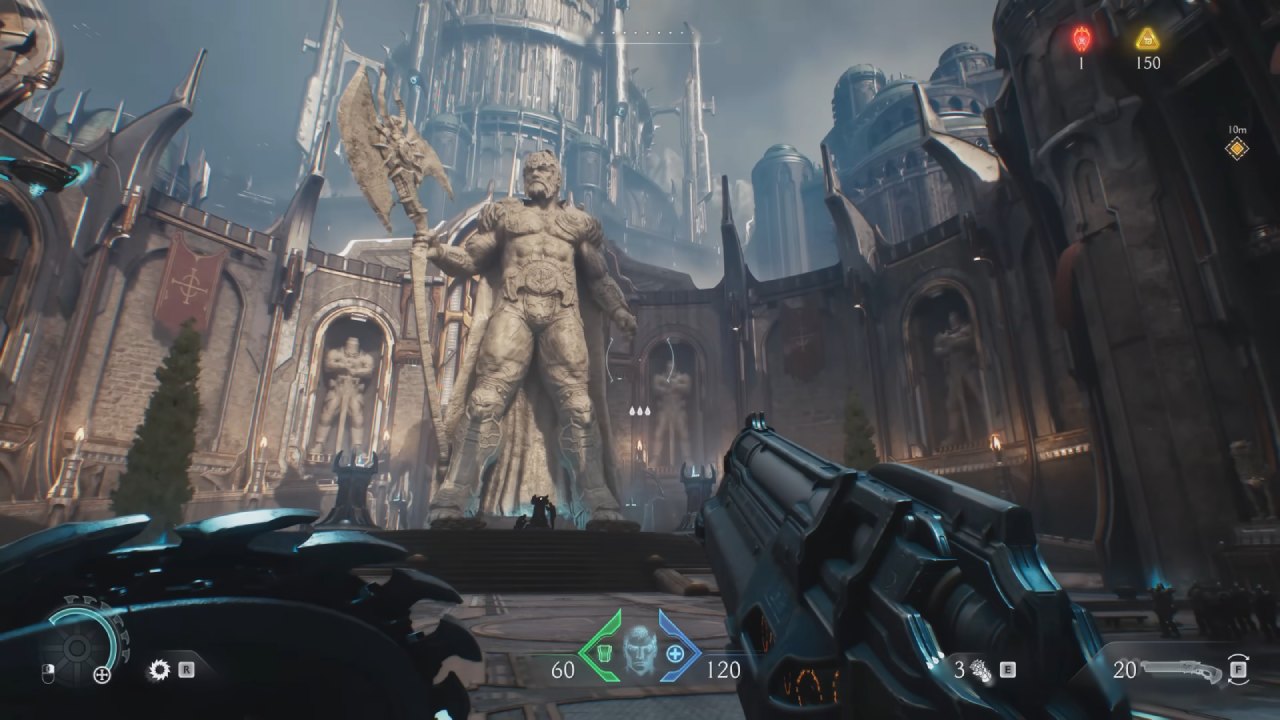
Doom: The Dark Ages ran at little over 60 fps at 1440p high settings, thanks to engine optimization. 1% lows were consistent, but performance wasn't good enough for a 240Hz monitor. Changing DLSS to "balanced" and decreasing all parameters made the game more responsive. We didn't use frame generation because it doesn't work well with fast-paced shooters. Visual quality declines, but responsiveness increases, which is more important in this genre.
When I played Alan Wake 2 at native 1440p on high settings, the frame rate dropped below 60 fps, which felt slow on a TV with a high refresh rate. When I set the render resolution to DLSS quality, enabled frame generation x2, set textures to extreme, and used medium path tracing, I averaged 85 fps. These settings do a good job of balancing image quality and performance.
Overclocking and Heat
The benchmark scores from Steel Nomad and Fire Strike Ultra show how much better the RTX 5060 Ti, RTX 5060, and RX 9600 XT are than each other. RTX 5060 Ti outperformed both other options in all the games we tested at 1440p on high settings.
Comparison of GPUs and a Suggestion
RTX 5060 Ti is one step above the RX 9600 XT and two steps above the RTX 5060. The prices of the RTX 5060 Ti and RX 9600 XT will have a big impact on which one you choose. RTX 5060 doesn't perform well at 1440p gaming because it only has 8GB of VRAM.
It costs about $70 more than a 16GB RX 9600 XT. Even so, the RTX 5060 Ti performs better overall at 1440p and is a good choice for basic 1440p 240Hz gaming.
Final Thoughts
You have to sacrifice some visual quality to achieve smooth, competitive performance, and you should be careful with DLSS or frame generation because they come with trade-offs. If you use high graphics settings or ray tracing, the frame rate will dip below 200 fps.
RTX 5060 Ti performs well for its size and price, but it's not meant for the highest settings or the fastest refresh rates. The most important thing is to change the parameters to fit your needs, whether that means framerate, visuals, or a mix of both.
Also, check our other NVIDIA articles below:
- GeForce RTX 5090 Unleashed: Is NVIDIA's New Flagship the Ultimate 4K Gaming GPU?
- NVIDIA GeForce RTX 5080 Review (2025): Still A 4K Gaming Powerhouse?
- RTX 5090 Performance Testing In GTA 5 – 1080p, 1440p, and 4K Max Settings Benchmark
- RTX 5090 Laptop Vs. M4 Max MacBook Pro: Ultimate Raw Performance Vs. Battery Endurance
- NVIDIA RTX 5070 Review: Mid-Range Muscle or Marketing Hype?
- RTX 5070 Ti Review: Performance, Thermals & Power Efficiency Tested
- Asus ROG RTX 5090 Astral OC Vs. Founders Edition: The 4K Gaming Benchmark
- ASUS ROG Astral RTX 5090 OC Edition Review: 32GB GDDR7 & 4K Gaming Benchmark
- ASUS GeForce RTX 5090 LC Liquid Cooled GPU Review: Unmatched Silence & Speed
- MSI GeForce RTX 5090 32GB SUPRIM SOC Review: Power Efficiency, Cooling, and Gaming Performance
- INNO3D RTX 5060 Ti 16 GB X2 Review: Gaming Benchmarks, Temps, and Power Efficiency
- HP Omen 45L Review: RTX 5090 Performance, Thermals, and Value Analysis
- ASUS TUF Gaming GeForce RTX 5060 Ti Review: DLSS 4, Power Efficiency, and Gaming
- ASUS Prime RTX 5060 Ti OC 16GB Review: DLSS 4, Ray Tracing, & Thermals Tested
- NVIDIA GeForce RTX 5060 Review: Specs, Gaming, and Cost per Frame
- MSI GeForce RTX 5090 GAMING TRIO OC Review: A Monster Power GPU
Editor, NoobFeed
Gaming Hardware Updates
No Data.