
Intel 270K Plus vs. Ryzen 7 9800X3D: Real-World Productivity Performance Compared
Intel delivers stronger Adobe workflow performance while maintaining gaming results close to the Ryzen 7 9800X3D.
Hardware by Shinji Okazaki on Jun 09, 2026
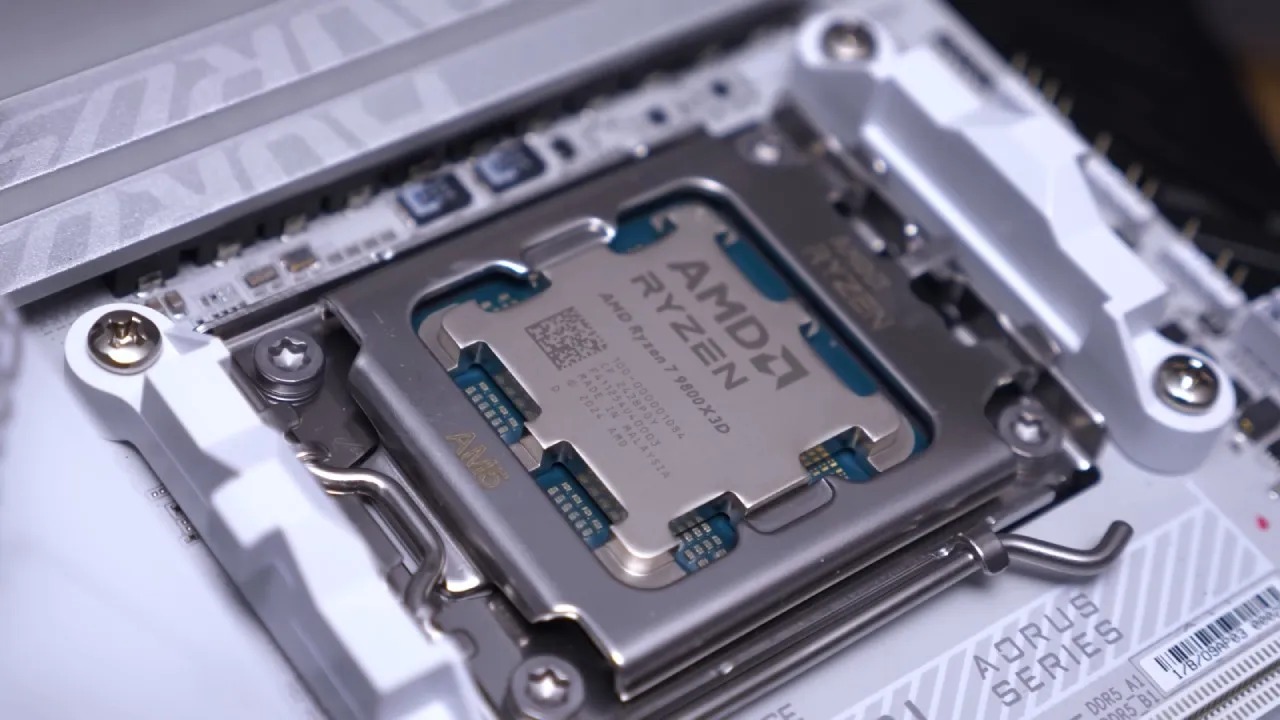
The 3D V-Cache gaming CPUs easily lead the conversation about performance, and that is why. They provide top-notch gaming performance and are a popular option among PC gamers. But gaming is only a part of computer use. Users who edit photos extensively, work on video projects, and use productivity applications will have very different CPU demands than a gamer's system.
I've been using the Ryzen 7 9800X3D for a few months, and it's obvious why it's a recommended processor for so many people. Performance is top-notch, and for most players, it offers all the necessary features. The more we use a PC for editing, however, the more important productivity becomes.
The Reason Productivity Became the Priority
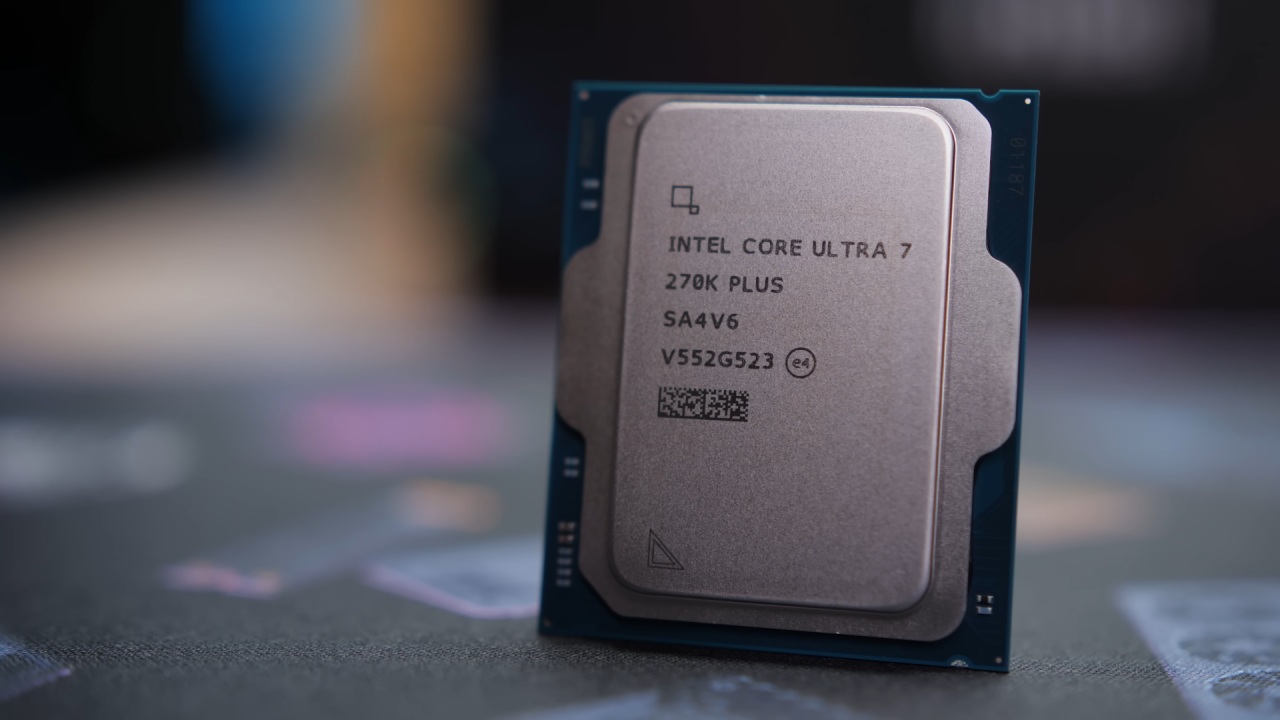
X3D processors are as good as they are for gaming, but not as productive for workloads as they could be. In other Adobe apps, including Adobe Premiere Pro and Lightroom Classic, Intel's new 270K Plus offers increased performance and is among the best-value processors for productivity so far. Tasks like masking and using the Spot Heal Remove tool appear slightly snappier in Lightroom Classic.
The Intel processor is much more responsive, but the 9800X3D was just fine. Previously time-consuming operations now feel more instantaneous. This is the same in Premiere Pro. While the GPU handles most of the workload when decoding Sony 10-bit 4:2:2 4K footage, the CPU still plays an important role. The Intel platform is much faster for tasks like Warp Stabilizer analysis, which also helps enhance overall editing workflow.
Coolers and Workstations
Unlike the X3D gaming processors, Intel chips are known to consume more power, so cooling will be an important consideration. The higher thermal load has been addressed by a combination of some Noctua NH-D15 and NF-A12 GT fans. The cooler will still keep the processor under control, even at warmer temperatures, with very low noise levels.
The workstation is installed in the Fractal North XL, which provides a clean, professional look and ensures optimal performance. No longer must modern workstation computers be crouched under the desk, and a well-designed case can display the equipment without compromising its function.
Gaming Performance is on the Rise and Remains Robust
Productivity was the primary concern for switching, but gaming performance is important, too. Intel 270K Plus has been tested with an RTX 5070 Ti at 1440p and 4K resolutions, with Resizable BAR and 200S Boost enabled. Battlefield 6 is an intensive game that heavily relies on the CPU. The average frame rate was 200fps at 1440p. Moving up to 4K yielded an average of 133 fps.
The test was carried out in DLSS Quality mode, a realistic game setting, where the processor is found not to lag behind the graphics card. Forza Horizon 6 ran smoothly at both tested resolutions with the Extreme preset enabled, using ray tracing and DLSS Quality. The frame rate at 1440p was still nicely above 100 fps. At 4K, the performance averaged 66 fps, providing a smooth gameplay experience, which is generally considered the level of performance on console devices.
Crimson Desert is by no means a weak performer with ray tracing turned on and set to maximum, without DLSS. The system achieved triple-digit frame rates at 1440p and 72 fps at 4K. In addition, native rendering offered smoother image quality, free from some of the artifacts of upscaling.
Cyberpunk 2077 reached 96fps on DLSS Quality at 1440p with the RT Ultra preset. With the RT Ultra preset, Cyberpunk 2077 delivered 96 fps at 1440p with DLSS Quality enabled. 4K was below 60 fps, but with minor tweaks to the graphics settings, frame rates could be improved to 60 or above, resulting in a still acceptable experience.
Built around ray tracing technologies, Doom: The Dark Ages ran smoothly on the Nightmare preset with DLSS Quality. The system's average frame rate was about 140 fps at 1440p and 87 fps at 4K. Some 1% low results were observed; however, overall gameplay remained stable and responsive. With 16GB of VRAM, Indiana Jones was not limited in any way, even with the RTX 5070 Ti.
The game has been optimized to run at 1410 fps at 1440p and still delivers triple-digit fps at 4K with DLSS enabled. While the main emphasis is not on competitive shooting, the shooter was added to compare CPU performance in more processor-intensive situations. The frame rate at 1440p was over 300 fps. It also performed almost the same at 4K, suggesting that the processor was now the limiting factor, not the graphics card.
If you aren't a developer and don't have to build your own website, X3D is still excellent. None of these imply that X3D processors are not high-productivity performers. They are still very powerful CPUs and will easily handle photo editing, video production, and other creative tasks.
If you only edit occasionally, you may not need the Ryzen 7 9800X3D. GPU acceleration is widely used in modern creative applications to reduce processor load. AMD's AM5 platform also offers a tremendous number of upgrade options, with support slated to run through at least 2029. With their reduced power use, X3D processors are another appealing choice for gaming builds.
The best attribute of X3D processors remains their gaming performance.
For productivity users, why Intel makes sense. If your goal is to stay productive, the Intel 270K Plus can't be ignored. It performs better than the flagship X3D applications and is much cheaper. It's also much more affordable than the Ryzen 7 9800X3D and delivers real-world productivity benefits.
If gaming is the sole goal, then X3D processors are still the best choice. In a world where high productivity is paramount, especially in the Adobe universe, Intel's 270K Plus is an attractive option that combines cost, performance, and workflow productivity.
Editor, NoobFeed
Gaming Hardware Updates
No Data.