
Intel Nova Lake Leak Reveals Core Ultra 400K Lineup and Major Segmentation Changes
Leaked Nova Lake Core Ultra lineup reveals reduced P-core counts, new segmentation strategy, and expanded high-end multi-die configurations.
Hardware by Shinji Okazaki on Apr 14, 2026
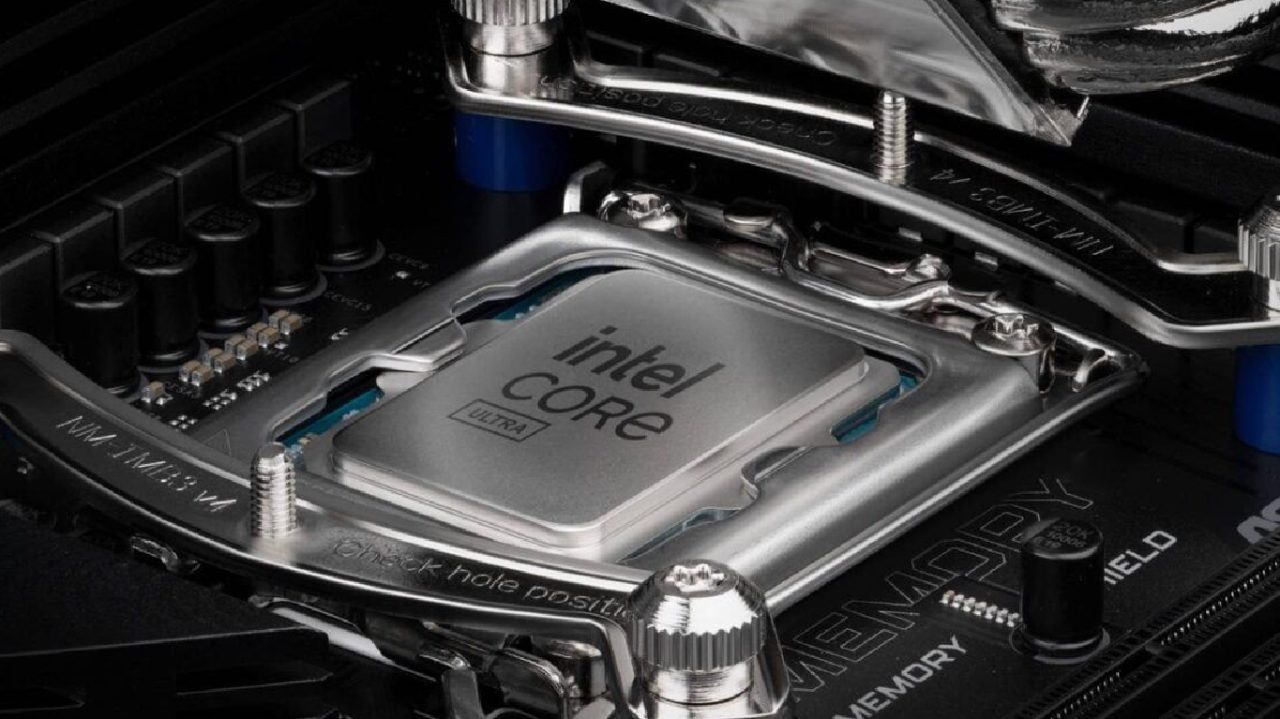
Intel has released the Nova Lake Core Ultra 400K's segmentation, which shows the core configurations, platform characteristics, and SKU positioning across the stack. The leak shows improvements to the architecture, new ways to connect, and a wide range of combinations, from entry-level dual-core designs to high-end multi-die processors.
The way this lineup is set up makes me wonder about how well it will perform, how much it will cost, and where it will fit in with both gaming and productivity.
Details about the Platform's Features and Architecture
We can see things like Coyote Cove and Arctic Wolf cores across different SKUs, as well as a built-in memory controller that supports DDR5-8000 right out of the box, which is really fast. The platform has an NPU6, which can perform more than 70 TOPS of AI work. There are 24 lanes of PCIe Gen5 and 24 lanes of Gen4. Thunderbolt 5 is included, and it can send 80 Gbps (approximately 10 GB/s) over USB-C, which is twice as fast as Thunderbolt 4.
TDP can range from 35W to 175W, but we know that TDP doesn't accurately reflect the power used in the real world. It looks like each SKU has two Xe cores. Arrow Lake used four Xe1 cores, but Nova Lake is likely to have Xe3 or Xe3P, which should improve IPC and real-world performance. The computer's overall performance may remain the same. At the same time, the efficiency of the codec and the encoding or decoding of media may improve through architectural enhancements.
Core Segmentation and the Structure of the Die
There are different versions of the lineup, including 8, 16, 28, and 52-core flagship models. The lower-end variants have only one compute die, while the higher-end models have two. There are four LPE cores per SKU, all on separate SoC dies.
When evaluating gaming performance, we need to exclude those four LPE cores because they are primarily designed for low-power applications rather than high-performance ones. Even the most basic Ultra 5 machines come with dual-channel memory, NPU6, two Xe cores, Thunderbolt 5, and full PCIe lane compatibility.
More expensive dual-die models have an "X" label inside, indicating they have BLLC cache. The 52-core version has two compute dies, each with 8P+16E, joined into a single package.
Concerns About Core Ultra 7's Positioning
Core Ultra 7 only has 4P+8E cores, which we can see right away. I'm scared about that. Both you and I think that a higher-level offering will have better core configurations. This setup is like older middle CPUs, but it doesn't have hyperthreading, which slows it down.
There are three different types of Ultra 7, which makes it hard to name and tell them apart. From a segmentation perspective, we would anticipate Ultra 7 to start at 8P+16E. Instead, the lineup adds a lower baseline that could hurt gaming performance.
The Dual-Die Strategy and Its Effects on Gaming
The twin compute die models seem aimed at applications that require high productivity. We can expect the BLLC cache to improve memory bandwidth and throughput for tasks that use multiple threads, but not for games. Latency between dies could make gaming less fun.
Even though these CPUs are meant for professionals, they still use dual-channel DDR5 at 8000 MT/s, which gives you more than 130 GB/s of bandwidth, which might not be enough to feed all 52 threads. BLLC caching probably plays a big role in addressing this problem.
Limitations of Core Ultra 3 and Entry-Level
There are only two P cores and four LPE cores in Core Ultra 3. That means it works like a dual-core CPU for jobs that need a lot of power. In gaming situations, this might be a step back from prior quad-core architectures.
We know these chips are meant for business computers, but if you're building a cheap gaming PC, 2P cores might not be enough. Even if the IPC or clock speeds are higher, the number of cores could still limit performance.
Changes to Core Ultra 5 Variants and Midrange
Core Ultra 5 starts with 4P cores again, fewer than the 6P cores available in earlier versions. Some versions have more E cores, whereas the lowest version just has LPE cores.
Ultra 5 SKU with the most cores, 6P+12E, is more in line with expectations. This setup is balanced, we would have liked 8P cores to make it a better long-term choice.
Here, price is essential. Entry-level versions start at roughly $150 to $200, and middle SKUs can quickly reach $300 to $400, so it's important to compare prices.
Core Ultra 9 and Tiers That Overlap
Core Ultra 9 adds features such as 6P cores in lower-end versions, making them similar to higher-end Ultra 7 models. That makes things confusing because higher-tier branding doesn't always mean larger core counts.
The higher-end Ultra 9 SKUs feature 8P+16E combinations, identical to older flagship designs but with new architecture. These should work better, with improvements of 20% to 25% over older models.
Halo SKUs and High-End Price Expectations
We notice 44-core and 52-core versions at the top, both with dual compute dies and BLLC cache. These are called Core Ultra X. They are likely to perform well when running several threads.
But depending on how it is set up, the price may be between $1,000 and $2,000. That creates a big difference between entry-level and flagship models, making it hard for many people to use them.
Concerns about Segmentation and its Effect on the Market
We can observe that the lower tiers are losing cores, while the higher tiers are growing much larger. This leaves a gap that could make it harder for people to adopt. You might find that moderate solutions don't deliver the right balance of performance and value.
The presence of 4P-core Ultra 7 versions makes positioning more difficult, especially if prices stay high. Users may look for other options if performance doesn't meet their expectations.
How Long will the Platform Last
The new LGA1954 socket Nova Lake is adding is intended to support several generations, such as Razer Lake, Titan Lake, and Hammer Lake. This gives you a long time to update, about 5–6 years.
You might start with a less powerful CPU and upgrade later. For instance, you may use an Ultra 3 as a temporary fix before moving up to a more expensive Ultra 9.
Final Thoughts
We are looking at a platform that has made significant upgrades to its architecture, including Thunderbolt 5, expanded PCIe support, improved NPU capabilities, and new core designs. But the alternatives for segmentation make people wonder.
If you want to play games, having fewer P-cores in midrange and upper-midrange SKUs may slow down performance. If you want to get more done, high-end dual-die versions could make a big difference.
We think that how well this lineup does and how much it costs will affect how people feel about it. The segmentation structure is still a major concern until then.
Also, check our other hardware articles:
- AMD Ryzen 9 9950X3D Review: Setting The Standard For 2025 Gaming CPU
- Amazon Luna 2025 Review: Is Prime Gaming's Cloud Service Your Go-To For Casual Fun?
- AMD RX 9070 XT Review: AMD's RDNA 4 Champion for 1440p Gaming
- GeForce Now Ultimate: Ditching Your Gaming PC For Cloud RTX 4080 Power?
- NVIDIA GeForce RTX 5080 Review (2025): Still A 4K Gaming Powerhouse?
- Intel Core Ultra 9 285K Review And Performance Breakdown (2025)
- AMD Ryzen 7 9800X3D Review: 3D V-Cache Goes God Mode with Stunning Gaming Performance
- Intel Core Ultra 9 285K vs AMD Ryzen 7 9800X3D: In-Depth Gaming Performance and Benchmark Comparison
- NVIDIA GeForce RTX 5080 Super Performance In Cyberpunk 2077: Path Tracing & DLSS 4.0 Tested
- AMD Radeon RX 9070 XT In Cyberpunk 2077: Ray Tracing & FSR 4.0 Tested
- Intel Arc B580 Review: The $250 GPU Revolutionizing 1440p Gaming
- Intel Arc B570 Vs. B580: Value, Specs, And Real-World Gaming Performance
- RTX 5090 Laptop Vs. M4 Max MacBook Pro: Ultimate Raw Performance Vs. Battery Endurance
- Intel Arc b580 Vs. RTX 4060: Game Performance And Value Analysis
- RTX5090 Hell Is Us Demo 4K Ultra Benchmark: DLSS Vs. Native Performance Guide
- NVIDIA RTX 5070 Review: Mid-Range Muscle or Marketing Hype?
- Nintendo Switch 2 Review: Handheld Performance, Features & Value Breakdown
- RTX 5070 Ti Review: Performance, Thermals & Power Efficiency Tested
- Samsung Odyssey OLED G81SF Review 2025: Ultimate 32-Inch QD-OLED Gaming Monitor
- AMD RX 9070 Performance Review: Thermals, Clocks, and Real-World FPS
- AMD Ryzen 5 7600 Review: Best Budget Gaming CPU of 2025?
- AMD Radeon RX 7800 XT Review: RDNA 3 Power For Midrange Gaming
- Asus ROG RTX 5090 Astral OC Vs. Founders Edition: The 4K Gaming Benchmark
Editor, NoobFeed
Gaming Hardware Updates
No Data.