
Intel XeSS 3 Multi-Frame Generation Performance, Latency, and Gameplay Improvements
Four times frame generation is optimal for high base frame rates and high refresh rate panels with minimal latency impact.
Hardware by Nahe Yan on Feb 15, 2026
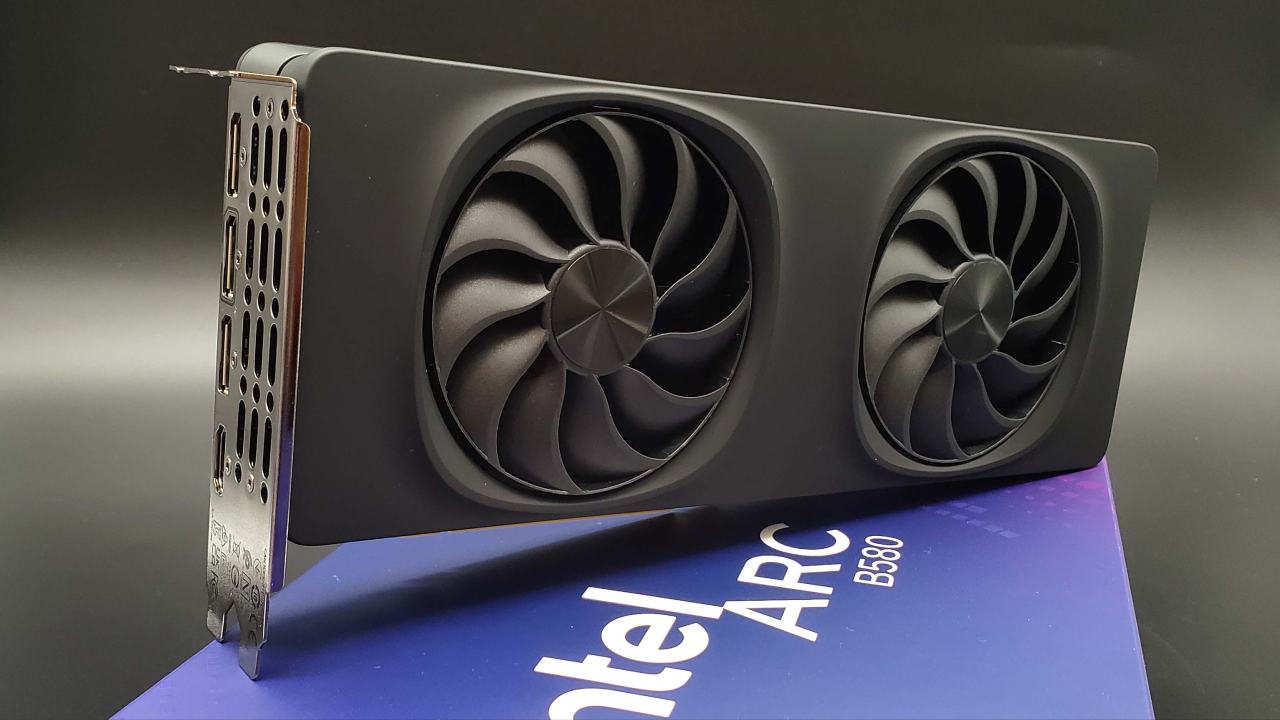
Intel XeSS multi-frame generation is now possible on cards like the A770, A750, and B580, as well as integrated B390 graphics. This is thanks to a driver patch that lets you choose between 2x, 3x, and 4x frame generation modes. Tests show that 4x frame generation with XeSS can have the same or lower latency as 2x frame generation with FSR, while making things look much smoother.
We are testing XeSS multi-frame generation and evaluating latency, smoothness, and graphical quality across several games. At first, only Intel's latest APUs with B390 integrated graphics could do multi-frame generation. But you can enable it for other Intel GPUs with a simple driver change.
We first download the Intel driver version 8362 and unzip the files that will install it. We find the graphics 8362 directory in the extracted folder and copy the IGXS_FG and IGXL files from it. After that, we paste the files into the graphics 8425 folder, which replaces the ones that were already there. We install the patched 8425 version after removing the old drivers.
After installation, a new XeSS frame generation override option emerges, letting you choose between application choice, 2x, 3x, and 4x. When you pick a multiplier, supported games automatically use that level of frame generation when you turn it on.
Testing Battlefield 6: 3x and 4x Frame Generation
We use XeSS native AA in Battlefield 6 without upscaling to achieve a base performance of 60fps or lower. Without frame creation, the performance is between 50 and 60 fps. When 3x frame generation is turned on, the frame rates go up to about 130fps to 140fps instead of the possible 180fps because the process uses up GPU resources.
In practice, the difference in smoothness is obvious. Even if frames generated at 130 fps can't match the actual 130fps native rendering in latency, the experience is better than 50fps to 60fps. When you switch back to native 60 fps, the motion doesn't feel as smooth. When XeSS 3x is turned on, the game runs more smoothly and quickly.
We also look into latency. In most experiments, XeSS 3x frame generation has less latency than FSR 2x frame creation. Even when base performance dips below 60 fps, input response stays the same. In 3x mode, artifacts are few and far between, and most of them are caused by the upscaler rather than the frame creation itself.
When you switch to 4x, the way frame-time works in RTSS changes. 4x seems spikier than 3x, which depicts a flat frame history. Overall, 3x is the best option for getting the right mix between quality and latency.
Expedition 33: Frame Generation as a Tool for Performance
Intel GPUs are less useful in Expedition 33. The B580 still uses about 110W, which is less than the 120W to 140W it should be using. When you set the quality option to XeSS and the resolution to 1440p ultrawide high, the frame rate drops to about 30-40 fps.
Performance ranges from about 100 to 104 fps when 3x frame generation is enabled. It doesn't feel quite like native 90fps to 100fps, but it is far smoother than 30fps to 40fps. There are occasional spikes in frame time while recording; however, both 3x and 4x work fine when not recording.
In this case, frame creation works as a useful approach. The benefits of improved motion clarity and responsiveness outweigh the visual trade-offs of upscaling.
How well does Unreal Engine 5 work with Mafia: The Old Country?
Intel GPUs have trouble with performance in Mafia: The Old Country when using Unreal Engine 5. Frame rates stay around 48 fps at 1440p ultrawide on high settings with XeSS quality.
When you turn on 3x frame generation, the frame rate goes up to about 105fps to 115fps. Compared to the native output of 40fps to 50fps, the improvement in motion constancy is substantial. But there are still apparent artifacts around weapons and character edges, mostly because of the XeSS upscaler, not the frame generation itself. If the base frame quality is bad due to upscaling artifacts, frame generation makes things worse because it depends on the frames that are already there.
Even with visual glitches, the overall gameplay experience at over 100 fps is better than at less than 50. Latency is still under control and works well for story-driven games.
Latency Comparison and Market Position
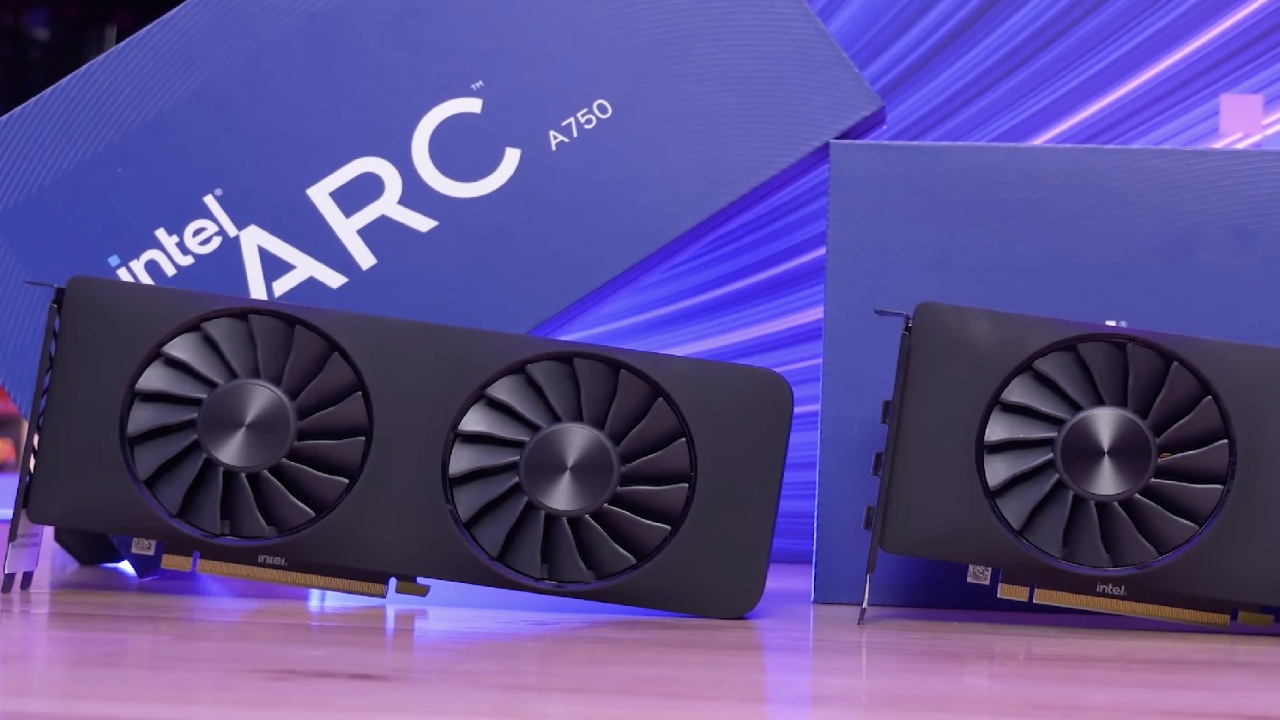
After testing DLSS multi-frame generation, XeSS multi-frame generation, and FSR-based solutions, a rating comes out. DLSS multi-frame generation has the best quality and stability. XeSS multi-frame generation is next in line, with good latency performance and 3x scaling that works. AMD doesn't have certified multi-frame generation right now, thus it has to rely on changes to get similar results.
Even in regular 2x mode, XeSS frame generation often has lower input latency than FSR. Intel's biggest problem is the quality of its upscaler. If XeSS upscaling is as good as recent competitors, frame generation output would get even better.
For now, 3x multi-frame generation is the best option because it strikes a good balance between latency, smoothness, and artifact control. If Intel adds support for more devices, more people might consider XeSS frame generation as an alternative to FSR because it offers lower latency and a more stable multi-frame implementation. Four times frame generation is optimal for high base frame rates and high refresh rate panels with minimal latency impact.
Final Thoughts
After testing DLSS multi-frame generation, XeSS multi-frame generation, and FSR-based solutions, a rating comes out. DLSS multi-frame generation has the best quality and stability. XeSS multi-frame generation is next in line, with good latency performance and 3x scaling that works. AMD doesn't have certified multi-frame generation right now, thus it has to rely on changes to get similar results.
Even in regular 2x mode, XeSS frame generation often has lower input latency than FSR. Intel's biggest problem is the quality of its upscaler. If XeSS upscaling is as good as recent competitors, frame generation output would get even better.
For now, 3x multi-frame generation is the best option because it strikes a good balance between latency, smoothness, and artifact control. If Intel adds support for more devices, more people might consider XeSS frame generation as an alternative to FSR because it offers lower latency and a more stable multi-frame implementation.
Also, check our other hardware articles:
- AMD Ryzen 9 9950X3D Review: Setting The Standard For 2025 Gaming CPU
- Amazon Luna 2025 Review: Is Prime Gaming's Cloud Service Your Go-To For Casual Fun?
- AMD RX 9070 XT Review: AMD's RDNA 4 Champion for 1440p Gaming
- GeForce Now Ultimate: Ditching Your Gaming PC For Cloud RTX 4080 Power?
- NVIDIA GeForce RTX 5080 Review (2025): Still A 4K Gaming Powerhouse?
- Intel Core Ultra 9 285K Review And Performance Breakdown (2025)
- Intel Core Ultra 9 285K vs AMD Ryzen 7 9800X3D: In-Depth Gaming Performance and Benchmark Comparison
- NVIDIA GeForce RTX 5080 Super Performance In Cyberpunk 2077: Path Tracing & DLSS 4.0 Tested
- AMD Radeon RX 9070 XT In Cyberpunk 2077: Ray Tracing & FSR 4.0 Tested
- Intel Arc B580 Review: The $250 GPU Revolutionizing 1440p Gaming
- Intel Arc B570 Vs. B580: Value, Specs, And Real-World Gaming Performance
- RTX 5090 Laptop Vs. M4 Max MacBook Pro: Ultimate Raw Performance Vs. Battery Endurance
- Intel Arc b580 Vs. RTX 4060: Game Performance And Value Analysis
- RTX5090 Hell Is Us Demo 4K Ultra Benchmark: DLSS Vs. Native Performance Guide
- NVIDIA RTX 5070 Review: Mid-Range Muscle or Marketing Hype?
- Nintendo Switch 2 Review: Handheld Performance, Features & Value Breakdown
- RTX 5070 Ti Review: Performance, Thermals & Power Efficiency Tested
- Samsung Odyssey OLED G81SF Review 2025: Ultimate 32-Inch QD-OLED Gaming Monitor
- AMD RX 9070 Performance Review: Thermals, Clocks, and Real-World FPS
- AMD Ryzen 5 7600 Review: Best Budget Gaming CPU of 2025?
- AMD Radeon RX 7800 XT Review: RDNA 3 Power For Midrange Gaming
- Asus ROG RTX 5090 Astral OC Vs. Founders Edition: The 4K Gaming Benchmark
Editor, NoobFeed
Gaming Hardware Updates
No Data.