
MSI Claw 8 AI Performance Boost: XeSS 4x Multi-Frame Gen Explained
What Is XeSS Multi-Frame Generation and Why It Matters for Handheld Gaming Performance.
Hardware by Tanisha Aria on Feb 16, 2026
Now that XeSS multi-frame generation is running on the MSI Claw 8 AI, handheld game performance is at a level that seemed impossible before. Cyberpunk 2077 on a small device might sound like a tall order. Still, with Intel's latest improvements, it's not only possible but also surprisingly smooth.
Multi-frame generation has officially started on XC3i GPUs with the release of Panther Lake chips. Still, it has not yet been officially rolled out to XC2 GPUs, such as the Arc 140V in the MSI Claw 8 AI. Still, there is now a way to make it work, and it's built right into the device.
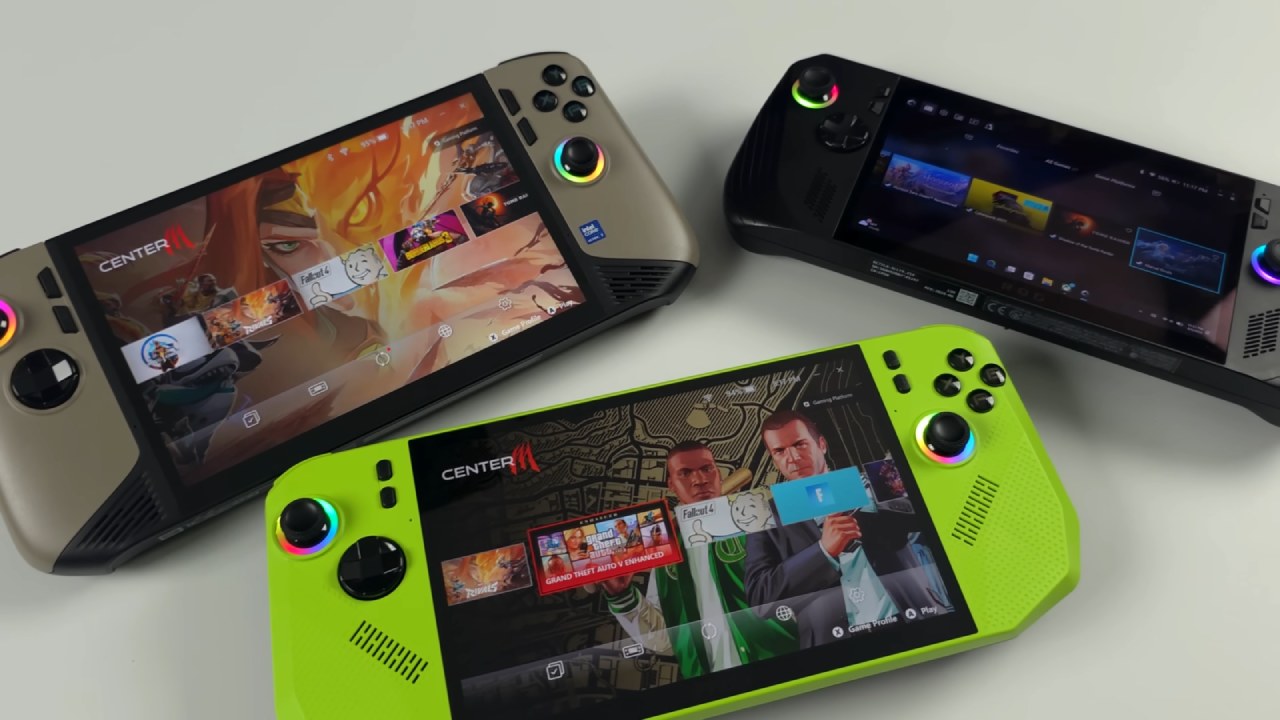
What XeSS Multi-Frame Gen Is and Why It's "Unofficial" on Xe2 (Arc 140V)
We are using the XC2 architecture-based Arc 140VIG GPU. Even though multi-frame creation is supposed to be built into this hardware, it hasn't been officially turned on yet. The feature can be turned on, though, with a simple hack that uses official driver components. We're not streaming or handing off work. Everything works right on the MSI Claw 8 AI.
There is also Intel's new XeSS low delay mode running. Input delay is still very low even when multi-frame generation is set to X4. There is now a new section in Intel's graphics software for XeSS multi-frame generation override, with choices for 2x, 3x, and 4x. Testing at X4 shows that small hardware works very well.
What You Need: Latest Arc Driver, DDU, and 7-Zip
We need two things to enable multi-frame creation. First, the most recent driver for Intel Arc graphics. If it doesn't get fixed out, a newer version should also work. Second, Display Driver Uninstaller (DDU), because we need to fully uninstall the old Arc driver before installing the new one.
Once you have downloaded the latest Arc driver, use 7-Zip to extract it. Open the folder once it has been removed. You will see two graphics files. The newer XeSS3 driver is in the graphics_101.8362 folder, while the previous XeSS2 driver is in the other folder. Most of the time, the application uses the older driver files.
Copying the Multi-Frame Generation Files
There are two files in the 8362 folder. They are called IGXL.dll and IGXs_FG. Copy both files to a location you can easily access, like the desktop. Then put them in the latter 8425 folder, which will replace the old ones. We are tricking the software into installing the new XeSS multi-frame generation files by doing this.
Putting the modified driver in place and running DDU
Run Display Driver Uninstaller before you install. Go to GPU and make sure Intel is checked. Then select Clean and Shutdown. This removes all Intel Arc driver components that are already installed.
When the computer starts up again, go back to the extracted folder where the files were changed. Start up the software. There may be a warning, but don't pay it any attention. Keep installing. When it's done, XeSS multi-frame creation will be ready to use.
Cyberpunk 2077: Normal Frame Gen vs Multi-Frame Gen
When playing Cyberpunk 2077 at 1280p and the highest settings, the built-in XeSS frame generation usually doubles the frame rate. When you switch to multi-frame generation at X4, performance goes way above average.
At 12:00 p.m. high, the game is very playable even with 2x turned on. We see well over 100 fps on a portable device with X4 enabled. When the TDP is 30w, the machine does use more power, but it doesn't always go over 30w.
On the 8-inch, 120Hz VRR screen that comes with the game, most people play at 800p. Performance is about 157 frames per second on average at 800p high settings with multi-frame generation set to X4 and no XeSS scaling. Amazingly, handheld device hardware can reach that level of performance.
In Cyberpunk 2077, XeSS frame generation must be turned on before multi-frame generation can be used. Right now, X4 won't show up in the game's menu. Intel graphics software handles the change.
Black Myth: Wukong and Latency Observations
When Black Myth: Wukong was tested at high settings (1200p), X4 added noticeable delay. Most of the input delay disappeared when I dropped to X3, and efficiency remained strong. The game uses a 16:9 aspect ratio, which means that there are small black bars on the screen.
It was scaled to 80% at 12:00 p.m. The picture quality looks great on the small screen, even with some scaling. This sort of performance is usually not possible on a handheld device without frame generation.
In this game, going from X4 to X3 was the best way to find the right mix between smoothness and responsiveness.
Hogwarts Legacy and Marvel Rivals Performance
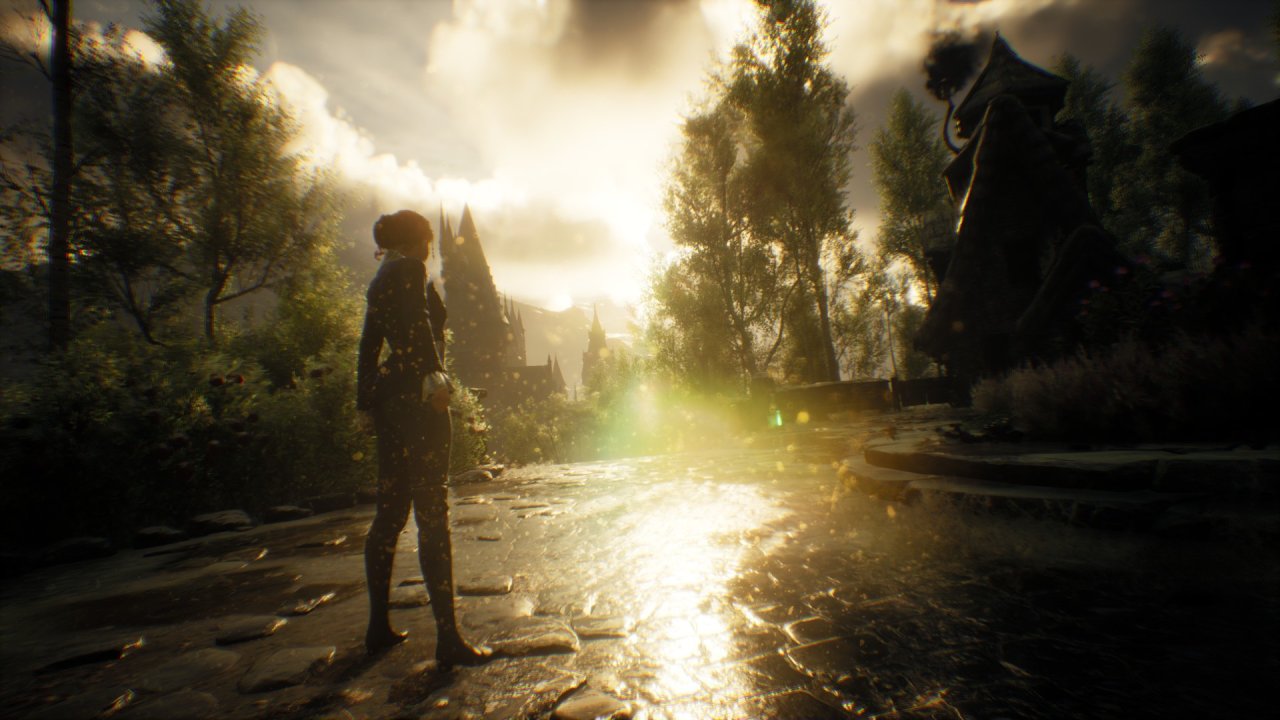
Performance is still good in Hogwarts Legacy at 1200p high and multi-frame generation set to X4. But running at X3 might help lower the wattage and extend battery life. To achieve the best performance, testing was conducted at 30 W TDP. Lower-power profiles are possible. Still, the quality might need to be reduced a bit.
Surprisingly well, Marvel Rivals runs at 1200p high with X4 turned on. Most of the time, online group games aren't good for frame generation. But Intel's XeSS low-delay mode lets you play competitively even when multi-frame generation is enabled.
Compatibility and Supported Games
Video games that already support Intel XeSS frame generation are the only ones that can use multi-frame generation. At the time of testing, between 43 and 45 games supported it. Every compatible game tested worked well. Borderlands 4 was the only game that couldn't use frame generation, even with basic 2x or FSR.
Final Thoughts
Since the launch of the MSI Claw 8 AI, Intel has made major changes to the Arc drivers. It's been getting a lot faster over time, and multi-frame generation is another big step forward. On the horizon is a Panther Lake chip designed specifically for handhelds that should perform better than the current CPU configuration.
With XeSS multi-frame generation enabled, handheld game performance has reached a whole new level. Running at either 1200p high or 800p ultra, the MSI Claw 8 AI shows how powerful frame generation technology can be when put together with a low-latency application that works well.
Also, check our other articles below :
- ASUS ROG Ally X Handheld Review: Double the Battery, Double the Comfort
- Nintendo Switch 2 Vs. Original Switch 1: A Full Comparison
- How To Connect A Camera And Join Voice Chat With Nintendo Switch 2
- Nintendo Switch 2 Review: Handheld Performance, Features & Value Breakdown
- ROG Xbox Ally X Vs. ROG Ally X: Display, Battery & Controls
- ASUS ROG Ally X vs. Steam Deck OLED: Display, Battery & Gaming Benchmarks
- MSI Claw 8 AI+ Review: Display, Controls & Gaming
- Nintendo Switch 2 vs. Steam Deck OLED: Gaming, Performance, Battery, Display and Value
- PlayStation Portal Review: Remote Play, Cloud Streaming & Travel Gaming
- PlayStation Portal vs. Lenovo Legion Go: Best Portable Gameplay
- Cyberpunk 2077 Patch 2.3 FPS Test on MSI Claw 8 AI+
Contributor, NoobFeed
Gaming Hardware Updates
No Data.