
OLED Monitors Are Finally Getting Cheaper, But Are They Worth Buying?
OLED monitors are becoming cheaper, bringing premium display technology closer to mainstream gamers while retaining several notable limitations.
Hardware by Tanvir Kabbo on Nov 27, 2026
OLED monitors have become significantly more affordable, making high-refresh-rate displays more accessible to gamers. A 27-inch 1440p 240Hz Alienware OLED monitor dropped to $280 during Black Friday, down from its regular $350 price. This puts OLED much closer to mini-LED alternatives. However, lower prices do not mean every weakness has disappeared. Burn-in, brightness, text clarity, and screen flickering remain important considerations when choosing a monitor.
OLED Monitor Prices Are No Longer a Major Problem
Previously, recommending mini-LED instead of OLED made sense because OLED monitors were considerably more expensive. However, the price difference has narrowed. The $280 Alienware OLED monitor now has mini-LED competitors that used to be a better value.
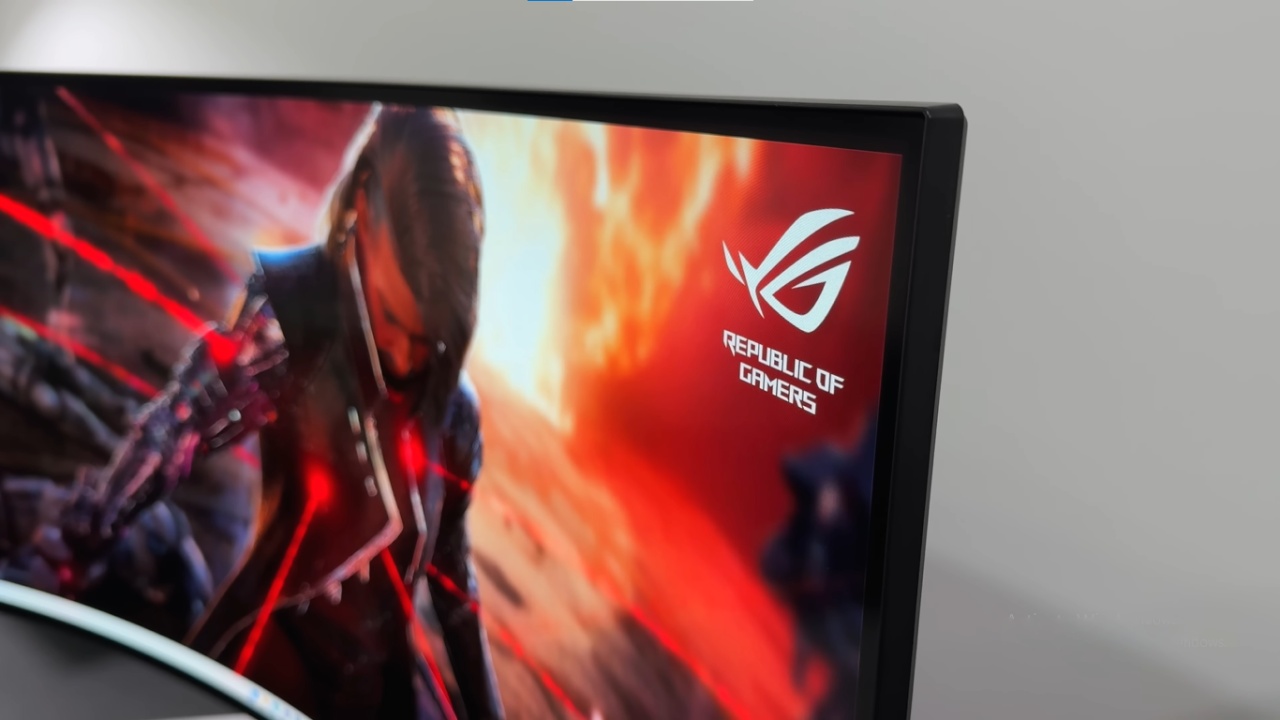
Still, OLED is not for everyone. Acer has a 27-inch 1440p 200Hz IPS monitor on sale for $135. So OLED is still about double the price, and the extra investment is worth looking into.
OLED Burn-In Is Less Concerning for Gamers
Burn-in happens when static graphics, such as Windows taskbars or application windows, leave permanent imprints on an OLED screen. TechSpot ran some purposely harsh tests on the 4K OLED panel, leaving it on for 8-10 hours a day with static windows, no dark mode, and a permanently visible taskbar. After 30 months and ~8000 hours, burn-in was noticeably visible where two windows continuously met. The taskbar also left a light imprint.
However, 8,000 hours means about four years for someone working 40 hours a week. Gamers who primarily watch videos and play games have considerably less reason to worry. Many affordable OLED monitors also offer three-year burn-in warranties, although checking individual warranty coverage remains important.
OLED Brightness Remains a Significant Weakness
Some affordable QD-OLED monitors have limited brightness. The $280 Alienware model is one example. Limited-brightness variants typically reach about 200 nits in SDR and 400 nits in HDR, while full-brightness models give around 250 nits in SDR and 1,000 nits in HDR.
The difference is most obvious in HDR gaming, with dazzling explosions and highlights looking much more stunning on full-brightness monitors. QD-OLED panels also reflect ambient light, which makes the blacks look gray with a slightly reddish hue. Consequently, bright rooms remain challenging environments for OLED.
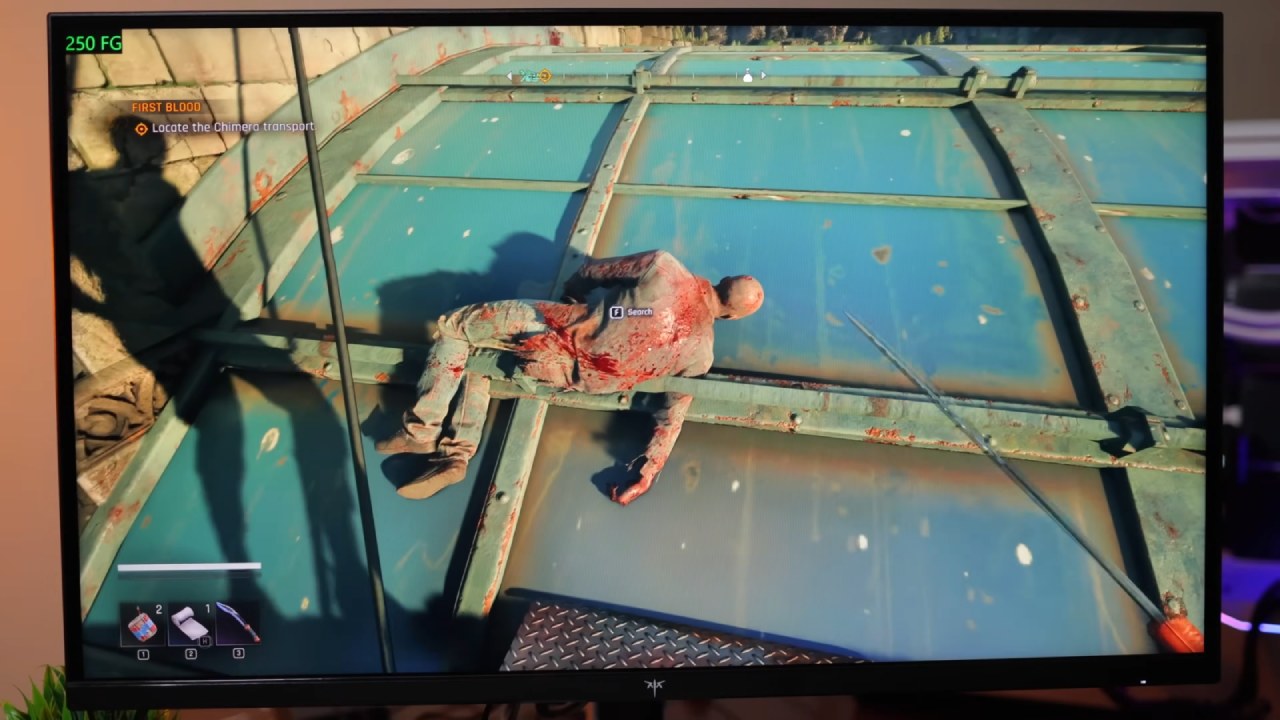
Mini-LED Still Makes Sense for Bright Rooms
A 27-inch 1440p KTC mini-LED monitor costs approximately $244 on sale, only $35 less than the Alienware OLED. It reaches around 540 nits in normal use and avoids OLED burn-in. However, mini-LED uses local dimming zones, which can produce blooming around bright objects in dark scenes.
The KTC monitor has 1,152 dimming zones, reducing this effect. However, enabling local dimming increases input lag from approximately 3ms to 14ms, making it less attractive for competitive gaming. OLED still delivers better blacks because individual pixels can switch off completely.
OLED Text Clarity Depends on the Panel
Affordable QD-OLED monitors use triangular subpixel arrangements, which can create pink and green outlines around text. Subpixel layouts can also affect text sharpness on W-OLED screens. You have three options: choose a 27-inch 4K OLED for higher pixel density, get a newer RGB Stripe OLED, or move to mini-LED.
ASUS has 27-inch 4K 240Hz OLED monitors for around $650, while Alienware has a 34-inch RGB Stripe variant for about the same price. Gigabyte also has a 27-inch 1440p RGB Stripe display in the pipeline for March or April 2027.
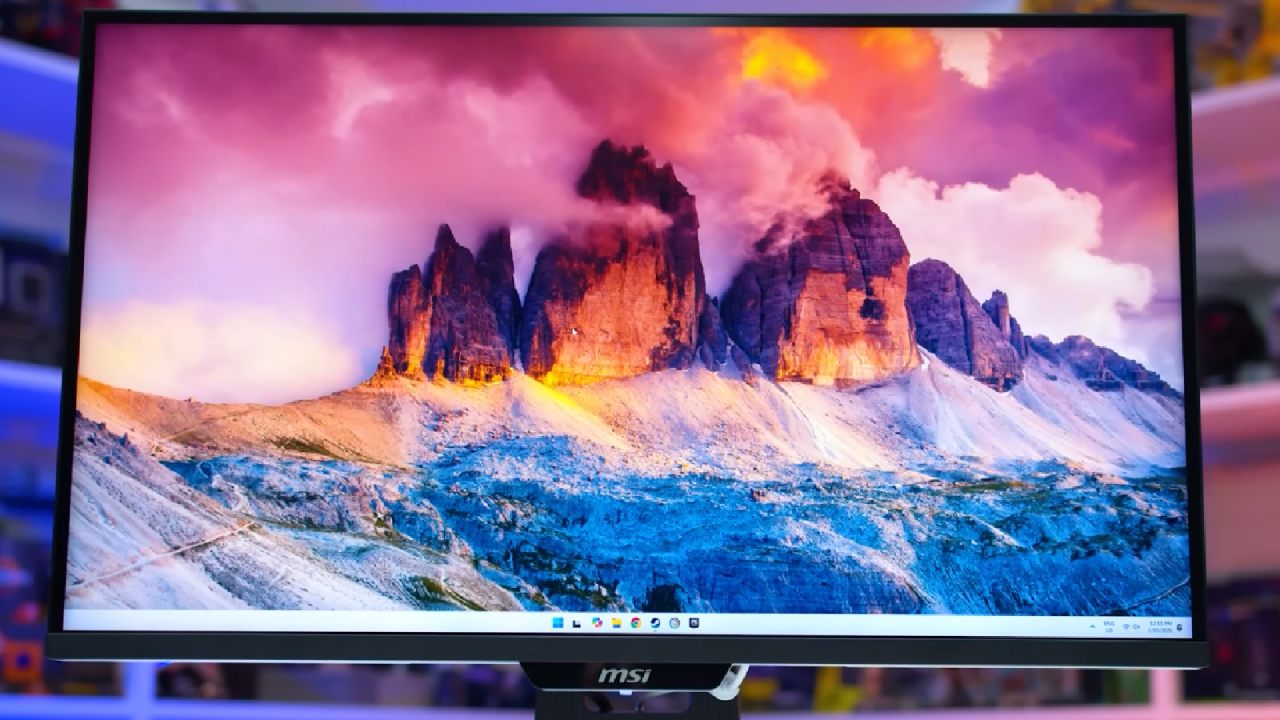
Screen Flickering Is Another Consideration
When FreeSync or G-Sync is activated and FPS varies dramatically, you may notice flickering on OLED monitors. This is particularly evident in dim scenes. Try lowering graphics settings or locking your FPS. Disabling variable refresh rate eliminates the flickering but can introduce screen tearing.
Should You Buy an OLED Monitor?
OLED now makes considerable sense for gamers who play in moderately lit rooms. Limited-brightness models work if HDR isn't important, but avoid paying more than $350. For HDR gaming, choose a full-brightness model. Alienware's $550 monitor dropping to $350 during Black Friday makes it an attractive option. However, carefully check model numbers because similar products can have significantly different specifications.
If you read a lot of text, go with a 27-inch 4K OLED. So mini-LED is still better for bright rooms and long hours of work. Meanwhile, a $135 IPS display is good enough for regular office work.
OLED monitors aren't as pricey as they used to be, and gamers have less to worry about with burn-in. But brightness and word clarity are still weak points on lower models. There is still no reason to recommend OLED to everyone. Ultimately, the ideal option relies on your room, workload, and gaming tastes.
FAQ
Q. Are OLED monitors worth buying in 2026?
A. Yes. OLED monitors are now more affordable and offer excellent contrast, perfect blacks, and impressive gaming performance. However, consider brightness, text clarity, and burn-in risk before purchasing.
Q. Is OLED burn-in still a problem?
A. Yes. OLED burn-in remains possible, particularly when static images stay on the screen for extended periods. However, gamers who primarily play games and watch videos generally have less reason to worry.
Q. Is mini-LED better than OLED for gaming?
A. Mini-LED is better for bright rooms because it offers higher brightness and avoids OLED burn-in. However, OLED delivers better blacks, contrast, and dark-scene performance.
Q. How much should you pay for a budget OLED monitor?
A. A limited-brightness 27-inch 1440p OLED monitor should generally cost no more than $350. Full-brightness models are worth considering at higher prices, particularly when HDR performance is important.
Senior Editor, NoobFeed
Gaming Hardware Updates
No Data.