
QD-OLED vs. W-OLED: Which 27-Inch 4K OLED Monitor is Better?
QD-OLED and WOLED deliver similar image quality, but differences in panel technology influence their overall strengths.
Hardware by Tanvir Kabbo on Nov 05, 2026
The 27-inch 4K OLED monitor market offers two competing display technologies: QD-OLED and W-OLED. Both offer great contrast, color, and fast response times, but differences in screen coatings, subpixel layouts, HDR performance, and gaming capabilities can shape your purchase decision. With updated W-OLED displays due out in 2026, it's more important than ever to understand these distinctions before you choose a premium gaming display.
QD-OLED and W-OLED Panel Differences
The 27-inch 4K QD-OLED panel launched in early 2025, with Samsung Display's five-layer EL 3.0 Pentatum tech and a triangle RGB subpixel arrangement. It supports 240hz and is certified DisplayHDR True Black 400. Meanwhile, LG Display's 4th-generation Tandem W-OLED came in 2026 with a four-layer emissive structure. It also supports 4K at 240hz but introduces a dual-mode feature offering 480hz at 1080p.
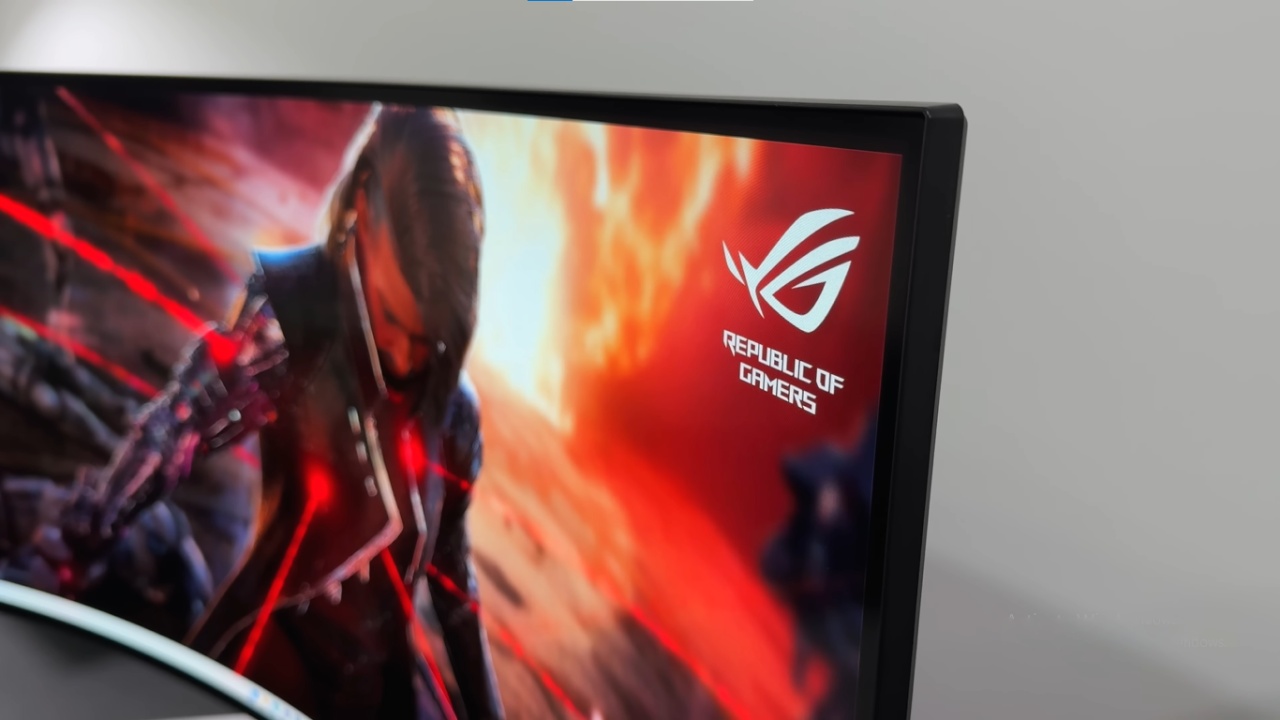
QD-OLED is considerably more widespread, appearing in monitors such as the MSI MPG272URX, ASUS ROG Strix XG27UCDMG, and Dell Alienware AW2725Q. W-OLED is newer and currently appears in the ASUS ROG Swift PG27UCWM.
Screen Coating and Ambient Light Handling
One of the biggest differences concerns ambient light handling. QD-OLED reflects more ambient light, so in brighter rooms, blacks seem grayish with a hint of reddish-purple. W-OLED handles ambient light better, keeping blacks deeper with no visible color tinting.
But W-OLED is more reflective when bright things are immediately in front of the screen. QD-OLED is better at cutting down on those direct reflections; therefore, it might suit some bright settings better. Both glossy panels deliver excellent clarity without noticeable coating grain. Samsung also offers matte QD-OLED models, but their coatings introduce grain and don't eliminate raised blacks.
Subpixel Layout and Text Quality
W-OLED has a technical advantage with its traditional RGB stripe subpixel arrangement, which works better with Windows' subpixel font rendering. QD-OLED uses a triangular RGB layout that can introduce slight pink and green fringing around text.
However, both panels offer about 160PPI, making these differences hard to notice in everyday use. W-OLED is technically better, but its practical advantage at 4K is minimal.

HDR and SDR Performance
HDR performance is remarkably similar. Both panels achieve approximately 1,000 nits of peak brightness in small highlights, while full-screen brightness reaches around 250–260 nits.
Both also offer True Black and Peak HDR modes. Peak mode increases highlight brightness but introduces panel dimming in bright scenes. Some manufacturers offer Boosted Brightness mode, although it can make darker scenes look too bright.
Color coverage is nearly identical, with QD-OLED covering approximately 76% of REC 2020 compared with 74% for W-OLED. SDR brightness also remains similar at 240–260 nits. QD-OLED generally offers better screen uniformity, while W-OLED may have minor edge vignetting and dirty-screen effects.
Gaming Performance and Power Consumption
At 4K and 240hz, both technologies provide the same motion clarity. But W-OLED has a dual-mode function that lets you run it at 1080p and 480hz. This improves motion clarity and reduces input latency for competitive gaming.
Both panels experience flickering during unstable variable refresh rate operation. W-OLED can exhibit slightly worse flickering, although neither technology completely solves this limitation. QD-OLED is also more power-efficient, with W-OLED consuming approximately 17% more power in comparable gaming tests.
Pricing and Final Thoughts
QD-OLED monitors generally cost around $650–$850 in the US, while the ASUS ROG Swift PG27UCWM W-OLED currently sells for approximately $1,200.
Technically, W-OLED is the better choice, with deeper blacks in ambient lighting, better text rendering, and 480Hz dual-mode support. QD-OLED, however, delivers similar HDR, SDR, and 4K gaming performance with better reflection handling and efficiency.
If both displays cost the same, go for the W-OLED. But at around 20- 30% more expensive, it's hard to justify the extra cost for W-OLED, particularly if you're not into dual-mode gaming. To summarize, W-OLED has more to offer, but QD-OLED can still be a good choice if you find it at a better price.
FAQ
Q. What is the main difference between QD-OLED and W-OLED monitors?
A. QD-OLED uses a triangular RGB subpixel layout, while W-OLED features a traditional RGB stripe arrangement. W-OLED also handles ambient light better and supports 480Hz dual-mode at 1080p.
Q. Which panel offers better HDR performance, QD-OLED or W-OLED?
A. Both panels deliver remarkably similar HDR performance, with approximately 1,000 nits of peak brightness and comparable color coverage. Neither offers a significant overall advantage.
Q. Is W-OLED better for gaming than QD-OLED?
A. W-OLED has an advantage for competitive gaming because its dual-mode feature supports 480hz at 1080p. However, both panels deliver identical motion clarity at 4K and 240Hz.
Q. Is W-OLED worth the extra cost over QD-OLED?
A. W-OLED is worth considering when both panels cost about the same. However, if QD-OLED is 20–30% cheaper, it generally offers better value because overall image quality and gaming performance remain very similar.
Senior Editor, NoobFeed
Gaming Hardware Updates
No Data.