
PS 5 Pro Cyberpunk 2077 Performance Review With Unlocked Frame Rates
Unlocked frame rates deliver smoother traversal across Night City while maintaining stable performance during combat and city exploration.
Hardware by Shinji Okazaki on Jan 20, 2026
PS5 Pro can now handle unlocked frame rates, which keeps people interested in Cyberpunk 2077 in 2026. With screens that allow VRR, it's now easier for players to see how the game works in real life. This makes it easier to play.
The sky may look rough and too bright at times, but you can still see the frame rate most of the time. A camera mounted near the monitor records the screen, giving accurate performance statistics without the need for long software-based analysis. After reviewing both systems, the camera-based system is the most accurate.
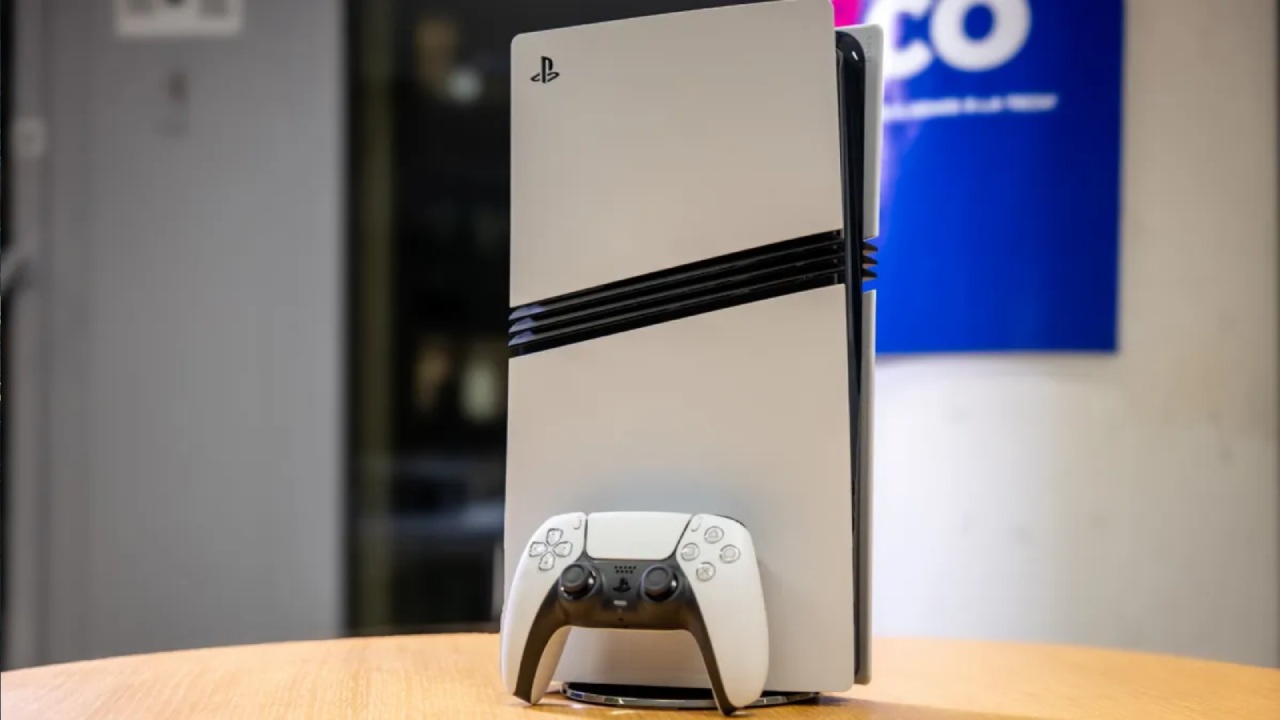
With this configuration, you can get real-time feedback on how well anything is working, including how VRR changes the experience. Color blending can make some numbers hard to see, but you can fix this by adjusting the monitor settings. The panel in use is a curved Alienware QD-OLED screen that costs about $1,000, has a 4K resolution, and supports up to 240Hz. The console itself outputs at 120Hz. Cyberpunk 2077 was chosen to test unlocked frame rates because it had never been examined in this way before.
How Performance Mode and VRR Work
When you switch to ray tracing mode, which runs at 30 fps, the frame counter oscillates. These changes occur because the frame rate dips below the VRR window, which prevents the monitor from displaying them correctly. That's why we exclusively utilize Performance Mode for testing. There are no significant differences in other modes.
Most of the time, speed stays between 70 and 90 fps when the unlocked frame rate is on. When you look up at the sky, the frame rate can reach 100fps. But when you walk around the city, it's usually between 60 and 90fps. Some harder parts can cause small dips, but the steadiness stays the same.
Playing the game and exploring the city again, Night City shows how the game has changed over time, from its early problems to a more polished experience. The unlocked frame rate makes a big difference, even without a separate PS5 Pro patch that uses PSSR. There are still some stutters when saving that haven't been resolved.
PS5 Pro is only for a small group of people, and there aren't many updates for it. Even so, the game feels smoother than it did before. Even though Cyberpunk 2077 doesn't look great on consoles, the city's size, the number of NPCs, and the level of detail in the landscape are still its best features.
Performance in Combat
The frame rate typically stays above 60 throughout fighting. VRR helps smooth out changes even during fierce gunfights, so you won't notice any drops. The game runs well at 80 to 90 fps, except for loading and save stutters.
Going back to older save files sometimes makes the controls feel strange, although the game runs the same. Most of the time, vehicle chases, city traversals, and firefights have a steady frame rate.
Driving in Open Areas
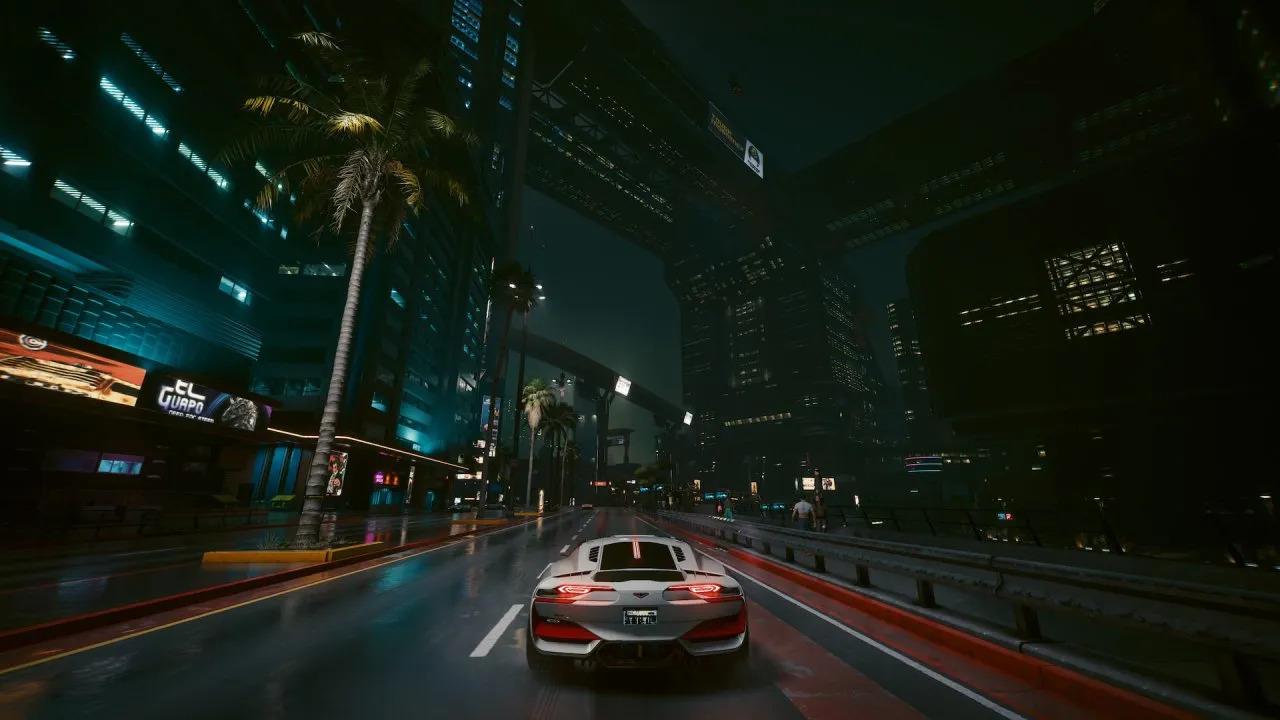
Driving around Night City doesn't cause significant frame rate issues. Most missions and parts where you explore run well at 60 to 90 fps.
You don't need to test only the hardest parts of the game to have a good idea of how it plays. Cyberpunk 2077 works well in most cases, and real-life play sessions are the best way to judge how well it works.
Final Thoughts
The current performance delivers solid, fluid gameplay. Still, a special console patch and fixes for save stutter would have made the experience even better.
Modern testing methods can still aid older games, and checking their frame rates again shows how much better they have become over time. We always appreciate suggestions for additional game testing, as it helps us discuss performance in the future.
Also, check our other PS5 Pro articles below:
- PS5 Pro vs. PS5 Slim: Frame‑Rate, Graphics & Performance
- PS5 Pro vs. Radeon RX 9060 XT vs RTX 5060 Ti: Ultimate $700 Gaming Showdown
- ASUS ROG Ally PS5 Remote Play | How to do Remote play on PS5 Using Sony's Official Remote Play App
- Stream PS5 Games on Steam Deck OLED: Step-by-Step Installation and Configuration
- AI Upscaling on PS5 Pro: Can PSSR Finally Match DLSS?
- PS5 Pro vs. PS5 Slim vs. PS5 — Design, Storage, Specs, and Gaming
- PS5 Pro vs. Xbox Series X: Specs, Price, Storage, Customization, and Gaming
- PS5 Pro vs. PC Gaming: Comparison of Graphics, Frame Rates, and Price
Editor, NoobFeed
Gaming Hardware Updates
No Data.