
Radeon RX 9060 XT 16GB Battlefield 6 Performance Analysis
Radeon RX 9060 XT delivers consistent performance across resolutions with efficient cooling, stable frame pacing, and strong FSR4 visual quality.
Hardware by Nahe Yan on Nov 10, 2025
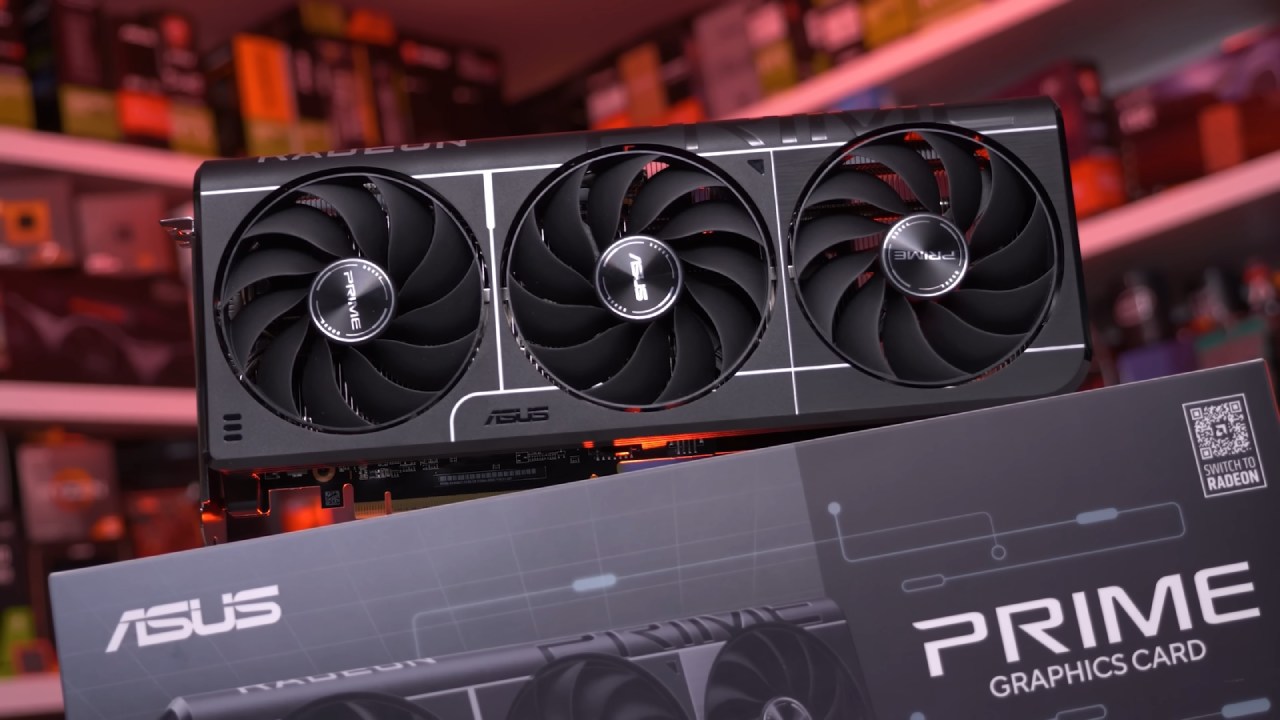
The Radeon RX 9060 XT 16GB, specifically the XFX Swift Pro gaming model, was used. We used the latest AMD drivers and did not manually overclock the GPU.
Thanks to XFX's effective cooling solution, the GPU temperatures stayed quite low at 39° even during long gaming sessions. The fan curve is forceful and audible, yet it maintains stable thermal performance.
1080p High Settings with FSR4 Speed
With the high settings preset and FSR native AA (FSR4), performance averaged approximately 100 fps at 1080p. Compared to earlier versions, FSR4 is a big improvement. It has better visual integrity and maintains consistent frame rates even at higher resolutions.
Frame generation raised frame rates to over 200 fps, but it also made the images slightly softer and increased input lag. Frame generation can be helpful for players with 240Hz monitors, though those sensitive to input lag may prefer native AA.
During testing, the CPU usage remained between 75% and 80%, indicating that the 12600KF performed well with the GPU, even in matches with 64 players. It was a mid-range processor from an earlier generation. Yet, it still fully used the GPU without any noticeable frame drops or stuttering.
1440p High Settings and Image Quality
The RX 9060 XT performed well, achieving 80–90 fps at 1440p resolution with high settings. The higher resolution, with approximately 78% more pixels than 1080p, made everything sharper and more detailed while maintaining smoothness. Battlefield 6 was very well optimized, with minimal stuttering or speed issues compared to past beta builds.
The FSR4 Quality level at 1440p allowed frame rates to move more freely, raising the average to approximately 115fps. The picture quality remained similar to native resolution; therefore, FSR4 is a good option for anyone who wants to improve performance without a significant drop in quality.
Using FSR4 Quality is a great way to maintain a clear image while achieving good performance at high refresh rates.
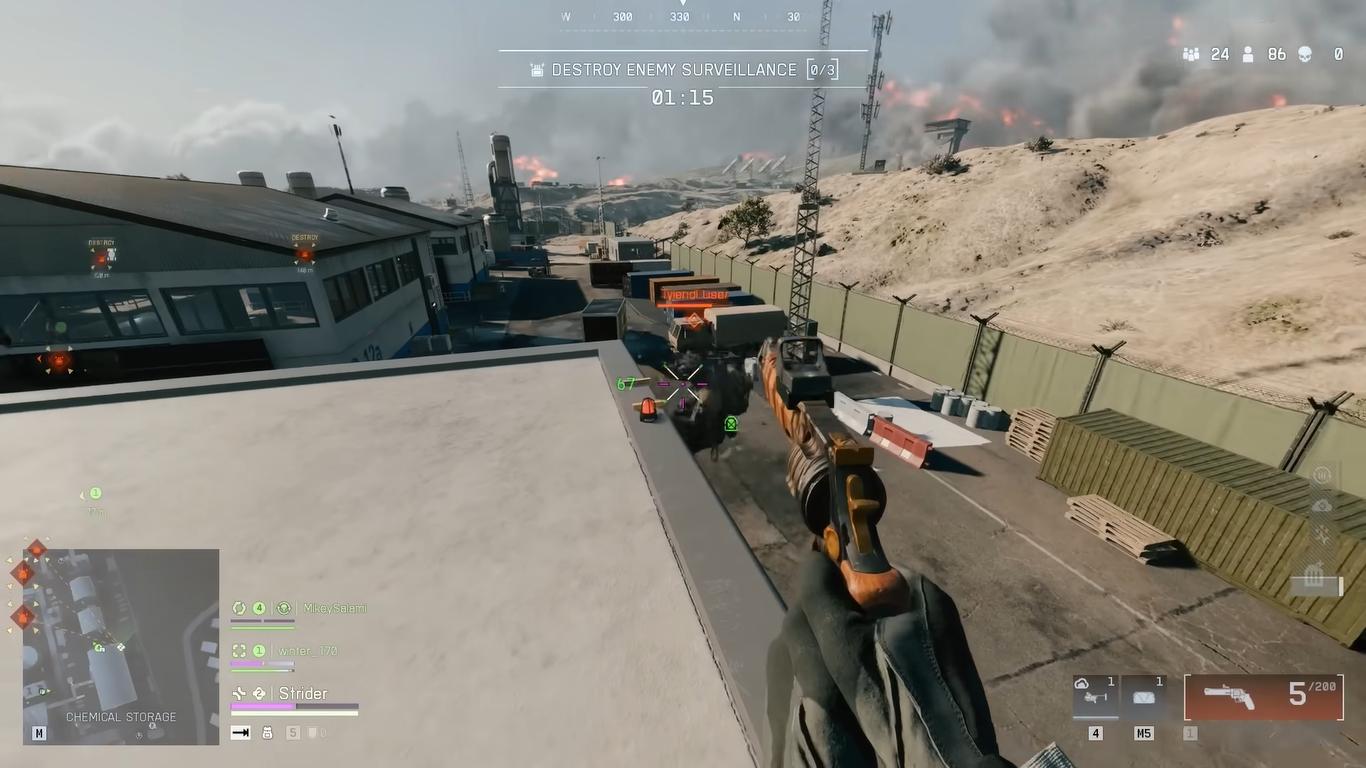
4K High Settings Test
When we tested at 4K with high settings and native FSR AA, we observed approximately 40 fps. It was possible to play, but the experience wasn't as seamless as at lower resolutions. However, enabling FSR4 Performance mode improved the graphics to almost native 4K quality and significantly increased frame rates, resulting in a more consistent experience.
Compared to older upscaling systems, FSR4 performed quite well, minimizing shimmering and retaining more detail. The RX 9060 XT showed promise as an entry-level 4K GPU in these conditions, provided the game performs well with FSR 4.
Settings for 1080p and 1440p that are competitive
For competitive players, adjusting to lower settings while maintaining high-quality textures improved performance without compromising visual clarity. The RX 9060 XT got 150–200 fps at 1080p low settings, depending on the map.
The i5-12600KF consistently delivered frames and utilized the entire GPU, even when the CPU was busy. Lower settings make the game less cluttered and more responsive, which is good for competitive play.
At modest settings, frame rates remained high at 1440p, averaging approximately 136 fps. Without anti-aliasing, the pictures looked sharper, but they still showed aliasing artefacts. The FSR4 Quality setting only added about 5fps, which is a small improvement. Generally, 1440p low settings were the most effective way to maintain a high refresh rate while also achieving a clearer picture.
Performance at 4K Low Settings
The GPU averaged approximately 69 fps at 4K low settings, but occasionally dropped below 60 fps when the workload was particularly demanding. The RX 9060 XT wasn't made for native 4K gaming, yet it nevertheless gave a smooth experience.
This shows how new game tweaks can improve performance. When FSR4 Performance mode was enabled at 4K, frame rates reached the 90s while maintaining a good visual quality. The plants and distant details looked clear, while the gameplay stayed the same.
Final Thoughts
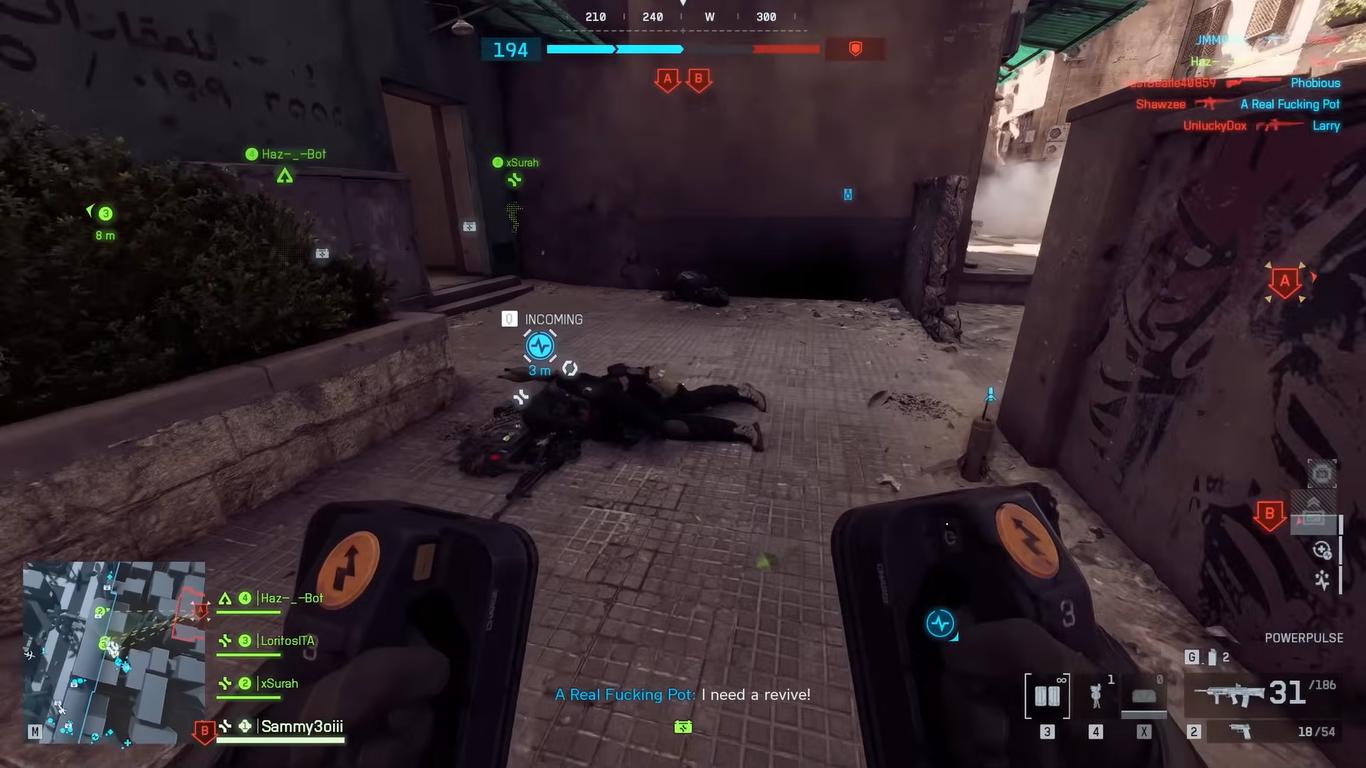
Battlefield 6 showed stable performance, consistent frame pacing, and effective use of the Radeon RX 9060 XT's hardware capabilities across all tests. The GPU provided smooth gameplay at both 1080p and 1440p resolutions, whether using native or FSR4 upscaling.
Frame generation provided high-refresh-rate displays with more breathing room. Still, it came with some minor trade-offs in latency and sharpness. FSR4 enabled a good balance between clarity and speed at 4K, allowing the RX 9060 XT to work with higher-resolution displays as long as it didn't exceed performance constraints.
Also, check our other AMD articles:
- AMD Ryzen 9 9950X3D Review: Setting The Standard For 2025 Gaming CPU
- AMD Ryzen 7 9800X3D Review: 3D V-Cache Goes God Mode with Stunning Gaming Performance
- AMD RX 9070 Performance Review: Thermals, Clocks, and Real-World FPS
- AMD Ryzen 5 7600 Review: Best Budget Gaming CPU of 2025?
- AMD Radeon RX 7800 XT Review: RDNA 3 Power For Midrange Gaming
- Sapphire NITRO+ AMD Radeon RX 9070 XT Review: The Ultimate 4K Gaming GPU
- AMD Ryzen 7 7800X3D: Delivers Gaming Performance Far Beyond Expectations
- AMD Ryzen 9 7900X Review: Powering the AM5 Era with DDR5 & PCIe 5.0
- ASRock Radeon RX 7800 XT Challenger OC Review: Best Price-to-Performance GPU of 2025
- Intel Core i9‑14900K vs. AMD Ryzen 7 7800X3D: Power Profiles & Gaming Benchmarks
Editor, NoobFeed
Gaming Hardware Updates
No Data.