
Windows Optimization: What Gamers Really Want From Future Updates
Shifting hardware priorities and slower technological advancement create a development environment increasingly defined by extended generational overlap.
Hardware by Tanvir Kabbo on Dec 23, 2025
People are often excited when Microsoft announces big changes to Windows. However, many users remain suspicious due to past problems and Microsoft's lack of interest in DirectX over the past five years.
Users often want to install Windows without any additional services, such as OneDrive and Copilot. You can turn these off or take them away for a while, but they usually come back after big updates, which is unpleasant.
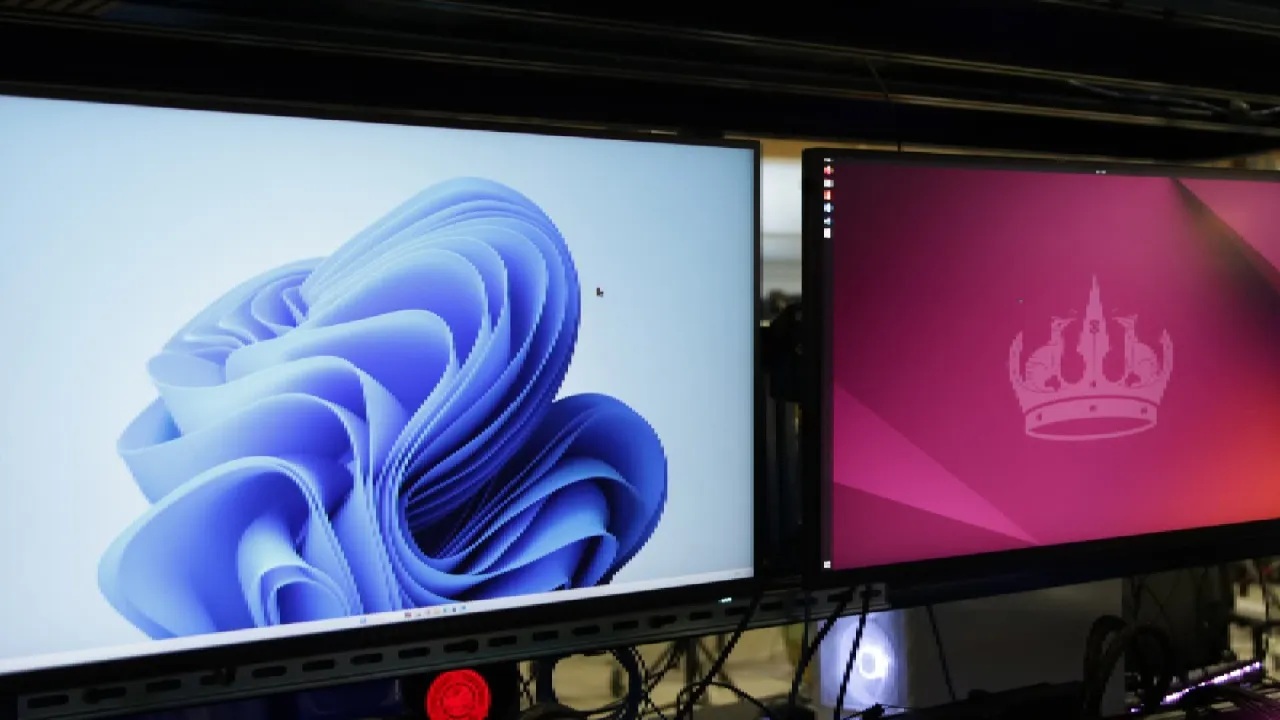
Desire for a Streamlined Windows Installation
We have always desired a Windows installation that was more like older ones, where you could choose which features to install and which ones to leave out. You could choose extra multimedia features, turn off online features, and set up the system exactly how you wanted.
If you want to use modern Windows systems without having to check in with a Microsoft account, you have to use command-line interfaces to get around network limitations.
We prefer to use a local account that isn't connected to the internet because it keeps things simple and adds no additional requirements. If someone breaks into a machine in person, logging in locally is the least of their worries. But the way things are set up now makes it hard to customize because it pushes you toward Microsoft's ecosystem.
Impact of Built-In Services on Performance
We would still like to see benchmarks that show how components like OneDrive or Copilot really affect system resources. These features probably don't slow down gameplay too much, unless planned tasks like cloud uploads occur at the wrong time. Copilot should not do anything while you are playing. A Copilot overlay that focuses on games would just be annoying.
Even though we are skeptical, we know that numerous services are still running in the background. The major problem isn't raw performance; it's being constrained by a design philosophy that prevents the OS from becoming more efficient.
Backward Compatibility and System Complexity
We don't think backward compatibility uses up much CPU. The bigger issue is that old systems make Windows interfaces that don't always work the same way. Duplicate options, outdated menus, and compatibility toggles for older games make for a messy mix of periods. For older games, features like full-screen optimizations or XP Service Pack 3 compatibility modes can be important. Still, they don't matter for newer games.
Instead of removing compatibility layers, allowing players to directly control system resources will improve the gaming experience.
Graphics and Shader Advancements
Recent talks, including one from Intel, discussed new shader standards and the ability to download SODB shader blobs that enable the use of precompiled shaders. We hope these agreements grow to include AMD and others; Nvidia hasn't shown us anything real yet. The promise is thrilling, but we are still wary because it takes years for big changes like these to truly affect the sector.
We would also like DirectStorage options to be explicit so users can choose whether to decompress files on the CPU or GPU. When developers choose defaults, they often choose the wrong ones. Also, Microsoft's DirectSR push has ended, so developers now have to deal with DLSS, FSR, and XeSS separately. Upscaling should work like anisotropic filtering, which the driver does automatically.
Quality of Life and Performance Assurance
We put our worries into two groups: quality of life and quality of work. GPU performance on portable PCs like the ROG declines. Ally points out that Windows' erratic behavior can worsen the user experience. Consoles don't have these problems because they operate in controlled environments and follow procedures for updating all at once.
Windows requires a way to make sure that hardware is working properly. The present Xbox full-screen interface on Windows has potential, but it still needs some work. If Windows wants to be a real gaming platform, it needs to make onboarding, upgrades, and firmware management as easy and smooth as they are on an Xbox or Steam Deck.
Microsoft's Business Model and Service Integration
Microsoft's business plan is a big reason why a stripped-down version of Windows is hard to make. OneDrive, Copilot, Teams, Game Pass, and Windows 365 are all important ways for the company to make money. Removing them entirely would go against long-term business goals.
Windows LTSC, or the Long-Term Servicing Channel, is one way to meet in the middle. These versions don't get updated very often and don't include many consumer-facing features. They are meant for businesses, but they help keep the environment cleaner by reducing the number of automatic service integrations.
Cloud-Based Features and Copilot Behavior
Copilot does much of its work in the cloud with GPT models like GPT-5.1 or GPT-5.2. Instead of being processed locally, output is streamed. NPUs and local processing are used only for certain functions, including live captions and the now-controversial Recall function. Most of the time, these are triggered by the user instead of running in the background.
For most users, Copilot doesn't significantly slow down their computers until they manually enable optional features.
Also, check our other hardware articles:
- AMD Ryzen 9 9950X3D Review: Setting The Standard For 2025 Gaming CPU
- Amazon Luna 2025 Review: Is Prime Gaming's Cloud Service Your Go-To For Casual Fun?
- AMD RX 9070 XT Review: AMD's RDNA 4 Champion for 1440p Gaming
- GeForce Now Ultimate: Ditching Your Gaming PC For Cloud RTX 4080 Power?
- NVIDIA GeForce RTX 5080 Review (2025): Still A 4K Gaming Powerhouse?
- Intel Core Ultra 9 285K Review And Performance Breakdown (2025)
- AMD Ryzen 7 9800X3D Review: 3D V-Cache Goes God Mode with Stunning Gaming Performance
- Intel Core Ultra 9 285K vs AMD Ryzen 7 9800X3D: In-Depth Gaming Performance and Benchmark Comparison
- NVIDIA GeForce RTX 5080 Super Performance In Cyberpunk 2077: Path Tracing & DLSS 4.0 Tested
- AMD Radeon RX 9070 XT In Cyberpunk 2077: Ray Tracing & FSR 4.0 Tested
- Intel Arc B580 Review: The $250 GPU Revolutionizing 1440p Gaming
- Intel Arc B570 Vs. B580: Value, Specs, And Real-World Gaming Performance
- RTX 5090 Laptop Vs. M4 Max MacBook Pro: Ultimate Raw Performance Vs. Battery Endurance
- Intel Arc b580 Vs. RTX 4060: Game Performance And Value Analysis
- RTX5090 Hell Is Us Demo 4K Ultra Benchmark: DLSS Vs. Native Performance Guide
- NVIDIA RTX 5070 Review: Mid-Range Muscle or Marketing Hype?
- Nintendo Switch 2 Review: Handheld Performance, Features & Value Breakdown
- RTX 5070 Ti Review: Performance, Thermals & Power Efficiency Tested
- Samsung Odyssey OLED G81SF Review 2025: Ultimate 32-Inch QD-OLED Gaming Monitor
- AMD RX 9070 Performance Review: Thermals, Clocks, and Real-World FPS
- AMD Ryzen 5 7600 Review: Best Budget Gaming CPU of 2025?
- AMD Radeon RX 7800 XT Review: RDNA 3 Power For Midrange Gaming
- Asus ROG RTX 5090 Astral OC Vs. Founders Edition: The 4K Gaming Benchmark
- Intel Core i5-13400F Gaming Performance: Still Worth It in 2025?
- ASUS GeForce RTX 5090 LC Liquid Cooled GPU Review: Unmatched Silence & Speed
- ASUS ROG Ally X Handheld Review: Double the Battery, Double the Comfort
- Lenovo Legion Go S Review: The Ultimate Steam Deck 2 Alternative
- Sapphire NITRO+ AMD Radeon RX 9070 XT Review: The Ultimate 4K Gaming GPU
- Alienware 16 Area 51 Review: The Ultimate 2025 Gaming Laptop
- Alienware Area-51 Review: Unmatched 4K, Thermal, and Acoustic Performance
- AMD Ryzen 7 7800X3D: Delivers Gaming Performance Far Beyond Expectations
- AMD Ryzen 9 7900X Review: Powering the AM5 Era with DDR5 & PCIe 5.0
- Intel Core i9‑14900K vs. AMD Ryzen 7 7800X3D: Power Profiles & Gaming Benchmarks
- Intel Core i9 14900K: Specs, Benchmarks, and Competitor Comparison
- ASRock Radeon RX 7800 XT Challenger OC Review: Best Price-to-Performance GPU of 2025
Senior Editor, NoobFeed
Gaming Hardware Updates
No Data.