
Steam Deck Latest Update: Better Customization & Notification Control
Major Steam Deck update introduces extensive customization, artwork management, and ghost title support, streamlining game organization and library accessibility.
News by Tanvir Kabbo on Sep 24, 2025
There have been a lot of bug patches, new features, and ways to customize the Steam Deck since it got a big update. This official update is available to install for anybody who hasn't been on the beta channel. It includes enhancements that make the Steam Deck experience better overall.
This version doesn't come with a new graphics driver, unlike previous major upgrades. This lowers the possibility of compatibility problems with Proton and makes sure that games keep running smoothly.
Enhanced Customization and Artwork Management
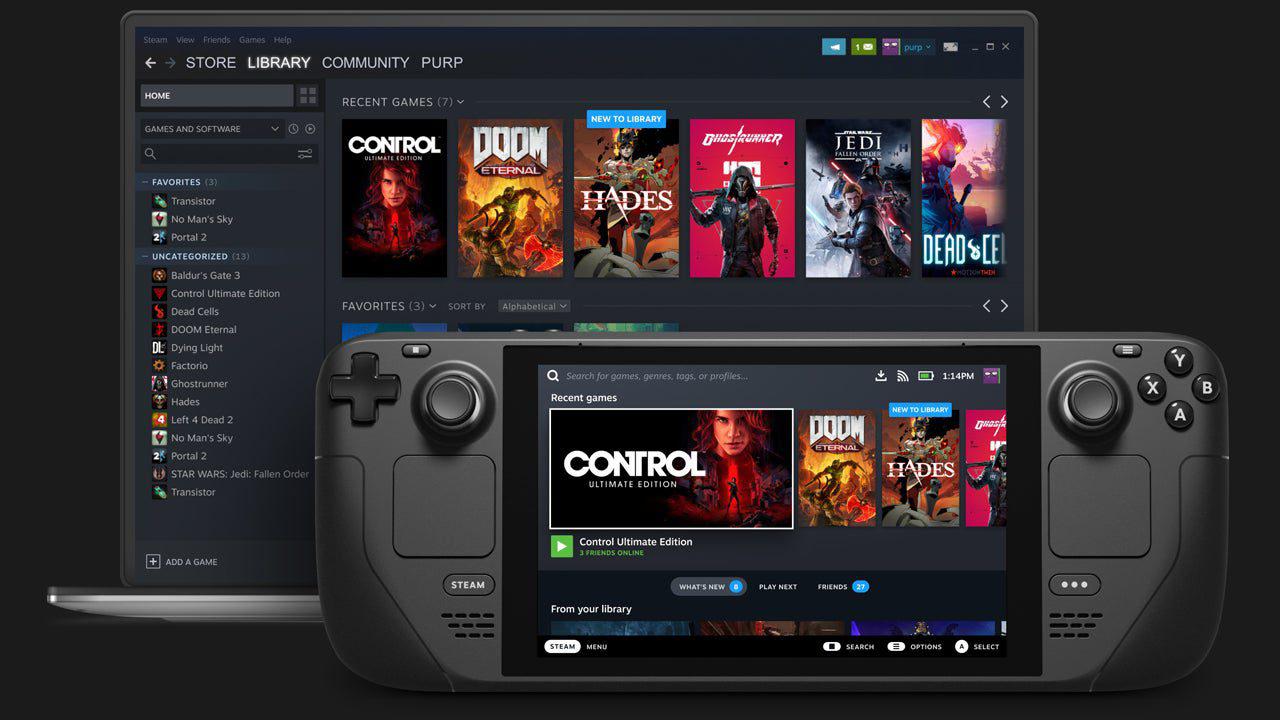
The highlight of the update is the overhaul of customization options. All artwork customization features are now grouped together in a dedicated customization tab. For users adding third-party games not on Steam, such as classic titles like Need for Speed Most Wanted 2005, this simplifies the process of applying custom artwork.
Previously, users had to navigate multiple menus to update banners, box art, icons, and other images. Now, all of these adjustments can be made from a single location. While users still need to source their own art, platforms like SteamGrid provide extensive options for almost every game or app, allowing for an organized and visually appealing library.
Setting ghost titles for games is another useful function. You may now change the names of games with complicated naming patterns, like the Resident Evil series, so that they show up in the order you choose. This makes libraries easier to understand and use by letting people arrange games like Resident Evil Remake and RE2 Remake in a way that makes sense.
Additionally, players can easily sync their favorite titles across the Steam Deck and a desktop computer by creating custom categories and prioritizing them. Private games now have their own category to prevent them from overcrowding the main library.
Integration with the Deck Filter App
The Deck Filter software is suggested for better library management. This $5 iPhone and Android app allows users to create playlists and organize games in a highly personalized way. Once a playlist is set up, games can be added via an intuitive interface, simplifying the process of planning gaming sessions. The app also provides additional customization and controls, complementing the Steam Deck update.
Improved Store and Notification Experience
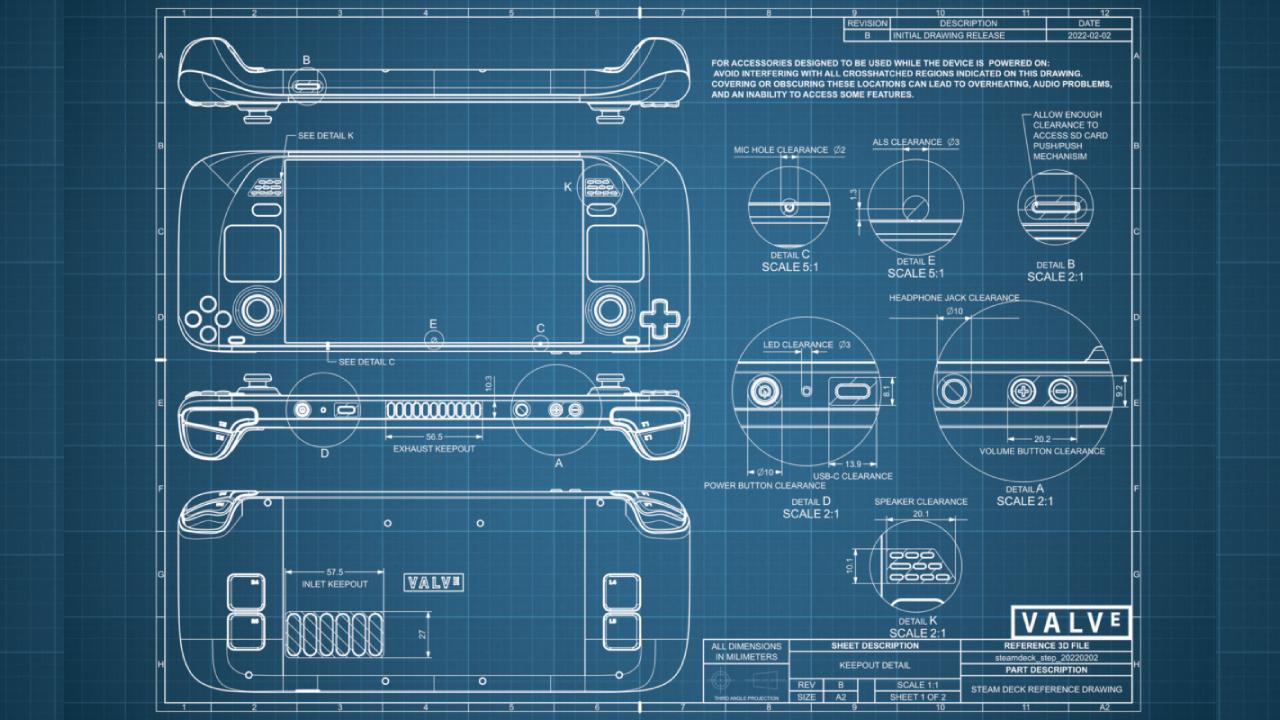
The Steam store on the Deck itself still has performance and usability issues, even if the Steam Deck app on mobile devices offers a quick and easy way to buy games. Users may now choose which notifications show up on the screen thanks to the update's enhancements to the notification settings.
This is particularly useful for those with extensive friend lists, as it prevents stuttering caused by constant pop-ups. Despite previous beta updates claiming to fix notification and volume button stuttering, some issues may persist, but the new granular controls offer more flexibility.
Desktop Mode Enhancements and Controller Support
For improved accessibility, the desktop mode now features a UI slider and a high-contrast setting. Official assistance for controllers has also been enhanced. The guide button used to be displayed wrongly as an Xbox button when an 8-bitdo Ultimate Controller was connected.
In addition to enabling customization of LED lights on supported devices, the update now correctly identifies the controller. These enhancements, along with several bug fixes, have made the experience more reliable and well-rounded.
Enhancements to Stability and Fix for Overheat Mode
The frequent crashing and UI restarts brought on by the Steam Deck going into sleep mode for prolonged periods of time have been resolved, which is one important issue. Faster wake times and more dependable Wi-Fi connections are guaranteed with the update.
Users experiencing false overheat warnings can now resolve the issue with a simple button combination: When the smartphone is off, hold down the three dots and volume up buttons for five seconds, then press the power button. This adjustment resolves the false overheat trigger and restores normal operation.
.jpg)
Looking Ahead: Proton and Unreal Engine 5 Optimization
Even with these changes, Unreal Engine 5 games still don't run well. With little extra work, UE5 games can have a steady frame rate and seamless gameplay even at very low settings.
Valve has previously optimized games like Elden Ring using Proton to address stuttering and shader caching issues, offering a better experience on both the Steam Deck and PCs. Similar adjustments would guarantee that the Steam Deck keeps providing top-notch performance without sacrificing quality, because the majority of upcoming AAA games use Unreal Engine 5.
Final Thoughts
This update improves the Steam Deck in several crucial areas, making it perform better, be more stable, and allow for greater customization. The changes, which include regulating alerts, supporting gamepads, and managing artwork, make the gaming experience more consistent and distinctive for each player.
With Unreal Engine 5 titles dominating the forthcoming release calendar, continuous optimization efforts will be necessary to maintain performance and enjoyment on the platform.
Check our Other Handheld Articles :
- ASUS ROG Ally X Handheld Review: Double the Battery, Double the Comfort
- Nintendo Switch 2 Vs. Original Switch 1: A Full Comparison
- How To Connect A Camera And Join Voice Chat With Nintendo Switch 2
- Nintendo Switch 2 Review: Handheld Performance, Features & Value Breakdown
- ROG Xbox Ally X Vs. ROG Ally X: Display, Battery & Controls
- ASUS ROG Ally X vs. Steam Deck OLED: Display, Battery & Gaming Benchmarks
- MSI Claw 8 AI+ Review: Display, Controls & Gaming
- Nintendo Switch 2 vs. Steam Deck OLED: Gaming, Performance, Battery, Display and Value
- PlayStation Portal Review: Remote Play, Cloud Streaming & Travel Gaming
- PlayStation Portal vs. Lenovo Legion Go: Best Portable Gameplay
- Cyberpunk 2077 Patch 2.3 FPS Test on MSI Claw 8 AI+
Senior Editor, NoobFeed
Related News
No Data.