
M5 MacBook Pro Gaming Review: Native, Crossover, and Emulation Benchmarks
The latest M5 chip shows meaningful CPU improvements over previous M4 processors in single and multi-core benchmarks.
Hardware by Tanisha Aria on Nov 28, 2025
The Metal API has grown over the past few years into a powerful macOS game platform. With powerful translation tools and steadily better native game support, the operating system now lets you play a huge number of games with very few restrictions.
Along with the new M5 chip, speed has improved even more. To see how it compares to the M4 series, we took a close look at its performance across benchmarks and real-world gaming tasks.
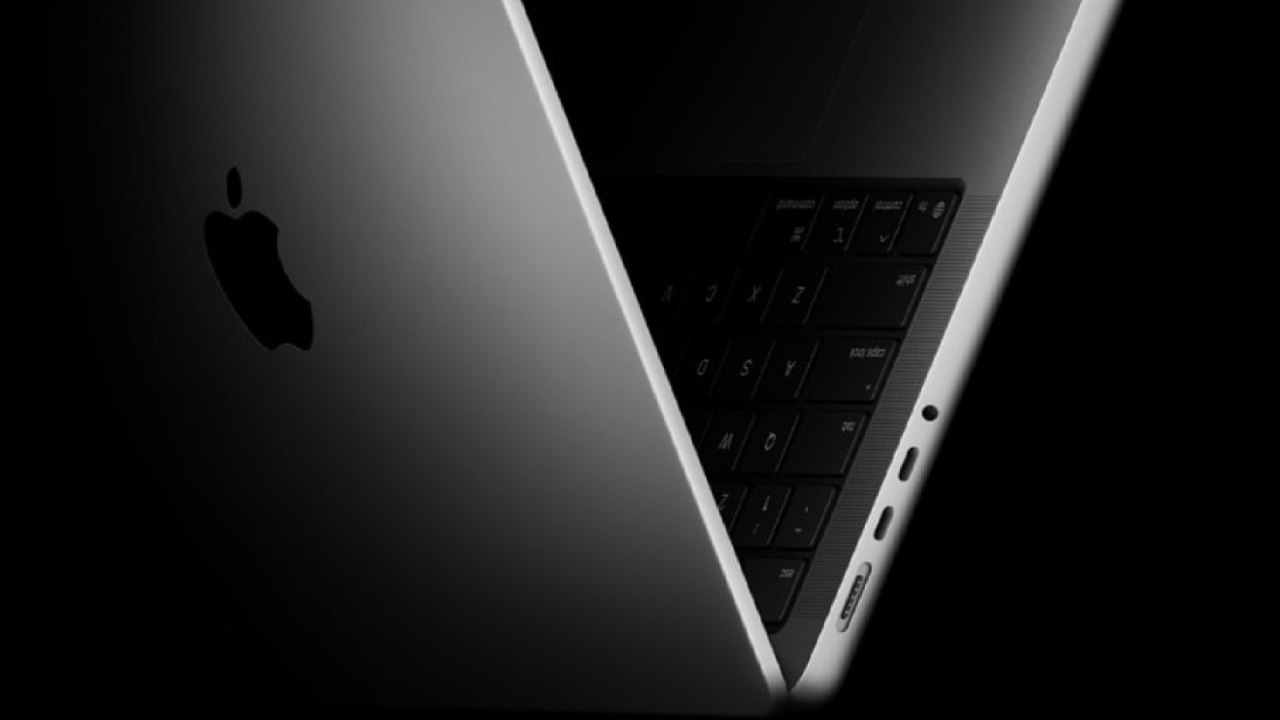
M5 Hardware Overview and Comparative Context
First, we'll look at the base M5 MacBook Pro setup, which is the main way to get to the new chip right now. At $1599, it comes with a 512GB SSD, 16GB of unified memory, a 10-core CPU, and a 10-core GPU.
We also look at how well the base Mac Mini, earlier MacBook Pro models, and the newest Mac Studio worked with the M4, M4 Pro, and M4 Max chips from the previous generation.
CPU Performance Benchmarks
When we run Geekbench to test CPU speed, we see that the M5 delivers strong single-core scores of around 4200 points. It's now better than the normal M4 and just behind the M4 Pro.
However, the M4 Max is still the best overall because it has faster clocks, more cores, and more threads. The same trend shows up in multicore tests, with the M5 performing much better than lower-end M4 configurations.
The trend keeps going in Cinebench 2024. When it comes to single-threaded work, the M5 is on par with the M4 Max. When it comes to multi-threaded work, it falls between the M4 and the M4 Pro.
The generational improvement is steady and clear, showing a refined design with better performance and responsiveness on a single core.
GPU Performance Benchmarks
When we look at the M5's Geekbench Metal GPU scores, we see it gets around 72000 points, a big jump from the standard M4's 57000 points.
But it's still behind the M4 Pro, which has more than 100,000, and the M4 Max, which has more than 150,000. The scaling is more about GPU core count and temperature than about architectural changes.
We included Unigine Valley, an older OpenGL-based test, to maintain consistency with the standards. The M5 offers 33 fps at 4K Ultra, a big jump from the M4's 21 fps.
The M4 Max can hit 68.3 fps, while the M4 Pro can only manage 37 fps. OpenGL isn't used for games as much as it used to be, but this test shows how the different cards display textures differently.
Noise, Thermals, and Sustainability
We used the Heaven standard for 30 minutes to check the noise level and heat output. The fan noise ranged from 38 to 42dB, which is loud but not too annoying. Surface temperatures were around 40°C in the middle of the keyboard and in the mid-30s around the edges.
The bottom panel stayed at the same temperature. If you play games for long periods on your lap, you might feel warm, but on a desk, the heat isn't noticeable.
A run of 3DMark Wildlife Extreme yielded about 12,000 points and a sustainability grade of 90.4%. This is a good result for a small laptop chassis and a big step up from the M5 iPad Pro model, which could only keep up 77.4% of the workload.
.jpg)
Cyberpunk 2077 on macOS and Crossover
Cyberpunk 2077 was tried on both macOS and Crossover 25, a program that turns Windows games into Metal.
The native version averaged 59.8 frames per second in the built-in test at 1080p, medium settings, with ray tracing and frame generation turned off. We saw 56.35fps in Crossover with the same settings.
During gameplay, frame rates remained steady at 60–70 fps across similar scenes. The original version doesn't offer much improvement, so you can easily play the Windows version in Crossover if you'd rather.
We also compare how well the M4 generation did, and we can see that the M5 is typically better across the board.
Native macOS Game Performance
With the usual settings, Death Stranding ran at 1080p at 70–90 frames per second, with an internal resolution below 1080p. Even though the picture was upscaled, it looked great on the laptop screen, and the game felt smooth.
Stray ran at 50–60 frames per second at 1080p high settings. This is much better than the M4, which averaged 45-58 frames per second, but it's still not as good as the M4 Pro and M4 Max.
Any M-series chip has a hard time running the game at more than 60 fps, but the M5 stays in a stable, workable range.
On Dust 2, Counter-Strike 2 ran at about 90-120 frames per second in training mode with bots at 1080p on high settings. The performance is about the same as the M4 and is still very good all around.
On macOS, Everspace 2 is still hard to use. The M4 used to give about 35–40fps, and the M5 feels about the same when you play it. It's still hard to get high frame rates, even on the M4 Max, because macOS optimizations aren't very good.
Metro Exodus, on the other hand, always does well. In early-game scenes at 1080p, the M5 got 60–80 fps, which was better than the standard M4 and close to the M4 Pro's range, but still slower than the M4 Max.
Crossover Windows Game Translation
Ghostrunner 2 ran at 50–60 fps on average at 1080p high settings, a big improvement over the M4's 45–60 fps. It felt like the experience was smooth and prompt.
As a good stress test for translation stutter, Redout 2 runs at a smooth 70–80 frames per second, with occasional drops. This is similar to the good results seen with the M4 model.
Skate Story had lows in the 40s and highs of about 60 frames per second. Crossover doesn't make it work perfectly on macOS, but it does a good enough job that it's still fun.
Some games, like God Breakers, have lost assets or graphics that don't work properly due to translation issues.
Some problems might get better when you change settings, turn off VSync, or switch between Vulkan translation routes. Even so, for every game that has problems, many others work perfectly.
This was perfectly shown by Street Fighter 5, which ran at 60 frames per second at full details and provided a fast, responsive experience.
Switch Emulation Performance
We tried a few Switch games using the Ryujinx emulator. There were some small stutters here and there, but Super Mario Wonder always ran at 60 frames per second.
Mario Kart 8 also ran smoothly, though not as smoothly as on a real Switch. There were no big problems with Prince of Persia: The Lost Crown running at 60 frames per second. Overall, the stability of emulation is the same as what we saw on M4 computers before.
.jpg)
Is the M5 a Capable Gaming Platform?
Based on our testing, we are confident the M5 is a good platform for gaming. You can expect both native macOS games and translated Windows games to run smoothly as long as you keep the resolutions low and don't use ray tracing.
The laptop can even compete with dedicated Windows gaming laptops in many tasks, which is a big step forward for the Mac environment.
Check out that breakdown as well if you want more in-depth comparisons, such as a straight look at the M5 in the iPad Pro vs. the MacBook Pro. Feel free to get in touch with us if you have any special questions about how well the M5 plays games; we're always here to help.
Also, check our other hardware articles:
- AMD Ryzen 9 9950X3D Review: Setting The Standard For 2025 Gaming CPU
- Amazon Luna 2025 Review: Is Prime Gaming's Cloud Service Your Go-To For Casual Fun?
- AMD RX 9070 XT Review: AMD's RDNA 4 Champion for 1440p Gaming
- GeForce Now Ultimate: Ditching Your Gaming PC For Cloud RTX 4080 Power?
- NVIDIA GeForce RTX 5080 Review (2025): Still A 4K Gaming Powerhouse?
- Intel Core Ultra 9 285K Review And Performance Breakdown (2025)
- AMD Ryzen 7 9800X3D Review: 3D V-Cache Goes God Mode with Stunning Gaming Performance
- Intel Core Ultra 9 285K vs AMD Ryzen 7 9800X3D: In-Depth Gaming Performance and Benchmark Comparison
- NVIDIA GeForce RTX 5080 Super Performance In Cyberpunk 2077: Path Tracing & DLSS 4.0 Tested
- AMD Radeon RX 9070 XT In Cyberpunk 2077: Ray Tracing & FSR 4.0 Tested
- Intel Arc B580 Review: The $250 GPU Revolutionizing 1440p Gaming
- Intel Arc B570 Vs. B580: Value, Specs, And Real-World Gaming Performance
- RTX 5090 Laptop Vs. M4 Max MacBook Pro: Ultimate Raw Performance Vs. Battery Endurance
- Intel Arc b580 Vs. RTX 4060: Game Performance And Value Analysis
- RTX5090 Hell Is Us Demo 4K Ultra Benchmark: DLSS Vs. Native Performance Guide
- NVIDIA RTX 5070 Review: Mid-Range Muscle or Marketing Hype?
- Nintendo Switch 2 Review: Handheld Performance, Features & Value Breakdown
- RTX 5070 Ti Review: Performance, Thermals & Power Efficiency Tested
- Samsung Odyssey OLED G81SF Review 2025: Ultimate 32-Inch QD-OLED Gaming Monitor
- AMD RX 9070 Performance Review: Thermals, Clocks, and Real-World FPS
- AMD Ryzen 5 7600 Review: Best Budget Gaming CPU of 2025?
- AMD Radeon RX 7800 XT Review: RDNA 3 Power For Midrange Gaming
- Asus ROG RTX 5090 Astral OC Vs. Founders Edition: The 4K Gaming Benchmark
Contributor, NoobFeed
Latest Articles
No Data.