
Mina the Hollower Guide | How to Turn Mina Invisible
Use Mina’s custom palette options to make her invisible or show only her outline.
Game Guide by Jubair Baky on Jun 26, 2026
Mina can be made invisible through custom appearance settings rather than a normal combat item. This is a cosmetic trick that changes how Mina appears in gameplay, mirrors, and character scenes. It does not make the game easier, because enemies still behave normally and you can lose track of Mina’s position if you are not careful.
The setup depends on unlocking advanced color customization first. Once the option is available, you can use the palette controls to hide Mina’s body or reduce her to only an outline.
Unlock Custom Palette Changes
To reach this option naturally, collect both Cloaks and return to Knitts The Atelier in Ossex. After Mina has the Cloak upgrades, Knitts can unlock custom palette changes for Mina’s sprite. This lets you adjust her appearance beyond the basic color swaps.
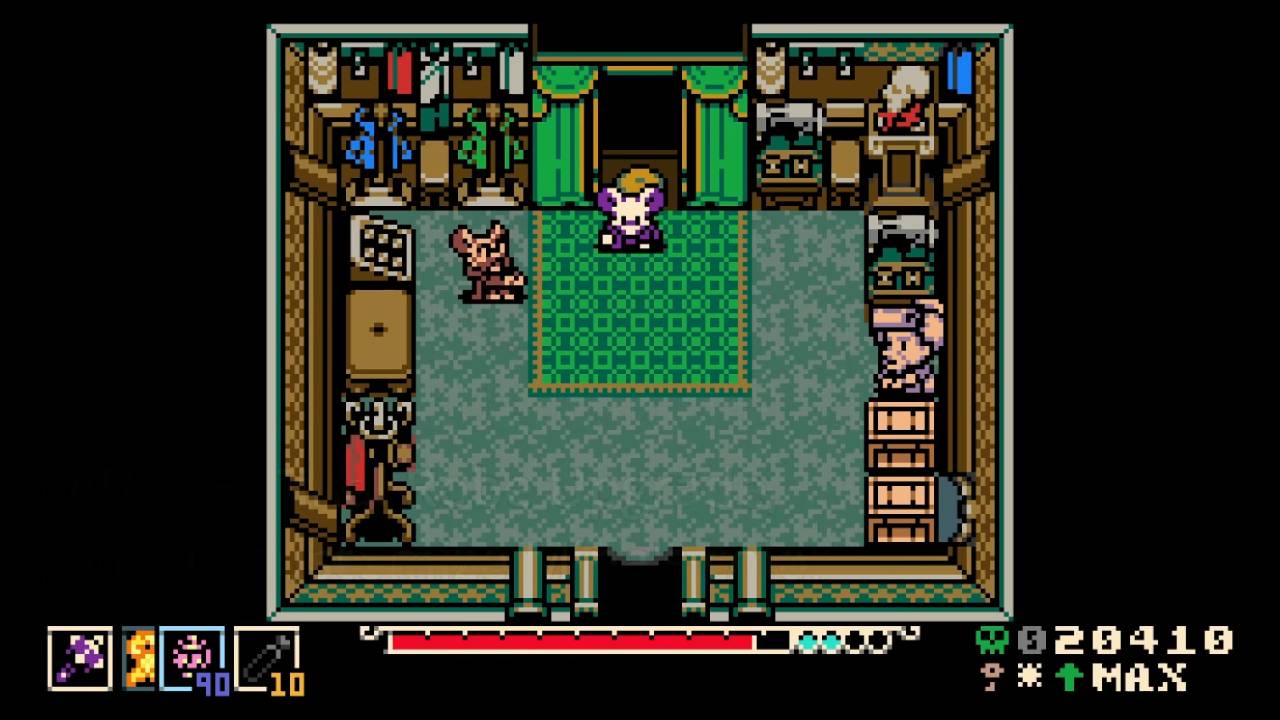
If you only want the invisibility effect for a challenge run, the game also has an Invisibility modifier through cheat-code settings. The normal cosmetic method is better for regular saves because it keeps the rest of the game intact.
Set Mina to Invisible
Open the custom palette settings and adjust Mina’s colors until the visible parts of her sprite are fully transparent or effectively hidden. When done correctly, Mina disappears from normal gameplay. This is the “Invisible Coat Mina” effect shown in the source video.
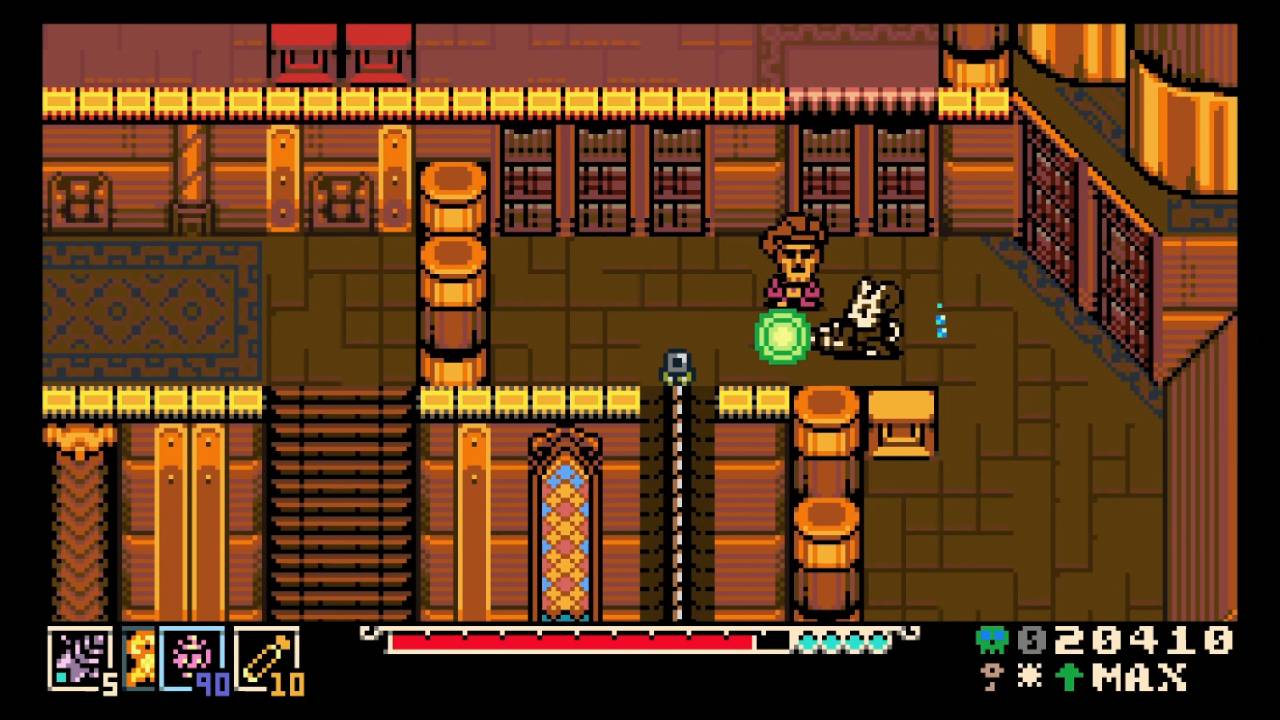
Use this carefully. Since Mina is hard to track, jumps, boss dodges, and tight platforming become more difficult. The effect is mainly for novelty, screenshots, or self-imposed challenge runs.
Check Mirrors and Character Scenes
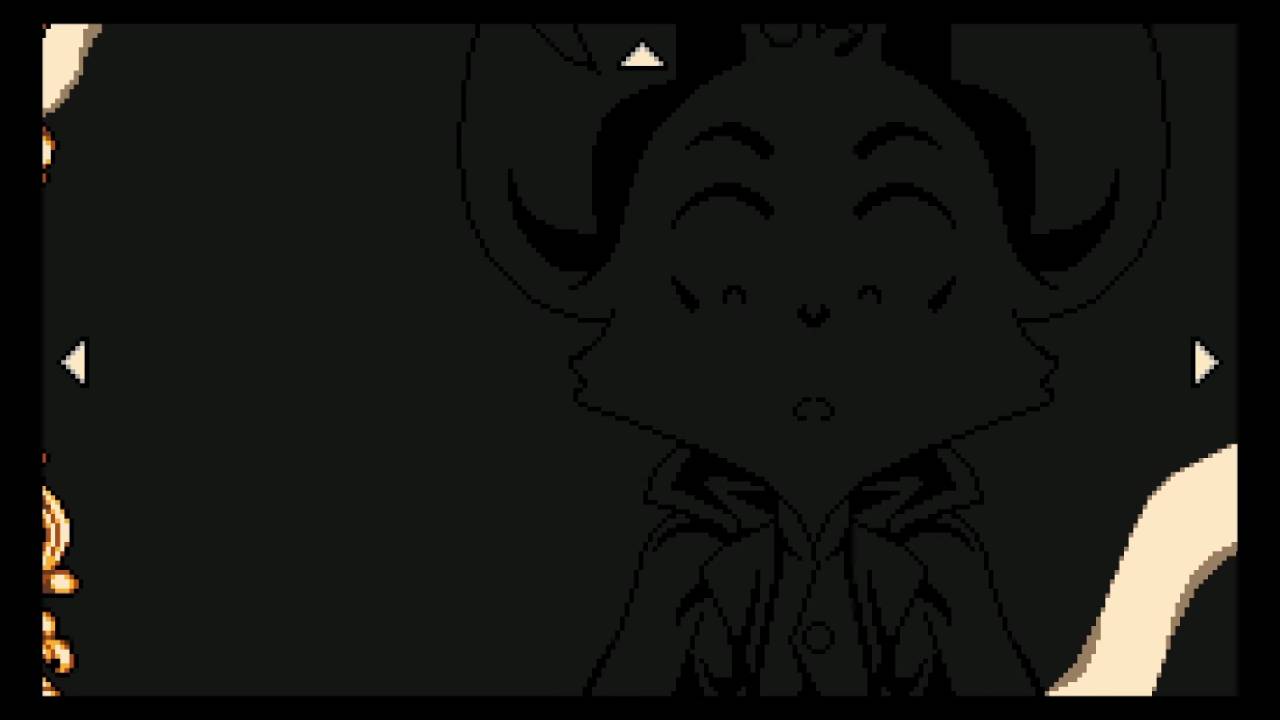
The invisible look is reflected outside normal movement as well. When Mina interacts with a mirror, the altered palette carries into the mirror view. Weapon upgrade scenes also keep the same invisible appearance, which makes the effect feel consistent instead of limited to exploration.
Use Outline-Only Mina
If full invisibility is too hard to control, switch to an outline-only setup instead. This keeps enough of Mina visible to follow her movement while still giving the game a strange invisible-style look.
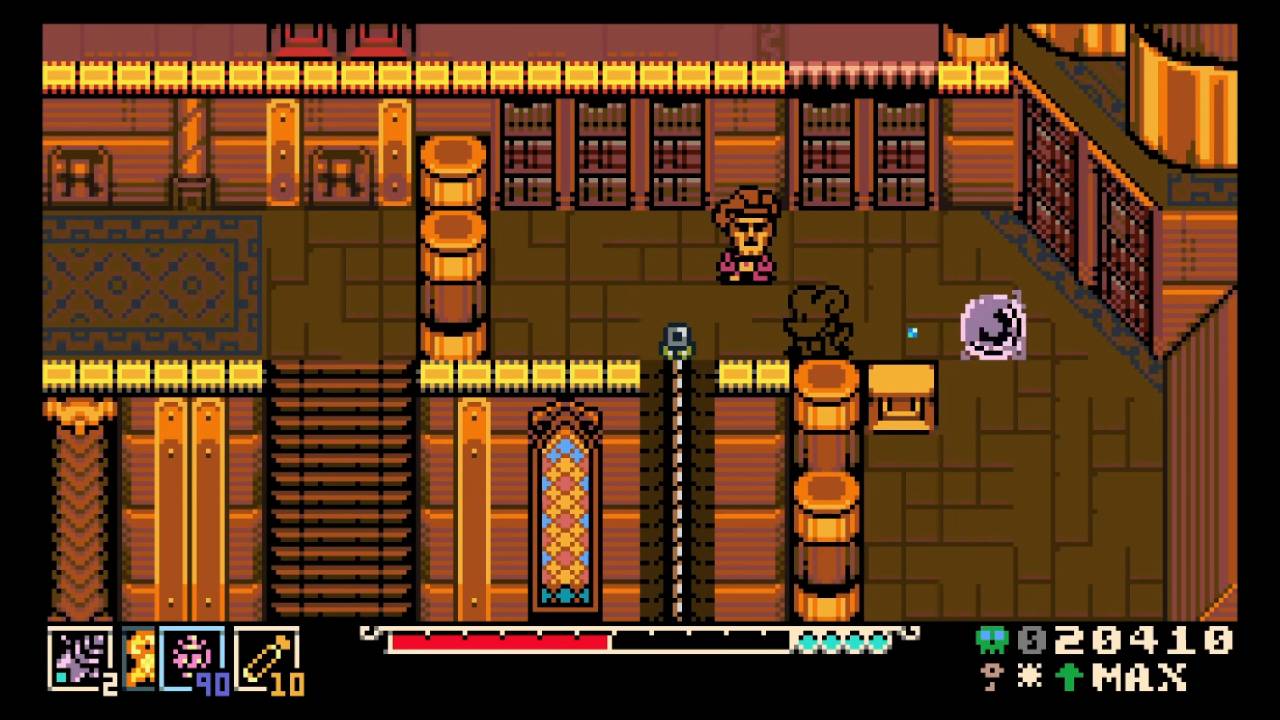
It is the cleaner option if you want the effect without losing Mina during combat or platforming.
Also, check our Mina the Hollower Review and other guides below:
- Mina the Hollower Beginner's Guide | Gameplay Tips & Tricks
- Mina the Hollower Guide | How to Get the Map
- Mina the Hollower Guide | All Trinket Locations
- Mina the Hollower Guide | How to Get to Bone Beach
- Mina the Hollower Guide | All Mirror Locations
- Mina the Hollower Guide | All Vial Pouch Locations
- Mina the Hollower Guide | How to Get the Secret Ending (Blameless Mina)
- Mina the Hollower Guide | All Weapon Upgrade Locations
- Mina the Hollower Guide | Secret Ending (Sinless Mina)
- Mina the Hollower Guide | How to Make Mina Enter Beast Mode
- Mina the Hollower Guide | How to Get to Nox's Bayou
- Mina the Hollower Guide | How To Unlock All Endings
- Mina the Hollower Guide | All Meowstro Cat Locations And Puzzle Solution
- Mina the Hollower Guide | Furgus The Faithful Boss Fight
Editor, NoobFeed
Latest Articles
No Data.