
Pokémon Pokopia Guide | How to Change Clothes and Appearance
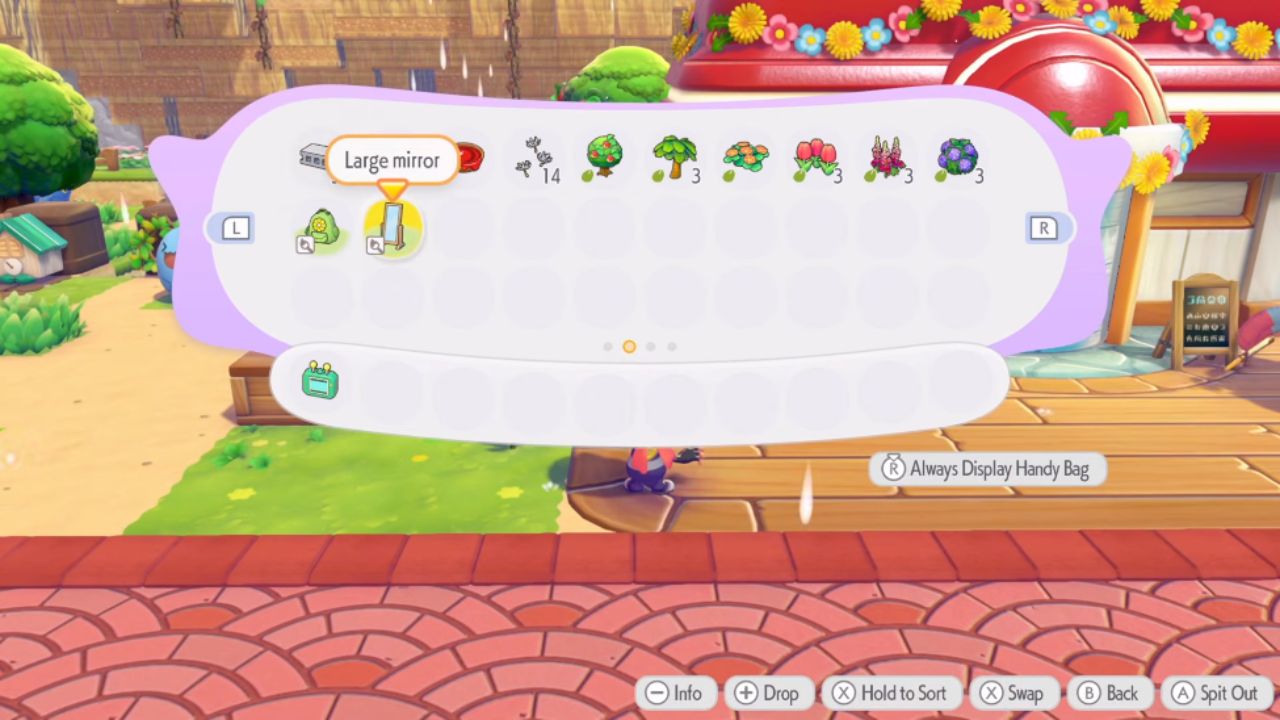
Use the Large Mirror to change your hairstyle, outfit, headwear, bag, and shoes.
Game Guide by Jubair Baky on Mar 14, 2026
Changing your look in Pokémon Pokopia is simple once you know what item you need. The game does not make it very obvious at first, so it is easy to miss. If you want to change your clothes, hairstyle, or other appearance options, the key item is the Large Mirror. Once you buy it and place it down, you can update your character whenever you want.
How to Change Your Appearance in Pokémon Pokopia
To change your appearance, go to the shop and buy the Large Mirror. This is the item that unlocks the character customization feature. After you get it, place it down anywhere you like. It does not need a special spot, so you can set it up wherever it is most convenient for you. Once it is placed, interact with it to start changing your look.
What You Can Change With the Large Mirror
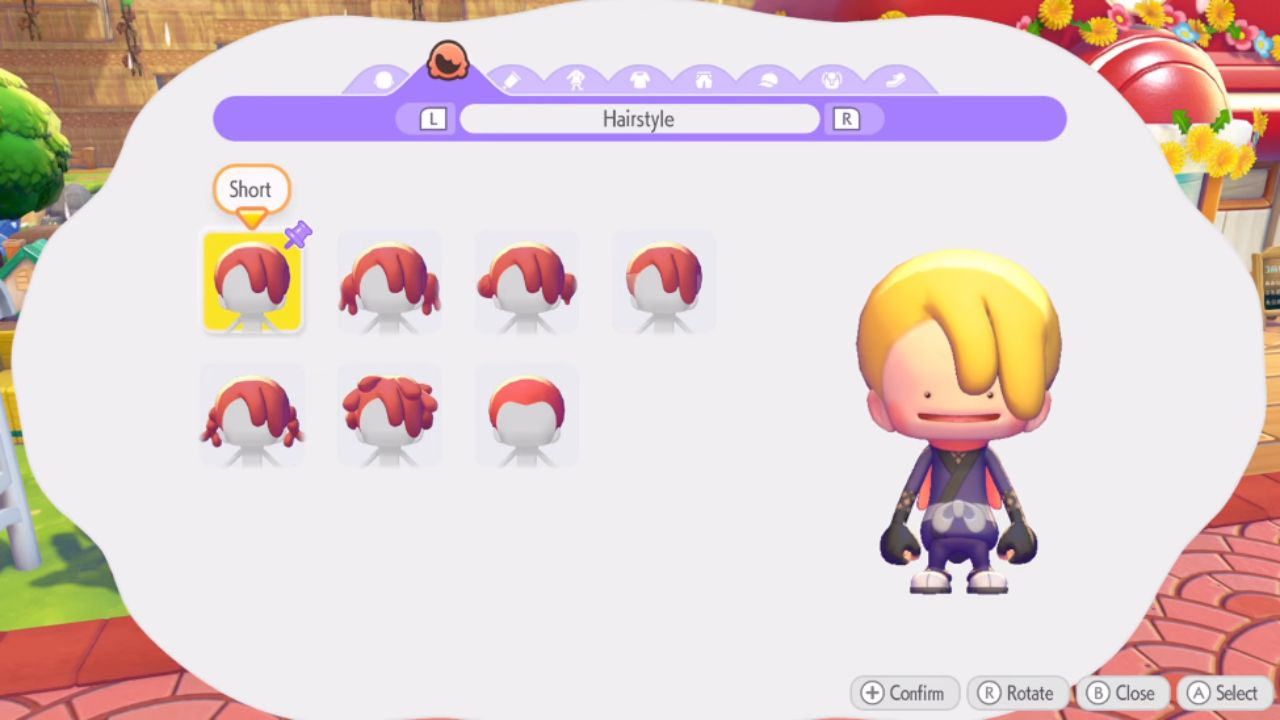
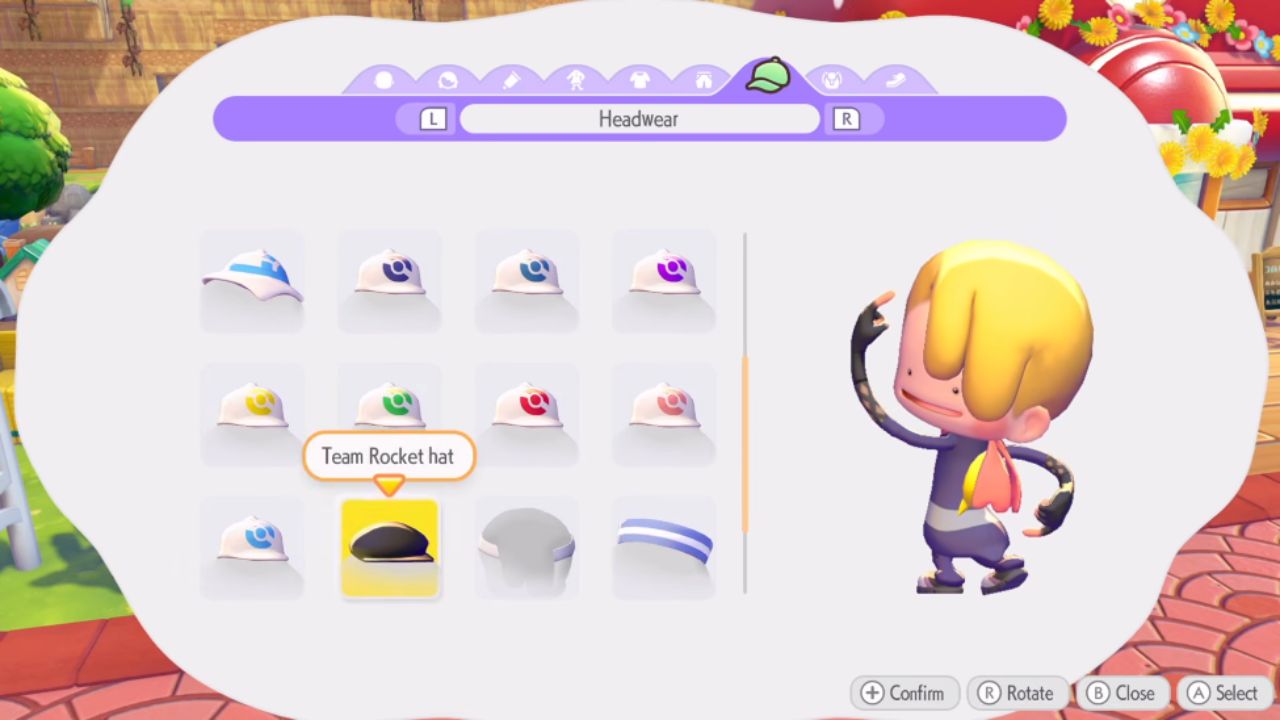
The Large Mirror lets you change many parts of your appearance. You can switch to different hairstyles that you have found or unlocked. You can also change your hair color, outfits, and headwear. On top of that, you can update your bag and shoes. This gives you a full way to customize your character once you collect more cosmetic items in the game.
How Outfit Changes Work
Any outfit or cosmetic item you have already unlocked should appear in this menu. That means the more items you collect, the more choices you get here. You can swap between styles at any time by using the Large Mirror again. This makes it easy to test different looks until you find one you like best.
Are Appearance Changes Permanent?
Once you change your appearance, the new look stays on your character. You do not need to set it again every time you log in.
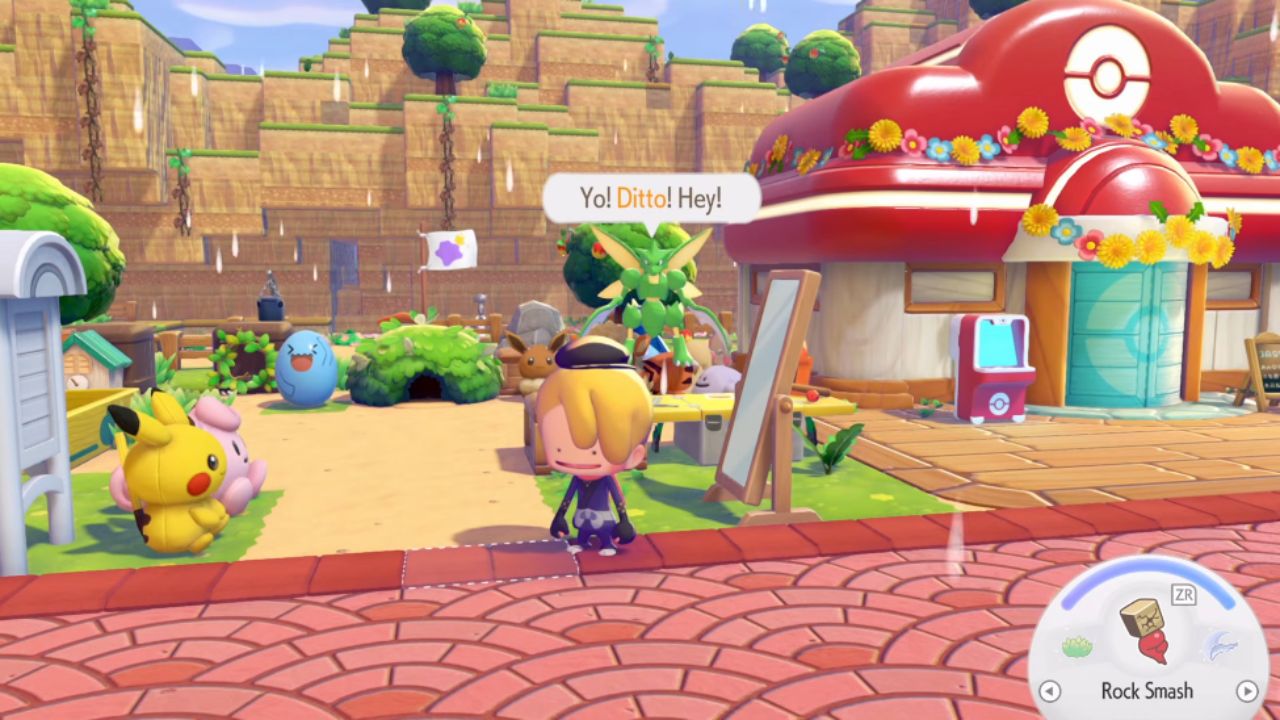
If you want a new style later, just go back to the Large Mirror and switch it again. That makes it one of the easiest quality-of-life items to keep around in your build.
Editor, NoobFeed
Latest Articles
No Data.