
Pokémon Pokopia Guide | How to Stop Rain
A quick guide to changing rainy weather into sunny weather in Pokémon Pokopia.
Game Guide by Jubair Baky on Mar 18, 2026
If it is raining in Pokémon Pokopia, there is a simple way to make it stop. This happens at the rain dance spot that you may remember from the Humidity Quest. During that part, the area keeps raining the whole time. The trick here is to return to that same place and change what is set there.
At the rain dance spot, bring Charmander instead of Squirtle. That is the key part. Once Charmander is there, flip the setup over to the sun. After that, have Charmander eat something at the spot. This changes the area from a water habitat to a sunny-day habitat. When that change is active, the rain will stop.
Where the Rain Dance Spot Is
The place you need is the same rain dance spot used earlier during the Humidity Quest. If you remember building or using it before, go back there first. That is the exact location where the weather can be changed.
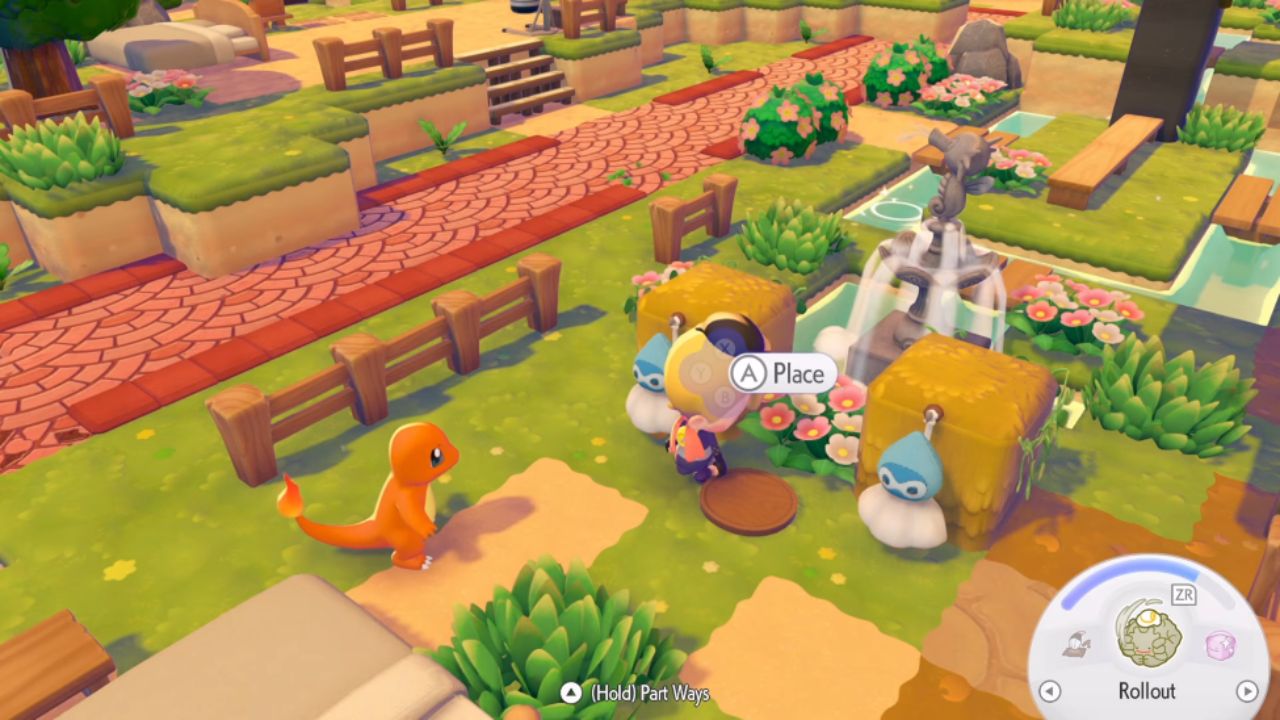
Use Charmander Instead of Squirtle
The next step is important. Bring Charmander over instead of Squirtle. The weather effect changes because Charmander is tied to the sunny version of the habitat. Once Charmander is in place, flip the setting over to sun.
This part is what changes the area away from the rainy setup. Without Charmander, the weather will remain tied to the water type.
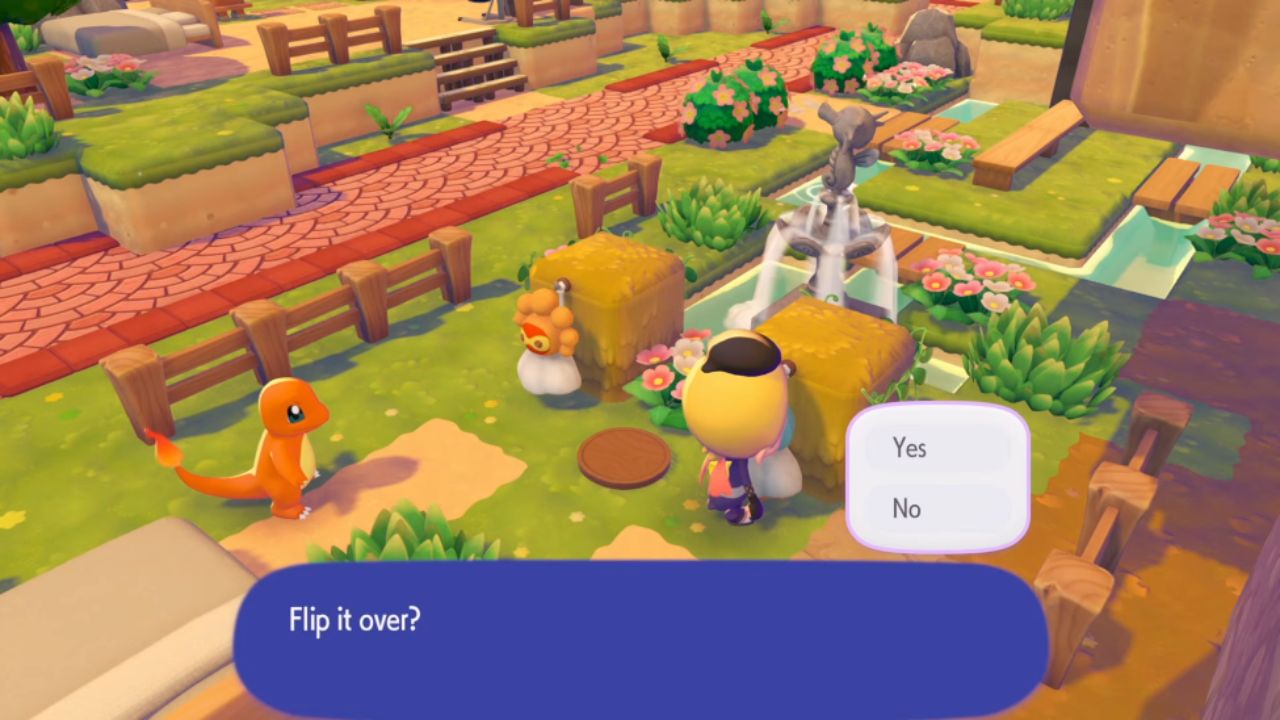
Turn the Area Into a Sunny Day Habitat
After switching to Charmander, have it eat something at the spot. Once that happens, the habitat changes to a sunny-day habitat instead of a water habitat. That is the moment when the weather setup is fully changed.
This is the part that actually stops the rain. If the area is still raining before the change, it should clear up once the sunny habitat is active.
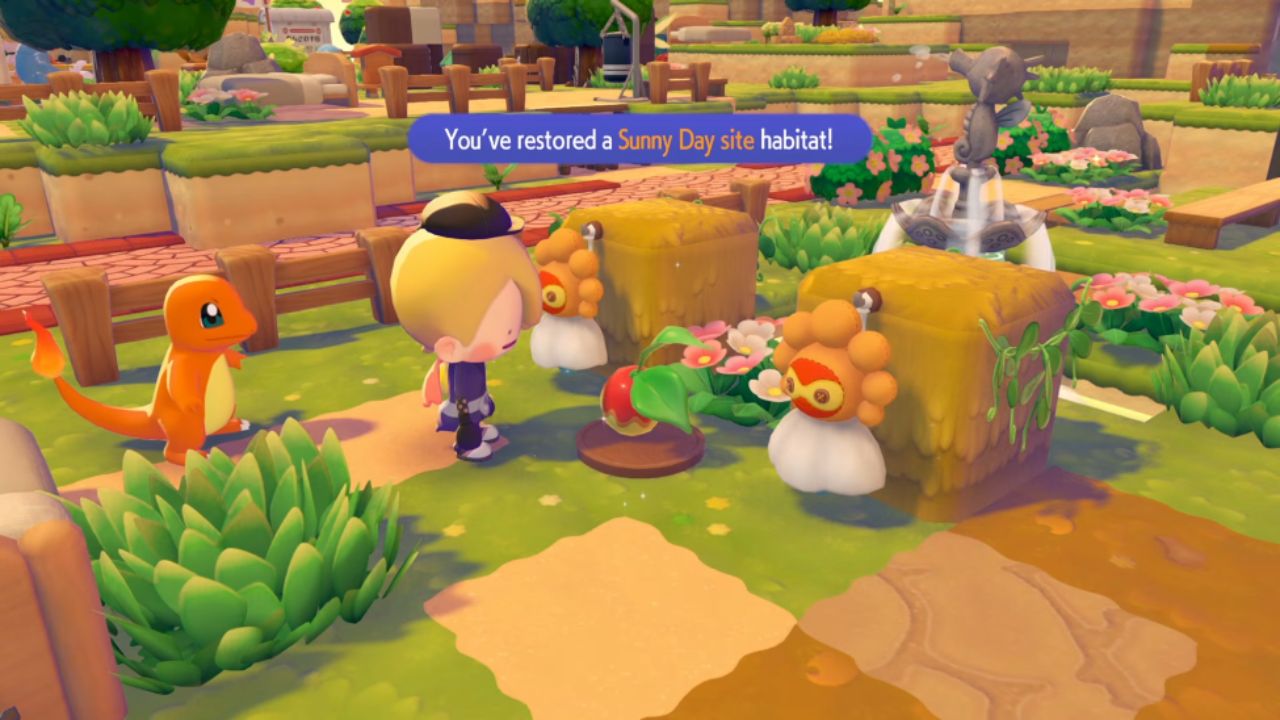
What Happens After Charmander Eats
When Charmander stands in the correct place and eats, the effect finishes. If it is raining, it will stop raining right after that. That is all you need to do. Go to the rain dance spot, use Charmander, switch the setup to sun, and let Charmander eat.
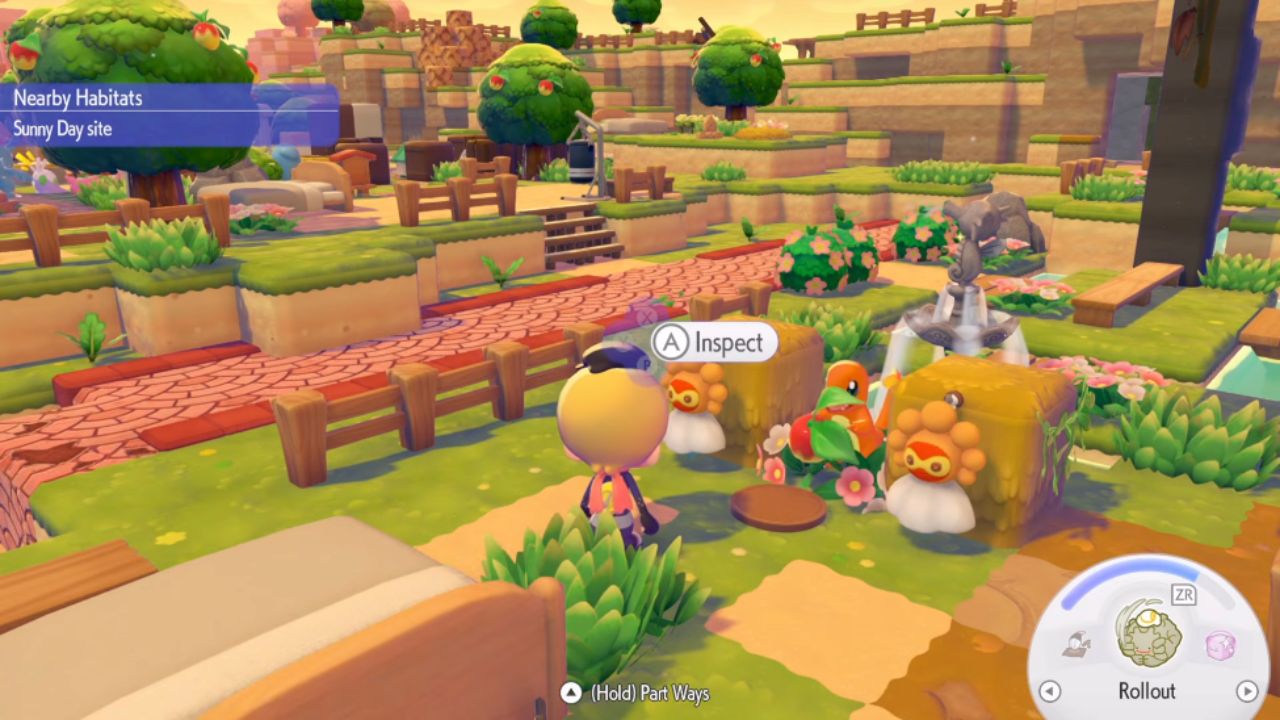
This method is quick and easy once you know the right location and the right Pokémon to use.
Also, check out our Pokémon Pokopia Review and other guides below:
- Pokémon Pokopia Guide | How to Find Chef Dante’s Buddy’s Book
- Pokémon Pokopia Guide | How to Get Hot-Spring Water
- Pokémon Pokopia Guide | How to Get 50 Electricity in Withered Wasteland
- Pokémon Pokopia Guide | How to Get the Washing Machine, Refrigerator, and Game Boy
- Pokémon Pokopia Guide | How to Fix Humidity Stuck at 71
- Pokémon Pokopia Guide | How to Get Fluff and Paper
- Pokémon Pokopia Guide | How to Get Onix’s Smooth Tall Grass Habitat
- Pokémon Pokopia Guide | How to Get Squishy Clay and Make Bricks
- Pokémon Pokopia Guide | How to Get Squishy Clay and Make Bricks
- Pokémon Pokopia Guide | How to Make Gimmighoul’s Mini Museum Habitat
- Pokémon Pokopia Guide | How to Wake Up Snorlax
- Pokémon Pokopia Guide | How to Get Beans, Tomatoes, and Wheat
- Pokémon Pokopia Guide | How to Play With Friends Online
- Pokémon Pokopia Guide | How to Move and Destroy Buildings
- Pokémon Pokopia Guide | How to Make and Move Water Sources
- Pokémon Pokopia Guide | How to Activate the Water Wheels in Withered Wasteland
- Pokémon Pokopia Guide | How to Raise Humidity for Slowpoke
Editor, NoobFeed
Latest Articles
No Data.