
Ryzen 7 9700X vs. 7800X3D: Real Gaming Performance After Proper Optimization
Benchmark-driven analysis showing why proper configuration dramatically improves Ryzen 7 9700X gaming and overall value
Hardware by Tasnim Yoshi on Jan 27, 2026
Many people said the Ryzen 7 9700X was not worth buying when it launched, and the reviews were mostly negative. But those early reviews raised an essential question: were the reviewers right, or could this processor really become the best for gaming? To find out, we need to look more closely at how the chip was tested and set up, and how it was misunderstood when it first came out.
Video Focus: Ryzen 7 9700X vs Ryzen 7 7800X3D
This study looks at two of the best AMD gaming CPUs. The Ryzen 7 9700X just launched, and the Ryzen 7 7800X3D is widely considered the best gaming processor right now.
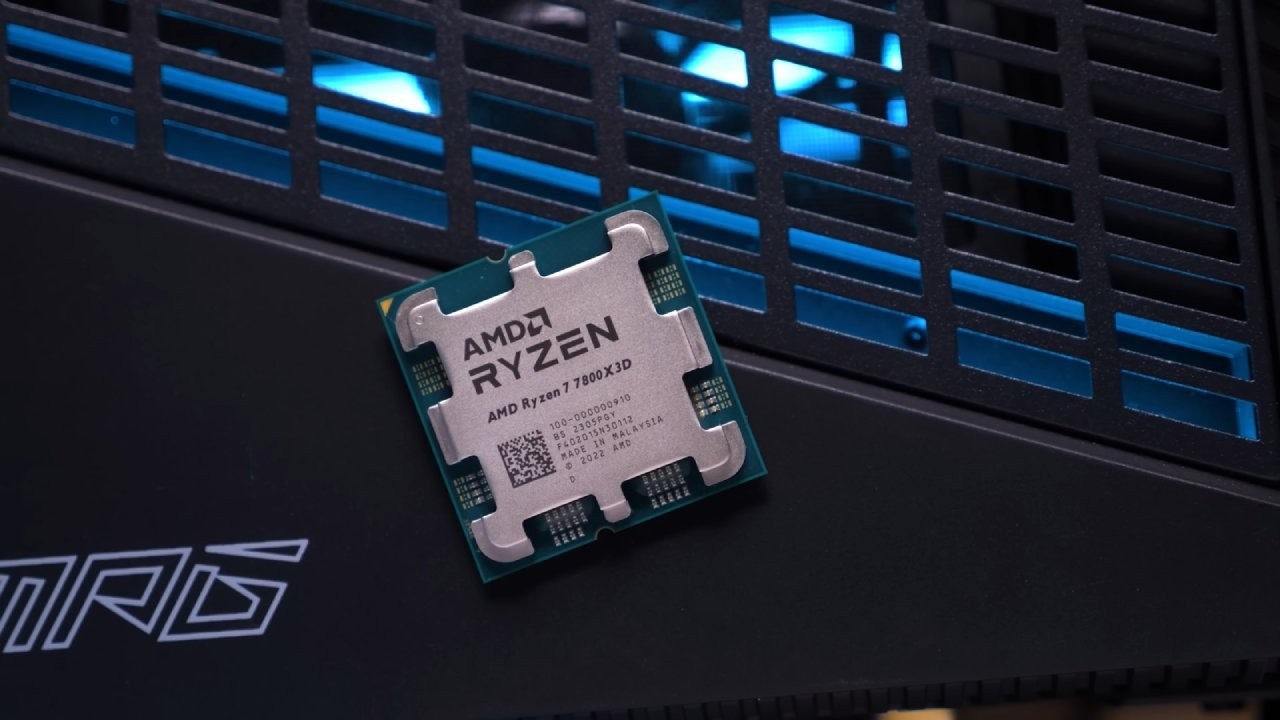
It is feasible to determine which CPU truly deserves the crown by evaluating performance across 18 titles and assessing professional workloads, power efficiency, and value.
We also look at the tsunami of bad reviews that came out on launch day, explain what went wrong, and show you how to get the performance that is plainly concealed inside the Ryzen 9000 series.
The plot varies a lot when the correct settings are used.
AMD Ryzen 9000Series Launch Issues
It would be a huge understatement to suggest that the launch of the AMD Ryzen 9000 series went badly. Most of the reviews published on the first day said the Ryzen 7 9700X was a big letdown for gaming.
Almost all of the big, well-known tech channels came to the same conclusion, with only a few exceptions. The LTT crew, who gave one of the first good assessments of the 9700X, was one notable exception. Their testing stood out, especially given the significant debate and pressure around launch coverage.
That being said, the very unfavorable story made many potential customers think the chip wasn't worth their time.
Are the Negative Reviews Valid?
The answer is yes and no. Most reviewers used a standard test method: they installed the CPU, paired it with DDR5 6000 RAM, enabled EXPO in the BIOS, and ran benchmarks. This method accurately shows performance right out of the box, and since most people do this, the data is correct.
But it doesn't reveal the whole story either. The factory set up the Ryzen 7 9700X very conservatively, which resulted in poor gaming performance. This wasn't the reviewers' fault; it was AMD's issue.
AMD should have worked closely with motherboard makers before the introduction to ensure different performance profiles were available, especially for CPUs that weren't X3D. The 7800X3D is fully optimized for the best performance right out of the box; this method doesn't work with regular Zen5 CPUs.
Most reviews didn't try to find out how well the 9700X could really perform. Instead, they put getting reviews out as quickly as possible at the top of their to-do list to stay competitive. It takes time to look into deeper optimization, and time means losing clicks, views, and money.
Because of this, many launch-day reviews lacked information and, in some cases, were not helpful as purchase suggestions.
Why CPU Gaming Tests Are Often Flawed
Another important problem is how many tech channels evaluate CPUs in games. A CPU or memory subsystem can only be properly tested under heavy stress. This usually means testing at low graphical settings and 1080p, where the GPU isn't as much of a problem.
Some reviewers use this strategy, but others do not. Testing CPUs at extreme settings, for instance, greatly reduces the CPU's burden and makes performance differences less noticeable.
This makes it seem like CPUs work the same way, when in reality their true capabilities are hidden by GPU limits. The CPU scaling and gaming performance are significantly apparent at medium or low settings.
AMD’s Response to the Backlash
After the first wave of criticism, AMD published a lengthy blog post explaining the differences between its gameplay statistics and reviewers' conclusions.
AMD said that a number of factors played a role, including the choice of games, DDR5 6000 memory configurations, virtualization-based security enabled in Windows, and a newer branch prediction optimization that is not currently available in public Windows versions.
AMD also taAMD also discussed how consumers might achieve higher performance with Ryzen 9000-series CPUs by using an AMD-specific branch prediction algorithm available in the Windows 11 24H2 preview.his change will help Zen3, Zen4, and Zen5 CPUs and that work is underway to make it available to more people. But this also revealed another mistake: AMD hadn't worked with Microsoft to ensure this improvement was ready for launch.
What Actually Improved Performance
More research showed that the new branch prediction algorithm was not the main reason for most of the speed improvements seen in Windows 11 24H2. Instead, they were mostly caused by the fact that memory integrity was off by default in that version, but it is on by default in other Windows 11 releases.
The optimized branch prediction technique works best when memory integrity is configured identically across all versions.
The real increase is closer to 3%, which is significant but not nearly as high as the 10% first suggested. The good news is that you can now get these updates for Windows 11 23H2 without installing preview builds.
What You Should Do First
If you have Windows 11, the first thing you need to do is install the latest update for version 23H2, which includes the improved branch prediction algorithm. This gives all AMD Ryzen CPUs a tiny but noticeable boost in performance. But just updating the operating system isn't enough to really unlock the Ryzen 7 9700X.
Test Setup and Methodology
An AM5 open bench configuration is what the benchmark system is built around. For comparative testing, it has a Gigabyte X670 Aorus Master motherboard, G.Skill Trident Z5 Neo 32GB DDR5 6000CL30 memory, and an extra DDR5 6400CL32 kit.
An Asus ROG Strix GeForce RTX 4090 OC handles graphics. It is combined with a 360mm AIO liquid cooler, a 2TB NVMe Gen4 SSD, and a 1200W platinum-rated power supply.
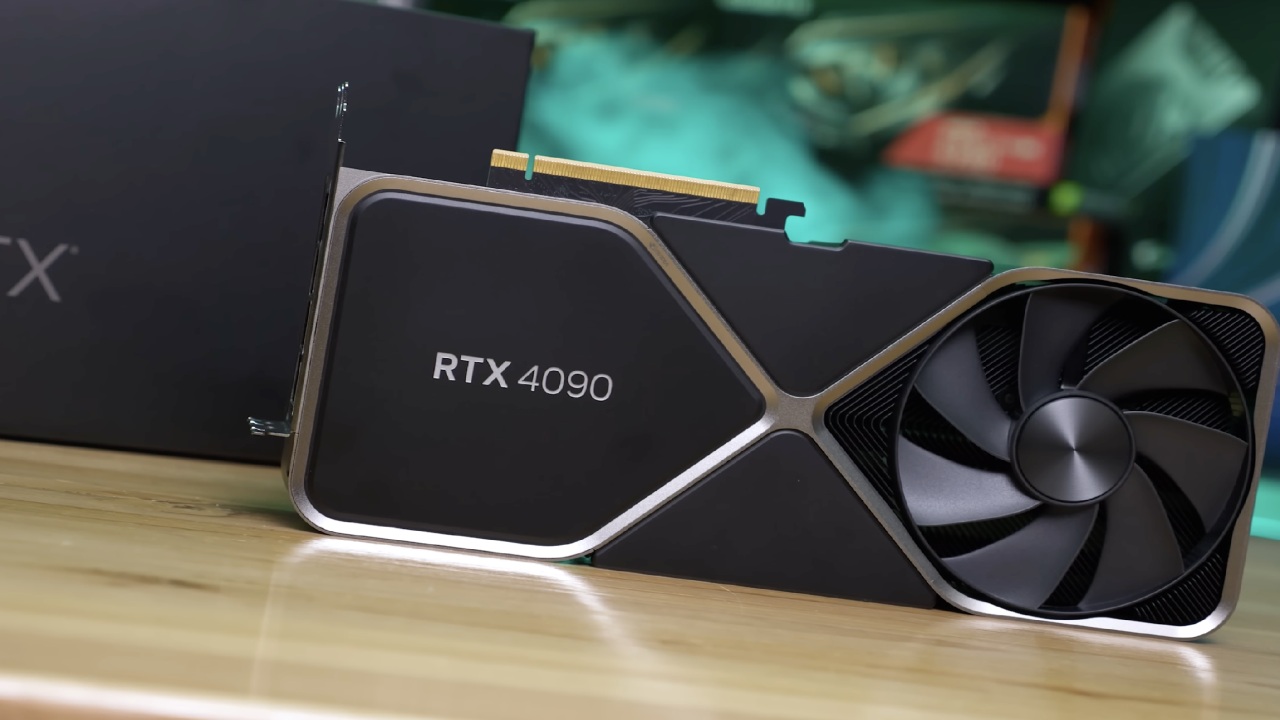
We did all the tests with the GPU running at its default clocks. Both CPUs were undervolted with a -30 all-core curve optimizer offset, which worked well across several Ryzen 9000-series samples. Both CPUs had EXPO enabled for memory, although they were tested individually with the best memory settings for each.
The 7800X3D has a huge L3 cache, so it's less likely to need to access memory often; hence, memory performance doesn't matter much. Testing showed that DDR5 6000 and DDR5 6400 had very little effect on performance.
The 9700X, on the other hand, clearly got better with faster RAM. It was tested with DDR5 6400EXPO, the fastest stable speed while maintaining a 1:1 memory controller ratio.
We did benchmarks at 1080p low settings to put the most stress on the CPU, 1440p medium settings to balance the CPU and GPU workloads, and 4K ultra settings to test GPU-limited situations. This method shows how different types of gamers really set up their systems.
Gaming and Productivity Performance
The Ryzen 7 9700X performed almost as well as the 7800X3D across 18 games, including several current titles that require significant CPU power. In many cases, the differences were so slight that it was hard to pick a clear winner.
The 7800X3D is known for being a great gaming machine, so this is a great outcome. The 9700X had higher boost clocks than the 7800X3D, making it better at professional tasks like Blender. This made it a better all-around choice for people who play games and make content.
The 7800X3D is still more power-efficient, but with enough tweaking, the 9700X can get close to the same level of efficiency, but it will lose some gaming performance.
How to Optimize the Ryzen 7 9700X
You need to make some BIOS changes to get the most out of the Ryzen 7 9700X for gaming. First, you need a high-speed DDR5 6400 memory kit with EXPO enabled. We manually adjusted the tested CL32 kit to match the stricter CL30 timings while maintaining stability.
Second, use the curve optimizer to undervolt all cores. You may find this under the BIOS settings for AMD Overclocking and Precision Boost Overdrive. Third, the power restriction of 65W must be raised. Setting PBO restrictions to the motherboard on motherboards that support it greatly increases power headroom.
A platform thermal throttle limit of about 80°C is recommended to keep things cool. This limits the temperature from getting too high and prevents the boost from becoming too aggressive. Fourth, raising the highest CPU boost frequency by 100MHz lets the chip reach 5.6GHz, which turned out to be the best performance level.
Fifth, raising the Infinity Fabric frequency to about 2133 MHz provided even greater benefits and was easier to achieve on Ryzen 9000 series CPUs than on earlier versions.
Finally, making memory subtimings tighter can lead to small benefits. Many motherboards have automatic settings that go beyond conventional EXPO profiles. These options are worth verifying with stability tests.
Optimization Summary
To get the best gaming performance out of the Ryzen 7 9700X, we suggest installing high-speed DDR5 6400 memory with EXPO enabled, applying a negative all-core curve optimizer undervolt, raising the CPU power limits with a thermal cap, raising the maximum boost clock, increasing the Infinity Fabric frequency, and fine-tuning the memory subtimings.
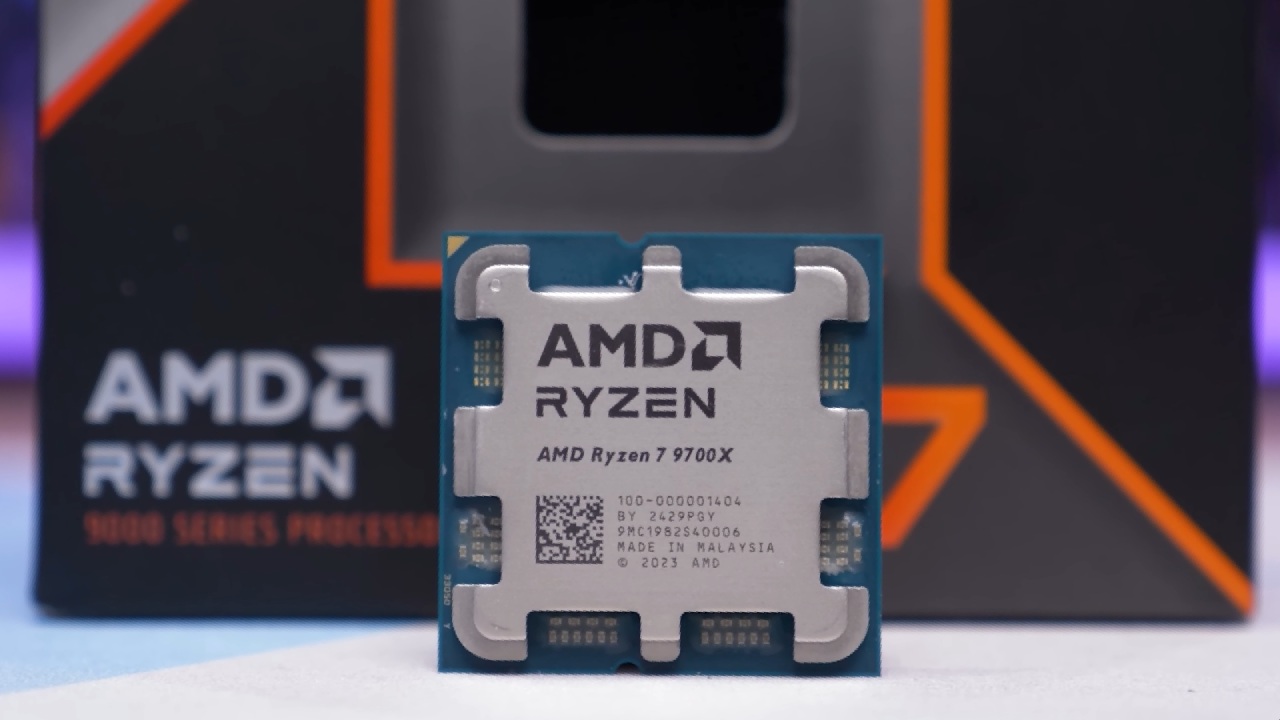
After every modification, it's important to use memory and CPU stress-testing tools to verify stability.
When fully tuned, the 9700X performs far better than standard settings and is very close to, or even better than, the 7800X3D in several situations.
These discoveries were important since they didn't depend on extreme outcomes in the silicon lottery.
Final Verdict: Who Wins and Why
When you look at the results of each round in 18 games, it's very much a tie, with victories, losses, and ties spread out evenly. The 9700X's success against the 7800X3D is impressive on its own, given how strong the 7800X3D has been in the past.
When you add in the expense, the equation changes even more.
A Ryzen 7 9700X with DDR5 6400 memory costs about 10% less than a 7800X3D with DDR5 6000 memory, but the two cards have similar gaming performance. The 9700X is about 10% better value at 1080p, with fps per dollar.
Recommendation
There is no cause to be upset if you already own a Ryzen 7 7800X3D. It still has the best gaming performance in its class. But if you're creating a new gaming PC, the Ryzen 7 9700X is now the better option. It performs as well as most games, delivers better productivity outcomes, and does so for a lot less money overall.
The Ryzen 7 9700X shows that early reviews didn't fully capture its capabilities when properly configured. The crown has changed hands, and the new gaming king is here.
Also, check our other AMD articles below:
- AMD Ryzen 9 9950X3D Review: Setting The Standard For 2025 Gaming CPU
- AMD Ryzen 7 9800X3D Review: 3D V-Cache Goes God Mode with Stunning Gaming Performance
- AMD RX 9070 Performance Review: Thermals, Clocks, and Real-World FPS
- AMD Ryzen 5 7600 Review: Best Budget Gaming CPU of 2025?
- AMD Radeon RX 7800 XT Review: RDNA 3 Power For Midrange Gaming
- Sapphire NITRO+ AMD Radeon RX 9070 XT Review: The Ultimate 4K Gaming GPU
- AMD Ryzen 7 7800X3D: Delivers Gaming Performance Far Beyond Expectations
- AMD Ryzen 9 7900X Review: Powering the AM5 Era with DDR5 & PCIe 5.0
- Intel Core i9‑14900K vs. AMD Ryzen 7 7800X3D: Power Profiles & Gaming Benchmarks
Subscriber, NoobFeed
Latest Articles
No Data.