
Steam Deck Update Adds New Home Screen Features and Remote Play Improvements
The latest Steam Deck update introduces home screen customization, improved remote play streaming, Steam Input changes, and controller firmware fixes.
Handheld by Shinji Okazaki on Oct 16, 2026
The latest Steam Deck client update adds home screen changes, remote play improvements, Steam Input updates, and tweaks to system settings. The update adds new customization options, improves game streaming quality, and fixes bugs across the system. It also changes how non-Steam Windows games use Proton and introduces updates for Steam Controller connectivity and performance.
One of the main additions is a new big-art option for the Steam Deck home screen. This adds another way to customize the interface by displaying larger game artwork when you browse the library. The artwork takes up the entire screen, giving the interface a cleaner look that more closely resembles a console interface.
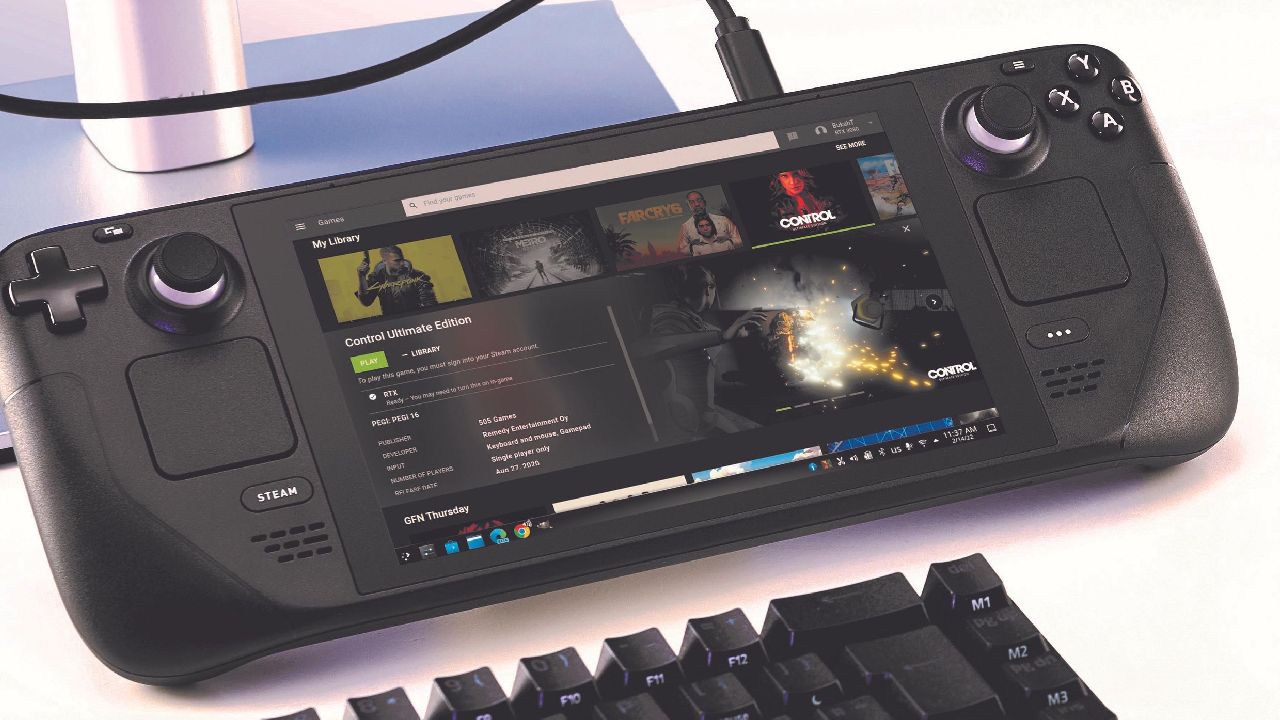
Steam Deck Gets New Home Screen Customization Options
The personal calendar feature is also available on the home screen under the recommendation tab. It shows upcoming game releases that may interest you based on the games in your library. The update also introduces a new screen saver option. When the Steam Deck remains idle, it can display game artwork, custom screenshots, or a retro-inspired bouncing logo.
You can enable Big Picture mode through the Home tab in Settings, while screen saver options are available under the Customization tab. The experimental Pyroave video codec is now available for Remote Play. It is designed for high-bandwidth, low-latency streaming, letting you stream games with better image quality and less lag.
If you have a fast internet connection and use Remote Play to stream games from a more powerful computer to the Steam Deck, the new codec is worth checking out. It is intended to improve the streaming experience when your network bandwidth supports it. The update also improves Vulkan capture performance and color accuracy.
These changes help deliver a better image when streaming games through remote play. With the new codec and these improvements, game streaming should deliver a better experience, especially when your internet connection can support the required bandwidth. The update includes several other changes designed to improve the Steam Deck experience.
The firmware improves rumble emulation and reduces the time it takes the controller to connect to Steam fully.
A new notification identifies the current user when the device wakes from sleep, while an additional confirmation step appears when switching to desktop mode. The update also adds a new warning when an action could shut down a game currently being played. Download speeds have improved, and we updated the voice chat tab and achievement notification layouts.
Another change affects Windows games added to Steam as non-Steam games. These games will now use Proton by default. Previously, you had to open the game's properties and manually enable the Proton compatibility layer. The new behavior removes that extra step, making it easier to run Windows games added outside the Steam library.
Steam Input also receives several updates, particularly for users who create multi-binding configurations. The configurator now includes a new view for games using the Steam Input API, with actions listed separately. A new multi-binding page visualizes the timeline of command outputs, making it easier to understand how different commands work together.
Editor, NoobFeed
Latest Articles
No Data.