
Titan Quest II Beginner's Guide | Gameplay Tips & Tricks
Here are some Titan Quest 2 beginner tips and tricks to get you going.
Game Guide by Ragib Rawnak on Aug 05, 2025
Titan Quest II preserves the essential components of the original game while adding several new features. This guide will help you with the updated mechanics regardless of your level of familiarity with the series.
.jpg)
Options for Movement and Control
You move around with your left mouse button by default, and your main attacks only work with the right mouse button or specific hotkeys.
You can change these settings if you'd rather use the classic Titan Quest control scheme in Titan Quest 2.
Find the mouse and keyboard section by navigating to the options menu and selecting Controls. Turn on the "combine movement interacted ability on LMB" feature.
Scroll down to find ability slot 10 once this feature is activated. To complete the setup, click on it and assign the left mouse button.
This setup mimics the control scheme of the original game by enabling you to move, interact, and attack with just the left mouse button.
Item Rarity Color System
The color scheme for item rarities in the sequel is different from that in the original game. The rarity tiers remain the same, but the matching colors have changed.
Items in the original Titan Quest were blue to signify Epic quality and yellow to signify Magical rarity.
This system is inverted in the sequel, where purple coloring is used for Epic Items and blue for Magical rarity. In the original game, purple was only used for Legendary items.
The legacy color setting, which restores the original Titan Quest color system for item rarities, can be enabled in the game's options to return to the recognizable color scheme in Titan Quest 2.

Mechanics of Potions
The potion system operates differently compared to its predecessor. Your character can equip two potions simultaneously: one Health Potion and one Energy Potion.
These potions can possess affixes that grant various character buffs, such as five health regeneration per second, one Energy regeneration per second, or other advanced statistical bonuses.
Initially, you can use your Health Potion twice and your Energy Potion once before requiring refills.
You must use your spells and attacks to hit enemies to restore Health Potion charges. A charge automatically refills after you've accrued enough combat actions.
Your Energy regeneration statistics are the only factor that determines how well Energy potion restoration works.
Prioritize developing your character's capacity for Energy regeneration through equipment and skill investments if you want regular access to Energy potions.
World Navigation and Verticality
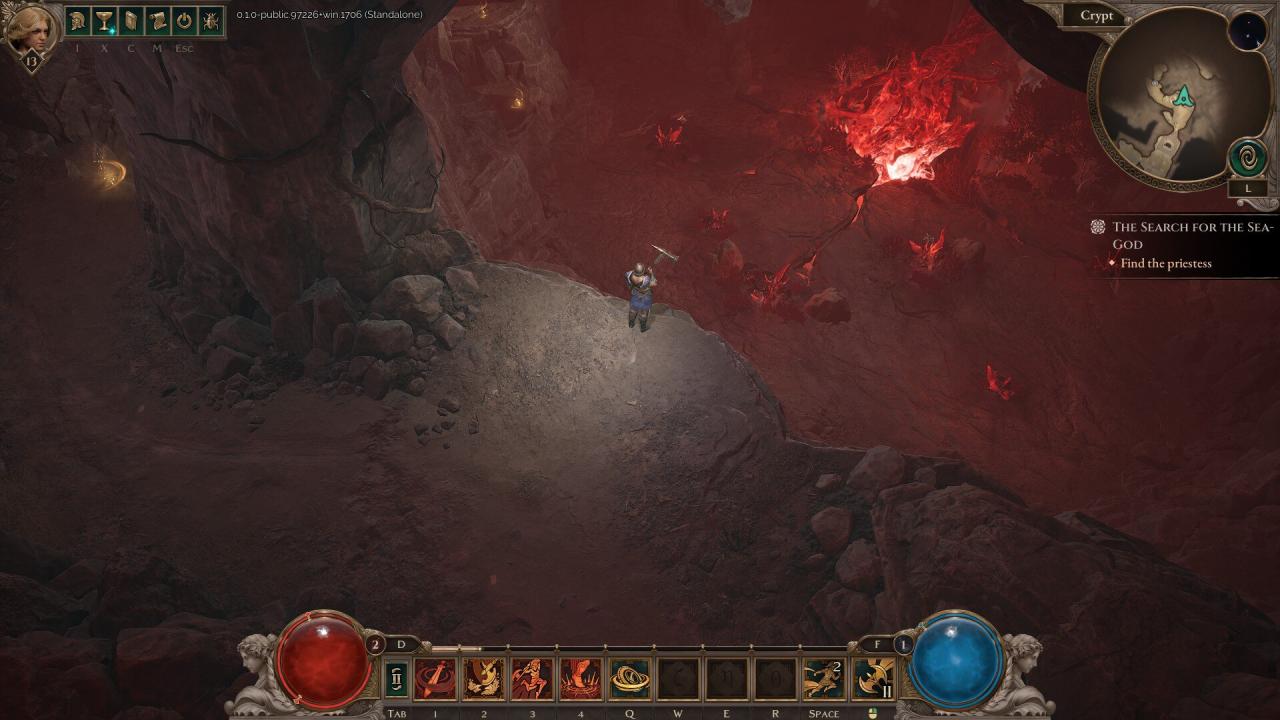
Numerous vertical design elements in the game world necessitate the use of particular navigational strategies in Titan Quest 2.
You'll come across barriers that require you to press buttons to pass through or climb over them. Click the left mouse button once you see the bright yellow effects that indicate interactive elements.
To get past these obstacles, your character will take the appropriate actions on its own. Sometimes you'll have to use the left Alt button instead.
Keep in mind that specific jumping locations only permit one-way travel, so if you are unable to return using the same path, don't assume you have run into a bug.
Pay attention to visual effects on Cliffs, Ledges, Ladders, and similar environmental features to identify navigation opportunities.
Altar of Benevolence
Shortly after completing the prologue, you'll discover the Altar of Benevolence. Interacting with this statue presents three selection options, each corresponding to one of your character's three main attributes.
The kind of random weapon you'll be rewarded with depends on your selection. Examine your character's three main statistics in the attributes window before choosing.
To make sure you get a weapon that fits your character build and prevent making a less-than-ideal selection, pick the option that corresponds with your most developed attribute.
Hidden Content and Secret Areas
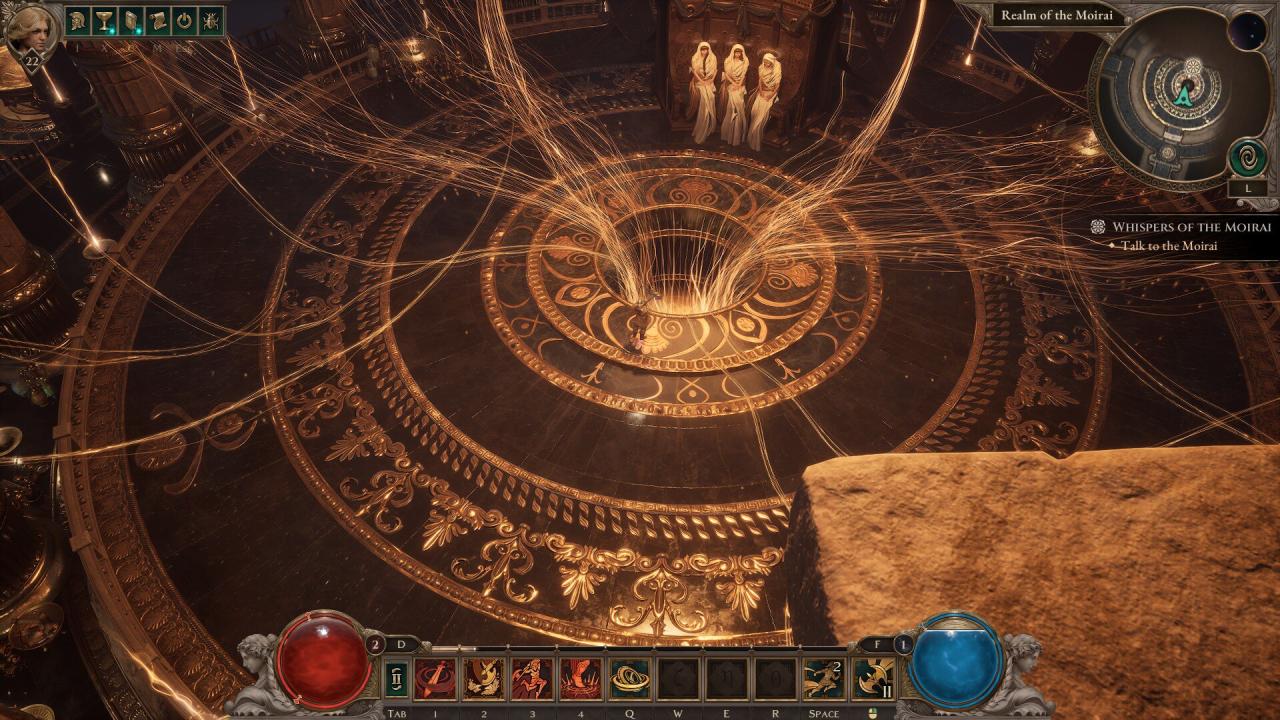
There are many hidden passageways and secret rooms in the game world that lead to priceless treasures. The journey through the vast game world gains depth thanks to this exploration component.
To unlock doors, you may occasionally need to remove obstructions and turn on triggered devices. At other times, you have to find tiny passageways or corridors concealed by natural features and rocks.
These hidden areas reward thorough exploration and provide additional loot opportunities for players who invest time in searching every corner of the game world.
Mastery System
You begin at level one, and the game utilizes the dual mastery system from the original Titan Quest, though with modifications to its functionality.
Unlike the original, where you unlocked your first mastery at level two, this sequel unlocks masteries through story progression in Titan Quest 2.

Your first mastery becomes available inside the Mysterious Cave during the prologue, while the second mastery unlocks in the Ruins Passage later in the same prologue section.
With every level boost, you gain divinity points that you can use to move up the mastery tiers. However, some story moments offer multiple divinity points as rewards, and each level-up awards one divinity point.
Instead of focusing only on level requirements, this system links character development to story progression.
Death and Resurrection
You respawn at the most recently activated rebirth waypoint after your character dies. You can teleport back to where you fell because the waypoint shows a beam that indicates where you died.
Your death spot appears as a sign on the map, which you can click to travel there directly. Alternatively, you can click the grave sign located on the left side of the interface bar for quick access to your death location.

Quest Management
To review available main and side quests, open the map interface, as the quest log integrates with the mapping system in Titan Quest 2.
To view the quests that go along with each chapter, you can choose from two categories: While World Quests include side missions, Fated Quests are the primary storyline missions.
Incomplete quest names are shown in this window; clicking on any name provides comprehensive details.
When the slider for the active quest is clicked, all completed quests are displayed for reference.

Difficulty and Character Customization
The Ritual Shrine serves as your tool for adjusting game difficulty and respecing attribute points, allowing you to redistribute them according to new strategies.
You can increase difficulty through two methods: elevating enemy levels by up to 10 levels above their base, or setting the minimum level of all enemies in an act to match your character's level.
This second option enables you to return to earlier game areas where enemies initially had low levels and farm them at your current character level.
Higher difficulty settings provide improved loot rewards but increase combat challenge accordingly.
The shrine also offers a third option to respawn previously defeated enemies, allowing you to fight them again without reloading the entire game session in Titan Quest 2.
Also, check our Titan Quest II Review and other guides below:
- Titan Quest II Guide | How to Complete The Naiad and the Goats World Quest
- Titan Quest II Guide | How to Complete the Cages in the Dark Rescue Quest
- Titan Quest II Guide | How to Complete the Smoke Over Pyrgos Village Quest
- Titan Quest II Guide | How to Complete The Cursed Nymph Side Quest
- Titan Quest II Guide | How to Complete the Wardens of Time Story Quest
- Titan Quest II Guide | How to Complete The Ichthian King Boss Quest
- Titan Quest II Guide | How to Complete the Stolen Divinity Fated Quest
- Titan Quest II Guide | How to Complete The Gift of Prophecy Act 2 Quest
- Titan Quest II Guide | How to Complete the Whispers of the Moirai Investigation Quest
- Titan Quest II Guide | How to Complete The Search for the Sea-God Campaign Quest
- Titan Quest II Guide | How to Complete The Town on the Hill Discovery Quest
- Titan Quest II Guide | How to Complete the Queen of the Mountain Main Quest
- Titan Quest II Guide | How to Complete the On a Strange Shore Story Quest
- Titan Quest II Guide | How to Complete A Desperate Flight Fated Quest
- Titan Quest II Guide | How to Complete the Defend Proti Village Combat Quest
- Titan Quest II Guide | How to Complete the Trickstar Shrine Quest
- Titan Quest II Guide | Storm Blade Build
- Titan Quest II Guide | Ice Shard Build
- Titan Quest II Guide | How to Get Epic Items
- Titan Quest II Guide | How to Farm Gold
- Titan Quest II Guide | The Best Rogue Trickshot Build
Senior Editor, NoobFeed
Latest Articles
No Data.