
ARC Raiders Performance Test on ROG Ally X With Z2 Extreme Chip
Practical performance observations reveal frame rate behavior during combat, traversal, and extraction scenarios.
Hardware by Shinji Okazaki on Feb 03, 2026
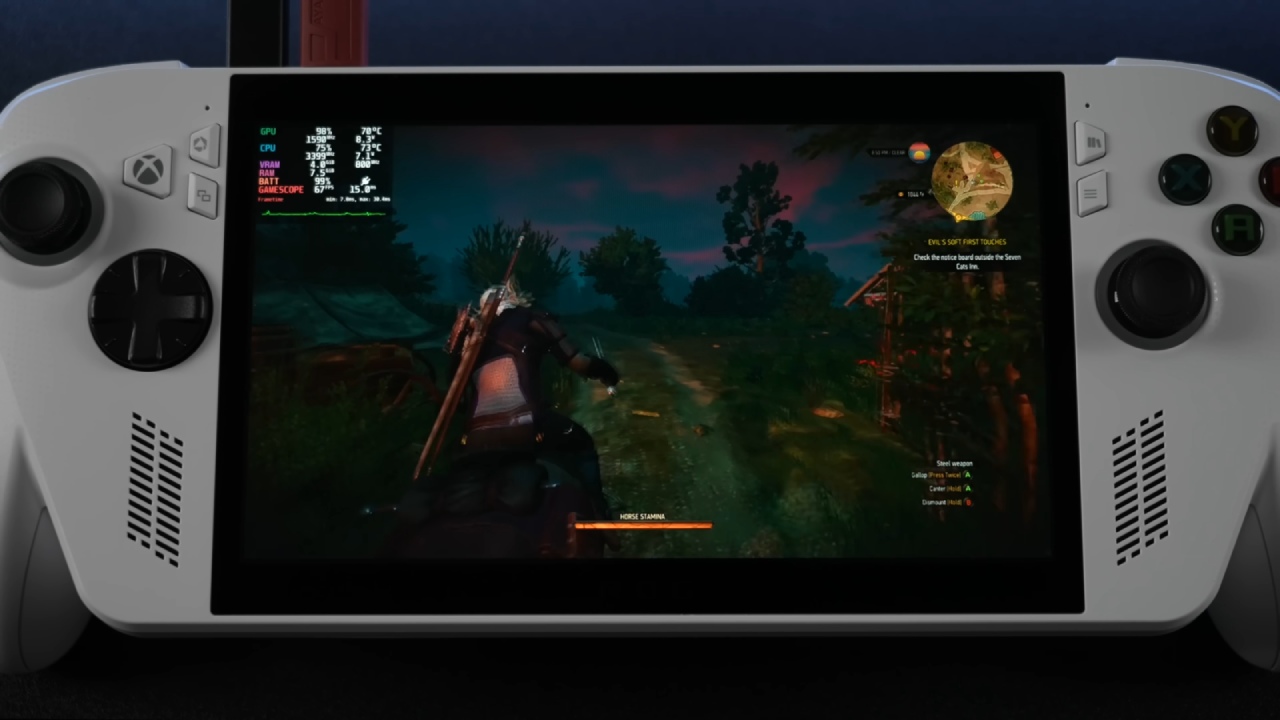
We test ARC Raiders on the ROG Ally X with the Z2 Extreme AI chip to see how well it performs in real-world testing across varied graphics and power settings. The key concern is how the game operates during a real mission, not just benchmark results. The game should run smoothly, be stable, and be easy to play on a portable PC.
The system has a 17W performance TDP, which is a balance between performance and battery life. With battery protection, the battery can only charge up to 79%, and the session starts at about 65%. The idea is to see how well ARC Raiders works at lower power levels before turning up the wattage. An in-game performance overlay is turned on so you can keep an eye on your fps and how your system works while you play.
.jpg)
First Time Playing at 17W
When the resolution is 1080p, FSR3 is set to Balanced, and the graphics are set to Medium, the average frame rate is between 49 and 50 fps inside. The VRR display makes the experience feel smooth, even when the frame rate changes a little. The sound from the speakers stays clear and powerful throughout games, making the experience even more immersive.
Open Areas: Differences in Performance
When you go outside, the frame rate drops to the mid-40s, typically 45-47 fps. Even though the number decreased, the game remains stable. Even with Medium settings, the smaller screen helps keep the picture clear, so fine details aren't as important. However, the picture is still readable during fights and travel.
Changes to Graphics and Tuning of FSR
Changing FSR3 from Balanced to Performance makes a small difference, raising frame rates to about 54 fps in some regions, but the improvements aren't consistent. When you set shadows and reflections to Low, performance improves slightly, and frame rates can sometimes hit 55 fps, but they never stay at 60 fps at 17W.
Power Boost to 25W
Increasing the TDP to 25W makes a big difference. Frame rates stay close to 60fps; they can go higher after the frame cap is lifted, hitting 62-69fps depending on the scene. Setting the frame rate to 120hz shows that ARC Raiders can run far better than a console on a handheld when it has more power.
Battery Impact and Power Scaling
When the wattage is increased, the battery drains faster, and the charge drops to about 57% after a long time of playing. Going back to 17W right away brings performance back down to the mid-50fps range.
Stability and Extraction in Gameplay
During fights and when you fight enemies, frame pace stays the same, so there aren't any big stutters. At the end of the session, successful extraction indicates that the system is stable, even after many power and setting adjustments while playing.
Final Thoughts
There are many places where ARC Raiders works well on the ROG Ally X. Performance stays around 50 fps at 17W with Medium settings and FSR3 turned on. It gets to 60 fps and above at 25W. The experience puts smooth gameplay ahead of huge numbers, showing that mobile PC games can work well even when the power settings aren't at their highest.
Also, check our other AMD articles below:
- AMD Ryzen 9 9950X3D Review: Setting The Standard For 2025 Gaming CPU
- AMD Ryzen 7 9800X3D Review: 3D V-Cache Goes God Mode with Stunning Gaming Performance
- AMD RX 9070 Performance Review: Thermals, Clocks, and Real-World FPS
- AMD Ryzen 5 7600 Review: Best Budget Gaming CPU of 2025?
- AMD Radeon RX 7800 XT Review: RDNA 3 Power For Midrange Gaming
- Sapphire NITRO+ AMD Radeon RX 9070 XT Review: The Ultimate 4K Gaming GPU
- AMD Ryzen 7 7800X3D: Delivers Gaming Performance Far Beyond Expectations
- AMD Ryzen 9 7900X Review: Powering the AM5 Era with DDR5 & PCIe 5.0
- Intel Core i9‑14900K vs. AMD Ryzen 7 7800X3D: Power Profiles & Gaming Benchmarks
Editor, NoobFeed
Gaming Hardware Updates
No Data.