
Asus ROG Flow Z13 vs. M4 Pro MacBook Pro: Gaming Tablet against Apple Silicon
AMD Ryzen AI Max Plus 395's multi-core throughput and Apple M4 Pro's single-core efficiency benchmarked using both synthetic and real-world tests
Hardware by Tanvir Kabbo on Aug 02, 2025
Asus ROG Flow Z13 arrives as a groundbreaking detachable tablet sporting the powerful AMD Ryzen AI Max Plus 395. Opposing it is the MacBook Pro equipped with Apple's latest M4 Pro. Both machines redefine thin-and-light computing, blending high performance with sleek portability.
We explored how each device stacks up across design, processing power, graphics, thermals, and real-world workloads.
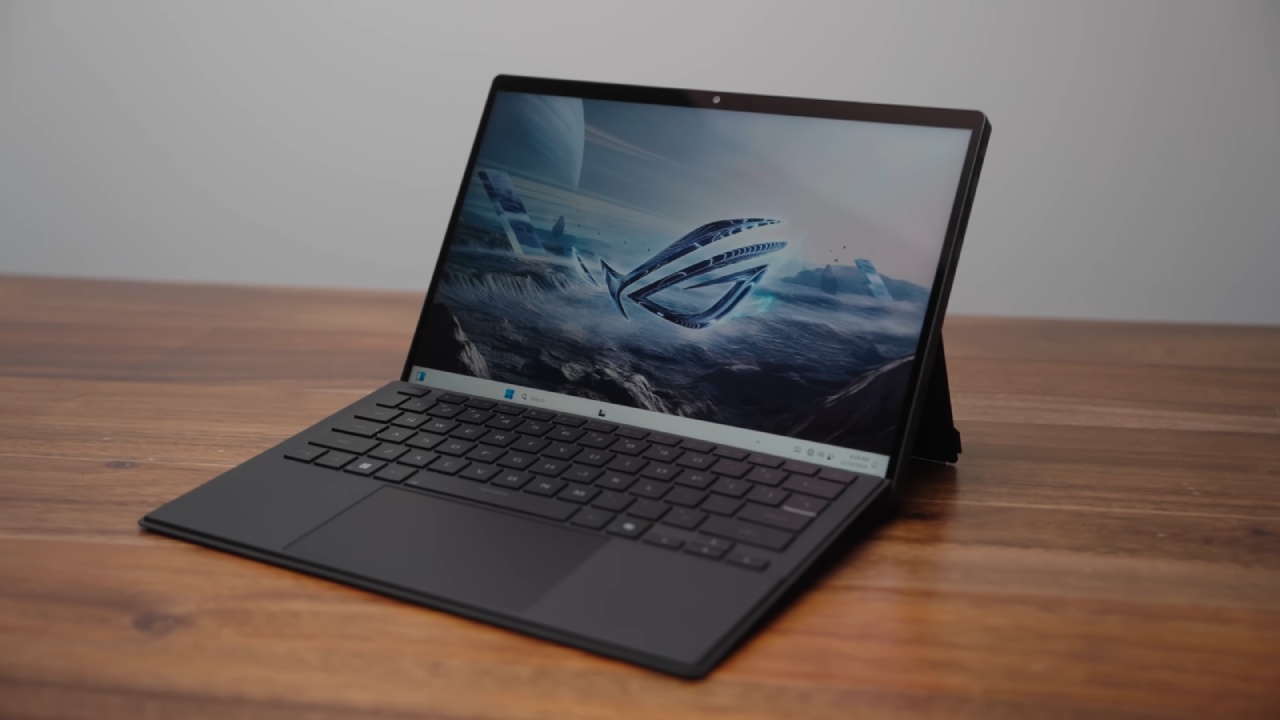
Design Differences
On one side, ROG Flow Z13 transforms from tablet to laptop with a detachable keyboard and integrated kickstand. Its CNC-ed aluminum chassis features a transparent window revealing the mainboard. You'll find a microSD slot, USB 4, HDMI 2.1, and a standard USB-A port—all in a tablet form factor.
It's a 2.5k 180Hz display that covers the DCI-P3 gamut, and support for up to 128GB of RAM makes it a versatile powerhouse. On the other hand, M4 Pro MacBook Pro consolidates performance in a traditional clamshell design.
While limited to 64GB of RAM and configurations up to 1TB of storage, it boasts Apple's refined build quality and ecosystem integration.
CPU Performance (Geekbench 6)
Z13's AMD Ryzen AI Max Plus 395 offers 16 cores with a 5.1 GHz boost, while M4 Pro utilizes a 12-core design with high-efficiency and high-performance cores. In our single-core Geekbench 6 test, MacBook Pro scored 26% higher than ROG Flow Z13.
Multi-core performance narrowed the gap to an 11% advantage in favor of M4 Pro. That leap, driven by TSMC's 3 nm process for Apple versus 4 nm for AMD, marks the biggest jump in Apple's chip lineup in years.
CPU Performance on Battery
We then evaluated both devices unplugged. Flow Z13, limited to balanced fan and power modes when on battery, suffered a steep drop: its multi-core performance fell behind by 54% compared to M4 Pro.
While you'll want to keep Z13 plugged in for sustained workloads, MacBook Pro maintains higher performance even without AC power.
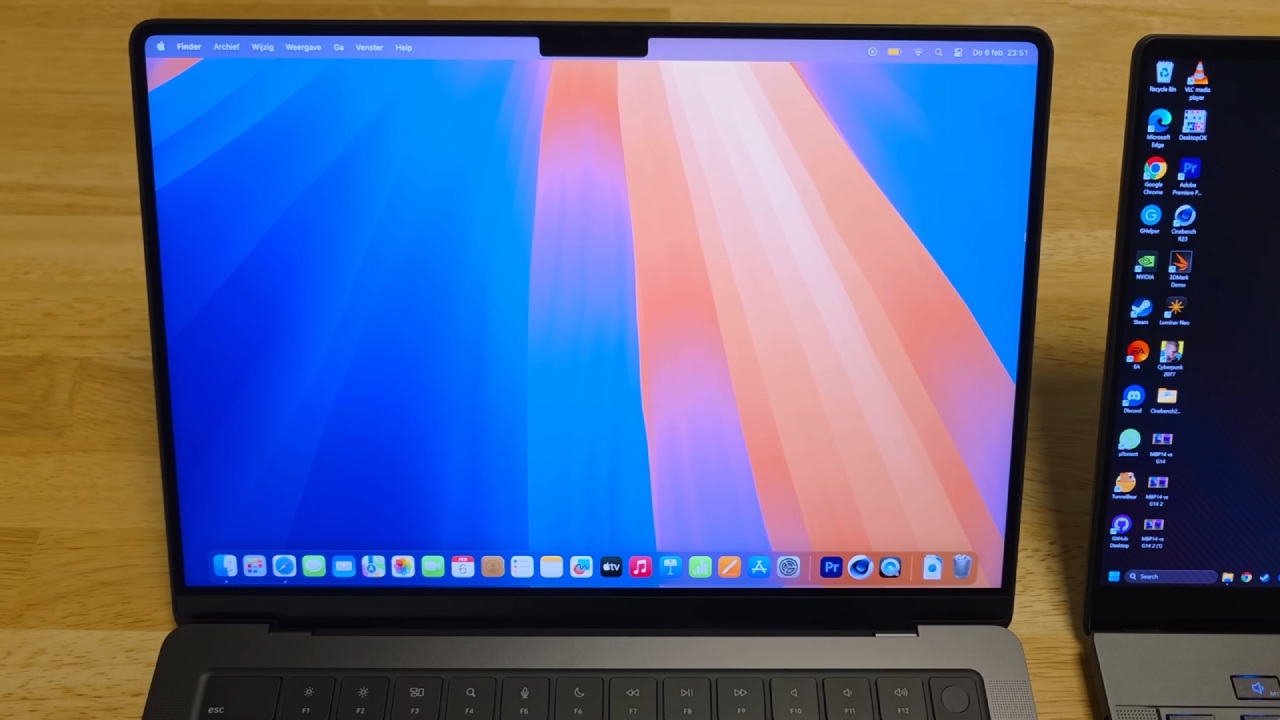
GPU Performance (Geekbench 6 Metal & 3DMark Steel Nomad Light)
For compute tasks, M4 Pro's 40-core GPU achieved a 100,000 Metal score versus 83,500 on the Z13—a 19% lead. In gaming tests using 3DMark Steel Nomad Light, Flow Z13 managed 63.34 FPS compared to 49.8 fps on MacBook Pro, a 27% advantage.
Z13's native x86 architecture delivers maximum game compatibility without translation layers, giving you unrestricted access to PC titles.
Cinebench 2024 Stress Test and Thermals
Under Cinebench 2024 stress, Z13 sustained clocks around 3.1–3.2 GHz, peaking at 108 °C before settling near 95 °C. MacBook Pro ran all cores at around 3.9 GHz and peaked at 81 °C.
Using a thermal camera after eight minutes, we observed exhaust temperatures near 42 °C for both systems, with Z13's internal temperatures around 82 °C.
Despite the higher chip temperatures, Flow Z13 was quieter and delivered a final Cinebench score of 1,381—just ahead of M4 Pro's 1,318.
Everyday Browsing (Speedometer 3.0)
Speedometer 3.0 revealed M4 Pro's single-core supremacy: its browser score outpaced Flow Z13 significantly. When web-based responsiveness is your priority, MacBook Pro remains unmatched.
3D Rendering (Blender)
With Blender's CPU render, M4 Pro completed the scene in 43s, while Flow Z13 took 55s using experimental ray-tracing features. Allocating more RAM for GPU tasks (up to 16 GB) did not change this benchmark, suggesting the render was CPU-bound.
.jpg)
Photo Export (Lightroom Classic)
Exporting 500 edited RAW images stress-tested the CPU, GPU, and memory. Initially capped at 16 GB for CPU tasks, Z13 output in 6m 13s versus 6m 16s on MacBook Pro.
Increasing CPU-RAM allocation to 24 GB shaved a full minute, completing the batch in 5m 19s—a testament to Z13's flexible memory configuration.
Final Thoughts
ROG Flow Z13 stands out as a convertible tablet that not only excels in gaming but also matches or outperforms M4 Pro MacBook Pro in many productivity scenarios—especially when you leverage its expandable RAM.
You benefit from robust port selection, a high-refresh-rate display, and the ability to allocate massive memory pools for demanding workloads. Meanwhile, MacBook Pro retains its lead in single-threaded tasks, browser responsiveness, and fan-quiet operation.
Whichever device you choose, both platforms push the boundaries of what thin-and-light systems can achieve.
Check Our Other NVIDIA Articles:
- GeForce RTX 5090 Unleashed: Is NVIDIA's New Flagship the Ultimate 4K Gaming GPU?
- NVIDIA GeForce RTX 5080 Review (2025): Still A 4K Gaming Powerhouse?
- RTX 5090 Performance Testing In GTA 5 – 1080p, 1440p, and 4K Max Settings Benchmark
- NVIDIA RTX 5070 Review: Mid-Range Muscle or Marketing Hype?
- RTX 5070 Ti Review: Performance, Thermals & Power Efficiency Tested
- Asus ROG RTX 5090 Astral OC Vs. Founders Edition: The 4K Gaming Benchmark
- ASUS ROG Astral RTX 5090 OC Edition Review: 32GB GDDR7 & 4K Gaming Benchmark
- ASUS GeForce RTX 5090 LC Liquid Cooled GPU Review: Unmatched Silence & Speed
- MSI GeForce RTX 5090 32GB SUPRIM SOC Review: Power Efficiency, Cooling, and Gaming Performance
- INNO3D RTX 5060 Ti 16 GB X2 Review: Gaming Benchmarks, Temps, and Power Efficiency
- HP Omen 45L Review: RTX 5090 Performance, Thermals, and Value Analysis
- ASUS TUF Gaming GeForce RTX 5060 Ti Review: DLSS 4, Power Efficiency, and Gaming
- ASUS Prime RTX 5060 Ti OC 16GB Review: DLSS 4, Ray Tracing, & Thermals Tested
- NVIDIA GeForce RTX 5060 Review: Specs, Gaming, and Cost per Frame
- MSI GeForce RTX 5090 GAMING TRIO OC Review: A Monster Power GPU
Senior Editor, NoobFeed
Gaming Hardware Updates
No Data.