
Frame Generation on Budget GPUs: RTX 3050 and Ryzen 7 8700G Performance Breakdown
Budget GPUs show substantial improvements in perceived smoothness when paired with capable APUs for scalable frame generation workloads.
Hardware by Nahe Yan on Nov 17, 2025
Most CPUs include built-in graphics, but Intel F-series CPUs and older AMD CPUs do not. Most of the time, people with a separate GPU don't use the iGPU while gaming. The idea of combining the iGPU and a dedicated GPU raises the question of whether they can be used simultaneously to improve gaming performance.
In Lossless Scaling Dual GPU mode, the iGPU renders the frames while the dedicated GPU handles gameplay. This strategy keeps the base FPS constant while the iGPU produces more frames.
Testing AMD APUs and Standard Graphics Built into the System
We tried out two CPUs: the Ryzen 7 8700G with Radeon 780M graphics and the Ryzen 7 7800X3D with basic Radeon graphics. These are common iGPUs, but they aren't very powerful. The 9900X and other AM5 CPUs have similar built-in graphics. It's not a novel idea to use both iGPUs and dedicated GPUs together.
AMD used to support Crossfire across APUs and GPUs; however, they discontinued it due to micro-stuttering, compatibility issues, and a lack of game support.
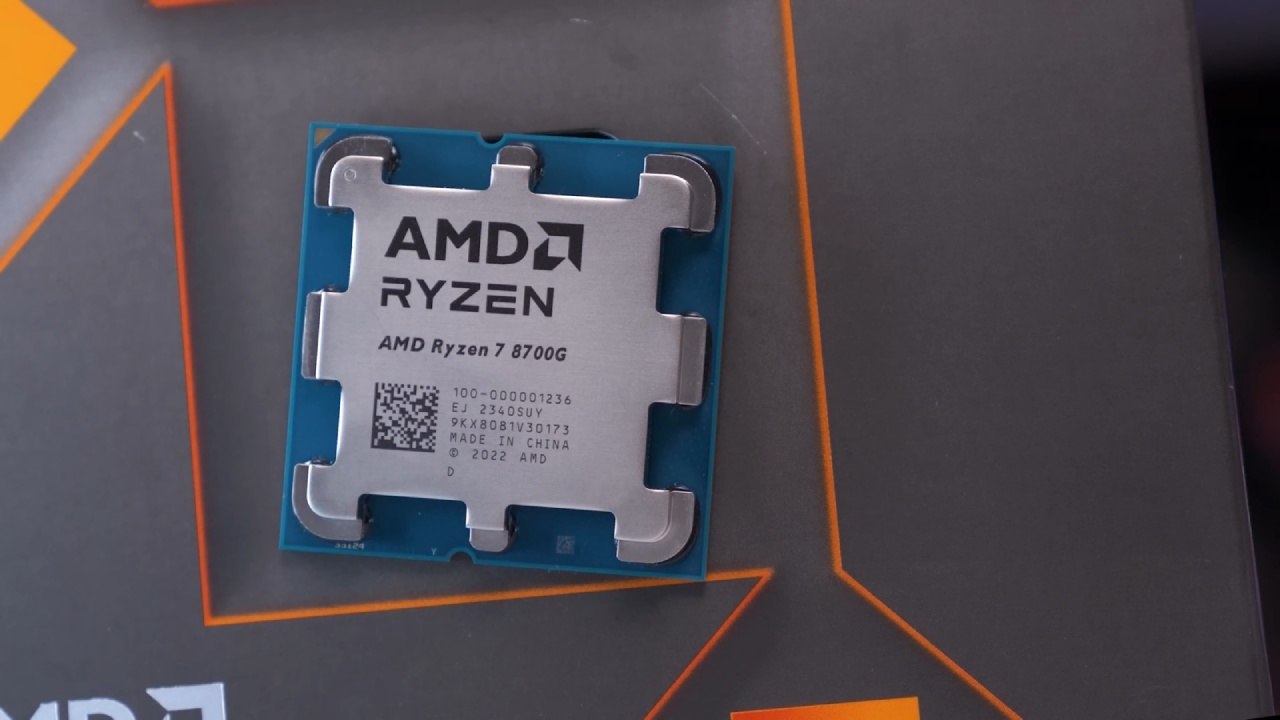
A Look at the Ryzen 7 8700G and How to Set it Up
We opened the box for the Ryzen 7 8700G, which comes with a CPU cooler and a tray sticker. The CPU runs at 4.2GHz, has eight cores and 16 threads, an 8MB L2 cache, a 16MB L3 cache, a 65W TDP, and Radeon 780M graphics. There is a trade-off in CPU performance between APU and non-APU chips.
The pricing sits around $269 in the US, but a Ryzen 7 7700X or 9700X can be found for slightly less or slightly more and will perform better in CPU-focused tasks.
We installed the CPU, 32GB of Corsair 6000 MT/s dual-channel RAM, and the AMD RX 7900 XT GPU. For APUs, dual-channel RAM is important because the iGPU uses system memory as VRAM.
To use the iGPU with Lossless Scaling, the display cable must be plugged into the motherboard. Some games fail to load on the GPU when the display is connected to the motherboard, and adding a second monitor to the GPU helps reduce stuttering. If there is no display output from the motherboard, you may need to change the initial display output to iGPU in the BIOS.
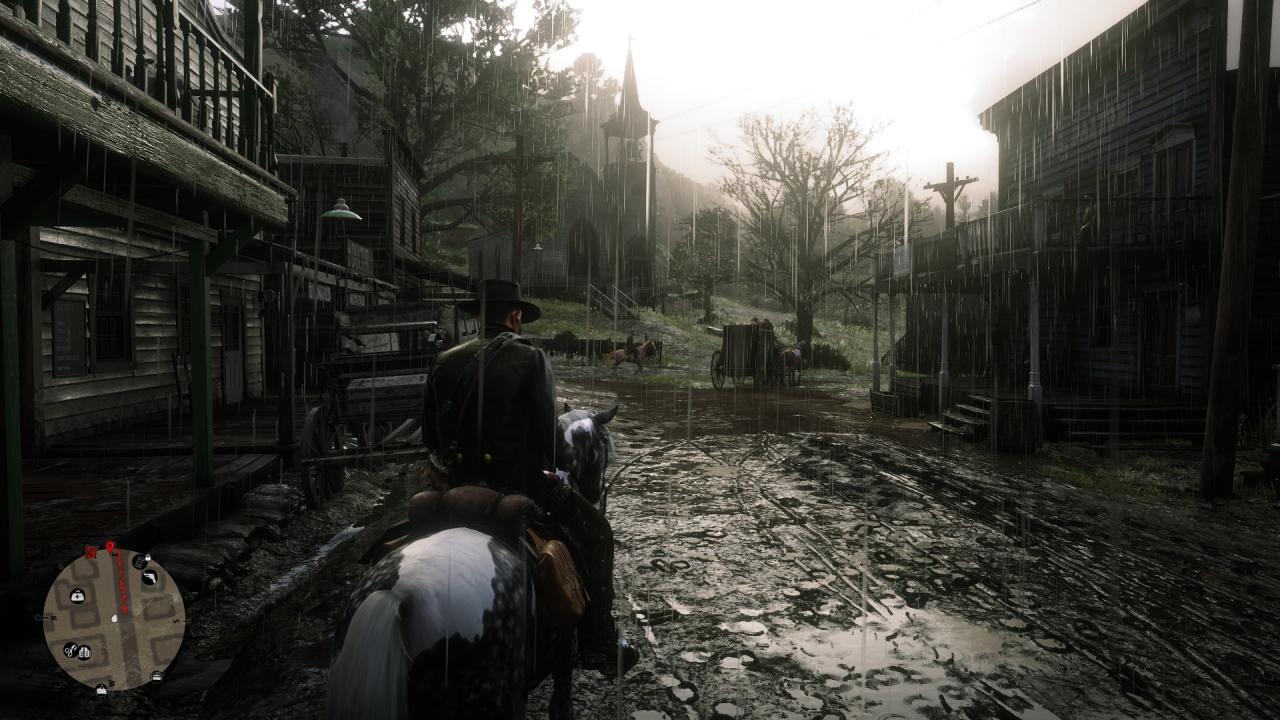
Red Dead Redemption 2 Performance on Ryzen 7 8700G
At 4K max settings with MSAA×4, the RX 7900XT delivered 41.5fps with 1% and 0.1% lows in the 20s. The game is playable at these settings. Frame generation was tested using the 780M iGPU at LSFG3.1 with a 2× multiplier and 100 flowscale. Surprisingly, the FPS doubled to 80–90 fps with smooth output. The max output was roughly 90 fps at 4K, 100 flowscale.
At 50 flowscale and a 3× multiplier, performance improved and used around 70% of the iGPU. A 4× multiplier was possible at around 160fps, though usage neared 90%. At 1080p, the base FPS was 114.5 fps, and a 2× multiplier at 100 flowscale produced 240 fps.
At the aggressive preset with MSAA×8, the basic FPS was 72.5. A 2× multiplier at 50 flowscale yielded 120 fps, limited by a 60Hz monitor cap. A 3× multiplier requires lowering the flowscale to 25.
Additional Game Tests on Ryzen 7 8700G
GTA V runs at 1080p max with MSAA×8, achieving 115.4fps. A 2× multiplier at 100 flowscale yielded ~200 fps. Base FPS occasionally lowered under stress. At 4K, 35.8 fps allowed scaling up to about 160 fps.
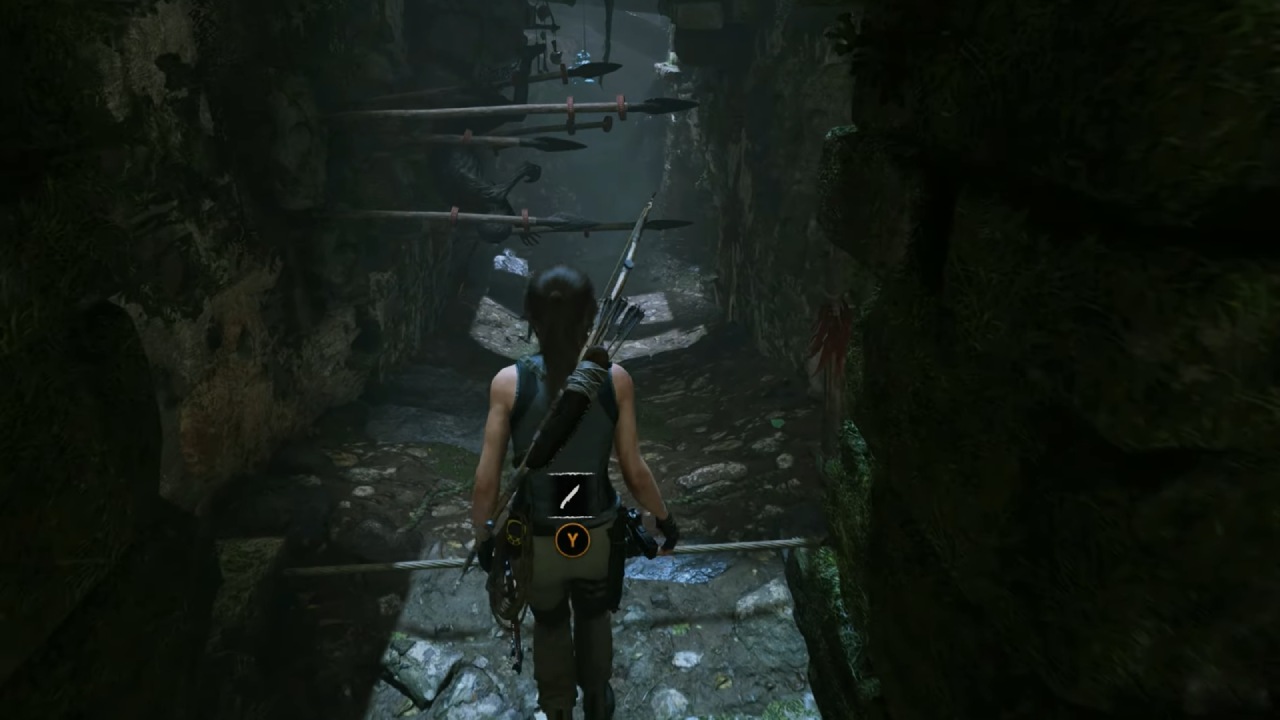
4K highest preset with SMAA×4 produced 49fps. A 2× multiplier yielded ~80 fps; 3× at 50 flowscale gave 120–150 fps in Shadow of the Tomb Raider. 4× only worked when the base FPS held around 40fps.
Testing the Ryzen 7 7800X3D iGPU
We repeated the tests using the standard integrated graphics on the Ryzen 7 7800X3D. With eight cores, 16 threads, a 4.2GHz clock, 8MB L2, and 96MB L3 cache, it includes basic Radeon graphics.
Similar settings produced 49.8fps. A 2× multiplier at 50 flowscale performed poorly, delivering 28-56 fps with stuttering in Red Dead Redemption 2. Even at 25 flowscale, it could not maintain a stable output.
At 1080p, 115.5fps base allowed 2× at 25 flowscale to reach 240fps, but the iGPU maxed out at 100% and caused stutters.Across multiple tests (Forza, GTA V, Tomb Raider), the 7800X3D iGPU consistently failed to handle frame generation at 4K and struggled at 1080p when FPS was high.
Using a cheap GPU to Make Frames that Can be Scaled
Using a cheap GPU like the RTX 3050 for scalable frame generation shows that lower base FPS make frame generation more effective, even with an iGPU. At 1080p Ultra with no MSAA, Red Dead Redemption 2's base performance of 39.1 fps increased to about 80 fps with 2× scaling at 100 flowscale. However, 3× scaling was too much unless flowscale was lowered to 50.
At 1440p High settings, where the base FPS was 41.8, 2× scaling at 75 flowscale effectively doubled performance. Forza also scaled well, with 1080p Extreme going from 47.9 fps to over 100 fps at 2× scaling with 100 flowscale. At 1440p, base framerates of 30 to 40 fps made 2× scaling stable at 75 flowscale.
GTA V at 1440p Ultra with MSAA×2 started at 50.3fps, but required lowering the flowscale to 50–60 to achieve 2× scaling. At 1080p, the higher base framerate of 84.8fps required further reducing flowscale to maintain scaling.
Shadow of the Tomb Raider at 1080p and 63.1 fps also needed lower flow scale for 2× scaling. In contrast, at 1440p and 43.2fps, 2× scaling was possible with flowscale kept below 75. Resident Evil 3 at 1440p and 50 fps, scaled to 100–120 fps using 2× scaling with flowscale at 50.
Using the Ryzen 7 8700G iGPU with the RTX 3050
When I used the Ryzen 7 8700G's iGPU with an RTX 3050, the scaling was even better than with the 7800X3D. At 1080p Ultra in Red Dead Redemption 2, the base frame rate of 38.8fps could be scaled from 2× to 7×, and at 100 flowscale, it could reach 280fps while keeping utilisation below 90%. At 1440p High and 41.5fps base, 3× scaling produced around 120fps, and up to 5× scaling was achievable at 100 flowscale.
Forza at1080p scaled from a 45.9fps base to 3× scaling for about 150fps, with the possibility for up to 6× depending on in-game changes. At 1440p and 38.8fps, up to 5× scaling was possible. GTA V at 1440p and 50.3fps allowed 3× scaling at 100 flowscale or 5× at 75 flowscale, while 1080p and 79.4fps enabled 4× scaling reaching around 300fps.
Shadow of the Tomb Raider at 1080p and 58fps, scaled up to 5×, hitting roughly 250fps; at 1440p and 41.5fps, up to 7× scaling at 75 flowscale achieved around 280fps. Resident Evil 3 at 1440p and 53.3fps supported 4× scaling at 100 flowscale or 5× at 75 flowscale, and at 1080p and 68.8fps, it maintained consistent 3× scaling.
Final Thoughts
Overall, iGPU-driven frame creation works while the dedicated GPU renders the game. Still, results vary widely depending on hardware and base framerate. Standard or weak iGPUs support only low multipliers and often induce stutter. At the same time, powerful GPUs have base framerates that are too high for iGPUs to keep up with.
Higher resolutions also limit weaker iGPUs, as they cannot generate frames quickly enough. APUs like the Ryzen 7 8700G deliver the most consistent performance at both 1080p and 1440p, and budget GPUs like the RTX 3050 benefit the most because of their naturally lower base FPS.
AMD APUs need dual-channel high-speed RAM to work efficiently, and using the motherboard display output may slightly reduce overall FPS.
Also, check our other AMD articles:
- AMD Ryzen 9 9950X3D Review: Setting The Standard For 2025 Gaming CPU
- AMD Ryzen 7 9800X3D Review: 3D V-Cache Goes God Mode with Stunning Gaming Performance
- AMD RX 9070 Performance Review: Thermals, Clocks, and Real-World FPS
- AMD Ryzen 5 7600 Review: Best Budget Gaming CPU of 2025?
- AMD Radeon RX 7800 XT Review: RDNA 3 Power For Midrange Gaming
- Sapphire NITRO+ AMD Radeon RX 9070 XT Review: The Ultimate 4K Gaming GPU
- AMD Ryzen 7 7800X3D: Delivers Gaming Performance Far Beyond Expectations
- AMD Ryzen 9 7900X Review: Powering the AM5 Era with DDR5 & PCIe 5.0
- ASRock Radeon RX 7800 XT Challenger OC Review: Best Price-to-Performance GPU of 2025
- Intel Core i9‑14900K vs. AMD Ryzen 7 7800X3D: Power Profiles & Gaming Benchmarks
Editor, NoobFeed
Gaming Hardware Updates
No Data.