
Best Budget to High End Gaming CPUs 2026
Balanced CPU and GPU pairing determines overall gaming frame rate and system efficiency.
Hardware by Shinji Okazaki on Feb 26, 2026
To choose a new CPU for a gaming PC, you need to know how processors and graphics cards work together, how core counts affect performance, and which current models give you the best value for your money.
Choosing the right part affects frame rate consistency and the platform's long-term value, from entry-level CPUs to high-core-count processors with an RTX 5090.
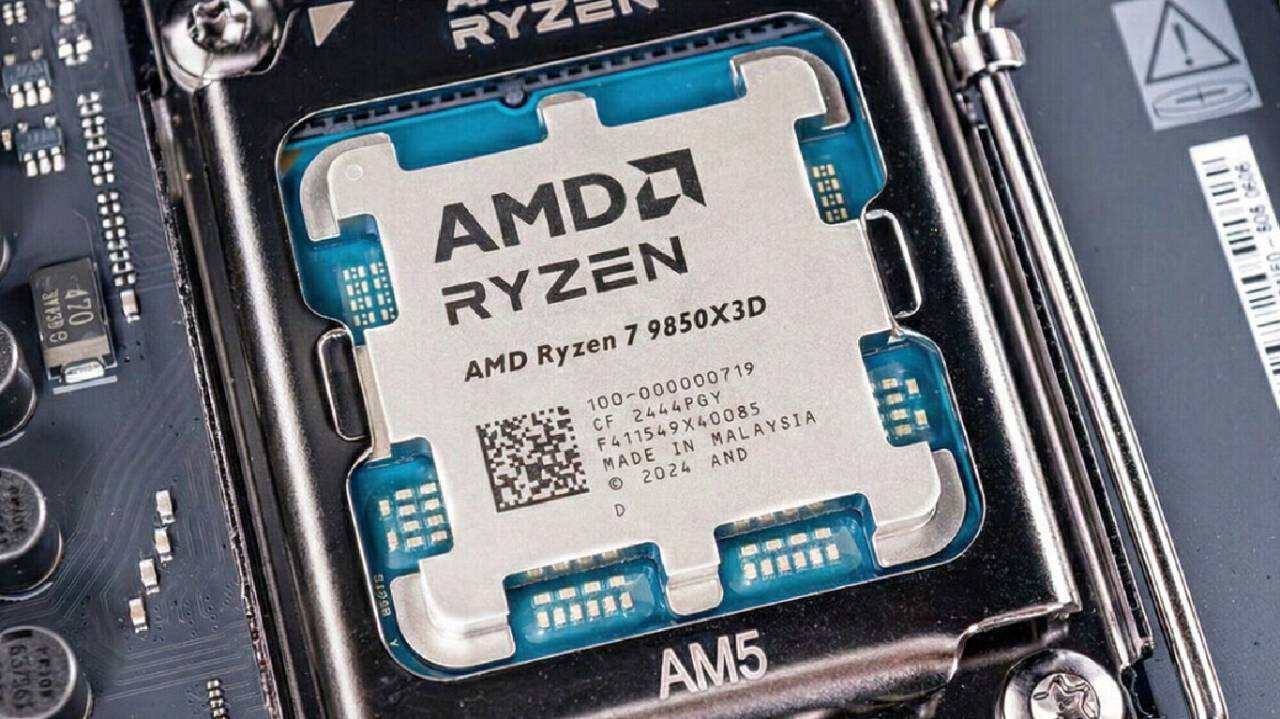
What a CPU for Gaming Really Means
The CPU for gaming has to keep up with the graphics card. The CPU and GPU work together as you play, and the frame rate of the game is set by the part that is the slowest. Some games use a lot of CPU power, while others use mostly GPU power. A balanced method keeps you from spending too much on one part and not enough on the other.
After looking at benchmark charts featuring high-end setups like the RTX 5090, many purchasers overspec either the CPU or the GPU. But the highest benchmark figures don't show how well modest builds perform. If you have a mid-range graphics card, moving money between the CPU and GPU can improve overall frame rates.
The term "gaming CPU" used to be a marketing word, but now CPUs like AMD's X3D line are especially designed for gaming by adding cache. Even so, a gaming CPU doesn't need extra capabilities that don't help you win games.
Clock Speed vs. Core Count
Processors with many cores may look good, but having more cores doesn't always make games run better. Many new CPUs from AMD and Intel include many cores designed for productivity and server applications. But in gaming, quicker cores are usually more important than more cores.
Some jobs work better when multiple cores run simultaneously, while others require a lot of power from a single core. Adding 24 cores to a die does not let each core run at the same power level as an 8-core device. More cores mean lower power per core, which might make things slower due to multi-tile designs. That delay can make sensitive tasks like gaming take longer.
Currently, there is less advantage in surpassing 6 or 8 cores solely for gaming, unless productivity tasks are also a priority. The value of each frame goes down beyond that point.
Intel chips make this conversation harder by combining performance cores and efficiency cores. When judging how well a computer can play games, you should look at the number of performance cores instead of the total number of cores. This hybrid design improves laptop performance, but it doesn't help much with desktop gaming.
Benefits of Shader Preloading and Hidden Core
Chips with many cores can speed up shader preloading. Many new games generate shaders as they start up, and having more cores speeds up this process. This process usually only happens once every game or after driver updates, though. Most people probably won't think it's worth spending an extra $100–$200 for faster shader compilation.
Intel vs. AMD in 2026
Right now, AMD is the best for high-end gaming, especially with its X3D processors, which offer more cache for lower latency. When you compare benchmarks with an RTX 5090, you can see that AMD has higher peak frame rates.
Intel is still important for setups that are focused on productivity and price. Intel doesn't have a direct comparable to AMD's X3D technology right now. Still, new designs like Nova Lake are expected to bring changes.
Motherboards and the Long Life of Platforms
You usually need to get a new motherboard when you buy a CPU. PCIe Gen 5, multiple SSD slots, USB Type-C, and Wi-Fi 7 are supported by both the Intel Core Ultra and the AMD AM5 platforms. The features of different brands are similar.
Life span is different. AM5 socket from AMD will be supported until 2027, and it may last even longer. Intel Core Ultra platforms are nearing the end of their lifespans, and future versions will use other sockets. If you plan to update later, the platform's lifespan should factor into your decision.
Things to think about while Choosing between DDR4 and DDR5
As RAM prices rise, people are reconsidering DDR4 platforms. But the cost advantage has eroded as DDR4 prices have risen. When you look at the cost per frame, older Intel and AMD platforms that use DDR4 don't seem to be worth as much. Modern DDR5 systems are still the better choice, even though memory costs are higher, unless DDR4 prices drop significantly.
Advice on how to Spend your Money
Ryzen 57600F is a great deal for entry-level builds. It is like the Ryzen 57600, but with lower clock speeds and no built-in graphics, which most gamers don't use. The trade-off can mean the warranty is shorter than that of retail models. The regular Ryzen 57600 is still a good choice.
The used market can also offer good choices for people on a restricted budget.
The Best Value 6-Core CPUs
Ryzen 59600X and the 7500X3D or 7600X3D are both very powerful in the midrange. 9600X has the latest AMD architecture and performs better in most situations, especially when memory is important. Even though they use older architectures, the X3D models often perform better in games thanks to 3D V-Cache.
Prices change, so choosing the cheaper choice usually gives you results that are about the same.
For mixed workloads, the Intel Core Ultra 245 K has 6 performance cores and 8 efficiency cores. This means it can handle both gaming and productivity tasks well, even though it can't be upgraded very much.
The 8-Core Sweet Spot
8-core group is a typical point of equilibrium. Ryzen 79700X works well for gaming and can be upgraded on the AM5 platform.
7800X3D is from an older generation, but it still plays many games better thanks to 3D V-Cache. There are generally just a few differences between it and newer chips in the real world, and the price often makes it a good choice.
High Core Count for Different Types of Work
If gaming and work tasks are equally vital, computers with more cores become useful. For example, the Intel Core Ultra 7265K and the Ryzen 99900X.
12-core 9900X is still great for gaming and works better with many threads. The 20-core Ultra7 version is great for jobs that require heavy processing. It depends on whether gaming or work performance is more important to you.
14700K from the last generation can also work if DDR4 prices drop. You need to update the BIOS to fix microcode issues that surfaced at launch.
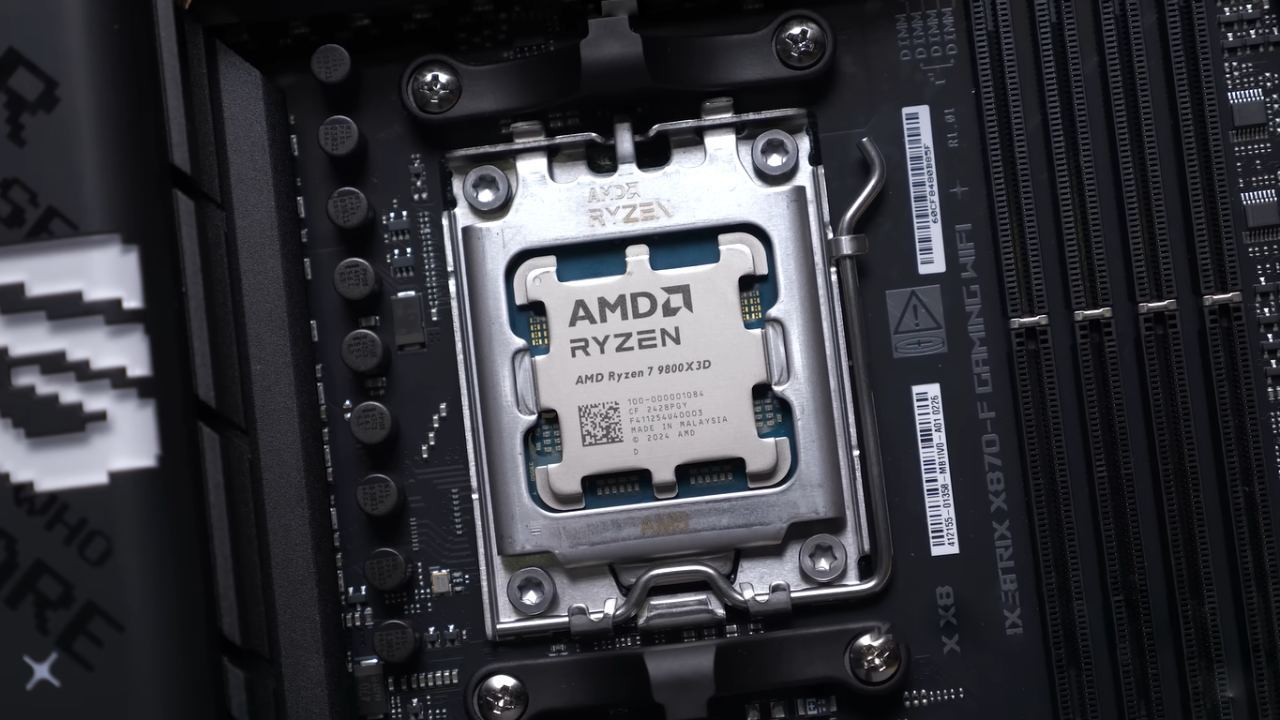
The Best CPUs for Gaming
AMD's X3D processors are the best for gaming benchmarks at the highest level. 9800X3D, 9850X3D, and 9950X3D all have fast architectures and 3D V-Cache.
Most gamers should choose the 9800X3D because it offers almost the same gaming performance as higher-end models at a lower price. The clock speeds of the 9850X3D are slightlyhigher. 9950X3D has 16 cores, but only half of them have 3D V-Cache. This means that gaming performance is similar to that of the 9800X3D. Still, productivity output is higher, and shader caching is faster.
Final Thoughts
The greatest gaming CPU for you will depend on how much money you have, what kind of GPU you have, and what you want to do with it. More cores don't always mean faster frame rates, and the long-term value of a platform depends on how long it lasts. AMD's X3D range is currently the best for gaming performance. Both AMD and Intel provide good options in a range of prices for balanced builds or productive use.
Also, check our other hardware articles:
- AMD Ryzen 9 9950X3D Review: Setting The Standard For 2025 Gaming CPU
- Amazon Luna 2025 Review: Is Prime Gaming's Cloud Service Your Go-To For Casual Fun?
- AMD RX 9070 XT Review: AMD's RDNA 4 Champion for 1440p Gaming
- GeForce Now Ultimate: Ditching Your Gaming PC For Cloud RTX 4080 Power?
- NVIDIA GeForce RTX 5080 Review (2025): Still A 4K Gaming Powerhouse?
- Intel Core Ultra 9 285K Review And Performance Breakdown (2025)
- AMD Ryzen 7 9800X3D Review: 3D V-Cache Goes God Mode with Stunning Gaming Performance
- Intel Core Ultra 9 285K vs AMD Ryzen 7 9800X3D: In-Depth Gaming Performance and Benchmark Comparison
- NVIDIA GeForce RTX 5080 Super Performance In Cyberpunk 2077: Path Tracing & DLSS 4.0 Tested
- AMD Radeon RX 9070 XT In Cyberpunk 2077: Ray Tracing & FSR 4.0 Tested
- Intel Arc B580 Review: The $250 GPU Revolutionizing 1440p Gaming
- Intel Arc B570 Vs. B580: Value, Specs, And Real-World Gaming Performance
- RTX 5090 Laptop Vs. M4 Max MacBook Pro: Ultimate Raw Performance Vs. Battery Endurance
- Intel Arc b580 Vs. RTX 4060: Game Performance And Value Analysis
- RTX5090 Hell Is Us Demo 4K Ultra Benchmark: DLSS Vs. Native Performance Guide
- NVIDIA RTX 5070 Review: Mid-Range Muscle or Marketing Hype?
- Nintendo Switch 2 Review: Handheld Performance, Features & Value Breakdown
- RTX 5070 Ti Review: Performance, Thermals & Power Efficiency Tested
- Samsung Odyssey OLED G81SF Review 2025: Ultimate 32-Inch QD-OLED Gaming Monitor
- AMD RX 9070 Performance Review: Thermals, Clocks, and Real-World FPS
- AMD Ryzen 5 7600 Review: Best Budget Gaming CPU of 2025?
- AMD Radeon RX 7800 XT Review: RDNA 3 Power For Midrange Gaming
- Asus ROG RTX 5090 Astral OC Vs. Founders Edition: The 4K Gaming Benchmark
Editor, NoobFeed
Gaming Hardware Updates
No Data.