
How Many CPU Cores Creators Really Need in 2026
Modern content creation workflows demand a balance of high-performance cores and efficient memory handling for maximum productivity.
Hardware by Tanvir Kabbo on Jan 01, 2026
In recent years, it has grown harder to answer the question of how many CPU cores creators really need. The traditional idea of an 8-core standard has changed because of the advent of efficiency cores, lower-power cores, and changing architecture patterns.
Modern CPUs come with different mixes of high-performance and efficiency cores. Some processors still come with 8 cores or fewer, but their performance in real life can vary greatly depending on the workload and how well the program is optimized.
Test Bench Setup
We used AMD Ryzen 9000 series CPUs tested on an Asus X870 Pro Creator Wi-Fi motherboard with 64GB of DDR5 running at 5600MT/s, paired with an RTX 4090 across all tests. Cooling was handled by a 360mm AIO. The system used one SSD for the OS and a Samsung 980 Pro for the project drive.
On the Intel Core Ultra platform, we used the Gigabyte Z890 Aero motherboard with 48GB of RAM at 8000MHz, a 360mm AIO, the same OS SSD, and a Samsung 980 Pro 2TB SSD for the project drive.
The RAM speeds may seem mismatched, but we always test CPUs using their standard factory-supported memory speeds rather than overclocked profiles. This demonstrates which CPU can better handle memory that is faster and has more space. The Intel Core Ultra series has a better IMC and can handle faster official memory speeds, therefore we used those values.
CPU Specifications Overview
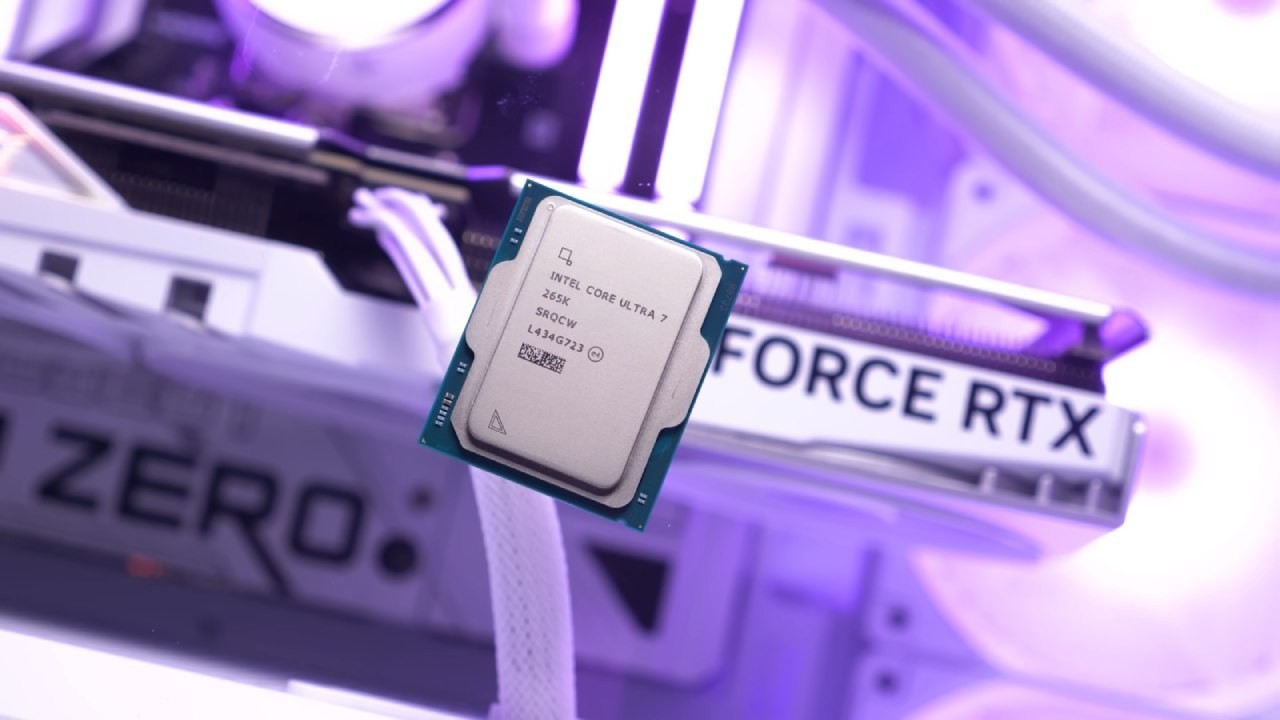
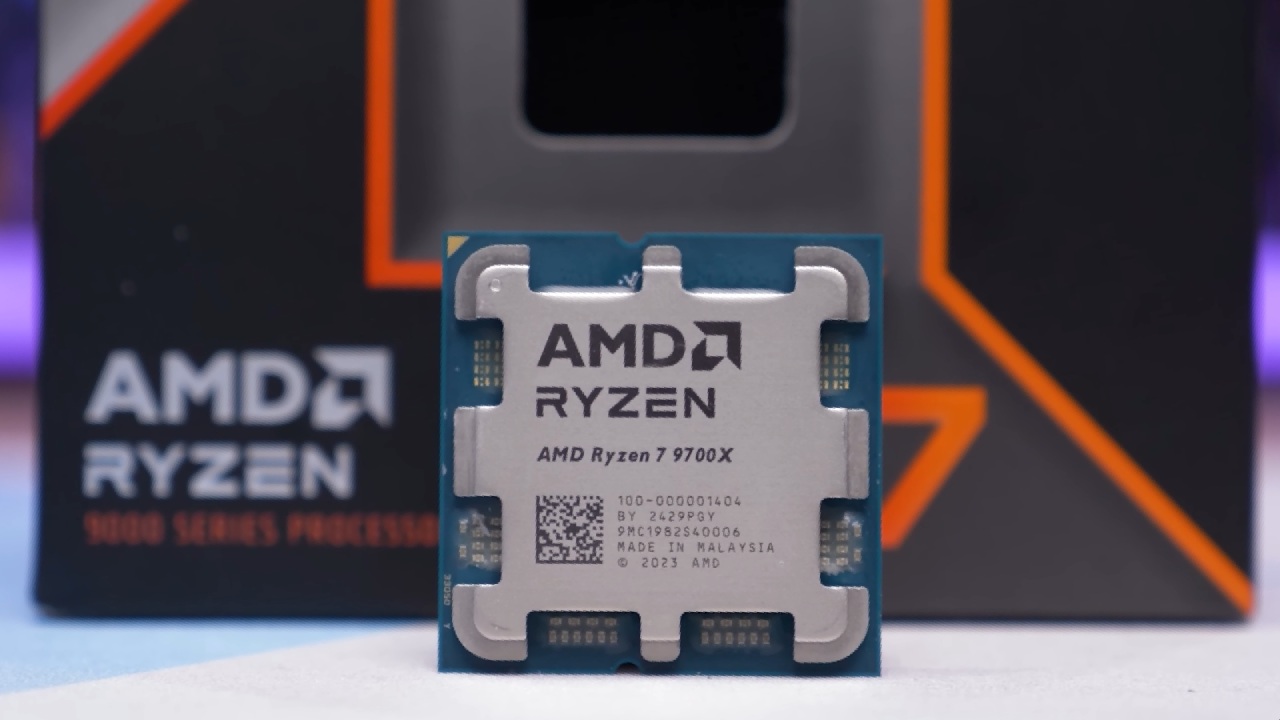
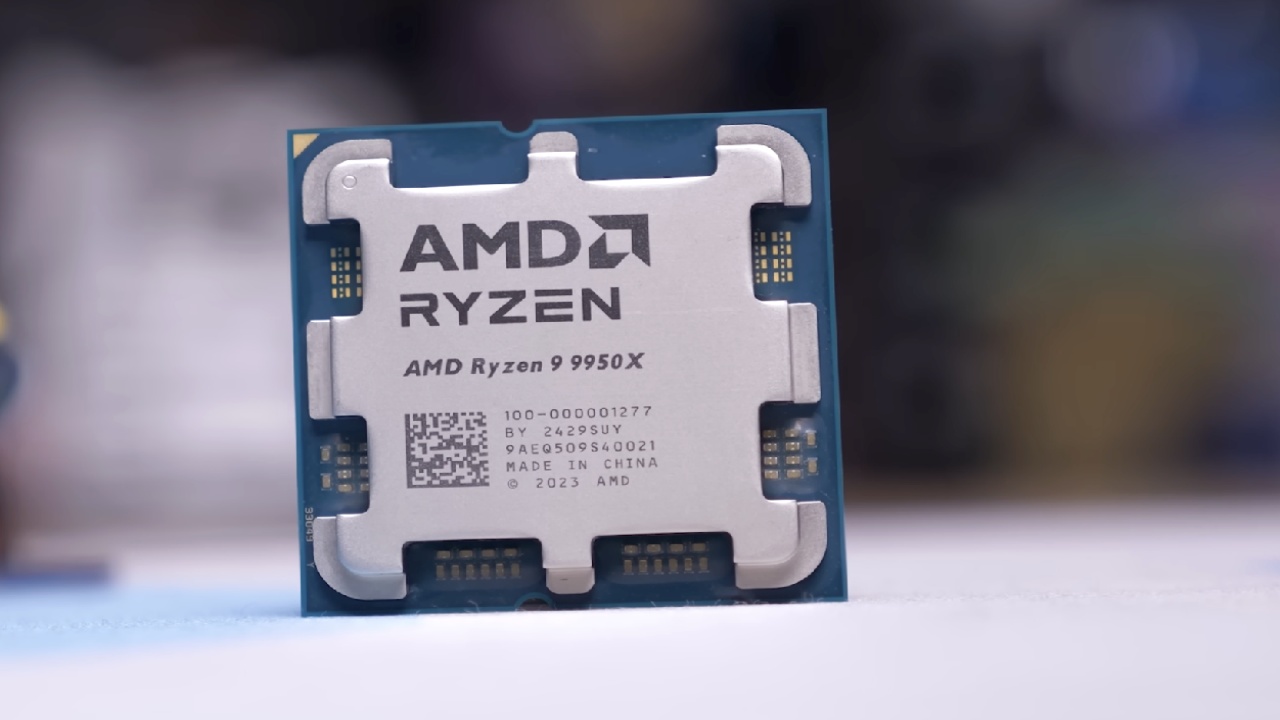
We looked at four CPUs: Ryzen 9700X, Ryzen 9800X3D, the Ryzen 9 9950X, and the Core Ultra 7 265K. 9700X boosts up to 5.5GHz, the same as the Core Ultra 7 265K, with a slightly slower base frequency.
Intel includes efficiency cores, often referred to as “fake cores,” though this is not entirely accurate. They are more like clever cores, and we expect AMD to adopt similar approaches.
Intel’s chip is built on a 3nm TSMC N3B node, while AMD uses 4nm. This is one of the first instances Intel is adopting a competing node with a lower number of nanometers, which lets more transistors fit in a smaller space and work better.
Cinebench Results
9800X3D has nearly the same single-core performance as the 9700X, but it is around 16.6% faster at multicore tasks. The 9950X scales almost linearly as you double the number of cores, reaching 97% faster performance on many cores.
Core Ultra 7 posts about 6% faster single-core results and 86.8% faster multicore results, close to the 9950X.
Geekbench 6 Results
The 9800X3D performs about 7% slower in single-core but 6% faster in multicore scores. The 9950X gets 2.6% more points on single-core tests and 30.8% more points on multicore tests.
Core Ultra 7 is a little slower while only one core is being used, but it is 37.8% quicker when more than one core is being used, topping even the 9950X.
Adobe Application Benchmarks
Photoshop Performance
The 9800X3D is around 2.2% faster, the 9950X is about 3.7% faster, and the Core Ultra 7 is roughly 10% slower. Here, the 9700X competes surprisingly well, but this is where the good news ends.
Lightroom Classic
There are huge variances in how well Lightroom works. The 9800X3D is 42% faster, the 9950X is around 40% faster, and the Core Ultra 7 is a massive 71.6% faster than the 9700X. The 9700X is much behind in this work.
Premiere Pro Performance
We used an older version of Premiere Pro to keep H.265 hardware acceleration working on all CPUs. Overall, the 9800X3D is about 10% better, and its interframe performance is an impressive 52% better. The 9950X is about 20% better overall and up to 70% better at intraframe tasks.
The Core Ultra 7 distinguishes up a lot. It is 31% quicker than all other CPUs in the extended overall score, 36% faster in the regular overall score, 54% faster in long GOP, and 79% faster in intraframe. Even GPU effects show around a 20.8% gain, despite all tests using the same GPU, indicating that a more capable CPU can feed the GPU more efficiently.
After Effects Performance
The 9950X is 21.5% faster in standard overall scores and 13.1% faster in extended scores. The Core Ultra 7 goes further, reaching 26.8% faster standard scores and 15.1% faster extended scores compared to the 9700X.
DaVinci Resolve Performance
Because Resolve relies so much on GPU acceleration, the disparities between CPUs are less. The 9800X3D doesn't offer much more than roughly 10.8% faster intraframe performance. The 9950X doubles the number of cores, which gives you about 12% better overall performance, 25% better interframe performance, and 42% better RAW performance.
The Core Ultra 7 gets the greatest overall scores and is about 10% faster. It also has superb interframe and RAW performance. Long GOP is still slower on Intel because of how drivers work and how codecs move between separate and built-in GPUs.
3D Rendering Performance
Blender
The 9800X3D is 10–17% quicker, and the 9950X more than doubles performance. The Core Ultra 7 is nearly double in some scenes and at least 63–67% faster in others.
V-Ray
The 9800X3D has 20% better scores, the 9950X gets more than twice as much output at 112% faster, and the Core Ultra 7 gets 66% better performance.
Power Draw Considerations
The 9700X only uses 88W of electricity while it's fully loaded in Cinebench R23, which makes cooling quite easy. The 9800X3D needs about 150W, the 9950X needs about 200W, and the Core Ultra 7 needs about 210W. The 9700X can go higher when PBO is active.
Many people think that creators don't always work to their full potential. There is a difference between active work and benchmark rendering. When Intel isn't busy, it uses less power, thus the average daily power use may be considerably different from when it's busy. We want to learn more about this.
Pricing and Value
It's hard to justify the 9700X's price of more than $300 for just 8 cores. The Core Ultra 7 265K is sometimes much cheaper, by 10 to 20 percent. Motherboards that use the Intel platform are also usually cheaper and have higher specs.
The 9950X costs about $600, and the 9800X3D costs considerably more. Considering that the 265K frequently outperforms the 9950X—even though the 9950X costs more than twice as much—the value proposition becomes clear.
AMD offers strong upgrade paths on AM5, but at the mid-range $300 level, AMD is no longer competitive in price-to-performance terms. Eight cores simply are not enough to keep up when the competition provides much stronger multicore and application-specific performance for less money.
Final Thoughts
When choosing a CPU for creative work, we need to look at more than just peak rendering numbers. We also need to look at real-world latency, how quickly it responds to workflow, codec support, memory controller strength, and average power usage.
Core Ultra 7 265K does quite well for the price on almost all creative benchmarks, and it regularly beats CPUs that cost twice as much.
Also, check our other AMD articles below:
- AMD Ryzen 9 9950X3D Review: Setting The Standard For 2025 Gaming CPU
- AMD Ryzen 7 9800X3D Review: 3D V-Cache Goes God Mode with Stunning Gaming Performance
- AMD RX 9070 Performance Review: Thermals, Clocks, and Real-World FPS
- AMD Ryzen 5 7600 Review: Best Budget Gaming CPU of 2025?
- AMD Radeon RX 7800 XT Review: RDNA 3 Power For Midrange Gaming
- Sapphire NITRO+ AMD Radeon RX 9070 XT Review: The Ultimate 4K Gaming GPU
- AMD Ryzen 7 7800X3D: Delivers Gaming Performance Far Beyond Expectations
- AMD Ryzen 9 7900X Review: Powering the AM5 Era with DDR5 & PCIe 5.0
- Intel Core i9‑14900K vs. AMD Ryzen 7 7800X3D: Power Profiles & Gaming Benchmarks
Senior Editor, NoobFeed
Gaming Hardware Updates
No Data.