
Dual Spark AI Benchmarking: Tips for Multi-Node Model Performance
Explore performance testing of dual Spark systems, tuning concurrency, handling large models, and maximizing throughput in distributed AI workloads.
Hardware by Tanisha Aria on Dec 14, 2025
One to two red and blue sparks. The fun idea hides a more technical and interesting reality. When you run several Spark systems at the same time, it can be useful and odd for testing connectivity, latency, and distributed AI tasks.
When multiple platforms, such as high-end Spark versions and companion systems, are used simultaneously, the focus shifts from ideal performance to practical performance.
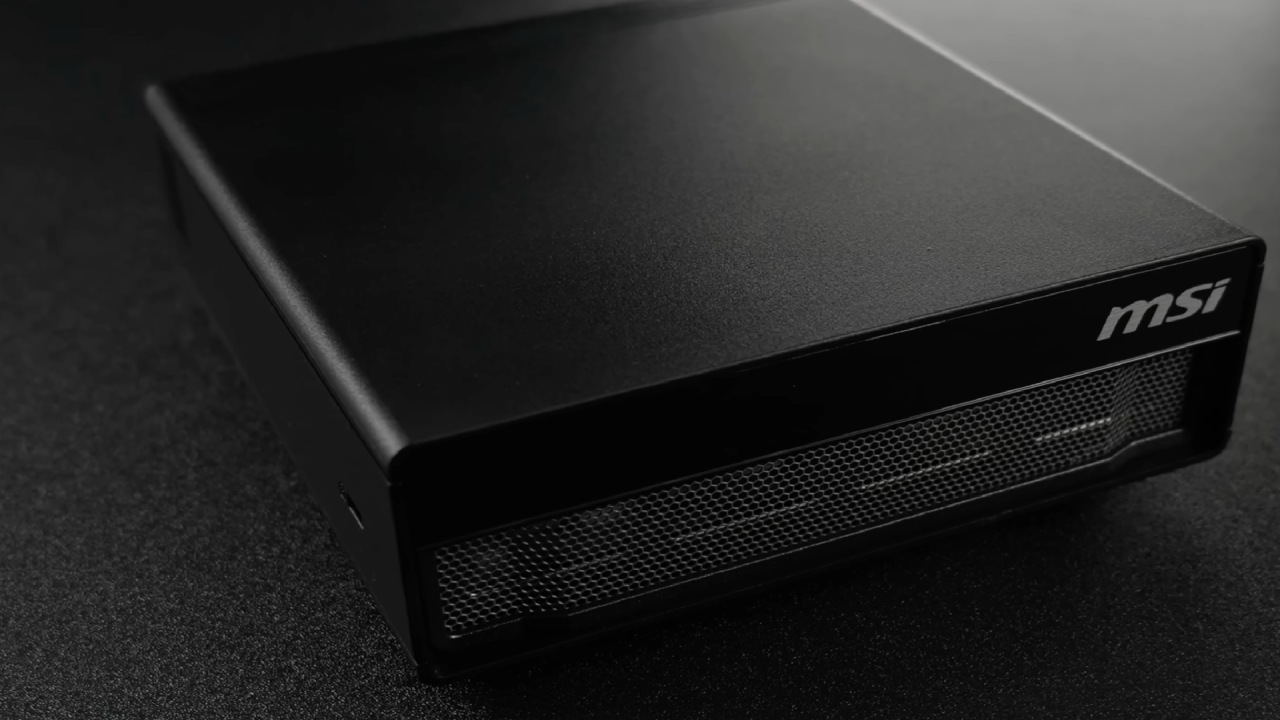
Role of Spark in a Lab-Scale AI Environment
The Spark platform is like a small lab that gives you access to technology that is usually only available in multi-million-dollar AI groups. With 128GB of memory and ConnectX7 networking, it gives you a clear view of what enterprise-scale AI technology really looks like.
It's okay that it doesn't excel at speed tests or set records; that was never the goal. It's a common mistake to think that Spark should act like a top-notch inference monster. Instead, Spark is about learning, experience, and getting to know architecture.
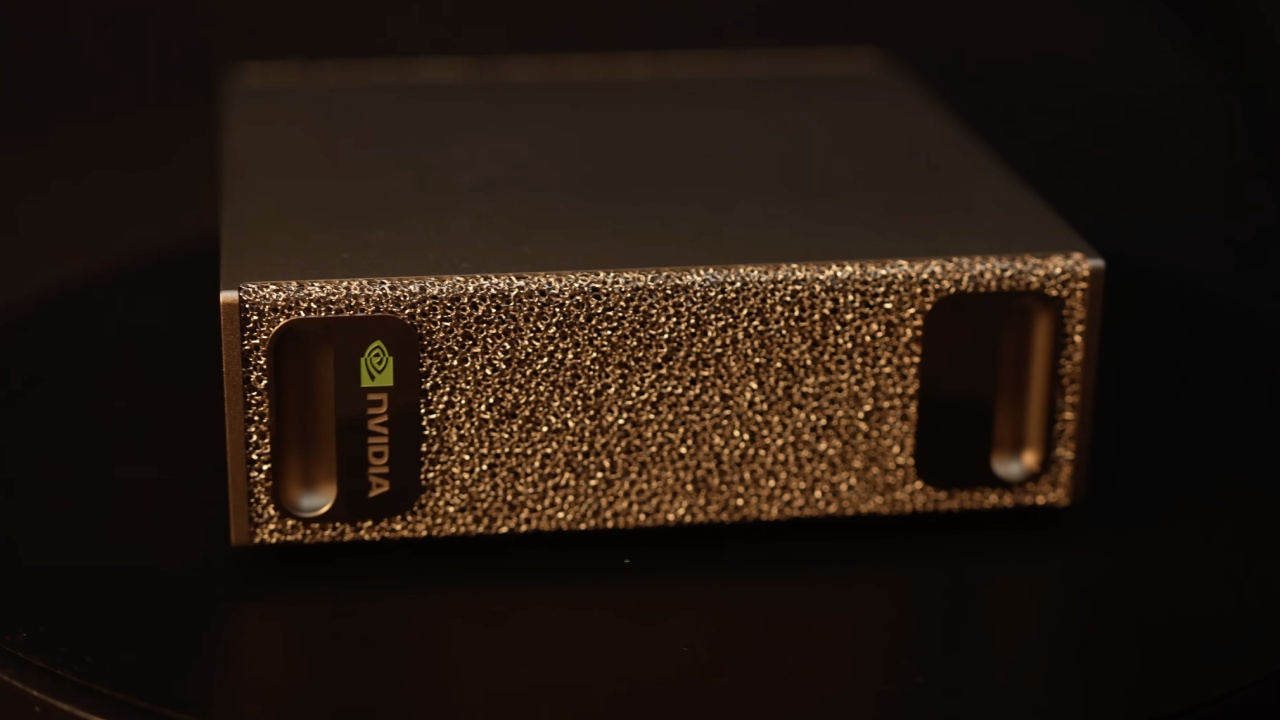
We learned that some Spark implementations can run up to 10% faster than reference designs. This is mostly because of better ways to deal with heat. When the 100-Gbps link is used to its full potential, temperature becomes a major problem. Better cooling means speed stays the same, which is especially helpful for long-running tasks.
Connecting Multiple Sparks and Understanding Latency
New factors are introduced when two Sparks are run together. Each machine has two 100-Gig ports that can be used with either Ethernet or InfiniBand. In theory, that means each unit can link to up to 200 gigabytes.
In real life, latency is usually more important than raw speed. While 100 Gb/s is about 10 GB/s, each Spark can provide about 274 GB/s of main memory bandwidth. For that reason, Inter-Spark transmission will always be slower than accessing memory locally.
What is important is keeping the interface lightly loaded so the delay stays low. Once latency increases, it becomes the most important factor limiting speed. As long as lag is kept in check, the benefit of fast interconnects can be seen even when the total bandwidth is relatively low.
Distributed Workloads and NCCL Setup
NCCL requires running multiple Sparks on a single machine. This is similar to what happens on a business level when training, fine-tuning, or making inferences across many GPUs.
It is easy to set up and fits well with how businesses usually operate. Without a switch, you can use cheap crossover cables to connect systems straight and set them up to work at 200 Gbps.
Once set up, you can treat two Sparks as if they are sharing a single memory area. This is one of the main ideas behind big AI companies, where transparency is built into how they use computers and interconnect.
That same idea applies to 800 GB or even 1.6 TB links at higher levels, but the way people learn stays the same.
Docker, Swarms, and Multi-Node Inference
Once networking is set up, containerization is the next step. When you set up the NVIDIA container toolkit, Docker runtime, and Docker Swarm, you can spread workloads cleanly across multiple nodes.
Once you set it up, you can use a TensorRT-LLM multi-node stack to make sure that both Sparks are visible and active in the swarm.
After that, it's easy to work with models and do distributed reasoning. The process is very similar to the one you'd use on much bigger systems, so it's a good way to build your skills. We could see both nodes in action, which proved that the stack worked exactly as intended.
Benchmarking Expectations and Reality
Benchmarking multi-node inference quickly leads to information overload. The structure, sparsity, density, and coupling of the model significantly impact the results.
We tried a 235B parameter model in FP4 format using a custom Python script inspired by Llama Bench in some ways. The performance was a little all over the place, but it was a good learning experience.
In some cases, the system's prompt handling was much better than expected. In some cases, it took minutes to respond, which was about 1 token per second.
With careful tuning, including TG32 and a concurrency of four, the completion rate rose to about 2.5 tokens per second. We achieved up to 9.34 tokens/s, which is great given the model size and the tools used.
Setting goals was never the point. The real victory is that the process behaves almost exactly like much larger deployments, which means the experience can be applied in other contexts.
Tiny Models and Recursive Reasoning
One of the most interesting side studies used a recursive logic model based on the a7M parameter. Even though it's very small, it does a surprisingly good job at certain things. It only needs about 14MB of FP16 weights, so it doesn't put a lot of stress on memory speed and instead relies on compute.
This type of workload works very well on Spark systems. Long training sessions, such as those that could take 18 hours on a workstation-class GPU, can be done as weekend projects. These models are a great way to start learning about activations, gradients, and reasoning loops without dealing with many extra parameters.
Thermals, Stability, and Long-Running Workloads
Cooling becomes more important when long-duration workloads are used. Vapor chambers keep higher long-term clocks and stop systems from becoming unstable.
Some users have reported that their devices overheated or rebooted during long runs. Still, correctly functioning hardware should be able to handle these tasks without problems.
We ran paired Sparks for days on end without fail. They drew about 450W in total. Better ways to cool things down clearly help with both stability and long-term success.
Front-End Systems and Agent-Based Workflows
Using a companion system as a front end for Spark groups makes more things possible. Sparks are great for exploring agentic AI workflows, while other platforms are better for robotic or edge AI jobs. Rather than a single large model, several smaller ones can operate independently, each handling a specific task.
You could run a 7B or 20B parameter model on one node and a different model on a second node, wwith the two models orking together tviacontainerized processes. This method is like how clouds are used in the real world, and it gives us useful information about how to build AI systems at really big scales.
Learning, Experimentation, and What Comes Next
It's not raw speed that really matters when you run one or two Sparks. It's a chance to try things out, learn, and see how AI systems in businesses work together. From networking and containers to model serving and multi-agent architectures, the learning can be used right away in bigger settings.
There is still a lot more to do, like growing to more than 2 units, trying out different interconnects, and exploring different ways to keep the system cool. This is where community conversation and shared experimentation come in handy, since not everything is good enough to make it into a guide or walkthrough.
The most important thing is that these systems make the advanced AI technology easier to understand and use. The things you learn here will be useful in many areas, whether you are working with huge models, small recursive networks, or distributed bots.
Also, check our other hardware articles:
- AMD Ryzen 9 9950X3D Review: Setting The Standard For 2025 Gaming CPU
- Amazon Luna 2025 Review: Is Prime Gaming's Cloud Service Your Go-To For Casual Fun?
- AMD RX 9070 XT Review: AMD's RDNA 4 Champion for 1440p Gaming
- GeForce Now Ultimate: Ditching Your Gaming PC For Cloud RTX 4080 Power?
- NVIDIA GeForce RTX 5080 Review (2025): Still A 4K Gaming Powerhouse?
- Intel Core Ultra 9 285K Review And Performance Breakdown (2025)
- AMD Ryzen 7 9800X3D Review: 3D V-Cache Goes God Mode with Stunning Gaming Performance
- Intel Core Ultra 9 285K vs AMD Ryzen 7 9800X3D: In-Depth Gaming Performance and Benchmark Comparison
- NVIDIA GeForce RTX 5080 Super Performance In Cyberpunk 2077: Path Tracing & DLSS 4.0 Tested
- AMD Radeon RX 9070 XT In Cyberpunk 2077: Ray Tracing & FSR 4.0 Tested
- Intel Arc B580 Review: The $250 GPU Revolutionizing 1440p Gaming
- Intel Arc B570 Vs. B580: Value, Specs, And Real-World Gaming Performance
- RTX 5090 Laptop Vs. M4 Max MacBook Pro: Ultimate Raw Performance Vs. Battery Endurance
- Intel Arc b580 Vs. RTX 4060: Game Performance And Value Analysis
- RTX5090 Hell Is Us Demo 4K Ultra Benchmark: DLSS Vs. Native Performance Guide
- NVIDIA RTX 5070 Review: Mid-Range Muscle or Marketing Hype?
- Nintendo Switch 2 Review: Handheld Performance, Features & Value Breakdown
- RTX 5070 Ti Review: Performance, Thermals & Power Efficiency Tested
- Samsung Odyssey OLED G81SF Review 2025: Ultimate 32-Inch QD-OLED Gaming Monitor
- AMD RX 9070 Performance Review: Thermals, Clocks, and Real-World FPS
- AMD Ryzen 5 7600 Review: Best Budget Gaming CPU of 2025?
- AMD Radeon RX 7800 XT Review: RDNA 3 Power For Midrange Gaming
- Asus ROG RTX 5090 Astral OC Vs. Founders Edition: The 4K Gaming Benchmark
Contributor, NoobFeed
Gaming Hardware Updates
No Data.