
Intel XeSS3 Multi Frame Generation Arrives Ahead of AMD FSR
XeSS3 multi frame generation arrives as Intel advances graphics software capabilities ahead of AMD’s current FSR feature set
Hardware by Shinji Okazaki on Jan 31, 2026
One thing that AMD still doesn't have is multiframe creation, which Intel has added to XeSS 3. This is a big deal for GPU software development, even though Intel only has a small share of the standalone GPU market.
With multiframe generation, current lighting techniques, and planned improvements to upscaling, XeSS 3 adds to Intel's rendering stack. This makes Intel a leader in this field.
Availability of drivers and hardware that can be used
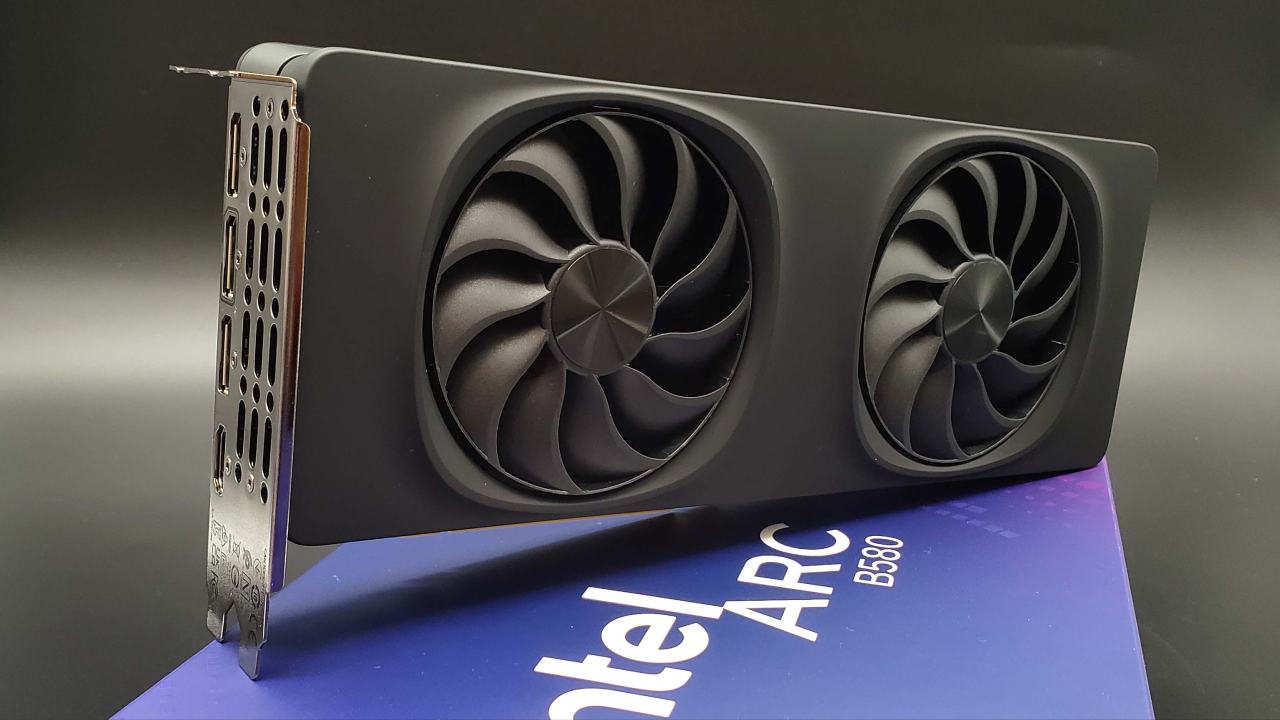
Intel has released a new driver that enables multi-frame creation in XeSS3. When it first comes out, this driver only works with new graphics cards with built-in graphics. It only works with Panther Lake systems that have Core Ultra 300 CPUs and built-in ARC B390 and B370 graphics. Next month, ARC B-series standalone GPUs, such as the B580, will be supported. Core Ultra 200V, 200, 100, and other B and A series products will be able to work together in the future.
Making the rendering better and building up the outlook
Modern rendering improves with XeSS3, which includes enhanced lighting via ray tracing and global illumination. Intel also talks about better graphics, better textures, and the ability to work with bigger shapes. Even though XeSS 2.1 already works well, especially on Intel hardware that uses XMX instead of DP4A, it is still not as good as DLSS4.5 and FSR4 at upscaling. With these rendering changes, XeSS upscaling will likely improve soon, along with multiframe generation.
How Multi-Frame Generation Works
The main goal of XeSS3 is to generate multiple frames. Intel's method can produce up to 3 extra frames, potentially delivering 4x the speed when the GPU is not the main bottleneck. Performance gains of 3.5x or more are likely in most real-world conditions. Intel says this can work especially well when the CPU is limited, which is interesting because Intel drivers usually cause higher CPU usage.
Software Overrides and Freedom for Developers
Users can adjust XeSS frame generation settings using Intel's graphics tools. If a game already supports XeSS frame creation, the driver will give you the choice of 2x, 3x, or 4x modes. This means developers don't have to implement XeSS3 multi-frame generation directly. This gives users who don't want to wait for native support more options.
Compatible with XeSS 2 titles from the past
XeSS3 continues to work with games made for XeSS2. It depends on how each game uses XeSS features to show user settings. They could be in-game or in Intel's graphics software. The compatibility path ensures that older games can still work with newer drivers. However, in-game availability still depends on how the developer implements it.
Changes to XeSS Features
Cross-vendor super-resolution was added to the first XeSS, which required Shader Model 6.4 support. The XMX-optimized path gives better image clarity on Intel GPUs. XeSS2 added support for low delay and frame generation based on machine learning. Intel started using ML frame creation before AMD did. AMD just started using a similar method with FSR Redstone.
Comparison of Low Latency Support
More people have employed XeSS's low-latency technology than AMD's Anti-Lag2. Intel doesn't have a huge part of the GPU industry, but more games now use XeSS low-latency features.
Market Situation and Differences Between Competitors
It's interesting to see Intel's growth with XeSS3 because it only has a 0.5% to 1% share of the standalone GPU market. Multi-frame generation is still not something that AMD has made, even though it has a bigger part of the market and a lot more resources. Ideas like ray recycling and radiance caching have been made possible by new AMD features like FSR Redstone. Still, not many people use them because they slow things down and don't work with many games.
Testing Limitations and Plans for the Future
At the moment, hardware limits make it hard to run benchmarks for XeSS3 multi-frame creation. As soon as separate GPUs like the B580 are supported, testing will begin. On the CPU side, review work has been held up by personal scheduling conflicts, but the hardware is already in place.
Problems with Linux testing and the platform
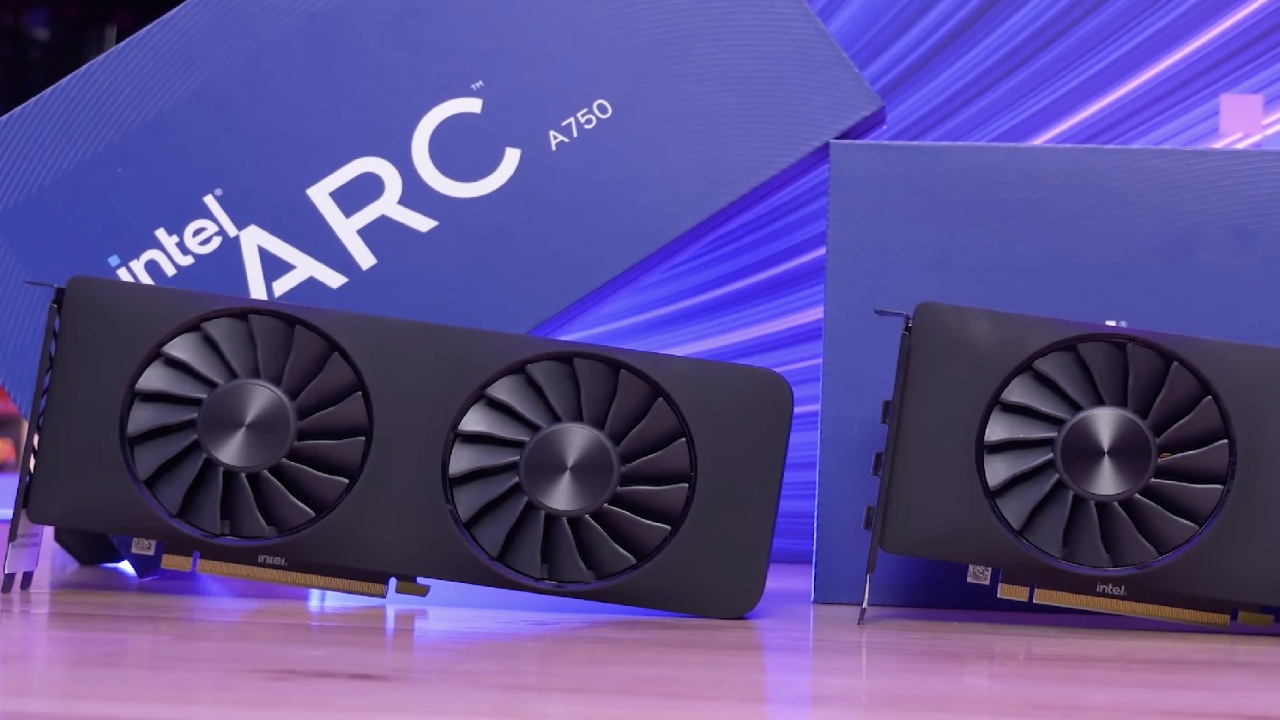
Testing Linux on Intel GPUs has not always gone well. Some distributions operate OK, but others have problems with programs and drivers not working together. Some of the problems are that programs don't always work, oneAPI doesn't always work with Blender, and different versions behave differently. Intel GPUs are still less compatible with Linux than AMD and Nvidia GPUs in a number of areas, even if Linux support is getting better.
Linux Gaming on the Rise
Linux gaming is still growing, and a big reason for that is Valve's investment in Proton and support for the platform. GOG has also begun to focus its tech efforts on Linux, indicating that the industry as a whole is interested. Even though things are getting better, Intel GPUs still have problems compared to other options.
Final Thoughts
Intel's XeSS3 multi-frame generation is a big step forward in software. Intel is currently ahead of AMD in frame generation features, even though AMD has a smaller market share. Even though FSR is still better at upscaling quality, XeSS can now generate frames more consistently, including multiple frames at once. The difference in how well software runs shows that Intel and AMD have different goals and delivery schedules.
Also, check our other Intel chips Articles below:
- Intel Core Ultra 9 285K Review And Performance Breakdown (2025)
- Intel Core Ultra 9 285K vs AMD Ryzen 7 9800X3D: In-Depth Gaming Performance and Benchmark Comparison
- Intel Core i5-13400F Gaming Performance: Still Worth It in 2025?
- Intel Core i9‑14900K vs. AMD Ryzen 7 7800X3D: Power Profiles & Gaming Benchmarks
- Intel Core i9 14900K: Specs, Benchmarks, and Competitor Comparison
- Intel Core Ultra 5 245K Review: Gaming, Productivity & Power Efficiency Tested
- Intel Core Ultra 9 285 K's iGPU Gaming: In-Depth Benchmarks & Analysis
- Intel vs. AMD Gaming Laptop: Performance, Thermals & Battery Life Compared
- AMD Ryzen 7 9800X3D vs.7800X3D vs. Intel Core Ultra 7 265K: Gaming, Thermals & Price Analysis
Editor, NoobFeed
Gaming Hardware Updates
No Data.