
Why the Mac Mini 2018 Remains Relevant for Gaming and Professional GPU Workflows
Learn which AMD graphics cards work with the Mac Mini 2018 and understand macOS’s limitations for unsupported GPUs.
Hardware by Tanisha Aria on Jan 24, 2026
People often don't give the 2018 Mac Mini enough credit, but it has a special place in Apple's history. This small PC has more power than most people think for something that came out six years ago.
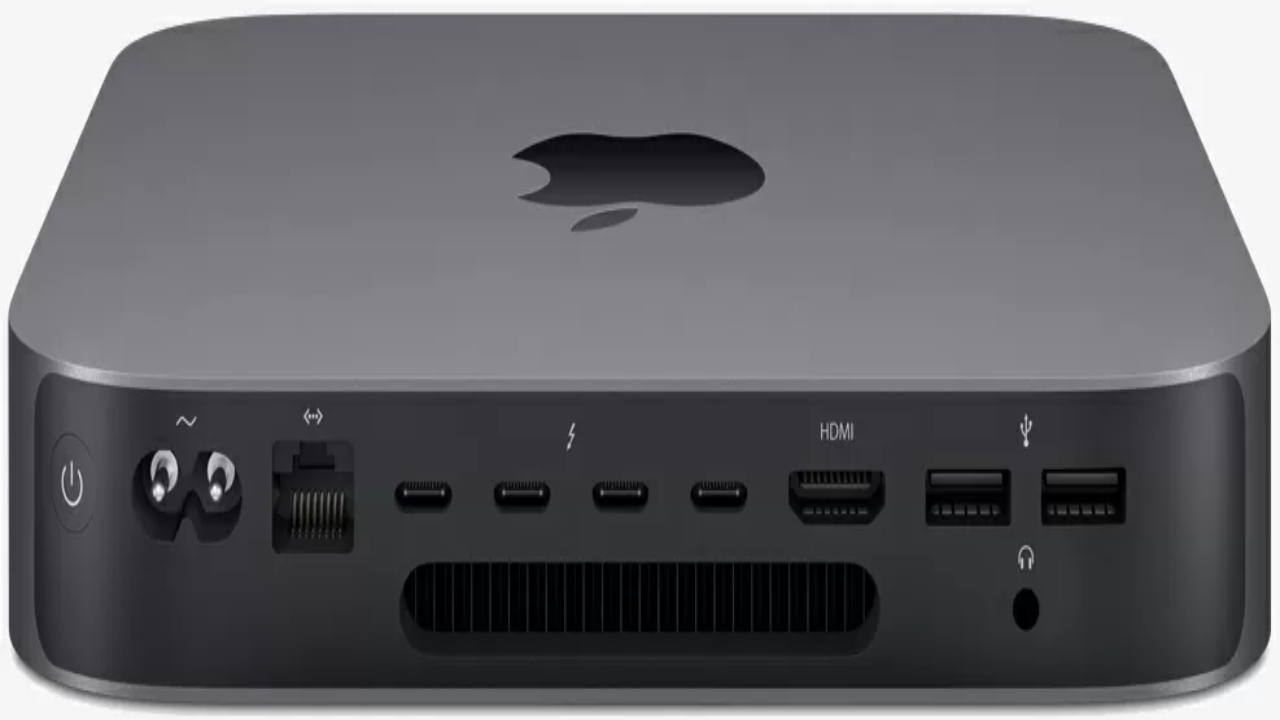
Apple Silicon models are praised for their speed and efficiency. However, the 2018 Intel-based Mac Mini still has one feature that no current Mac Mini can match: it fully supports external GPUs (eGPUs).
Unleashing Gaming Potential on macOS
Many people think it's impossible to play games on a Mac Mini, but adding a 2018 Mac Mini to an eGPU enclosure with an AMD RX6600 XT changes everyone's mind. Some games, like Shadow of the Tomb Raider, have been ported and tuned for macOS. These games can run at 1080p with the highest settings, which means they can run smoothly at 70-100 frames per second.
Rise of the Tomb Raider, Metro Redux, and Metro Exodus are some other games that can be played on this system. Newer AAA Windows games don't fully work on macOS yet.
Still, this setup works great for GPU-heavy tasks like 3D rendering, video editing in Final Cut Pro or Adobe Premiere, CAD work, and advanced picture editing in Photoshop. The RX6600 XT's speed boost is much greater than that of the Intel UHD 630 integrated graphics.
macOS eGPU Compatibility: What You Need to Know
Some AMD GPUs are immediately recognized by the 2018 Mac Mini thanks to drivers that come with macOS. But you can only use this plug-and-play feature on Intel-based Macs and some AMD cards.
GPUs that aren't supported by macOS won't work, so there will be no hardware acceleration. This includes the RX7000 series, RDNA3, and some RX6000 models, such as the RX 6700, 6700 XT, 6500 XT, and 6400.
Windows users, on the other hand, can get around these restrictions by using Boot Camp. You can use almost any eGPU, whether it's from AMD or Nvidia, because Windows fully supports GPUs that aren't included in the OS. To avoid speed issues or display errors, ensure the drivers are compatible.
Taking Windows 10 Gaming to the Next Level
When you start up the Mac Mini 2018 in Windows 10, a world of options opens up. With 16GB of RAM and an RTX 5060 eGPU, the Intel Core i5-8500B lets you play almost any Windows game without any problems. Windows 11 isn't fully supported because it doesn't work with the T2 chip or TPM 2.0, but Windows 10 is still a stable and powerful platform.
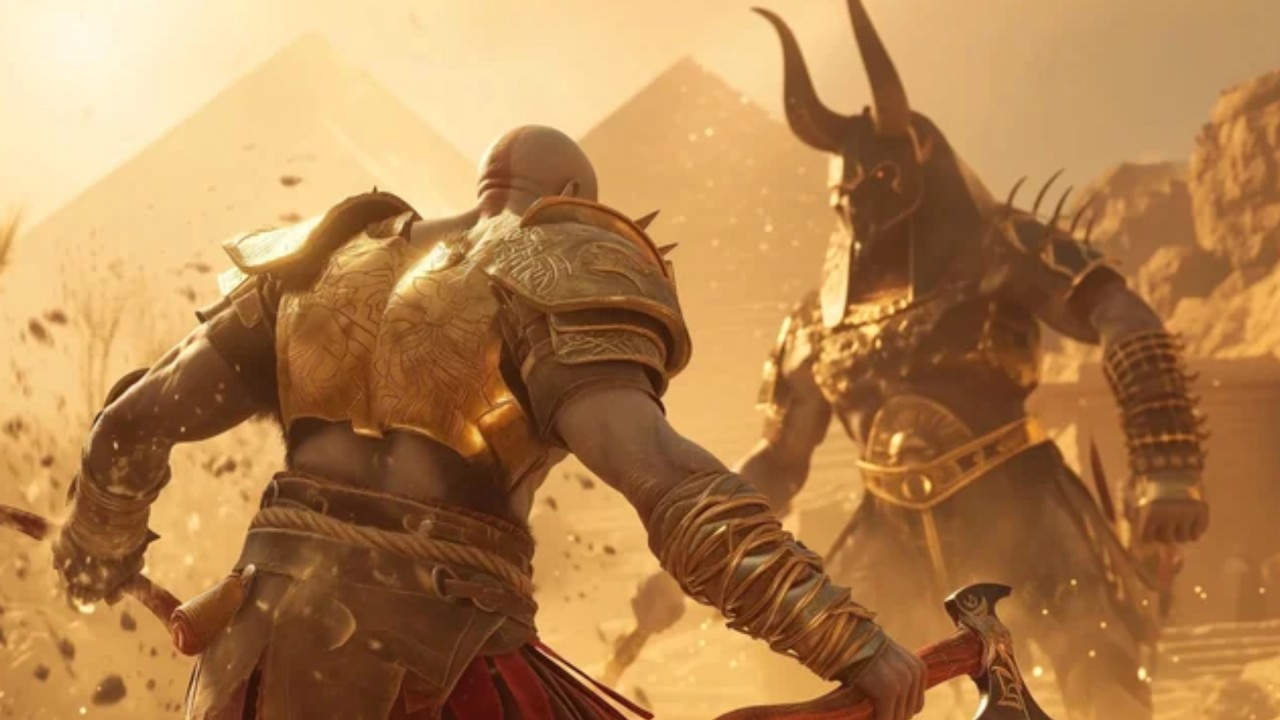
Even though the CPU and Thunderbolt 3 connection have their limits, games like God of War Ragnarok can run at 1080p high levels at around 80 to 100 frames per second. Cyberpunk 2077 runs smoothly at about 50 frames per second at 1080p high settings, while Doom: The Dark Ages can hit 60 frames per second at 1080p medium settings with DLSS turned on.
Even games with a lot of graphics, like Red Dead Redemption 2, run smoothly, with an average frame rate of 60fps in most situations. It's easy to control the temperature. The RTX 5060 stays between 65 and 70°C, and the CPU stays between 70 and 80°C when Intel Extreme Tuning Utility limits power.
Why the Mac Mini 2018 Still Matters
The 2018 Mac Mini's long-lasting draw is directly linked to its Thunderbolt 3 ports and built-in support for eGPUs. Even though it's 6 years old, it can still run current macOS apps well, make GPU-intensive workflows more productive, and run several games smoothly in Boot Camp.
Its adaptability makes it a one-of-a-kind link between Apple's Intel era and Apple Silicon era. It offers a small size and a lot of raw power, hard to find elsewhere.
Final Thoughts
The 2018 Mac Mini is still a fairly flexible computer, showing that even older hardware can still work well. It can be used to run professional programs faster and to play games on both macOS and Windows, which newer Apple Silicon models can't do. This small but powerful desktop has a lot of hidden promise that you can see when you use its eGPU.
Also, check our other hardware articles:
- AMD Ryzen 9 9950X3D Review: Setting The Standard For 2025 Gaming CPU
- Amazon Luna 2025 Review: Is Prime Gaming's Cloud Service Your Go-To For Casual Fun?
- AMD RX 9070 XT Review: AMD's RDNA 4 Champion for 1440p Gaming
- GeForce Now Ultimate: Ditching Your Gaming PC For Cloud RTX 4080 Power?
- NVIDIA GeForce RTX 5080 Review (2025): Still A 4K Gaming Powerhouse?
- Intel Core Ultra 9 285K Review And Performance Breakdown (2025)
- AMD Ryzen 7 9800X3D Review: 3D V-Cache Goes God Mode with Stunning Gaming Performance
- Intel Core Ultra 9 285K vs AMD Ryzen 7 9800X3D: In-Depth Gaming Performance and Benchmark Comparison
- NVIDIA GeForce RTX 5080 Super Performance In Cyberpunk 2077: Path Tracing & DLSS 4.0 Tested
- AMD Radeon RX 9070 XT In Cyberpunk 2077: Ray Tracing & FSR 4.0 Tested
- Intel Arc B580 Review: The $250 GPU Revolutionizing 1440p Gaming
- Intel Arc B570 Vs. B580: Value, Specs, And Real-World Gaming Performance
- RTX 5090 Laptop Vs. M4 Max MacBook Pro: Ultimate Raw Performance Vs. Battery Endurance
- Intel Arc b580 Vs. RTX 4060: Game Performance And Value Analysis
- RTX5090 Hell Is Us Demo 4K Ultra Benchmark: DLSS Vs. Native Performance Guide
- NVIDIA RTX 5070 Review: Mid-Range Muscle or Marketing Hype?
- Nintendo Switch 2 Review: Handheld Performance, Features & Value Breakdown
- RTX 5070 Ti Review: Performance, Thermals & Power Efficiency Tested
- Samsung Odyssey OLED G81SF Review 2025: Ultimate 32-Inch QD-OLED Gaming Monitor
- AMD RX 9070 Performance Review: Thermals, Clocks, and Real-World FPS
- AMD Ryzen 5 7600 Review: Best Budget Gaming CPU of 2025?
- AMD Radeon RX 7800 XT Review: RDNA 3 Power For Midrange Gaming
- Asus ROG RTX 5090 Astral OC Vs. Founders Edition: The 4K Gaming Benchmark
Contributor, NoobFeed
Gaming Hardware Updates
No Data.