
PlayStation 5 Pro Performance Analysis: Why Midrange PCs Struggle to Compete in 2026
Upscaling technologies reveal image stability differences between PSSR2, DLSS4.5, and FSR4 implementations.
Hardware by Nahe Yan on Mar 04, 2026
As comparisons of performance and market reactions grew stronger, the PS5 Pro went from being controversial to being praised. At first, critics said the system was overhyped, but things changed as major improvements and upcoming releases were announced. Sales went up when people started talking about RE9 PSSR2 upgrades and GTA 6 again. There were many new console installations on social media, and the mood around the system began to shift.
As optimization gets better, the difference between the PS5 and PS5 Pro is becoming clearer. Early third-party support didn't fully showcase the hardware's capabilities, and better box labels made things more confusing. There were disputes over upscaling flicker, but the same problems might happen with DLSS on PC. When you compare native resolution and performance modes side by side, you can see that PC is not always better.
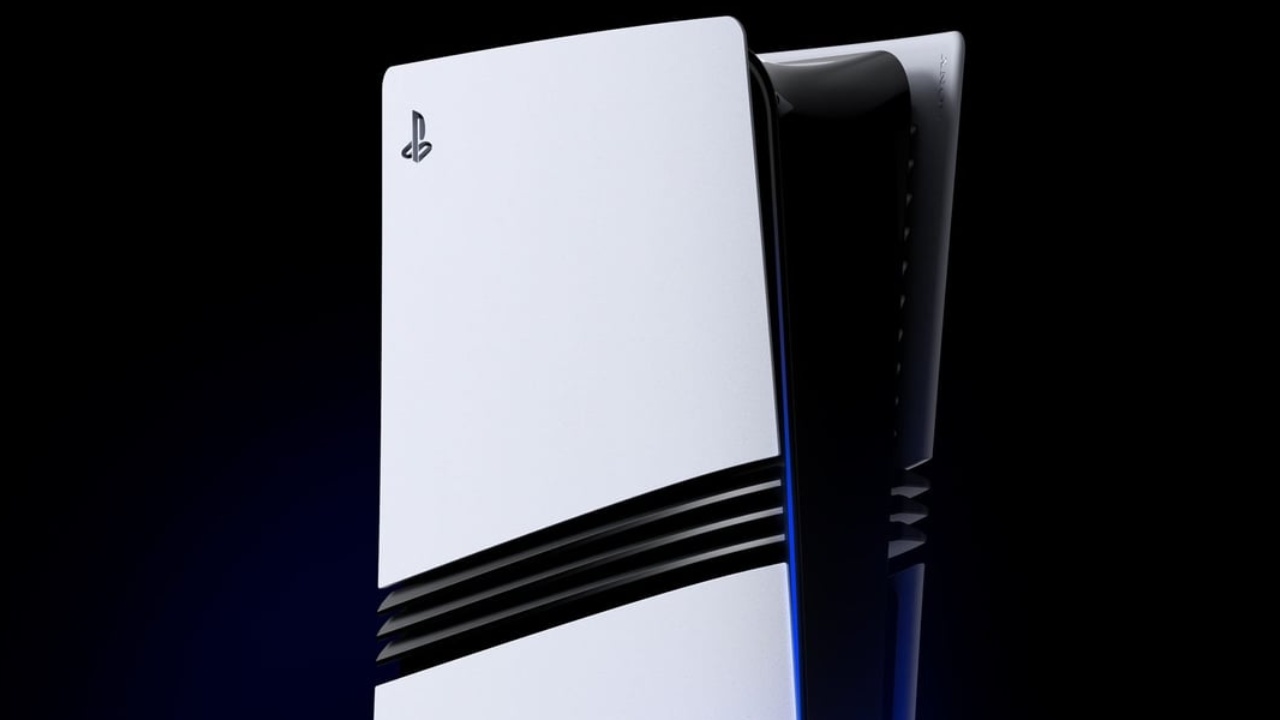
The cost also changes the conversation. In 2026, it will cost a lot of money to build a good gaming PC. The price of RAM alone could reach $450. 4070 Ti 16GB GPU costs $1,000, and the rest of the parts can easily cost another $1,000. When the outcome is a 10fps advantage over the PS5 Pro, the value argument becomes questionable. Many people who own a PS5 Pro also own a $2,000 TV and a $900 sound system, making their living room setup as good as, or even better than, high-end PC setups.
Development Baselines and Fragmentation of Hardware
Less VRAM on a PC doesn't change how games are made. It modifies the parameters. The memory budget, texture resolution, ray tracing toggles, and streaming behavior all change as needed. An 8GB GPU can run recent games, although the graphics settings may not be as good. Instead of lowering their goals, studios respond with better optimization. This method is demonstrated through enhancements to Unreal Engine, improved streaming systems, machine-learning-based texture scaling, and better compression methods. Optimization changes throughout time, but the artistic direction stays the same.
When individuals say that mainstream PC hardware controls design, the question is clear: which PC? An $800 build, a $2,500 DLSS4.5 setup, or a 6GB card that barely starts the game? Fragmentation remains the most important issue for PCs, and consoles remain stable places for developers to work.
Differences in Image Quality and Upscaling
Ghosting artifacts show how different upscaling technologies work. FSR4 can make white trailing lines behind moving objects, which you can see as frame persistence. PSSR2.0 and DLSS4.5 preset L stop that ghosting in similar scenes. These differences affect how people perceive the same sequences when comparing them across different platforms.
The Truth About a $1,000 Gaming Budget
With a $1,000 budget, the idea is to play new games released in the last 2 years that use the latest graphics and engines. People often talk about productivity, yet most people already have computers and cellphones that can do email, web surfing, streaming, and light editing. The purchase is only about games.
It is conceivable to build a PC for $1,000, but there are trade-offs. You have to look for deals when choosing parts, because mid-range GPUs don't clearly beat the PS5 Pro. High-end PCs do work better, but they cost more than $1,000. A powerful PC indeed gives you more options. Still, you also have to deal with driver updates, shader compilation lag, VRAM allocation, and graphics settings. With the PS5 Pro, you can sit down, start a game, and play without having to make any changes.
Experience vs. Specification
After examining the two systems side by side, long-time Xbox fans have switched. When you switch from SeriesX or SeriesS to PS5 Pro, you can typically see a difference right away. Users say that the images are clearer, the HDR effects are stronger, and the UI is more responsive. When we look back at prior systems, the deterioration becomes clear. Once you see that something is clearer or runs more smoothly, it's hard to change your mind.
Capture features also influence the platform's choices. PS5 Pro lets you record 4K clips that are longer than an hour, while older systems only let you record 4K clips that are 30 seconds long. Automatic recording of game talk and party sounds makes creating content easier. Ecosystem polish is important for streamers and short-form makers, not just raw teraflops.
When a system feels old, it slows down. It's not just computing metrics that describe how modern something is. The UI's smoothness, the uniformity of HDR, the tools for capturing, and the system's speed all affect the user experience.
Logic for Switching and Upgrading PCs
Most of the time, when people switch from console to PC, they end up with high-end rigs. Not many people give up the convenience of a console for the same level of performance. If you have to deal with Windows updates, drivers, shader compilation, and long options menus, the speed boost has to be big. If not, the motivation gets weaker.
At higher settings, lower-end 8GB GPUs don't provide you with the same amount of consistency as a console. They need to know how to manage memory and lower textures. If you want a console-like experience that just works, the hardware needs to deliver more than the minimum performance.
Final Thoughts
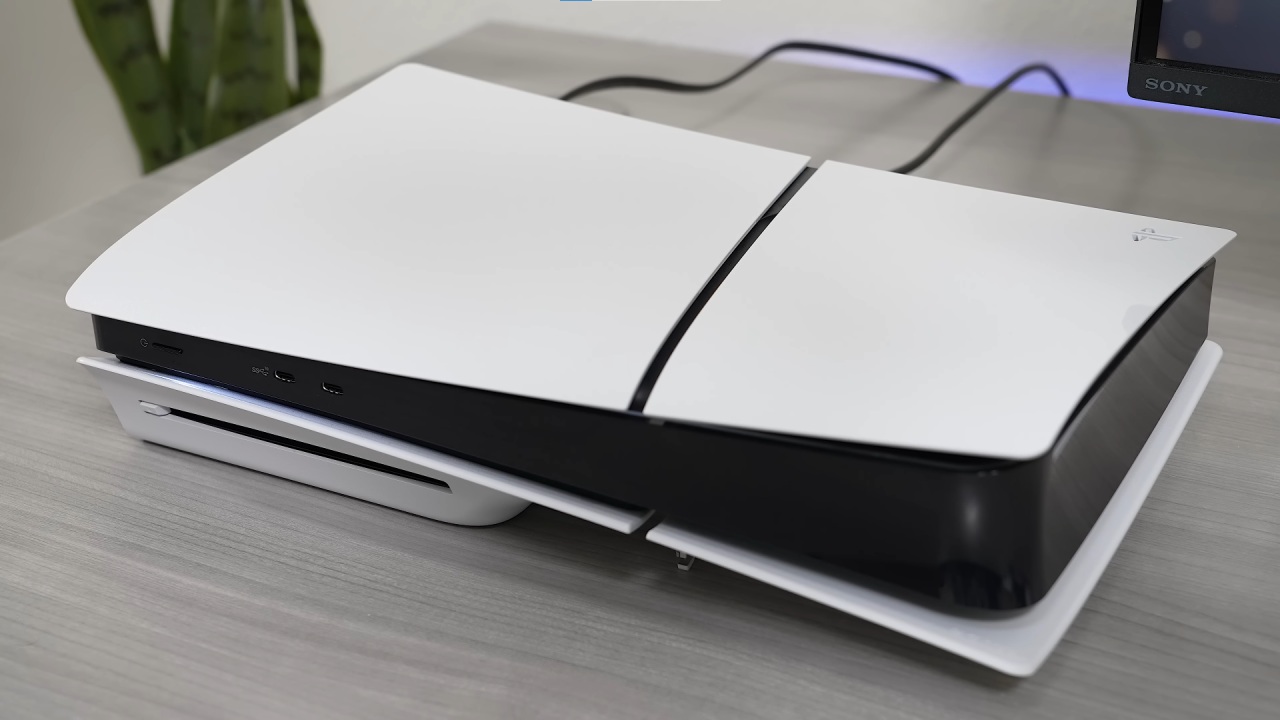
The prices make the gap even bigger. During sales, a PS5 Digital system can cost up to $449. 32GB of DDR5 RAM by itself can cost close to $300. When using the same settings, a PC that plainly outperforms the PS5 Pro often costs twice or three times as much as the console.
When it feels like an upgrade, it makes sense to switch platforms. Not many people give up convenience for a sidegrade. PS5 Pro is in a spot where mid-range PCs don't offer big improvements, and high-end PCs are for people who are really into gaming. It's not about consoles versus PCs. It's a useful fixed platform instead of costly equipment that can be changed. For many players, reducing friction is more important than getting a few more fps.
Also, check our other hardware articles:
- AMD Ryzen 9 9950X3D Review: Setting The Standard For 2025 Gaming CPU
- Amazon Luna 2025 Review: Is Prime Gaming's Cloud Service Your Go-To For Casual Fun?
- AMD RX 9070 XT Review: AMD's RDNA 4 Champion for 1440p Gaming
- GeForce Now Ultimate: Ditching Your Gaming PC For Cloud RTX 4080 Power?
- NVIDIA GeForce RTX 5080 Review (2025): Still A 4K Gaming Powerhouse?
- Intel Core Ultra 9 285K Review And Performance Breakdown (2025)
- AMD Ryzen 7 9800X3D Review: 3D V-Cache Goes God Mode with Stunning Gaming Performance
- Intel Core Ultra 9 285K vs AMD Ryzen 7 9800X3D: In-Depth Gaming Performance and Benchmark Comparison
- NVIDIA GeForce RTX 5080 Super Performance In Cyberpunk 2077: Path Tracing & DLSS 4.0 Tested
- AMD Radeon RX 9070 XT In Cyberpunk 2077: Ray Tracing & FSR 4.0 Tested
- Intel Arc B580 Review: The $250 GPU Revolutionizing 1440p Gaming
- Intel Arc B570 Vs. B580: Value, Specs, And Real-World Gaming Performance
- RTX 5090 Laptop Vs. M4 Max MacBook Pro: Ultimate Raw Performance Vs. Battery Endurance
- Intel Arc b580 Vs. RTX 4060: Game Performance And Value Analysis
- RTX5090 Hell Is Us Demo 4K Ultra Benchmark: DLSS Vs. Native Performance Guide
- NVIDIA RTX 5070 Review: Mid-Range Muscle or Marketing Hype?
- Nintendo Switch 2 Review: Handheld Performance, Features & Value Breakdown
- RTX 5070 Ti Review: Performance, Thermals & Power Efficiency Tested
- Samsung Odyssey OLED G81SF Review 2025: Ultimate 32-Inch QD-OLED Gaming Monitor
- AMD RX 9070 Performance Review: Thermals, Clocks, and Real-World FPS
- AMD Ryzen 5 7600 Review: Best Budget Gaming CPU of 2025?
- AMD Radeon RX 7800 XT Review: RDNA 3 Power For Midrange Gaming
- Asus ROG RTX 5090 Astral OC Vs. Founders Edition: The 4K Gaming Benchmark
Editor, NoobFeed
Gaming Hardware Updates
No Data.