
ROG Xbox Ally X BIOS 314 Update: Performance and Installation
Installation through Windows Update simplifies the BIOS upgrade process and ensures the device remains fully up-to-date without additional tools.
Hardware by Tanvir Kabbo on Jan 20, 2026
A new BIOS 314 update has been released for the ROG Xbox Ally X, following the prior 313 update that arrived about a month earlier. The previous update brought noticeable performance improvements and system stabilization.
BIOS 314 arrives with fewer changes but continues refining the overall experience. The update process may appear slightly different depending on how it becomes available, and performance differences remain minimal, though worth reviewing.
.jpg)
Checking Support Resources and Update Availability
We took a quick look at the official support website to verify what was included with this release. While browsing the driver list, we didn’t find anything new besides the BIOS itself.
When I looked straight on the device for updates, the BIOS and firmware section displayed BIOS 314, which was dated January 19, 2026, and could be downloaded on the ROG Xbox Ally X.
Beginning the Installation Process
We utilized MyASUS to install the last BIOS update, which was our main way to do BIOS installations. However, this time the update arrived through Windows Update, which we’ll walk through here.
After switching to Windows desktop mode, we closed unnecessary apps, such as the Xbox app, before navigating to Settings and Windows Update. A few updates appeared, including the BIOS update that had triggered through Windows Update this time instead of MyASUS or Armoury Crate SE.
We also recommend going to the Microsoft Store to check for updates. Even with consistent maintenance, there were several new updates within the past couple of days, including an update for Armoury Crate SE. Once all Windows and Store updates were installed, we restarted the device to apply everything, including the BIOS.
Executing the BIOS Update
When I clicked "Update and Restart," the computer restarted and showed the BIOS update routine. We connected to a solid power supply, either through a power brick or straight into the wall, so the process could keep going.
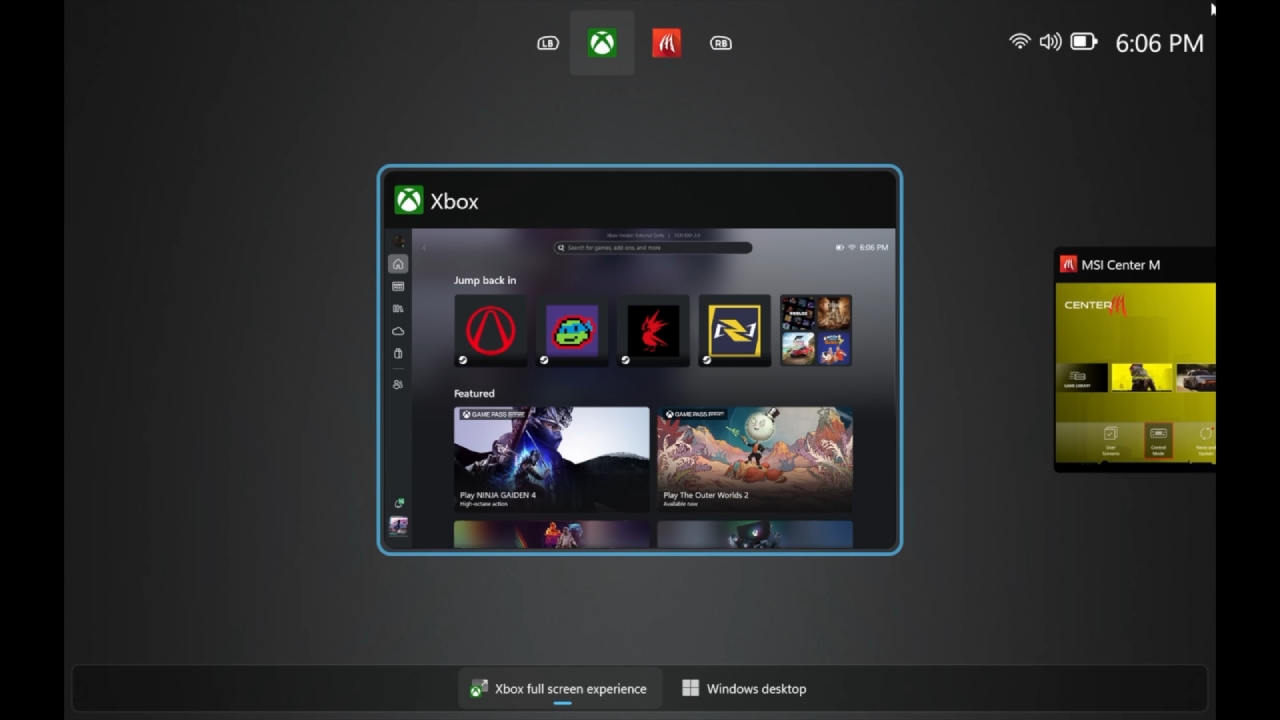
The update finished fast, much like the 313 update, lasting about 5 to 6 minutes and then a few short restarts. After it was done, the machine went back to either the Xbox Full Screen Experience or the Windows desktop, depending on how it was set up before.
Verifying BIOS Installation and Additional Updates
After installing BIOS 314, we went back to the desktop and opened Armoury Crate SE for the first time since the upgrade. It did a quick internal setup before completely opening. There were no new items that needed to be installed in the Update Center, and we confirmed that BIOS 314, which was installed on January 19, 2026, was still there.
We also looked at MyASUS again, but not for BIOS this time. We did it because Windows Update and Armoury Crate SE often overlook crucial parts. In this instance, MyASUS detected a card reader driver update that neither Windows Update nor Armoury Crate SE flagged.
After installing that, the system became fully updated across Windows Update, Microsoft Store, MyASUS, and Armoury Crate SE. We didn’t notice any changes in BIOS settings or adjustments within Armoury Crate SE after updating. It looks like it is mostly about making things more stable and improving performance a little bit.
Testing Performance in Games
After everything was up to date, we did one more restart before initiating the Xbox Full Screen Experience and comparing performance. We played Cyberpunk 2077 and Doom again, both at 17W and 25W. Using 1080p medium with FSR3 Performance and 8GB VRAM for Cyberpunk 2077, we observed performance nearly identical to BIOS 313.
GPU clocks would occasionally boost slightly higher on BIOS 314, but despite the higher clocks, FPS didn’t increase and in several benchmark runs came in 1–2fps lower. Differences remain negligible and at 17W, the performance gap shrinks even more, showing extremely similar numbers between BIOS versions.
In Doom’s built-in benchmark at 25W, performance looked even closer between BIOS versions than in Cyberpunk. No major performance gains or losses appeared, and in some runs BIOS 314 was marginally lower in FPS but not significantly.
Frame times looked a little better on BIOS 314, which suggests that tiny changes to the settings may have traded 1–2 fps for stability. At 17W, the performance was the same as Cyberpunk's behavior, which was essentially the identical across all versions. Overall, performance stayed steady and consistent, and there were no problems during testing.
.jpg)
Final Thoughts
With BIOS 314 installed, everything operated smoothly with no frame-time problems, stutters, or instability during gaming sessions. Performance remains largely the same as BIOS 313, with very small, mostly negligible differences.
The update process varied from previous releases by coming through Windows Update, but installation was straightforward and trouble-free. We’ll continue monitoring future updates and testing additional games, especially with several major releases on the way.
ROG Xbox Ally X continues receiving frequent support updates, and based on ongoing development, especially for features like upscale docking, there’s plenty more to look forward to.
Also, check our other articles below :
- ASUS ROG Ally X Handheld Review: Double the Battery, Double the Comfort
- Nintendo Switch 2 Vs. Original Switch 1: A Full Comparison
- How To Connect A Camera And Join Voice Chat With Nintendo Switch 2
- Nintendo Switch 2 Review: Handheld Performance, Features & Value Breakdown
- ROG Xbox Ally X Vs. ROG Ally X: Display, Battery & Controls
- ASUS ROG Ally X vs. Steam Deck OLED: Display, Battery & Gaming Benchmarks
- MSI Claw 8 AI+ Review: Display, Controls & Gaming
- Nintendo Switch 2 vs. Steam Deck OLED: Gaming, Performance, Battery, Display and Value
- PlayStation Portal Review: Remote Play, Cloud Streaming & Travel Gaming
- PlayStation Portal vs. Lenovo Legion Go: Best Portable Gameplay
- Cyberpunk 2077 Patch 2.3 FPS Test on MSI Claw 8 AI+
Senior Editor, NoobFeed
Gaming Hardware Updates
No Data.