
Steam Deck OLED vs. Lenovo Legion Go S: Controls, Battery & Display
Measuring performance at different thermal power to highlight FPS differences and efficiency on real‑world game titles
Hardware by Tanvir Kabbo on Jul 10, 2025
Handheld gaming devices have come a long way, offering console‑quality experiences you can take anywhere. Two standout contenders are the Steam Deck OLED and the Lenovo Legion Go, both running SteamOS. Although they share the same operating system, their designs, hardware, and performance vary in meaningful ways.
We explored their strengths and weaknesses so you can decide which handheld best fits your gaming style.
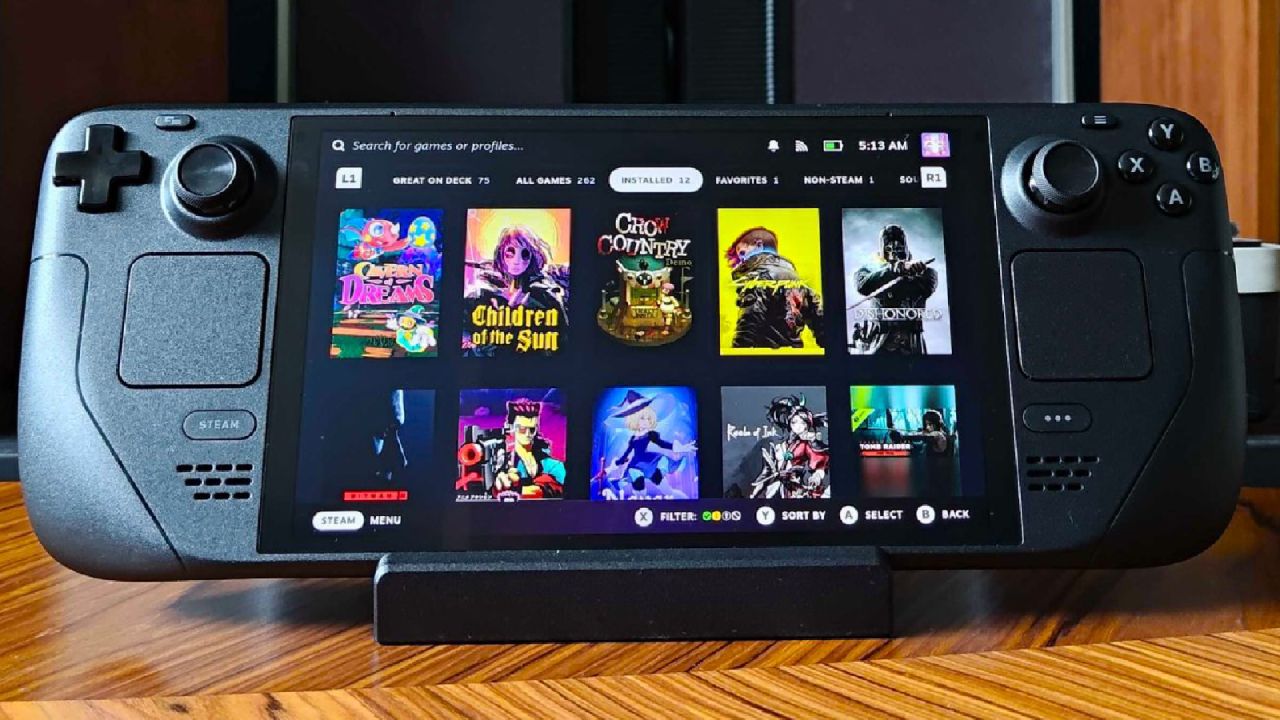
Design and Controls
The Legion Go presents an all-in-one form factor with integrated controls—no detachable controllers to juggle. We find its unified design comfortable to grip, especially during extended play sessions.
By contrast, the Steam Deck OLED retains the classic Steam Deck silhouette, refined to feel thinner and lighter than the Legion Go. You'll appreciate its responsive touchpads, which deliver precise cursor control that the Legion Go lacks.
However, Legion Go's back triggers are a nice addition to combat-focused games, providing an additional layer of input that can help you win fast-paced action games.
Displays of Both
In terms of panels, the Steam Deck OLED utilizes an OLED panel to produce brighter colors, greater contrast, and deeper blacks. However, the Legion Go features an 8-inch IPS LCD at a higher resolution, providing more screen real estate and sharper visuals than the Steam Deck OLED's 7.4-inch panel.
The Legion Go also supports a 144Hz refresh rate—ideal for smoother motion in fast‑paced games—while the Steam Deck OLED is capped at 90Hz.
If you prioritize screen size and refresh rate, the Legion Go delivers; if you prefer richer colors and contrast, the Steam Deck OLED takes the lead.
.jpg)
Performance and Battery Life
Under a 6W TDP mode, the Steam Deck OLED typically outperforms the Legion Go by about 5–10 fps in less demanding titles, and it achieves a longer runtime of roughly 6–7h versus the Legion Go's 4–5h battery life. Bump both devices to 15W, and you'll still see the Steam Deck OLED edge out the Legion Go by 2–4 fps in many games.
Yet the Legion Go lets you push up to 25W TDP for extra headroom—if you're willing to trade battery life for additional FPS.
In real‑world tests at 15W and 720p, Forza Horizon ran at around 65 fps on the Steam Deck OLED and 65 fps on the Legion Go, rising to 72 fps when the Legion Go was boosted.
Black Myth: Wukong averaged 44 fps on the Steam Deck OLED and 51 fps on the Legion Go at 15W. Shadow of the Tomb Raider delivered 58 fps versus 56 fps, with the Legion Go climbing to 61 fps at 20W.
Finally, with Cyberpunk 2077 unlocked beyond its 30 fps cap, we saw 47 fps on the Steam Deck OLED and 51 fps on the Legion Go.
Software and Usability
Both devices benefit from SteamOS's streamlined interface and sleep-to-wake feature, which prevents battery drain when you pause your session. We've found the Steam Deck OLED's fan noise to be minimal under load, whereas the Legion Go's fans can become noticeably louder—something to consider if you value quiet operation.
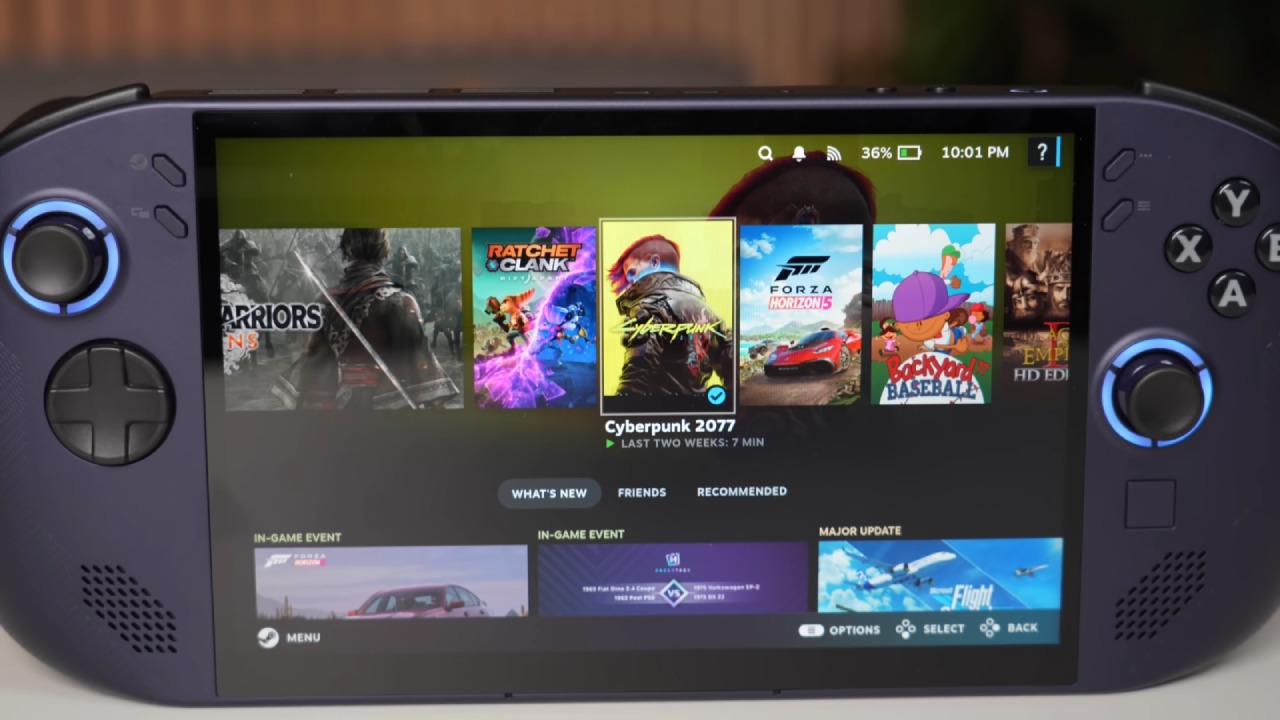
Pricing and Value
At $550 for the Steam Deck OLED and $600 for the Legion Go (each with 512 GB of storage), the price gap is modest. For an additional $50, you gain a larger 8-inch 144Hz screen, VR support, and a more powerful chip in the Legion Go. You'll need to decide if those upgrades justify the cost.
For those who prefer a larger screen and improved performance, particularly in demanding games, the Legion Go presents a compelling argument. If you enjoy indie titles and value extended battery life, you'll appreciate the Steam Deck OLED.
Final Thoughts
Ultimately, both the Steam Deck OLED and the Lenovo Legion Go have unique benefits. If you desire longer battery life, silent fans, and brighter visuals, the Steam Deck OLED is the ideal choice. If you prefer a larger, high-refresh-rate display and the option to push more wattage for extra FPS, the Legion Go is hard to beat.
Whichever device you choose, you're in for an exceptional handheld gaming experience.
Check our Other Handheld Articles :
- Nintendo Switch 2 Vs. Original Switch 1: A Full Comparison
- How To Connect A Camera And Join Voice Chat With Nintendo Switch 2
- Nintendo Switch 2 Review: Handheld Performance, Features & Value Breakdown
- Lenovo Legion Go S Review: The Ultimate Steam Deck 2 Alternative
- ROG Xbox Ally X Vs. ROG Ally X: Display, Battery & Controls
- ASUS ROG Ally X vs. Steam Deck OLED: Display, Battery & Gaming Benchmarks
- MSI Claw 8 AI+ Review: Display, Controls & Gaming
- Nintendo Switch 2 vs. Steam Deck OLED: Gaming, Performance, Battery, Display and Value
- SteamOS vs Windows Handheld: Ultimate Gaming Performance & Battery Showdown
- NVIDIA GeForce Now on Steam Deck: Battery Life, Gameplay, Streaming
Senior Editor, NoobFeed
Gaming Hardware Updates
No Data.