
Sony Rolls Out Major PS5 Update With Smart "Recently Played" Feature and Dynamic Themes
A new over-the-air update adds seasonal motion backgrounds and a simplified game-return system based on Steam to the Welcome Hub.
News by Nusrat Choity on Nov 27, 2025
Sony released one of the most important PS5 updates in 2025. It came out slowly but had a big effect right away. Sources say that this update came out soon after earlier reports that it would. It brings a new wave of quality-of-life improvements focused on the console's front end.
Unlike needed firmware downloads for online access, this update comes over the air, so you can get it without having to restart your system. That alone is good news for users who have been slowed down by having to download updates before they could use the PlayStation Network or the digital shop.
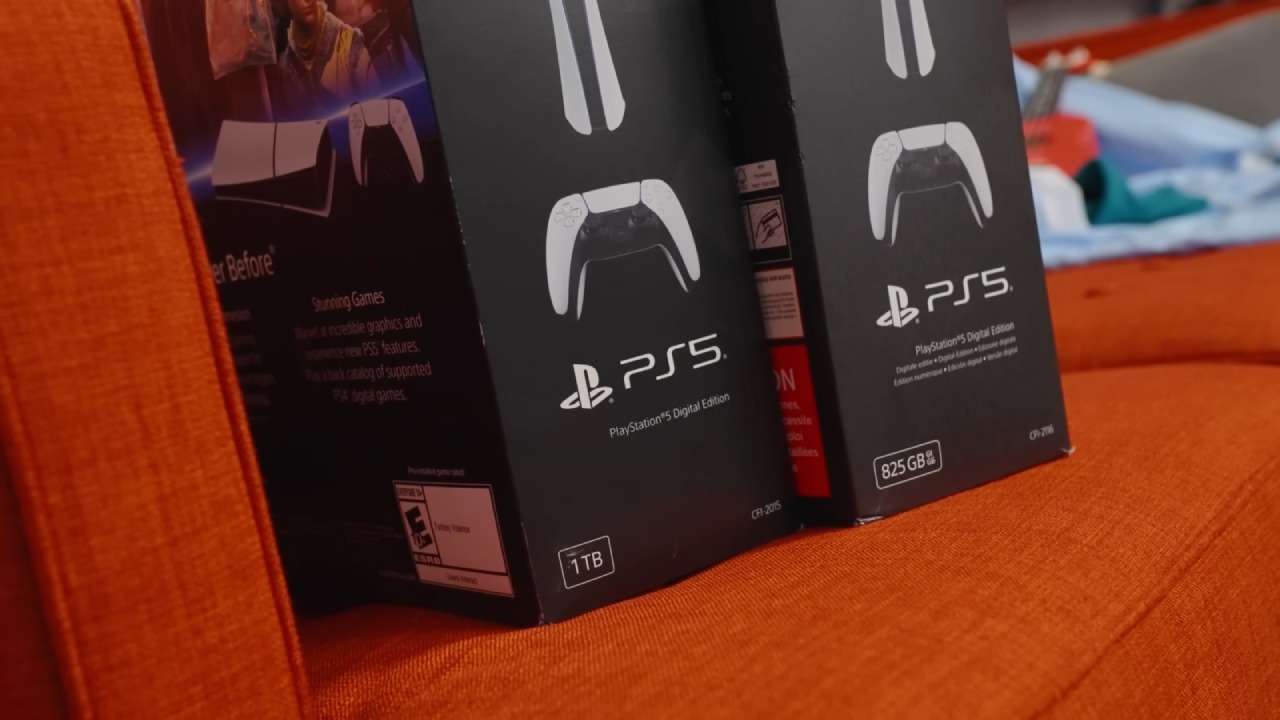
This update is mostly about improving the PS5's Welcome Hub. Sony has added dynamic holiday themes that change automatically as the year progresses. Users see warm fall images in the fall, and as winter comes, those images change to colder winter images.
As winter turns into spring and summer, the same change happens again and again, giving the setting more personality. It works a lot like live wallpaper, giving the interface a more dynamic look that changes in real time instead of staying the same.
The holiday theme is nice to look at, but the "Recently Played" window, which was heavily influenced by Steam, is the most useful new feature in this update. For users, it makes it easier to return to the last game they played before the system went into sleep mode. Once enabled on the Welcome Hub, the widget will automatically show the most recent title, so you can get to it right away without having to go through options.
The feature works the same way as Steam's home tab, where the newest games are at the top. This makes it easy to see what games you're currently playing, which is especially helpful for people who are switching between games.
The addition of this new tool makes things a lot easier. The update gets rid of extra steps that people need to take when they want to boot back in, whether they are moving between a few games or going back to a long-term favorite. Even though rest mode automatically starts playing again, the widget is useful for people who turn off their machines all the way or just like to see their most recent experience in a clean, organized way.
It aligns with Sony's overall theme of making small, useful changes to the PS5 interface rather than big, unnecessary ones.
This update also comes at a time when the PS5 is reaching the end of its useful life, and Sony is shifting its attention to the next version. Sources say that a lot of people thought the company would slow down on adding new features, especially since they are putting more effort into making the PlayStation 6.
But the opposite has happened: Sony keeps making the interface simpler and adding features from other systems that have already been successful. By taking out useless or rarely used items from the dashboard and replacing them with tools that players actually use, the UI of the console becomes faster, easier to use, and more in line with how people normally behave.
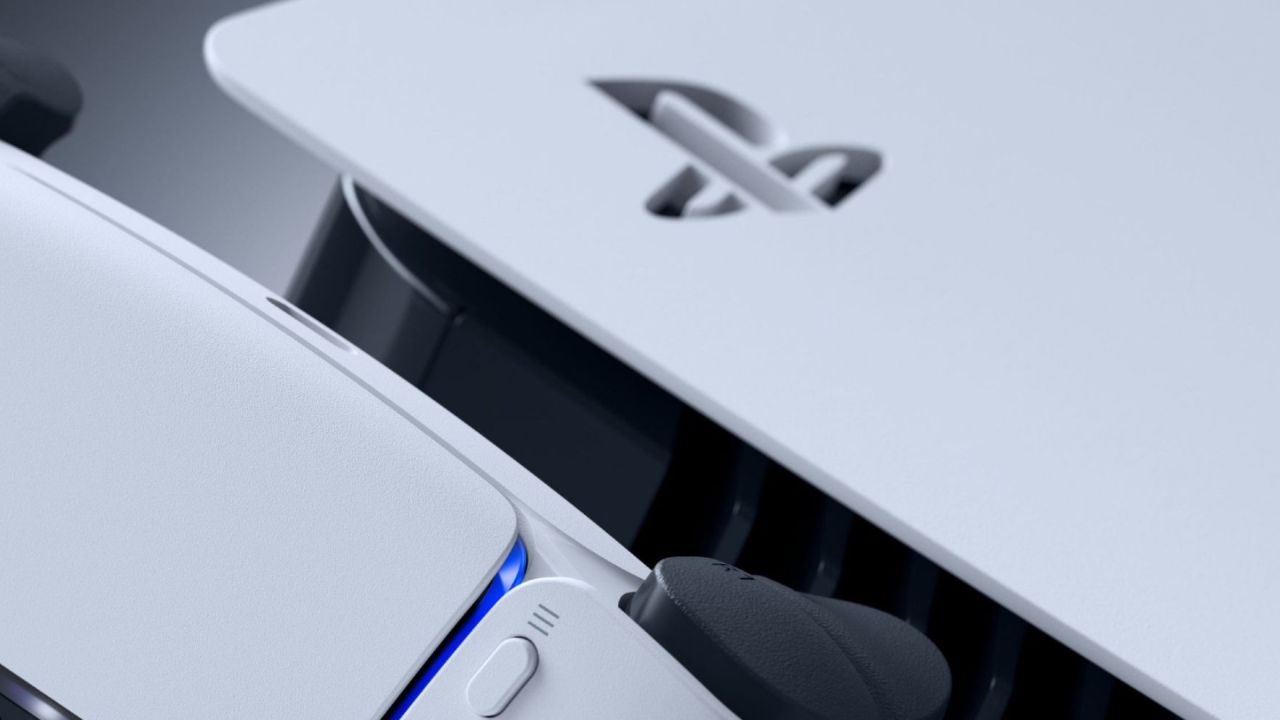
The addition of the new live wallpaper makes this change even stronger. The PS5 Pro used to have a motion wallpaper that only showed the APU with pulsing color nodes. Now, the regular PS5 gets its own animation theme through this holiday system. That change makes both levels of hardware better without making the models less similar than they need to be. A long-standing request from the community has also been echoed: giving users more ways to customize their experience without only letting premium device owners do so.
Inside the business, changes to interfaces are often overshadowed by news about new games or hardware. But Sony's latest update for the PS5 has gotten a lot of attention because it makes the game look better while also making it easier to use. It adds a new layer of visual character and makes it easier for people to go back to their favorite games. All of these changes show that the platform is changing by getting better, not by being completely new.
As the game calendar moves forward and Sony gets ready to make bigger announcements in the coming years, the PS5 experience keeps getting better in important ways.
The Welcome Hub changes with the seasons, and a smart access button makes it easier to find your way around. As more updates come out, one question stands out: what other features could Sony add to the PS5 to keep it feeling new even though the next version is coming out soon?
Contributor, NoobFeed
Related News
No Data.