
Major SteamOS Update Ends 2025 as Steam Deck Pro Returns on Sale
Latest handheld sale highlights ongoing debates surrounding value, performance, and long-term usability of premium portable gaming hardware.
News by Masaru Hoshino on Dec 25, 2025
A major SteamOS update closes out 2025 with meaningful improvements for Steam Deck users. With the Steam Deck Pro back on sale and new collaborations forming between Deck Filter and Deck Ready, plenty is happening across the Steam hardware ecosystem.
Valve has delivered the final 2025 SteamOS update, bringing several useful upgrades. One problem that a lot of folks had—screen-off downloads not working while using different sleep methods—has been fixed. Before, you could download things when the screen was off by pressing the power button, but not by going through the Steam button and power menu.
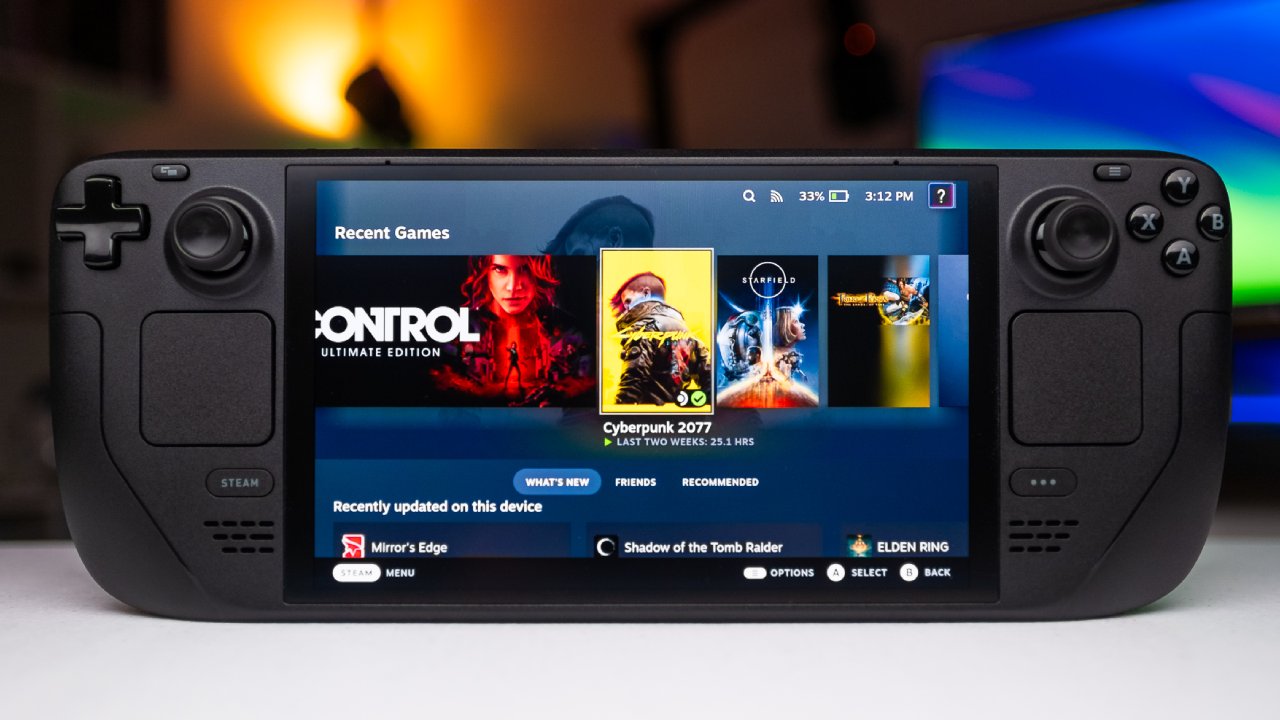
Countdown menu is the same for both methods now. It warns you that downloads will keep running in sleep mode until you choose to stop them. It's a great way to improve your quality of life because it prevents your battery from running out by accident and prevents the weird things that can happen when the Steam Deck's battery runs out.
Update also adds support for more controllers. If you picked up a Nintendo Switch 2 and bought the new Switch 2 Pro controller, you probably noticed its Bluetooth drivers were locked down. Valve put in the extra work to extract, deconstruct, and rebuild those drivers so the controller can now be used with your Steam Deck, SteamOS PC, or Windows PC.
However, it must be wired because the wireless driver is still restricted. A long USB-C cable solves that issue well enough, and it's a welcome addition for anyone who likes the feel and strong battery life of that controller.
Gyro controls also received a major overhaul. Steam Controller shares much of the Steam Deck's control DNA, so Valve rebuilt the gyro system from the ground up and backported those improvements to the Deck. If you currently use Gyro, nothing changes; your existing profiles stay the same. But upgrading to the new architecture improves recentering.
When you turn on Gyro, it may either respect the current angle of the Deck, or you can set it to snap to the real center as soon as your thumbs hit the sticks or the button you chose to turn it on. This improvement has a big impact on anyone who likes to aim with a stick for big movements and uses Gyro for small adjustments.
This upgrade could change the game for players who appreciate shooters that need a lot of precision, like Witchfire or Hunt: Showdown. Many of us became full converts to Gyro after replaying classic Half-Life campaigns and using Gyro to nudge the reticle for pixel-perfect accuracy. With these improvements landing just before the holiday break, it's a great time to revisit more demanding shooters with Gyro fully enabled.
Security also improved with this update. Valve added a feature earlier this year that notifies you when shady accounts try to talk to or trade with you. Now you can use an integrated reporting tool to flag these profiles right away, so Valve can review them and ban them if necessary. This is a good addition for anyone sick of trade fraud or phishing. It makes the user experience safer.
Steam Deck Pro, better known in reality as the Legion Go S, is once again on sale for $749.
That price represents about a $100 discount, but it's also realistically where the device should have been priced from the start. It's a powerful and comfortable handheld, but it comes with clear drawbacks.
When the Legion Go S first arrived, we didn't use it much because the Steam Deck handled everything we were playing. Only when heavier titles like Dying Light: The Beast, Silent Hill: F, and Arc Raiders were released did the Legion Go S start getting more use, and even then, it was mostly because it offered a small performance edge in very specific cases.
Most of the time, the Z1 Extreme and subsequent chips like the Z2 Extreme only differ by 1 to 2 fps, but in exceptional cases, they can differ by 5 to 10 fps. In most games, the differences don't make a big impact on the experience, especially since many of the affected games already run at 60 fps.
The 1200p screen is bigger and a little better than the original Steam Deck LCD, but it's not as brilliant, colorful, or powerful as the Steam Deck OLED. Some people say it has the same brightness as the OLED, but when you look at them side by side, the difference is clear.
A more important issue is that neither the Z1 Extreme nor the Z2 Extreme performs consistently enough to push 1200p. As a result, you often end up playing at 800p. Stretching that resolution across a larger panel softens the image. It reduces clarity, which undermines the benefit of the bigger screen.
Legion Go S feels wonderful in your hand, and some people like it better than the Steam Deck. The device is substantially heavier, though, and the added weight becomes a problem if you want to play in bed or hold the handheld above your head for long sessions. Using it for a long time can make your wrists tired, yet the Steam Deck stays comfortable for hours.
Battery life is the device's biggest weakness. In performance mode, the Legion Go S manages around 90 minutes of playtime, which is extremely limiting. Running it in balanced mode aligns power draw with the Steam Deck and offers similar battery life, but at that point, it also delivers similar performance. If you're not explicitly looking for the rare games that experience small gains, paying $749 to match the Steam Deck's performance doesn't make much sense.
For most individuals, the full-price Steam Deck OLED is still the better option. If your main goal is to get the best performance and you know what you're giving up, $749 is a fair price. Anything more than that is too much.
Deck Filter has grown even more, and one of its most important new features is curated playlists from well-known Steam Deck users. You can now access featured playlists from creators including Gardener Bryant, Felix, and Deck Ready in the Discover tab. Our playlist includes 10 games we've collectively spent hundreds of hours playing on the Steam Deck, all of which look and run great and are standout experiences.
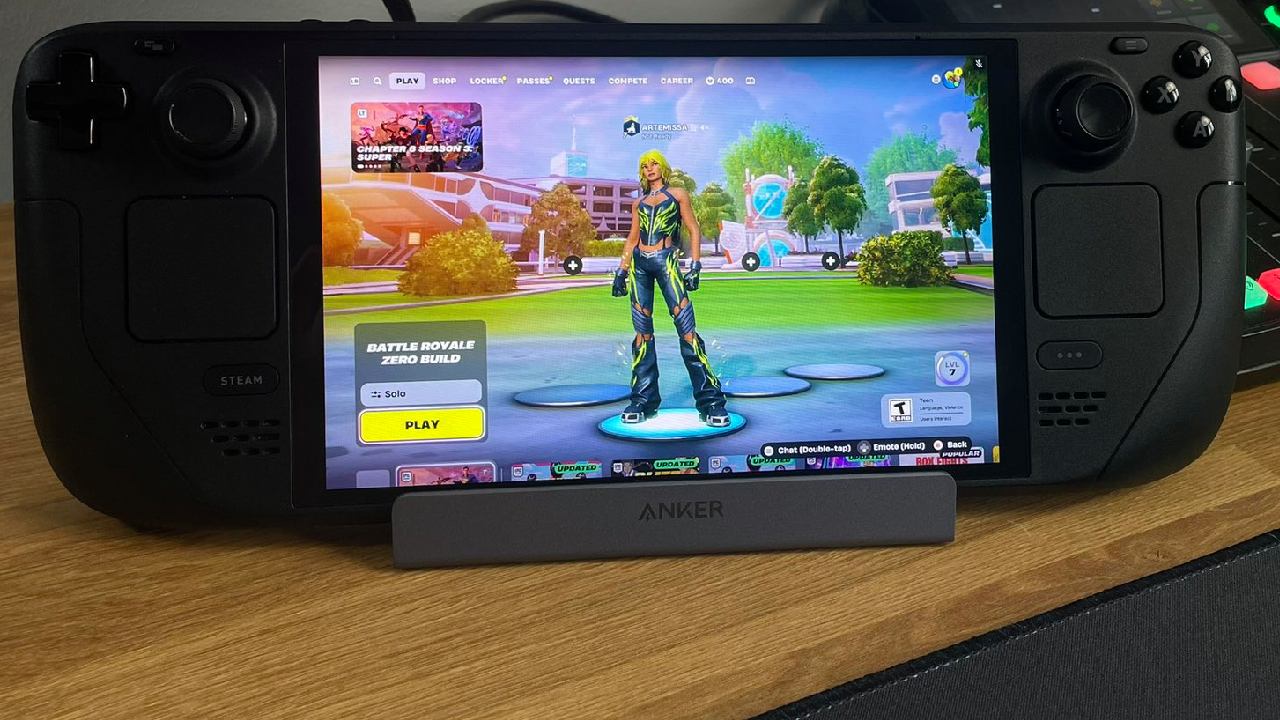
There's also a Recently Played section tied directly to our Steam activity. Because we spend so much time on the Deck, this section serves as a reliable snapshot of what's performing well on the hardware at the moment. Diablo IV's current season is still great, Resident Evil 6 has become an addiction for me at night, Arc Raiders plays surprisingly well, and Splitgate Arena Reforged always runs at 60fps.
There are still some games that are too hard for us, like Divinity: Original Sin 2, yet the community loves them. Games like Grim Dawn and Sulfur run smoothly, and the announcement of a new Grim Dawn expansion arriving in 2026 adds even more excitement for long-time fans.
Deck-specific apps have appeared frequently on app stores recently, but Deck Filter continues to stand out. It gets regular updates, takes community feedback, and has built-in features like HowLongToBeat times, price comparisons, Steam Deck HQ links, a quick YouTube search for gameplay testing, wishlist filters, playlists, and more.
Felix often tests games on both Steam Deck OLED and the Legion Go S. The $5 price is definitely worth it, since he is always looking for ways to improve. We also have a special Deck Ready feature in the app, which we think is a fun and important step forward for us.
At the end of 2025, there will be big updates, new hardware possibilities, and a better way to find games that work with the Steam Deck.
With SteamOS refinements arriving just in time for the new year, the Steam Deck Pro is discounted once again.
Deck Filter teaming up with Deck Ready to make game discovery easier and more personal, handheld gaming fans have a lot to look forward to heading into 2026.
Editor, NoobFeed
Related News
No Data.