

Dual GPU Gaming in 2025: Mixing AMD and Nvidia With Lossless Scaling for 240fps
A modern dual GPU setup revives multi-GPU gaming by separating rendering and frame generation across two graphics cards
Hardware by Yoshi on Dec 21, 2025
In the past, using graphics cards from different vendors together has caused problems. Crashes, blue screens, and very small performance gains were common, which made mixed-GPU setups mostly useless for gaming.
Early attempts at this method yielded about 6% gains, making it clear that running two GPUs just wasn't worth the trouble. That idea has changed recently because a new method has been found that brings back unsupported multi-GPU technology in a much better way. This enables 240 fps consistently across modern games.
Establishing the Baseline System
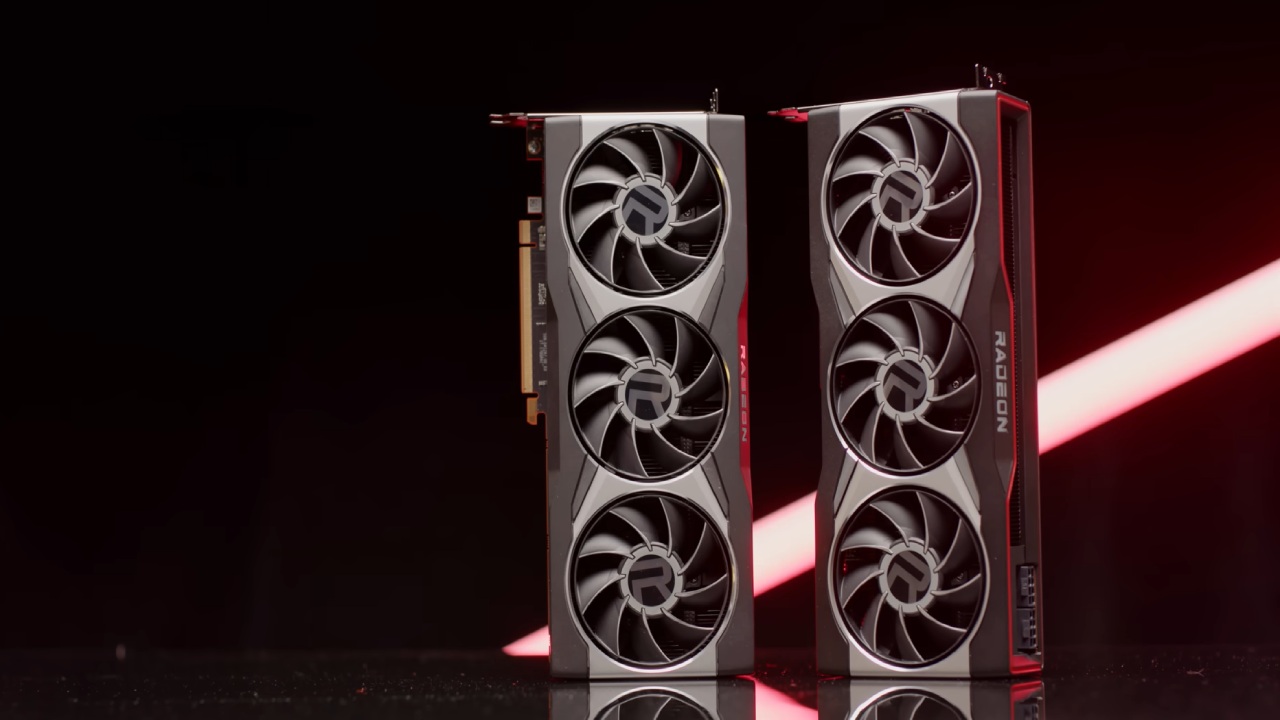
You need a strong single-GPU system before you can try out dual GPUs. RX 6900 XT was the baseline system. This card is about as powerful as an RTX 3090. It is still powerful, but it can't reach 240 fps on its own in modern, hard-to-run games. This makes it a good choice for testing how much a second GPU could help.
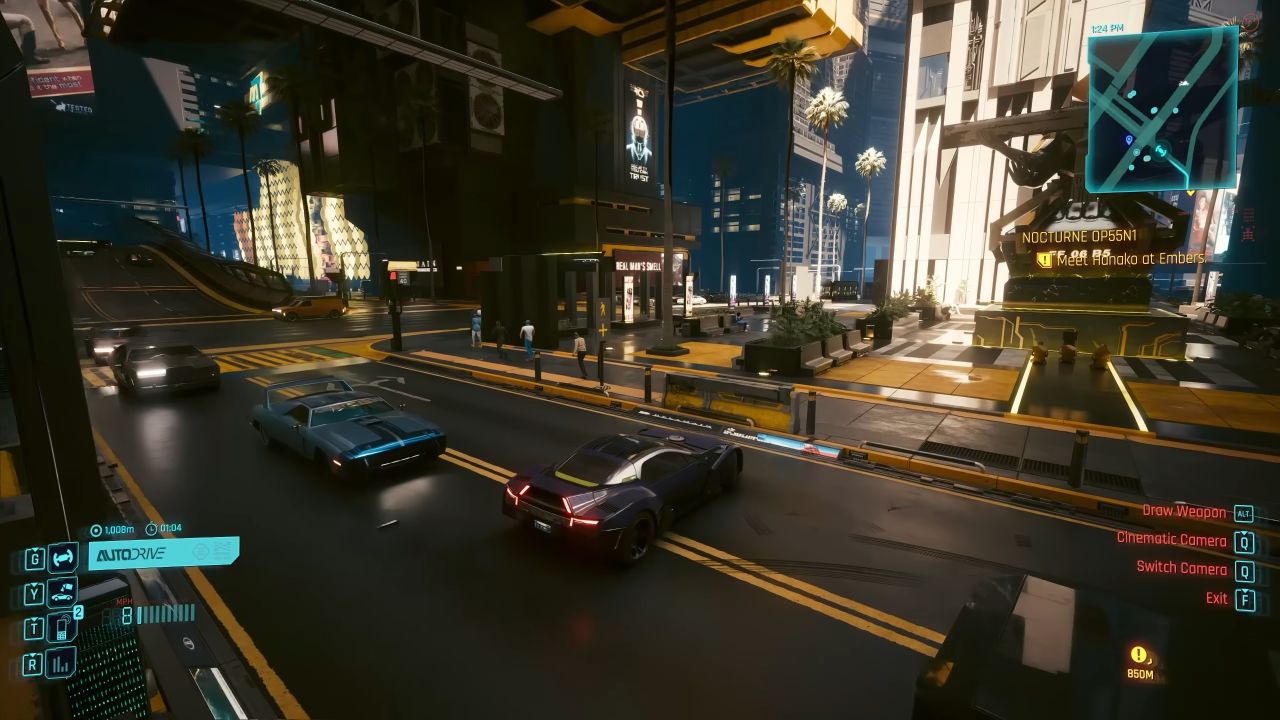
Ten games were played at their highest settings to establish a performance standard. Red Dead Redemption 2 ran at 95 fps in the first scene and looked great, even without ray tracing. Cyberpunk 2077 ran at 73 fps while driving, but it was impossible to play with full ray tracing overdrive enabled. When ray-traced shadows were turned on, Shadow of the Tomb Raider ran at 190fps in lighter scenes.
In Black Myth Wukong, performance dropped a lot, with an average of 40 to 50fps even in scenes that didn't move much. Control could run at 96 fps on ultra settings, but it crashed when all ray tracing effects were enabled. Even though the graphics weren't very complicated, Marvel Rivals had a hard time keeping 75fps and often dropped below 60fps.
Even at epic settings, Fortnite, which is often thought to be CPU-heavy, couldn't reach 100fps in the main menu. Uncharted 4, Ratchet and Clank Rift Apart, and Rise of the Tomb Raider were some of the other games that ran better, with frame rates ranging from 120 to 155.
Adding the second GPU
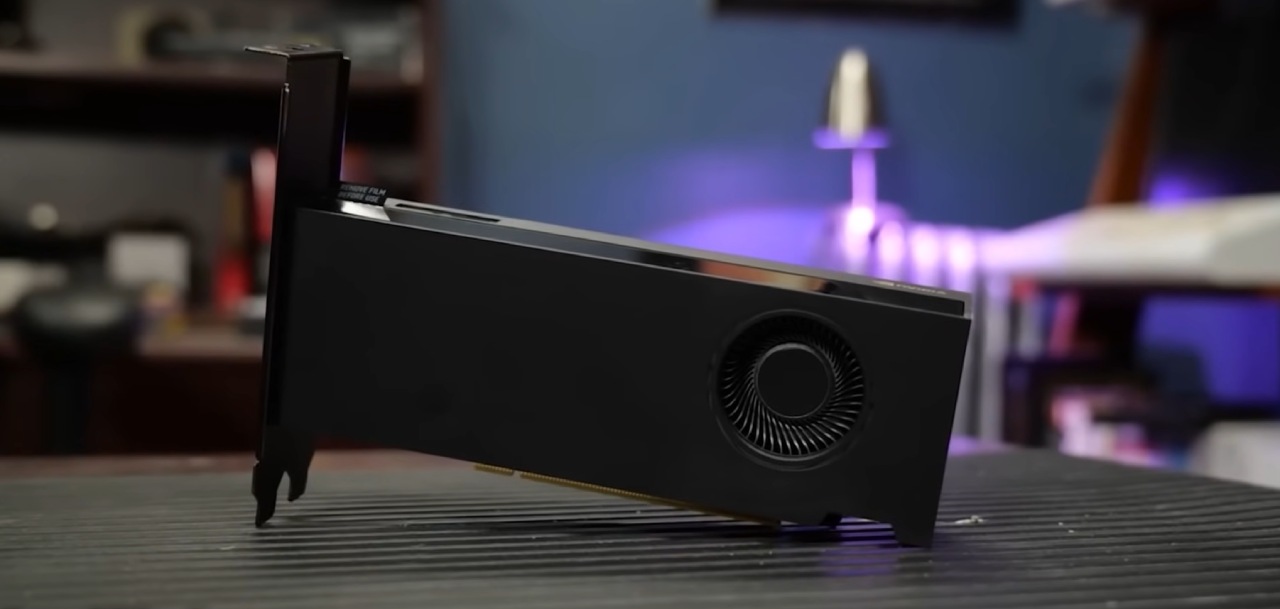
RTX 4000 Ada was the second graphics card that was chosen for this test. It is a very powerful card similar to the RTX 4070 but with twice as much VRAM. It worked well with two GPUs because it didn't use much power, unlike the last time I tried it with a GTX 1080 Ti, which drew too much power and made it impractical.
It was easy to install physically, but the software didn't always recognize it. After some trouble finding the second GPU, the system finally found it. This marked the end of the easy part and the start of the hard part of setting things up.
Lossless Scaling and the New Multi-GPU Approach
SLI and CrossFire, two old solutions, didn't work because they didn't support many games and didn't scale well. Lossless Scaling brought about a whole new way of doing things. One GPU renders the game while the other GPU makes the frames. This differs from splitting rendering workloads. This method works even if the game doesn't support multiple GPUs simultaneously.
This method has a significant advantage over single-GPU frame generation. Instead of splitting resources across GPUs, each GPU handles a specific task. The result is a much lower input latency, with about 11.01ms added, compared to almost double that when using only DLSS3.
Display Configuration and Early Problems
The monitor needs to be connected to the GPU that makes the frames, not the GPU that renders them, for this method to work. This setup may seem strange, but it lets rendered frames be sent to the second GPU for generation and output.
There were many problems with this setup. Some games ran automatically on the GPU connected to the monitor, regardless of system settings. In Ratchet and Clank Rift Apart, the frame rate dropped to 52fps even though the GPU wasn't being used much. This suggests that there was a bandwidth problem.
Limitations of PCIe Bandwidth
The issue was that the second PCIe slot on the motherboard was only working at x1 instead of x16. This slot could only handle 1GB/s of data transfer, which wasn't fast enough for high frame rates. Instead of replacing the motherboard, an external GPU dock that connected through an M.2 slot was used.
The M.2 slot could handle PCIe Gen5, which meant it could transfer up to 16GB/s, enough for 1440p 240fps output. To make this work, we had to move the SSDs around and take off the heatsinks, but in the end, it made room for the adapter.
Power Delivery Challenges
The GPU dock required an external power source, but the GPU itself did not. Since no connectors were available, a second power supply was added to power the dock independently. The system was ready for testing once everything was hooked up.
Initial Performance Failures
The first results were not good. Allowing frame generation caused the base frame rate to drop to 60 fps, defeating the purpose of the dual-GPU setup. In some cases, the generated frame rates were lower than the base frame rate, resulting in negative scaling.
This behavior made it seem like the Nvidia workstation GPU and Lossless Scaling didn't work well together. Even though the RTX 4000 Ada had more power, it didn't perform as well as AMD GPUs in this specific task.
Changing to a gaming GPU
The workstation GPU was replaced by a GTX 1080 Ti, which made the setup even harder because it needed more power connections. Testing resumed after a consumer-grade gaming GPU was installed.
Successful Dual-GPU Performance
The results were very different. With the second GPU handling frame generation, Black Myth Wukong increased a base frame rate of about 45 fps to a steady 240 fps.
Control also got a lot better, with performance going up by as much as 11 times, even from very low base frame rates, while keeping input latency low enough to be enjoyable.
Limitations at Higher Base Frame Rates
As the base frame rates went up, scaling became less reliable. The base and produced frame rates were reduced in Rise of the Tomb Raider because the GTX 1080 Ti's PCIe Gen 3 bandwidth limit is just 4 GB/s.
Other games had lower base frame rates but still kept a consistent 240 fps, which made it hard to see performance drops unless frame counters were on.
Game-by-Game Results
Some titles did very well because of the setup, while others did not. Lossless Scaling gave Marvel Rivals clear advantages. Fortnite looked better, but it was still limited by low base frame rates. Cyberpunk 2077 and Red Dead Redemption 2 worked fine and did what they were supposed to do.
Final Thoughts
This method for running two GPUs together isn't perfect, but it's the best way to play games with more than one GPU in years. It's not worth buying a second GPU just to make more frames, but it's worth considering for anyone with extra hardware.
Lossless Scaling shows that dual-GPU setups remain useful, even though traditional multi-GPU solutions were once considered outdated.
Also, check our other NVIDIA articles below:
- GeForce RTX 5090 Unleashed: Is NVIDIA's New Flagship the Ultimate 4K Gaming GPU?
- NVIDIA GeForce RTX 5080 Review (2025): Still A 4K Gaming Powerhouse?
- RTX 5090 Performance Testing In GTA 5 – 1080p, 1440p, and 4K Max Settings Benchmark
- RTX 5090 Laptop Vs. M4 Max MacBook Pro: Ultimate Raw Performance Vs. Battery Endurance
- NVIDIA RTX 5070 Review: Mid-Range Muscle or Marketing Hype?
- RTX 5070 Ti Review: Performance, Thermals & Power Efficiency Tested
- Asus ROG RTX 5090 Astral OC Vs. Founders Edition: The 4K Gaming Benchmark
- ASUS ROG Astral RTX 5090 OC Edition Review: 32GB GDDR7 & 4K Gaming Benchmark
- ASUS GeForce RTX 5090 LC Liquid Cooled GPU Review: Unmatched Silence & Speed
- MSI GeForce RTX 5090 32GB SUPRIM SOC Review: Power Efficiency, Cooling, and Gaming Performance
- INNO3D RTX 5060 Ti 16 GB X2 Review: Gaming Benchmarks, Temps, and Power Efficiency
- HP Omen 45L Review: RTX 5090 Performance, Thermals, and Value Analysis
- ASUS TUF Gaming GeForce RTX 5060 Ti Review: DLSS 4, Power Efficiency, and Gaming
- ASUS Prime RTX 5060 Ti OC 16GB Review: DLSS 4, Ray Tracing, & Thermals Tested
- NVIDIA GeForce RTX 5060 Review: Specs, Gaming, and Cost per Frame
- MSI GeForce RTX 5090 GAMING TRIO OC Review: A Monster Power GPU
Subscriber, NoobFeed
Latest Articles
No Data.