
GeForce RTX 5090 DLSS4.5 Performance Test in Clair Obscure Expedition 33 at 4K Resolution
DLSS4.5 improves image stability and performance while reducing shadow artifacts compared to earlier DLSS implementations.
Hardware by Naheyan Tahmin on Jan 17, 2026
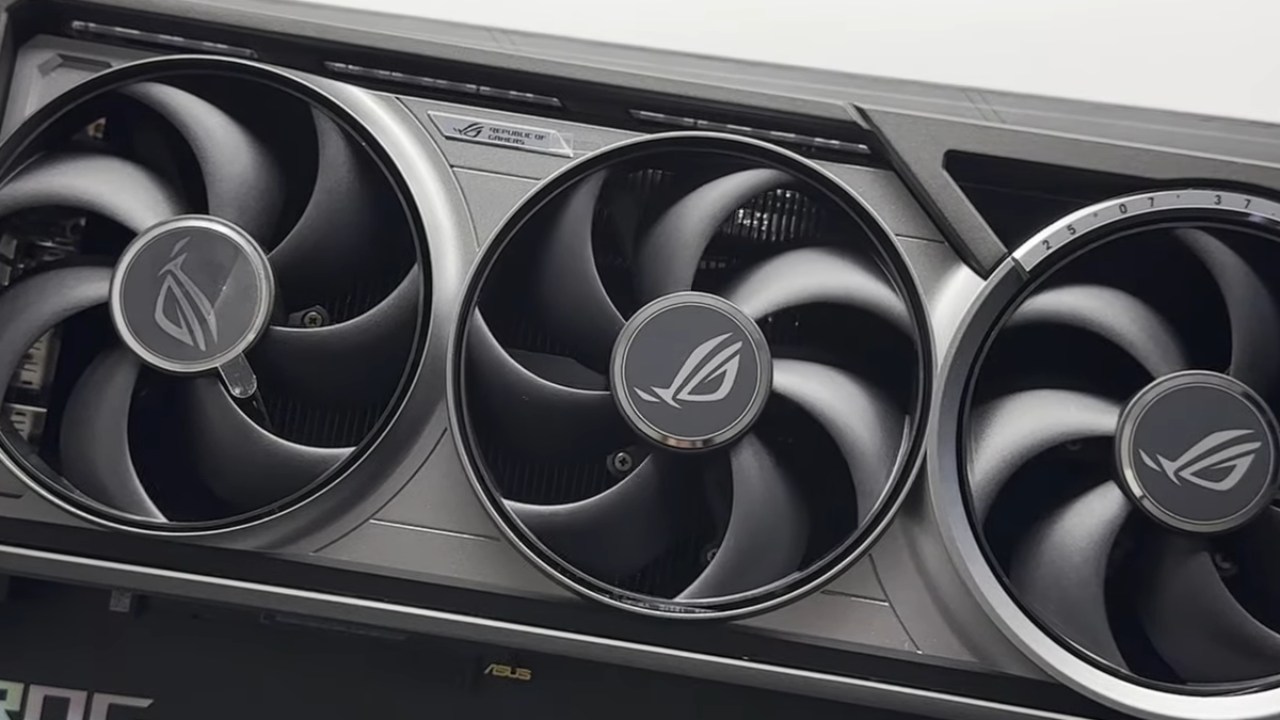
We used an RTX 5090 Founders Edition with the latest Nvidia drivers and no manual overclocking to test Clair Obscure Expedition 33. The machine had a Ryzen7 9800X3D and 32GB of RAM.
We tested DLSS4.5 and DLSS4.0 using different preset models, resolution scales, and frame generation parameters to see how they performed across diverse situations, how well the images looked, and how stable they were.
Update for the Nvidia app and DLSS Preset Choices
You don't need to be in beta to use DLSS4.5 with the Nvidia App anymore. DLSS Override Model Presets is a new setting that automatically selects a preset based on the DLSS mode you choose. For Quality and Balanced, use PresetK; for Performance, use PresetM; and for Ultra Performance, use PresetL. You can also use manual overrides without restarting the game.
4K Native Resolution We started testing at 4K resolution with a 100% resolution scale, Epic settings, and low post-processing. PresetK was on. The typical frame rate was between 60 and 70 fps. The game remained stable and didn't stutter, though it showed noticeable oversharpening.
DLSS Quality With PresetK
The internal rendering dropped to 1440p when I moved to DLSS Quality, and the upscaling increased to 4K. Frame rates reached about 120 per second, and image quality remained close to native. But there were still pixels around plants and hair. There were still ghosting effects, primarily on moving or shiny objects.
Testing Frame Generation
2x Frame Generation increased performance to about 170 fps with very few artifacts. Latency remained below 45ms, making it suitable for single-player games. 4x Frame Generation made things look bad when the character moved quickly, especially around the borders and shadows. 2x Frame Generation gave the optimum balance between smoothness and visual stability.
Balanced and Performance DLSS With PresetK and PresetM
Using PresetK for Balanced DLSS made the image look worse, with more noise. When I switched to Performance DLSS, PresetM turned on, which made the image more stable. After restarting and ensuring PresetM was on, the visual noise decreased but didn't entirely go away. During motion, hair and leaves still showed significant grain and blur.
DLSS Quality with PresetM
PresetM's DLSS Quality produced more stable images than PresetK's. There was less noise when moving, especially in the outlines of characters and vegetation. Compared to PresetK, performance decreased by roughly 10%, yet it remained above 60 fps in most cases. It was still too harsh, especially on the armor and the characters' texturing.
Native Resolution with PresetM
Running native 4K with PresetM resulted in a frame rate of around 50 fps. The picture got even sharper, which made it easier to see when it was too sharp. Even though the image was sharper, ghosting on particle effects and reflections stayed the same.
Preset With DLSS for Ultra Performance
Ultra Performance DLSS with PresetK made the game look like it was in 720p and then upscaled it to 4K. Static scenes looked fine, but moving scenes produced unstable shadows and artifacts. PresetL made the image much more stable. Shadows became more stable, and ghosting went down. Performance remained good, between 160 and 170 fps, even though GPU usage decreased.
PresetL with Native and DLSS Quality
When using PresetL with native resolution, the image was too sharp, and the frame rate dropped to around 50 fps. PresetL with DLSS Quality offered a better balance, reducing oversharpening while maintaining great detail and reliable performance. Ghosting on particles was still there, but it didn't last as long as it did with PresetK and PresetM.
PresetL with Frame Generation and Performance DLSS with PresetL and 4x Frame Generation achieved high frame rates without introducing any obvious artifacts. Compared to older settings, image stability has improved significantly. The way shadows moved stayed the same, and even at high refresh rates, motion clarity improved.
Observations of Environmental Ghosting
Some sections had a lot of ghosting on birds and particle effects, especially when you looked at them from the side or as they moved sideways. These artifacts appeared regardless of whether the DLSS version or the default model was used. Static views made ghosting less noticeable, but movement made it more noticeable. The problem is with the game's rendering pipeline and not DLSS itself.
Testing at Low Resolution and TSR
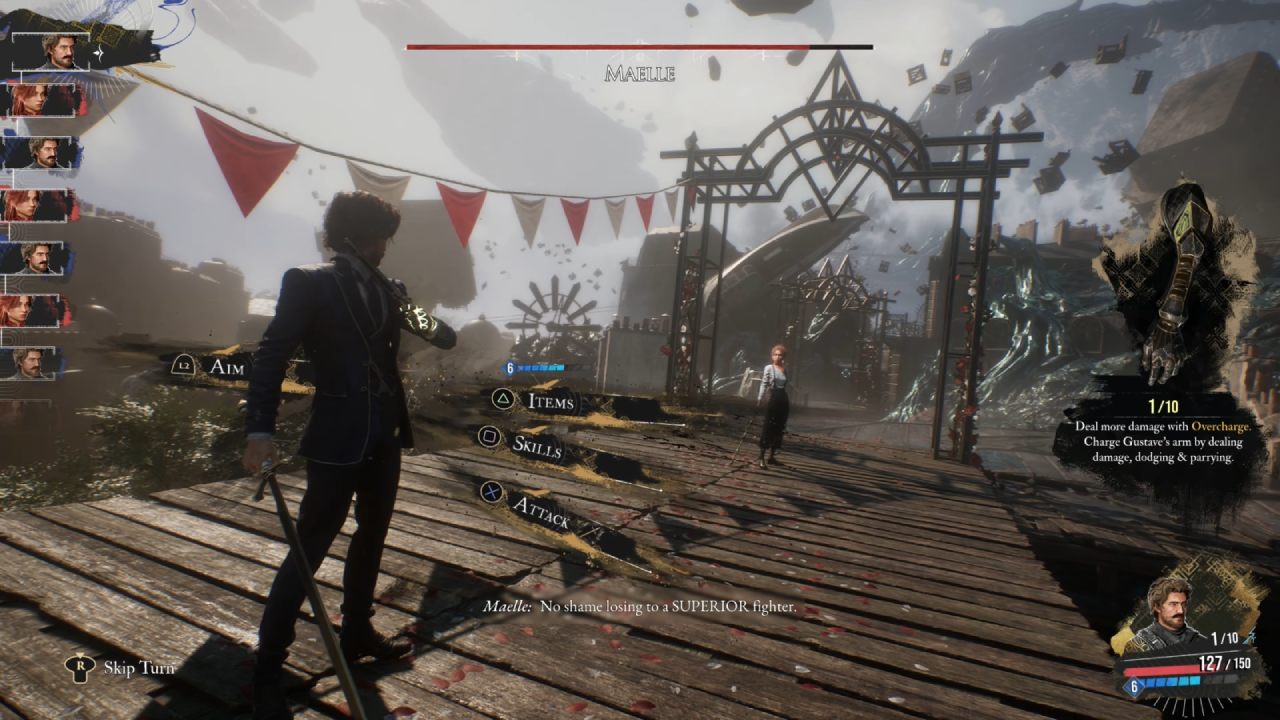
Testing at 720p with TSR and 100% scale showed the picture was clear enough for small screens. When the scale was lowered to 30%, the rendering was 240p. When TSR was still, it stayed rather sharp, but when it moved, it got very blurry. DLSS4.5 at 33.3% resolution was better at keeping motion stable than TSR, even at 240p.
Very low resolution with Frame Creation
At 240p with DLSS 4.5 and 4x Frame Generation, the frame rate exceeded 500 fps. Even though the base resolution was rather low, the visual steadiness was still good for small screens. Ghosting was still noticeable on items that moved quickly, but frame creation didn't add any additional artifacts.
Final Thoughts
PresetL gave the best image stability, especially when used with Performance or Quality DLSS. PresetM improved on PresetK, but it didn't eliminate ghosting or noise. Only with PresetL could Ultra Performance be used. Frame Generation performed best at 2x and stayed stable at 4x using PresetL. All the presets still oversharpened, and the lack of a sharpness slider made it hard to make small adjustments. In most cases, ghosting on particles and reflecting surfaces continued.
Also, check our other NVIDIA articles below:
- NVIDIA GeForce RTX 5080 Review (2025): Still A 4K Gaming Powerhouse?
- NVIDIA RTX 5070 Review: Mid-Range Muscle or Marketing Hype?
- RTX 5070 Ti Review: Performance, Thermals & Power Efficiency Tested
- ASUS GeForce RTX 5090 LC Liquid Cooled GPU Review: Unmatched Silence & Speed
- MSI GeForce RTX 5090 32GB SUPRIM SOC Review: Power Efficiency, Cooling, and Gaming Performance
- INNO3D RTX 5060 Ti 16 GB X2 Review: Gaming Benchmarks, Temps, and Power Efficiency
- HP Omen 45L Review: RTX 5090 Performance, Thermals, and Value Analysis
- ASUS TUF Gaming GeForce RTX 5060 Ti Review: DLSS 4, Power Efficiency, and Gaming
- ASUS Prime RTX 5060 Ti OC 16GB Review: DLSS 4, Ray Tracing, & Thermals Tested
- NVIDIA GeForce RTX 5060 Review: Specs, Gaming, and Cost per Frame
- MSI GeForce RTX 5090 GAMING TRIO OC Review: A Monster Power GPU
Editor, NoobFeed
Latest Articles
No Data.