
Intel Arc B580 XESS 3 Review: 2x vs 4x Multiframe Gen Tested
Cyberpunk 2077 benchmark showcases XESS 3 path tracing and multiframe scaling results.
Hardware by Nahe Yan on Feb 20, 2026
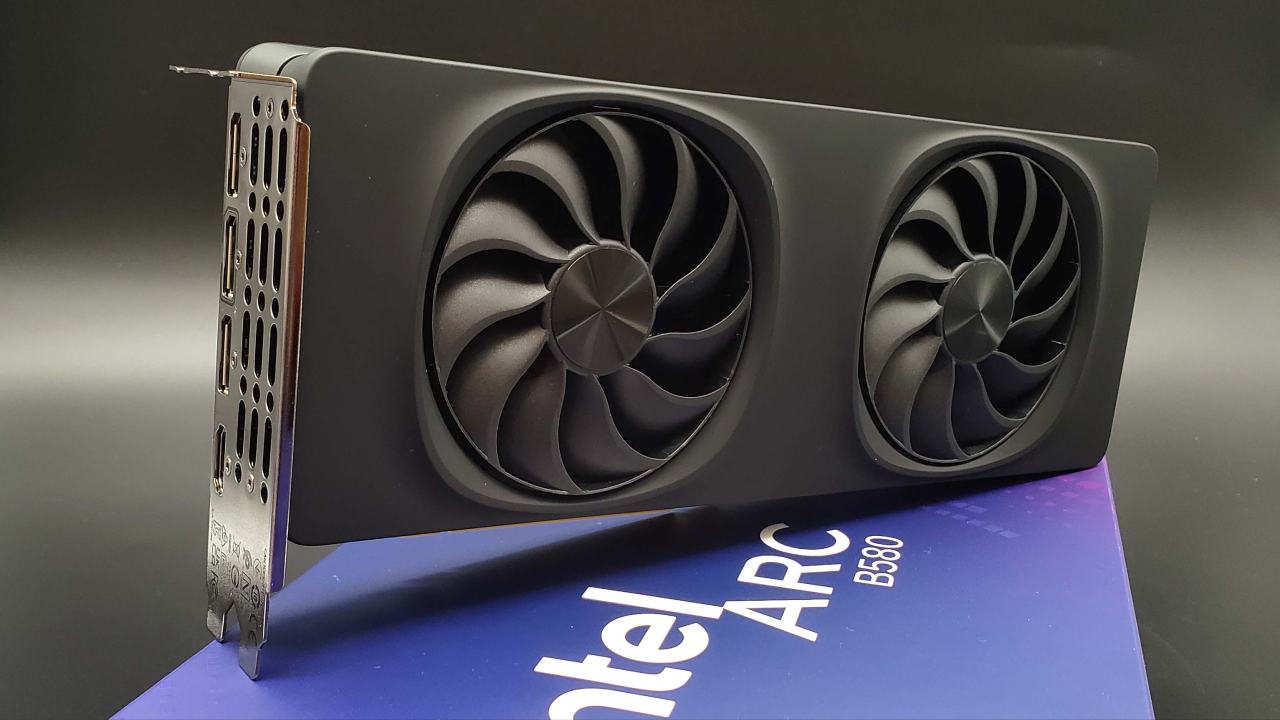
Intel has made XESS 3.0 available, which lets the Arc B580 show more than one frame. We have tried XESS 2 and frame generation before, and the results were stable. There were no big performance gains. Now you can officially get to XESS3 without flashing or making changes by hand. Once the GPU is installed and turned on, users can start playing games right away that are enabled.
Testing covers Cyberpunk 2077 with 2x and 4x multiframe generation, both with and without route tracing. After that, there are direct comparisons and final thoughts.
Test Setup and Notes
There are two key things to keep in mind before looking at the results. When you used the recording software, it made an obvious stutter during capture. That stutter didn't happen when I was playing or benchmarking. We ran the benchmarks several times to ensure consistency. Instead of documenting artifacts, the focus should stay on lighting, shadows, and how the image is shown.
Intel Graphics Suite must allow for the creation of multiple frames. Compatible XESS titles show up under profiles. Users can choose to generate 2x, 3x, or 4x frames and adjust application-led settings, such as frame synchronization. Even though this was my first time setting it up, the UI is flexible.
We tested Cyberpunk 2077 at 1440p with both 2x and 4x multiframe generation, with path tracing enabled and disabled.
Results of 4x Multiframe Generation
When you look at 4x frame generation with path tracing on and off, you can see variances in the lighting. Path tracing makes puddle reflections look clearer in the bar scene benchmark. When ray tracing cores aren't used, non-path-traced scenes have smoother baked lighting because they rely on pre-baked shadows.
Near the fence region after the puddles, the lighting that isn't path-traced looks a little hazy, even though the shading is smoother overall. In all modes, the palm trees at the conclusion of the benchmark look blurry. But the blur is only visible when you're very close to the screen while playing, and it's not obvious in normal play.
When you compare baked shadows to path-traced shadows, you can see that path tracing gives you more accurate lighting at 4x frame generation. With a $300 GPU, performance is about 120 frames per second at 1440p. Arc B580 lets you generate several frames at a lower cost than other GPUs in the same price range.
Results of 2x Multiframe Generation
Most visual features remain the same when you switch to 2x multiframe generation. In benchmark sequences, the differences between 2x and 4x are small. Artifacts in the picture, like a little haze or soft trees, look the same in both modes.
When you play with path tracing on, it's easier to see the differences between 2x and 4x. We saw that 2x looks a little less fuzzy. Depending on the mode used, frame rates ranged from about 60 to 100 frames per second. 4x gives you more frames per second, but 2x keeps things clear and runs smoothly.
We didn't use software tools to analyze latency, but the interaction felt quick. Even when the game was going quicker, the input response stayed the same.
Things to think about when it Comes to Performance and Value
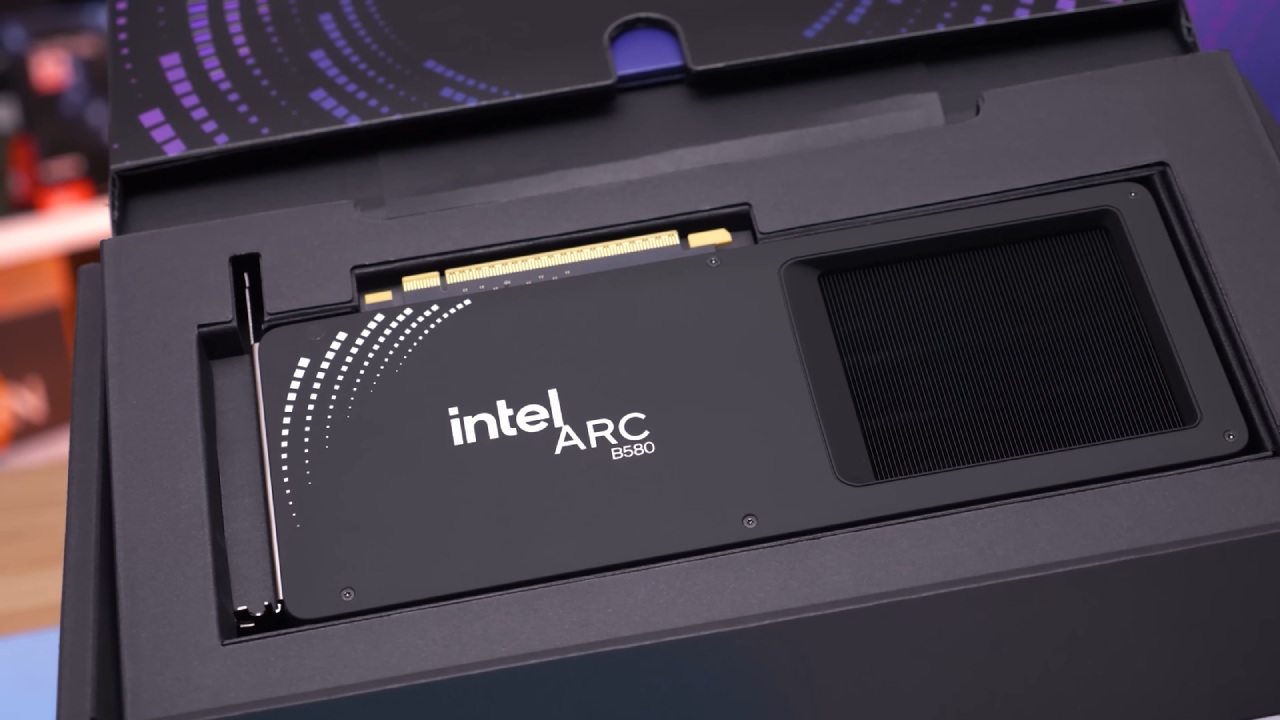
Arc B580 costs about $300 and features ray tracing cores and multiframe generation capabilities. Models like the RTX 5060 Ti 8GB or RX 9060 XT 8GB that are in the same price range or have less VRAM are not as good. B580 has 12GB of VRAM, which is enough for modern games that need more memory.
In higher segments, NVIDIA's newer Blackwell architecture with DLSS 4.5 multiframe generation will outperform this GPU. However, many older NVIDIA GPUs don't support multiframe generation. Arc B580, on the other hand, is available at a low price.
Software-driven improvements show how aging hardware may be made more useful. Long-term success will depend on continued backing for key AAA titles. B580 is becoming increasingly important in the current GPU market as multiframe generation spreads across more games.
Final Thoughts
At first, we didn't consider the B580 a top recommendation. The evaluation changes after evaluating the XESS3 multiframe generation. While 4x multiframe generation gives you more frames, 2x gives you clearer frames. At 1440p and about 120 frames per second, a $300 GPU still performs well.
If you need to buy a new GPU right now because of supply issues, the Arc B580 is a good choice. It meets both performance and memory needs with 12GB of VRAM, ray tracing support, and the ability to generate multiple frames. How well it performs in the long run will depend on how often it gets software updates.
Also, check our other hardware articles:
- AMD Ryzen 9 9950X3D Review: Setting The Standard For 2025 Gaming CPU
- Amazon Luna 2025 Review: Is Prime Gaming's Cloud Service Your Go-To For Casual Fun?
- AMD RX 9070 XT Review: AMD's RDNA 4 Champion for 1440p Gaming
- GeForce Now Ultimate: Ditching Your Gaming PC For Cloud RTX 4080 Power?
- NVIDIA GeForce RTX 5080 Review (2025): Still A 4K Gaming Powerhouse?
- Intel Core Ultra 9 285K Review And Performance Breakdown (2025)
- Intel Core Ultra 9 285K vs AMD Ryzen 7 9800X3D: In-Depth Gaming Performance and Benchmark Comparison
- NVIDIA GeForce RTX 5080 Super Performance In Cyberpunk 2077: Path Tracing & DLSS 4.0 Tested
- AMD Radeon RX 9070 XT In Cyberpunk 2077: Ray Tracing & FSR 4.0 Tested
- Intel Arc B580 Review: The $250 GPU Revolutionizing 1440p Gaming
- Intel Arc B570 Vs. B580: Value, Specs, And Real-World Gaming Performance
- RTX 5090 Laptop Vs. M4 Max MacBook Pro: Ultimate Raw Performance Vs. Battery Endurance
- Intel Arc b580 Vs. RTX 4060: Game Performance And Value Analysis
- RTX5090 Hell Is Us Demo 4K Ultra Benchmark: DLSS Vs. Native Performance Guide
- NVIDIA RTX 5070 Review: Mid-Range Muscle or Marketing Hype?
- Nintendo Switch 2 Review: Handheld Performance, Features & Value Breakdown
- RTX 5070 Ti Review: Performance, Thermals & Power Efficiency Tested
- Samsung Odyssey OLED G81SF Review 2025: Ultimate 32-Inch QD-OLED Gaming Monitor
- AMD RX 9070 Performance Review: Thermals, Clocks, and Real-World FPS
- AMD Ryzen 5 7600 Review: Best Budget Gaming CPU of 2025?
- AMD Radeon RX 7800 XT Review: RDNA 3 Power For Midrange Gaming
- Asus ROG RTX 5090 Astral OC Vs. Founders Edition: The 4K Gaming Benchmark
Editor, NoobFeed
Gaming Hardware Updates
No Data.