
Mega Man Star Force Legacy Collection Guide | Best Settings and New Features
The menu options and upgrades that are worth checking first
Game Guide by Faviyan Mustafiz on Apr 12, 2026
One of the best things about Mega Man Star Force Legacy Collection is how much better it looks and feels on modern hardware. The original games are still the main part of the experience, but the collection adds menu improvements, display options, extra archives, and other small upgrades that make it easier to enjoy long sessions. The key is knowing which ones to open first.
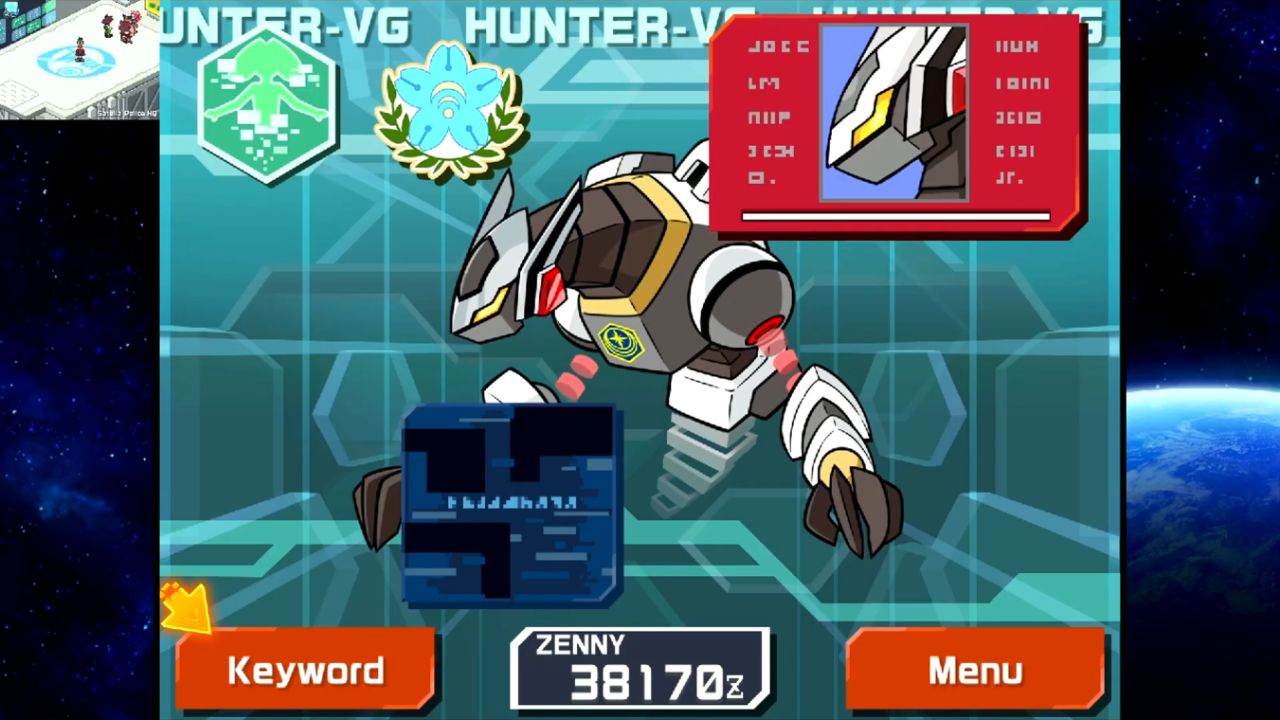
Begin with the settings and main menu
The main menu and settings screen should be the first place you go. That's where you can see how the collection has been put together for one modern package instead of a bunch of old handheld releases. Before you start a file, take a minute to check your setup. It saves time later and makes the collection look much better from the start.
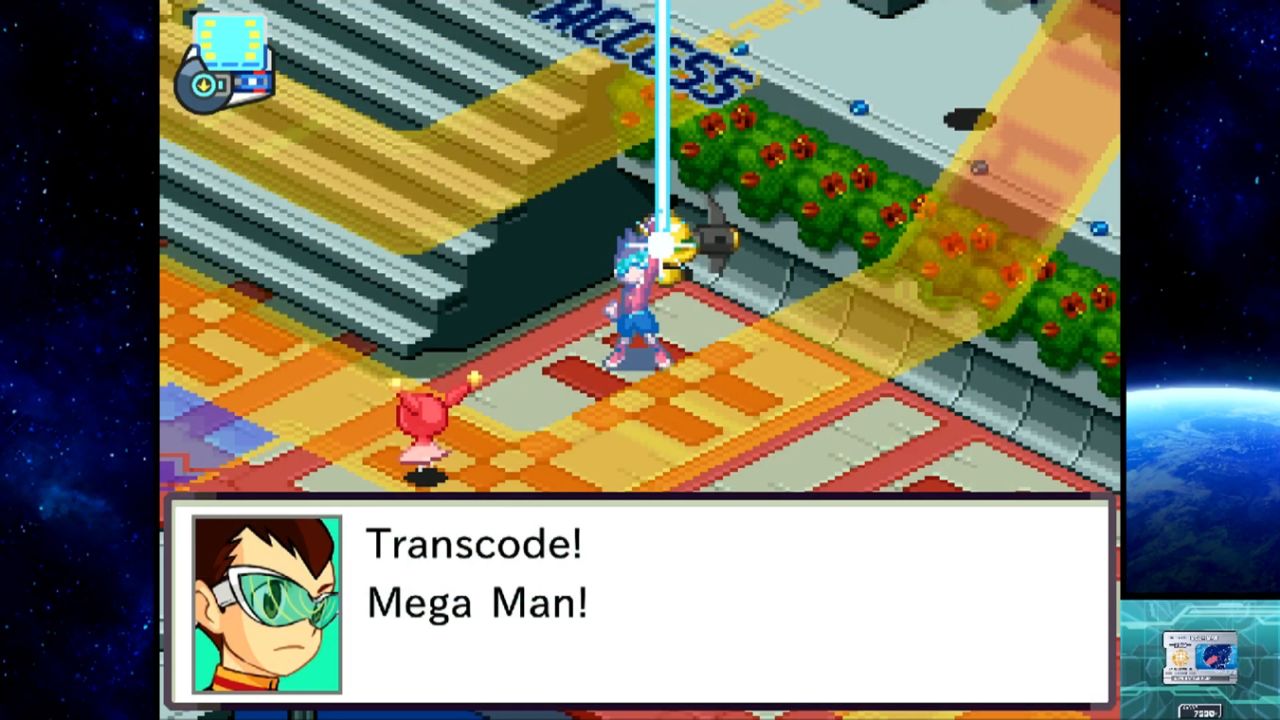
When you need a break, go to the Gallery
The Gallery is one of the extras that is easy to forget about, but it is a good way to remember that this package is more than just a direct port. It helps you understand the history of the series better and makes the collection feel like both a game and an archive. That matters if you want a cleaner break between sessions and are switching versions.
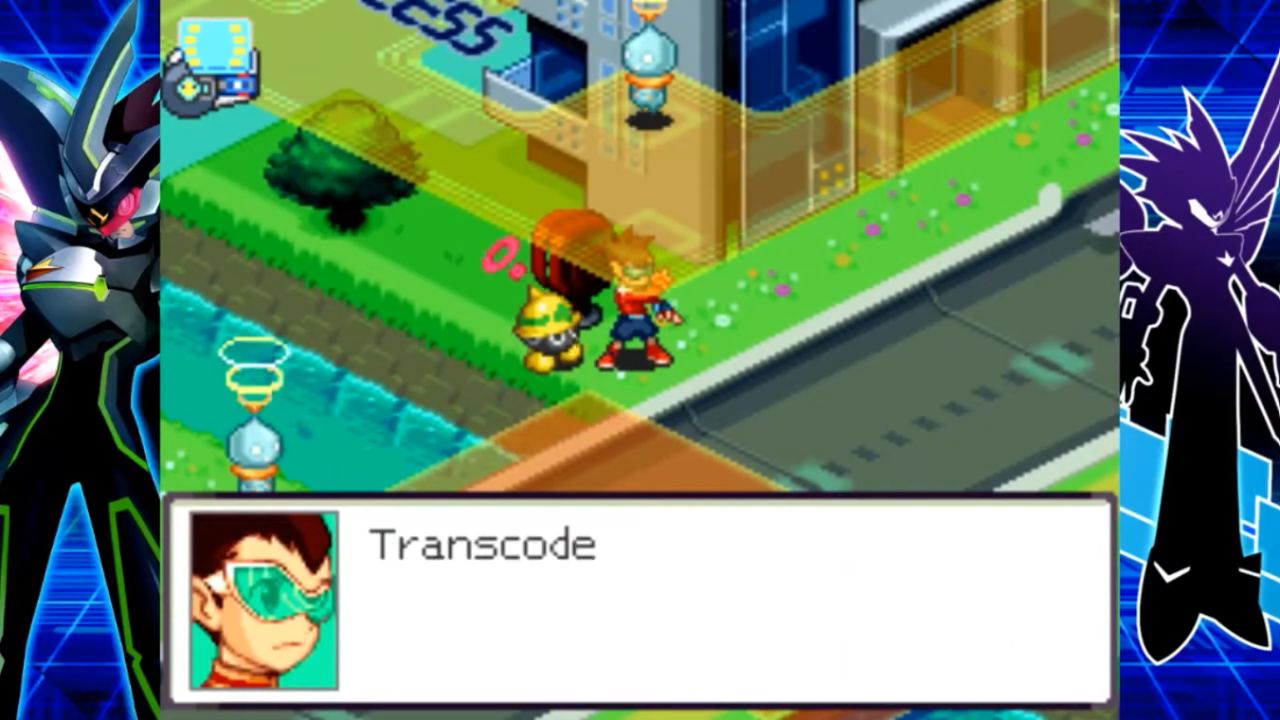
Before playing again, look over the notes and extras
The later extras are very helpful once you have a good idea of how the games work. These tools will help you remember what changed and where to focus next if you are going to run a second version. That's also why this set is so great for playing over and over. It helps you sort and go back to content in better ways.
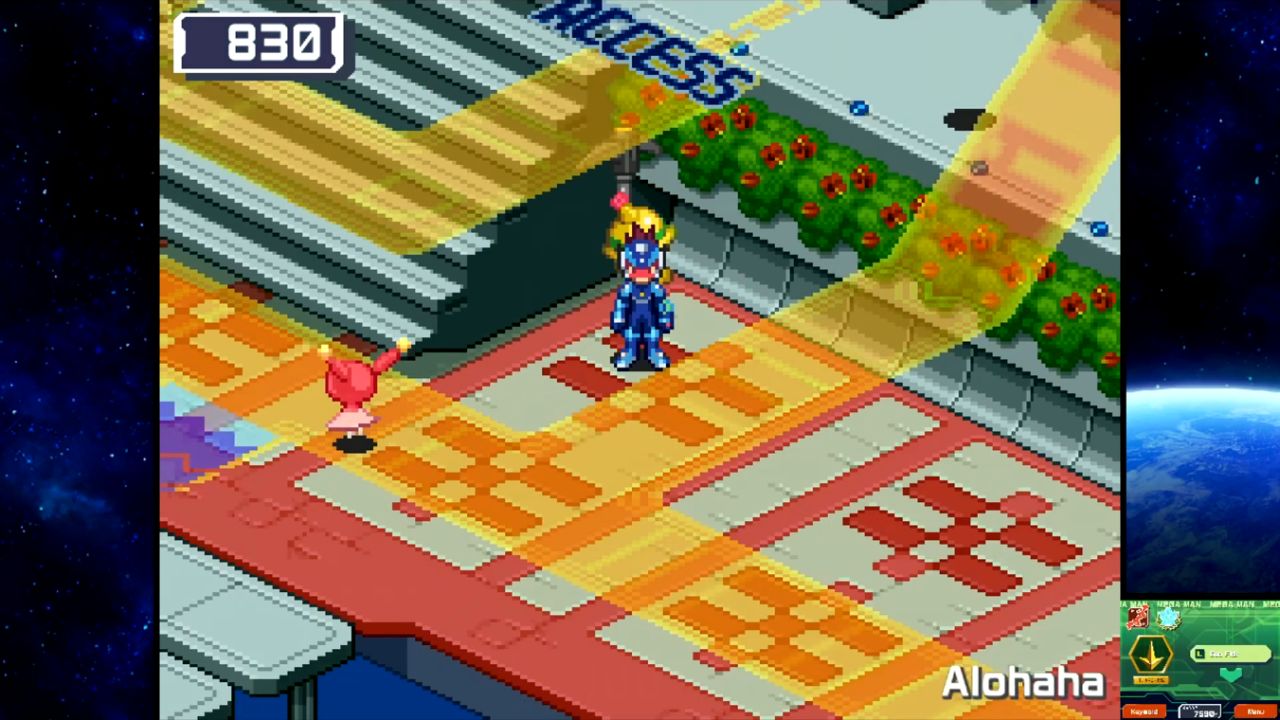
Think of the collection as a well-kept hub
To get the most out of these features, think of the collection as a hub instead of just a launcher. Once the settings, archives, and presentation tools are part of your daily life, the whole package seems more organized and easier to stick with.
Also, check our Mega Man Star Force Legacy Collection Review and other guides below:
- Mega Man Star Force Legacy Collection Beginner’s Guide | Gameplay Tips & Tricks
- Mega Man Star Force Legacy Collection Guide | Combat Guide
- Mega Man Star Force Legacy Collection Guide | Best Game Order
- Mega Man Star Force Legacy Collection Guide | Which Version Should You Choose
- Mega Man Star Force Legacy Collection Guide | Online Battles and Trading
- Mega Man Star Force Legacy Collection Guide | Choose between Pegasus, Leo and Dragon
- Mega Man Star Force Legacy Collection Guide | Choose between Zerker x Ninja and Zerker x Saurian
- Mega Man Star Force Legacy Collection Guide | Choose between Black Ace and Red Joker
- Mega Man Star Force Legacy Collection Guide | Brother Band and Brother List
Contributor, NoobFeed
Latest Articles
No Data.