
Minisforum G1 Pro Packs Ryzen 9 And RTX 5060 Into A Compact Gaming PC
Small form factor design delivers desktop-level gaming and productivity performance in a minimal footprint chassis.
Hardware by Shinji Okazaki on Jan 23, 2026
Small and thin, the Minisforum G1 Pro is a game PC that fits in a vertical case. The CPU has many cores, and the GPU is desktop-class. It has current connections, storage that can be expanded, and power profiles that can be changed.
The goal is to make a system that is just the right size, performs well, and can be upgraded.
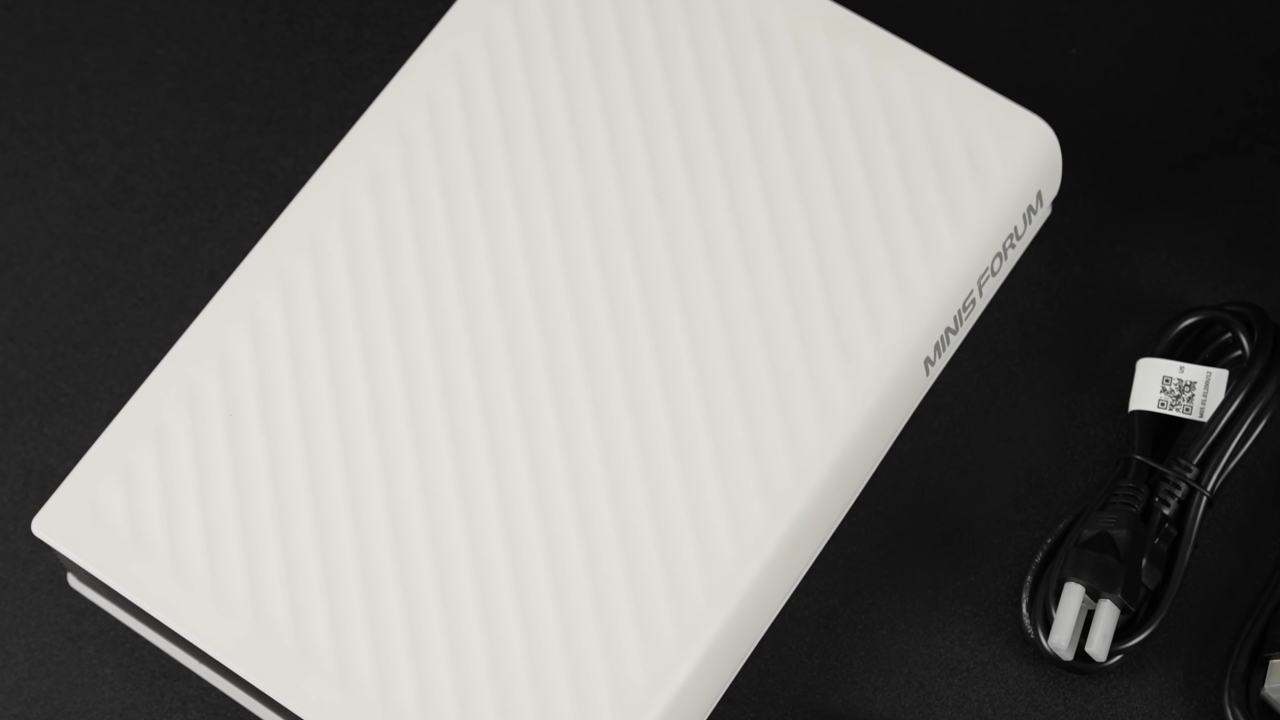
Contents and Design of the Package
G1 Pro features a vertical chassis. You may put it horizontally by turning it; the logo on the front will change. The box comes with the system, a power cable, an HDMI cable, an extra M.2 heatsink for the second storage slot, and a vertical stand held in place by a thumbscrew and alignment pegs to prevent rotation.
Layout of the Front and Back I/O
The front panel features a USB-C port, a full-size USB 3.2 port, a 3.5mm audio jack, and the power button. There are three DisplayPort outputs, two full-size HDMI connections, an extra USB-C port, two USB3.2 ports, a 5Gb Ethernet connector, a power input for the built-in power supply, and a physical power switch on the back panel.
Core Hardware Requirements
AMD Ryzen 9 8945HX powers the machine. It has 16 cores and 32 threads, and its boost clock can reach 5.4 GHz. Memory support includes DDR5 running up to 5200 MT/s in dual-channel configuration, supporting up to 96 GB. The unit that was tested has 32GB of memory installed. There are two M.2 storage slots, each supporting a 2230 or 2280 drive with a capacity of up to 4TB. This means the SSD's overall capacity is 8 TB.
A low-profile desktop Nvidia GeForce RTX 5060 with 8GB GDDR7 VRAM handles the graphics. Wi-Fi7, Bluetooth5.4, a built-in 350W power supply, and Windows11 already installed are among the other features.
Layout and Upgradability Inside
To get to the internal parts, you have to remove the screws from the bottom and the back. Then, the side panel falls off. On the inside, the 350W power source is on the left, the five-copper heat pipe CPU cooling assembly is in the middle, and the low-profile RTX 5060 is on the right. The system has two RAM spots under the CPU cooler and can use other GPUs with two low-profile slots.
Memory Setup and Built-in Graphics
The system comes with a single DIMM, which means it can only use 32GB of RAM in single-channel mode. This setup does affect the integrated GPU's performance; however, the system mostly uses the RTX 5060. The built-in Radeon 610 M GPU is still available for light tasks or to offload certain jobs.
Power Profiles and Software for System Control
Minisforum has a control panel that lets you choose between Office, Gaming, and Beast modes. In Office mode, the CPU TDP is set to 60W. In Gaming mode, it is set to 80W. In Beast mode, it is set to 100W. These modes also change how the fans work. The TGP stays at about 145W, so the GPU power stays the same. You can adjust the RGB lighting on the front panel in several ways, including effects, colors, brightness, and speed.
Performance of the Synthetic Benchmark
When running in Beast mode, the machine scores 2959 in single-core tests and 18693 in multi-core tests in Geekbench 6. 3DMark Steel Nomad scores 3236 and averages 32.36 fps. The machine gets 12985 points in 3DMark Time Spy, and there may be room for a small GPU overclock.
Gaming at 1440p
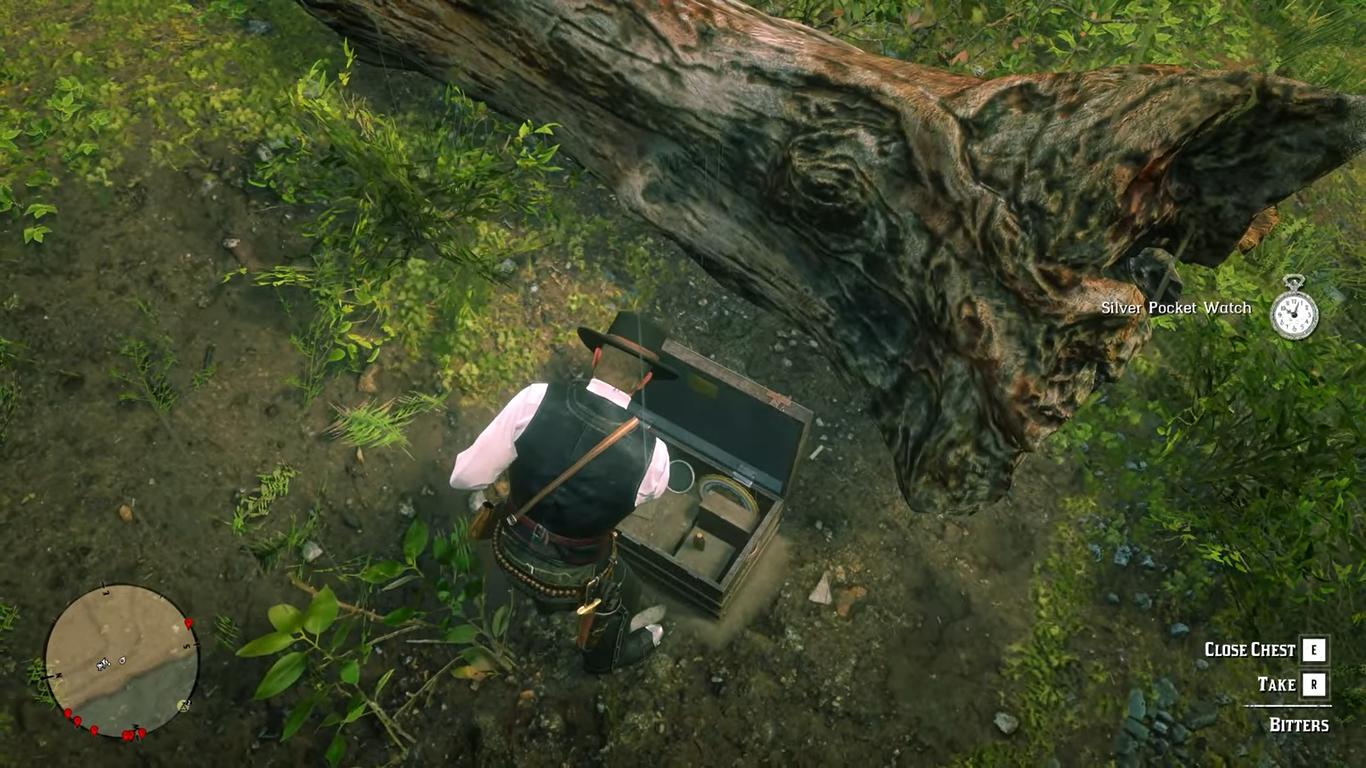
Red Dead Redemption 2 operates on a mix of ultra and high settings, with DLSS set to quality. The average frame rate is in the low 90s. With the extreme preset, DLSS4 set to quality, and no frame generation, Cyberpunk2077 runs at about 71 fps. With the DLSS4 Transformer model, Spider-Man2 runs at very high settings with DLSS balanced. It averages over 80 fps, but often drops to around 60.
Without DLSS, Mortal Kombat 1 runs at maximum settings and stays at a steady 60 fps. Without frame generation, Borderlands 4 at 1440p on high settings averages low 50s. But with DLSS 4 multi-frame generation at X4, performance exceeds 100 fps.
Performance in Terms of Heat
The CPU's average temperature during 1440p gaming in Beast mode is 86°C, with a maximum of 93°C. Lowering the CPU TDP to 80W should keep performance the same while lowering temps. While gaming, the RTX 5060's average temperature is 65°C, with a maximum of 70°C.
Final Thoughts
Ryzen 9 8945HX processor and low-profile RTX 5060 graphics card in the Minisforum G1 Pro make it a powerful computer for its size. The chassis can be made longer, has power types that can be chosen, and can connect to sources of current. You can also use it for workspaces or games because the way it's made lets you try out different GPUs with a low profile in the future.
Also, check our other NVIDIA articles below:
- NVIDIA GeForce RTX 5080 Review (2025): Still A 4K Gaming Powerhouse?
- NVIDIA RTX 5070 Review: Mid-Range Muscle or Marketing Hype?
- RTX 5070 Ti Review: Performance, Thermals & Power Efficiency Tested
- ASUS GeForce RTX 5090 LC Liquid Cooled GPU Review: Unmatched Silence & Speed
- MSI GeForce RTX 5090 32GB SUPRIM SOC Review: Power Efficiency, Cooling, and Gaming Performance
- INNO3D RTX 5060 Ti 16 GB X2 Review: Gaming Benchmarks, Temps, and Power Efficiency
- HP Omen 45L Review: RTX 5090 Performance, Thermals, and Value Analysis
- ASUS TUF Gaming GeForce RTX 5060 Ti Review: DLSS 4, Power Efficiency, and Gaming
- ASUS Prime RTX 5060 Ti OC 16GB Review: DLSS 4, Ray Tracing, & Thermals Tested
- NVIDIA GeForce RTX 5060 Review: Specs, Gaming, and Cost per Frame
- MSI GeForce RTX 5090 GAMING TRIO OC Review: A Monster Power GPU
Editor, NoobFeed
Gaming Hardware Updates
No Data.