
Nioh 3 Guide | How to Change Equipped Gears
Here’s a guide on how to change equipped gears in Nioh 3.
Game Guide by Ragib Rawnak on Feb 14, 2026
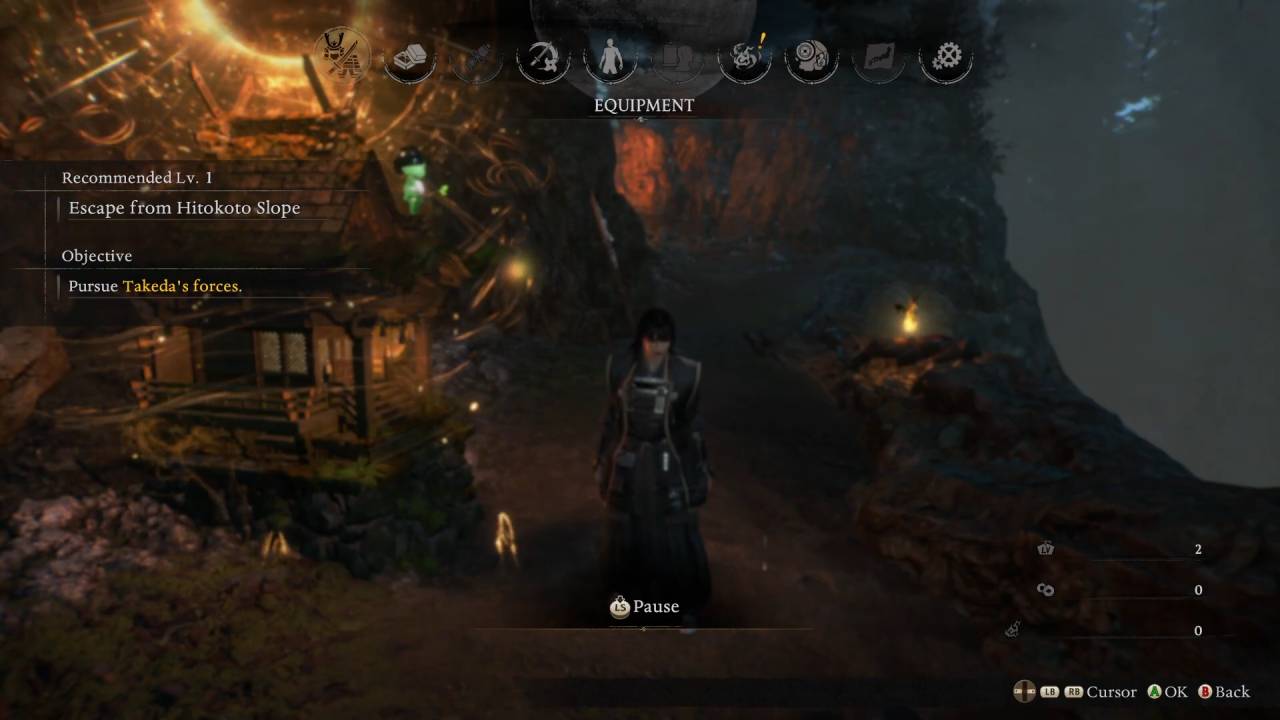
Open the main menu by hitting the Start button. You need to look at the top of the screen and move to the icon on the far left. This section is called Equipment. This is where you go to see everything you are carrying and wearing.
Managing Your Weapons
You can see your weapons in this part of the menu. For example, you might have a Wooden Spear and a Normal Spear in your inventory in Nioh 3.
You can switch between them here. If you press RB or RT, you can look at different styles like Samurai Style or Ninja Style. This lets you pick exactly how you want to fight.
Changing Your Armor
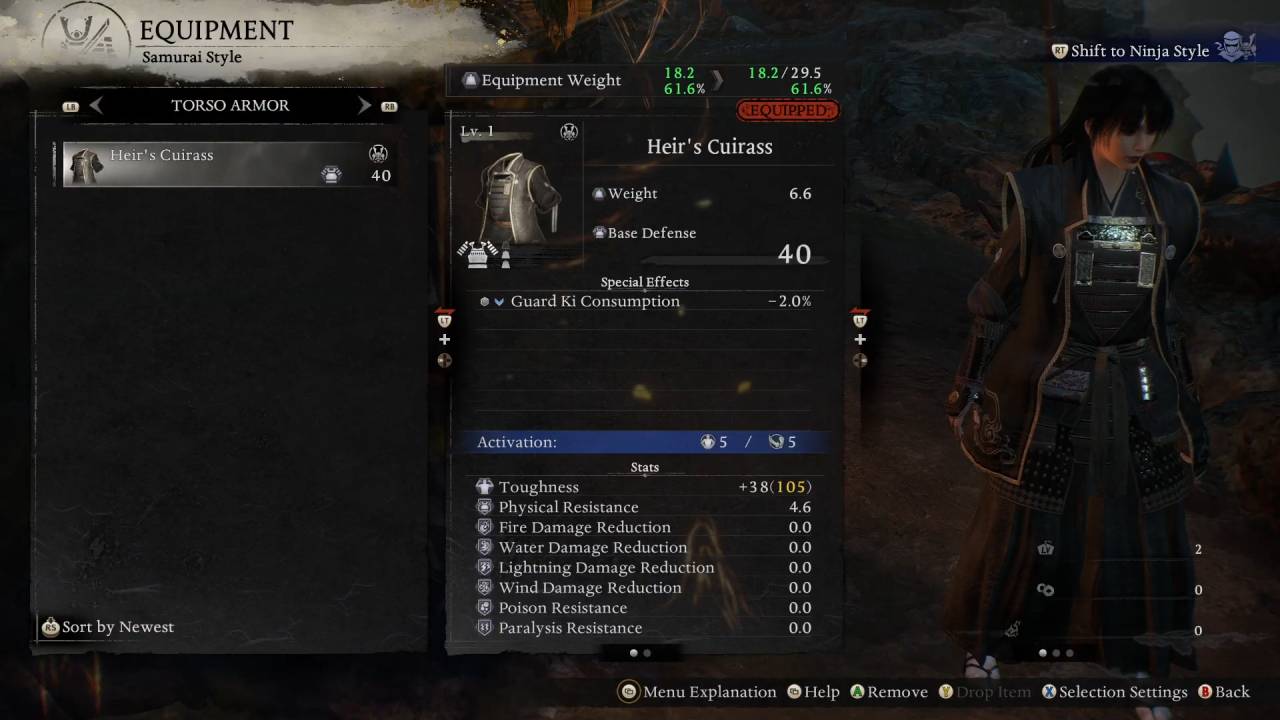
This menu also lets you change what your character is wearing. If you want to take off your Gauntlets, you can do that in this section. You just select the piece of gear you want to move or remove. Once you finish picking your items, you can leave the menu and get back to the game.
Also, check our Nioh 3 Review and other guides below:
- Nioh 3 Guide | How to Deflect Attacks
- Nioh 3 Guide | How to Use Guardian Spirits
- Nioh 3 Guide | How to Defeat Jakotsu Baba Boss
- Nioh 3 Guide | How to Farm Amrita
- Nioh 3 Guide | Dirty Key Location
- Nioh 3 Guide | How to Beat Secret Boss
- Nioh 3 Guide | Bloody Iron Key Location
- Nioh 3 Guide | How to Pursue Tokugawa’s Forces
- Nioh 3 Guide | How to Get to Hamamatsu Castle
- Nioh 3 Guide | How to Level Up Easily and Get Skill Points
- Nioh 3 Guide | How to Farm Ochoko Cups
- Nioh 3 Guide | How to Cross Spirit Veins
- Nioh 3 Guide | How to Leave the Area in Ceremony Quest
- Nioh 3 Guide | How to Beat Great Tengu Boss
- Nioh 3 Guide | How to Follow Kusugani’s Guidance
- Nioh 3 Guide | How to Escape Edo Castle
- Nioh 3 Guide | How to Defeat Kunimatsu in Ceremony Quest
- Nioh 3 Guide | How to Use Burst Breaks
- Nioh 3 Guide | How to Farm Revenant Graves
- Nioh 3 Guide | How to Find Crucible Wraith in Tenryu River
- Nioh 3 Guide | How to Use Soul Cores
- Nioh 3 Guide | How to Enter The Crucible
- Nioh 3 Guide | How to Continue Through Hamamatsu Castle Crucible
- Nioh 3 Guide | How to Defeat Hino-Enma Boss
- Nioh 3 Guide | How to Beat Baba Nobuharu Boss
- Nioh 3 Guide | How to Get Past the Locked Door in Futama Quest
- Nioh 3 Guide | How to Get to Mikatagahara Battlefield
- Nioh 3 Guide | How to Farm XP Easily
- Nioh 3 Guide | How to Defeat Mezuki Boss
- Nioh 3 Guide | How to Defeat Yamagata Masakage
- Nioh 3 Guide | How to Use Ki Pulse
- Nioh 3 Guide | How to Select Weapon in Ceremony
- Nioh 3 Guide | How to Beat Bloodedge Demon Boss
- Nioh 3 Guide | How to Beat Takeda Shingen Boss
- Nioh 3 Guide | How to Beat Taigen Sessai Boss
- Nioh 3 Guide | How to Equip Ninjutsu
- Nioh 3 Guide | How to Craft Gears and Weapons
- Nioh 3 Beginner’s Guide | Gameplay Tips & Tricks
Senior Editor, NoobFeed
Latest Articles
No Data.