
Planet Zoo 2 Guide | How to Find All Maps for Franchise Mode
Here’s a guide on how to find all 15 starting zoo maps for Franchise Mode in Planet Zoo 2.
Game Guide by Jubair Baky on Oct 24, 2026
Finding all the Franchise Mode maps in Planet Zoo 2 can be confusing because the game does not provide a traditional list of individually named landscapes. Instead, the map you receive depends on the Biome, Continent, and Terrain Type you select when creating a zoo. There are 15 distinct starting layouts covered here, including flat landscapes, mountain valleys, coastal environments, and a hidden-looking European Tundra setting. This guide explains which options to choose for each map.
Open Franchise Mode and begin creating a new zoo. If you already have a Franchise, access the Planet Hub and select the option to create another zoo.
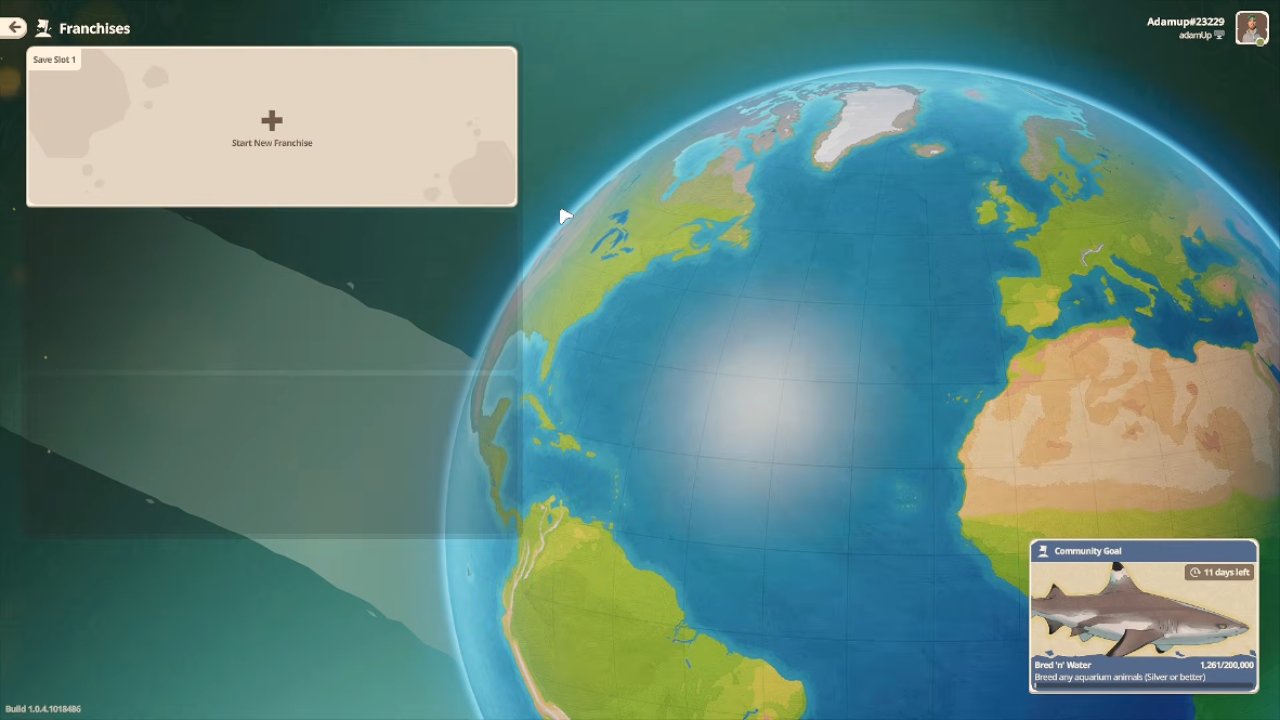
During zoo creation, choose your preferred Biome and Continent, then select either Flat or Sculpted under Terrain Type.
Flat maps offer large, open construction areas, while Sculpted maps feature more detailed landscapes, terrain variations, and existing scenery.
The landscapes do not have individual official names in the map selection menu. Names such as Temperate Flat, Tropical City, and Mountain Lake are descriptive names used to identify their appearances.
Selecting the correct combination is what determines which map you receive.
Temperate Flat Map
To access the Temperate Flat landscape, choose the Temperate Biome in any available Continent and select Flat.
This map provides a large, open building area surrounded by a greener, more natural-looking environment.
Its relatively simple terrain makes it suitable for planning large zoos with spacious habitats, straight paths, and extensive guest facilities.
Temperate Asia Map
Choose the Temperate Biome in Asia and select Sculpted.
This map features towering mountains, deep valleys, and a raised plateau where you can develop your zoo.
A lift brings guests toward the elevated starting area, while the surrounding rocks and mountain scenery provide a dramatic background.
Although visually impressive, its elevated layout and limited building space can make constructing a large zoo more challenging.
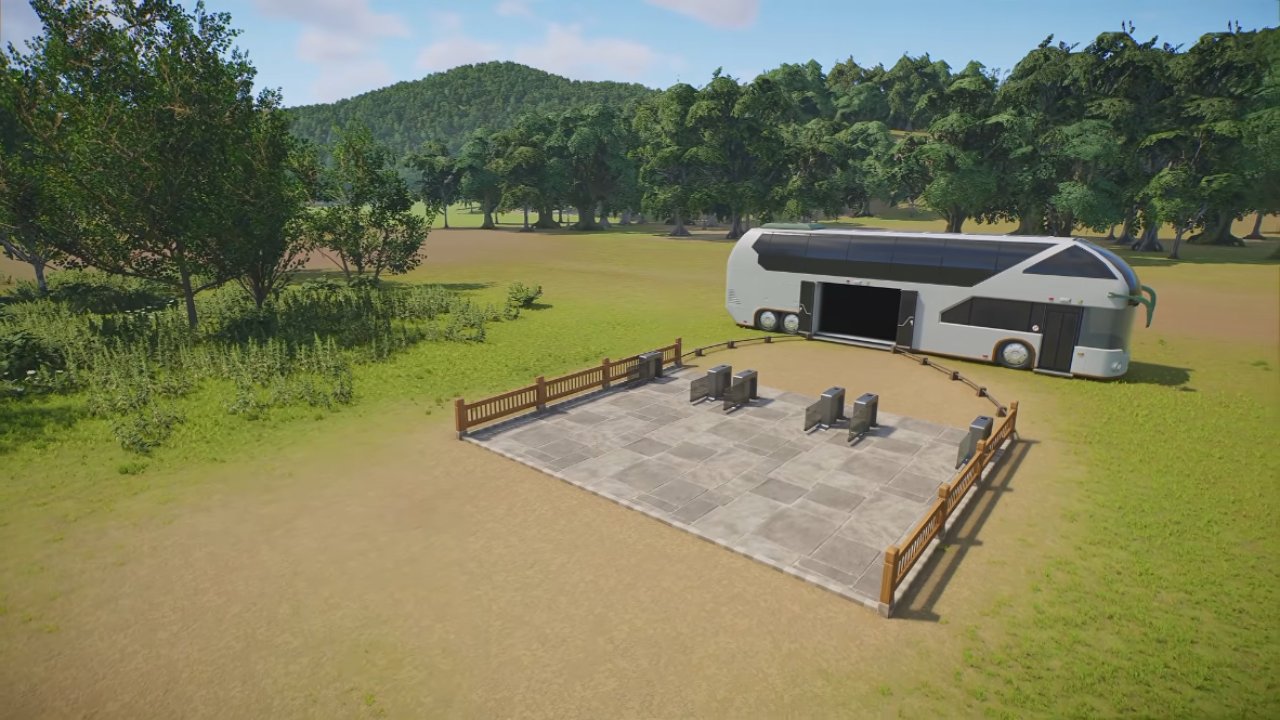
Temperate Stately Home Map
Select the Temperate Biome in North America, South America, or Oceania, then choose Sculpted.
This landscape features a European-style stately home setting beside a large lake.
The existing scenery creates a realistic historical setting, making it suitable for a traditional zoo built around landscaped grounds and water features.
Plan carefully around the lake and existing structures because not all visible scenery is editable.
Temperate Europe Castle Map
Choose the Temperate Biome in Europe and select Sculpted.
This landscape includes an old castle on a hill, a broad building area, and a river with several bridges.
The open ground below the castle provides room for habitats and visitor facilities, while the surrounding scenery gives the location a realistic appearance.
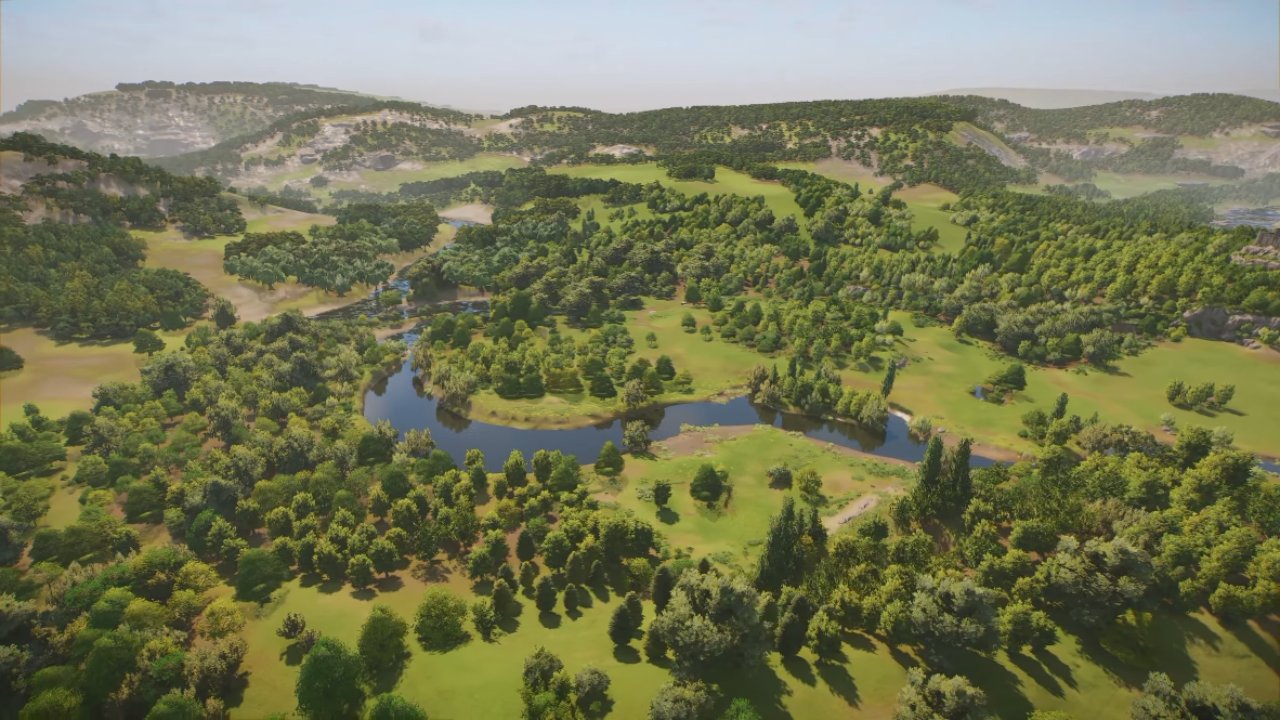
It is a useful choice for building a European-style zoo without creating every landscape feature from scratch.
Tropical City Map
To access the Tropical City landscape, choose the Tropical Biome in Africa, North America, South America, or Oceania and select Sculpted.
This map includes an urban skyline beyond the zoo's main building area.
Although it is not located directly inside a city, the backdrop makes it suitable for building a modern zoo near an urban environment.
The main construction area is relatively flat, making it easier to organize large habitats, guest paths, and facilities.
Tropical Flat Map
Select the Tropical Biome in any Continent where it is available, then choose Flat.
This map features a spacious tropical environment with natural-looking surroundings.
The large building area gives you freedom to design habitats, landscaping, and visitor facilities without working around major terrain obstacles.
It is particularly useful for creating a custom tropical zoo from the ground up.
Tropical Asia Coastal Map
Choose the Tropical Biome in Asia and select Sculpted.
This map features sandy beaches, turquoise water, a steep hillside, and mountains surrounding a valley.
The coastal setting is well suited to an island-themed zoo or a more imaginative wildlife park.
However, the usable construction area is more limited than on a flat map. Check the buildable boundary before planning large habitats.
African Grassland Map
Select the Grassland Biome in Africa and choose Sculpted.
This landscape includes varied elevations, waterways, and a prebuilt bridge that functions as part of the path network.
The surrounding scenery creates a natural African savannah setting, making it suitable for wildlife-themed habitats and viewing areas.
You can incorporate the existing bridge and terrain into your zoo rather than constructing every feature yourself.
Grassland Flat Map
Choose the Grassland Biome in any available Continent and select Flat.
This map provides a broad savannah landscape with distant mountains and plenty of open space for construction.
It is a practical option for creating large habitats and expansive zoo layouts.
The relatively open central area also makes it easier to design long paths and organize facilities.
Grassland Pride Rock Map
To find the landscape commonly described as the Pride Rock map, select the Grassland Biome in Europe, Asia, North America, South America, or Oceania, where the option is available, and choose Sculpted.
The map features a dramatic rock formation, detailed surroundings, and prebuilt structures.
Some existing structures can be removed, allowing you to adjust portions of the starting layout.
This is a good option if you want an African-inspired landscape with distinctive scenery already in place.
Desert Flat Map
Choose the Desert Biome in any Continent that supports it and select Flat.
This landscape features sandy terrain, detailed rock formations, and large mountains in the background.
Unlike the other Biomes, Desert does not have a separate Sculpted starting landscape among these Franchise Mode maps.
The open terrain gives you space to create a desert-themed zoo with your own habitats, facilities, and landscaping.
Taiga Mountain Lake Map
Select the Taiga Biome in Asia, Europe, or North America and choose Sculpted.
This map features a large mountain lake, mist-covered peaks, and a seaplane entrance.
The dramatic landscape is especially suitable for a cold-climate zoo surrounded by forests and mountains.
The lake and uneven terrain affect the available construction area, so consider the space requirements of your habitats before building.
Taiga Flat Map
Choose the Taiga Biome in Asia, Europe, or North America and select Flat.
The center of this map offers a broad, relatively level building area, while large mountains surround the outer landscape.
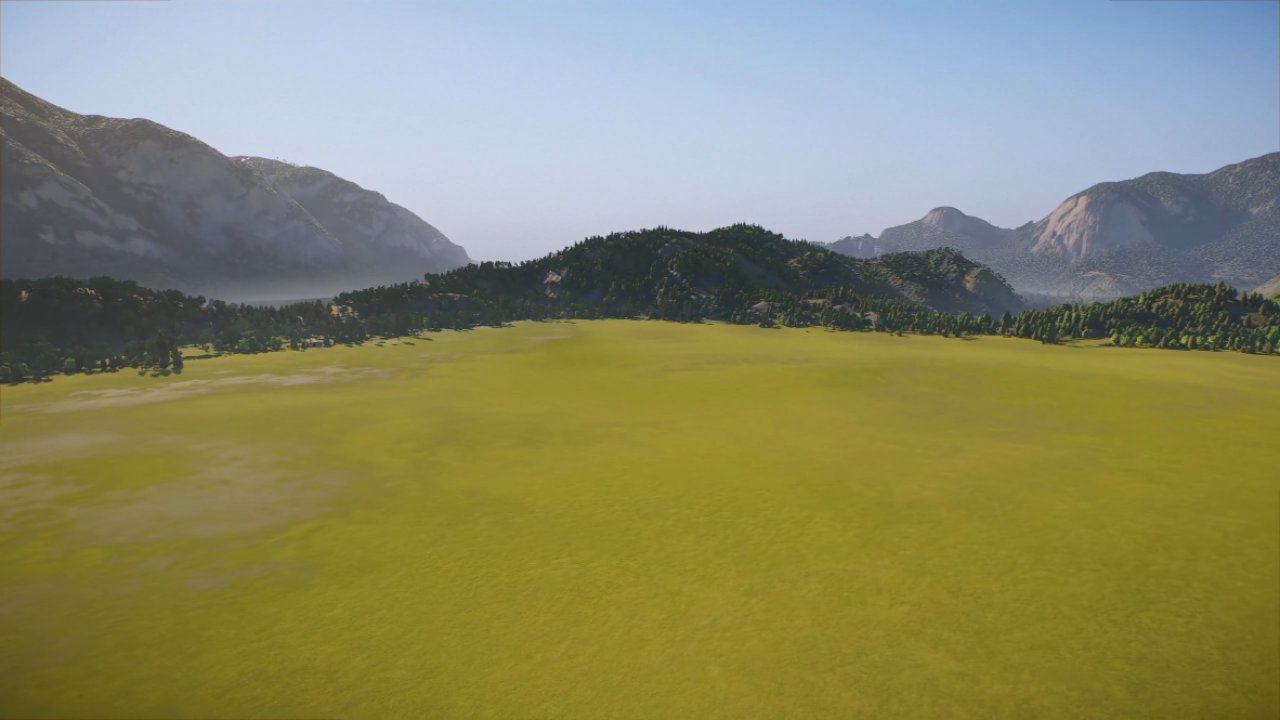
It provides a balance between convenient construction space and attractive mountain scenery.
This makes it a useful choice for a cold-climate zoo that needs room for expansion.
Tundra Flat Map
Choose the Tundra Biome in any available Continent and select Flat.
This landscape features an open, treeless environment resembling Antarctic or Arctic tundra.
The absence of trees makes it useful for creating polar environments and high-altitude landscapes above the tree line.
Its open construction area also offers flexibility for large, custom-designed habitats.
Tundra Europe Sculpted Map
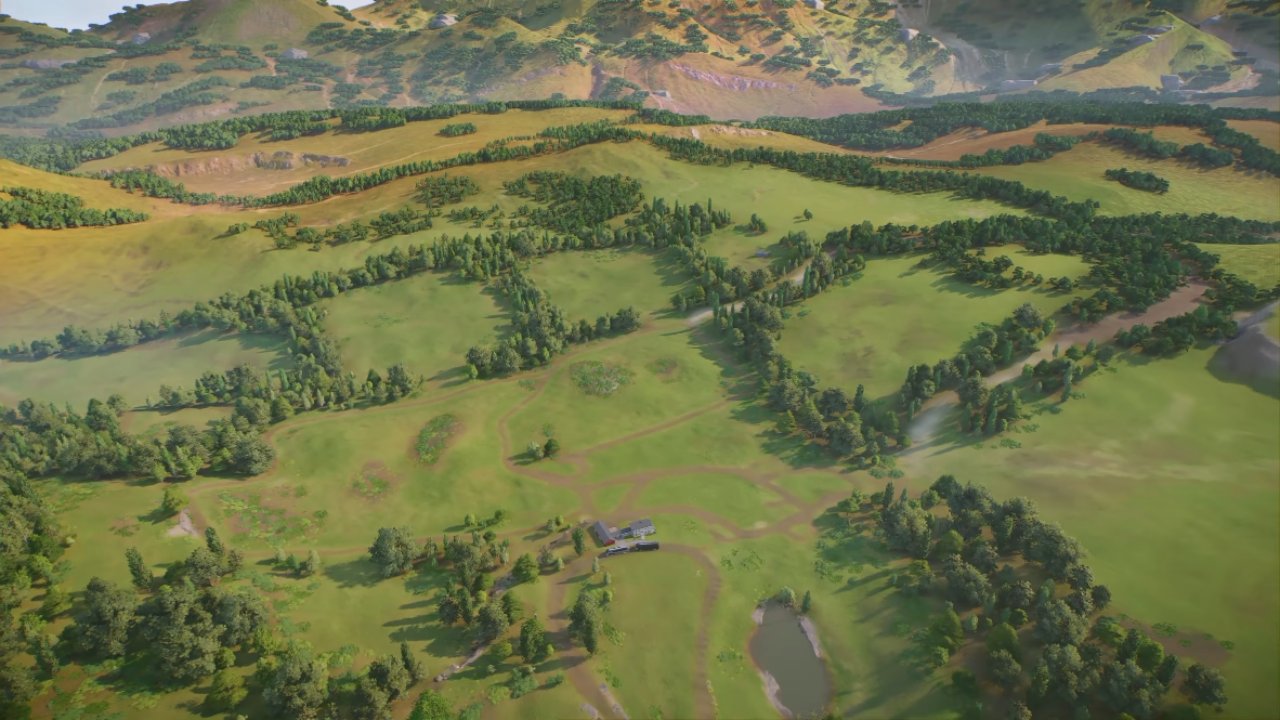
The final landscape is easy to overlook because it only appears under a specific combination.
Select the Tundra Biome, choose Europe as the Continent, and set Terrain Type to Sculpted.
Instead of a completely frozen landscape, this map features farmhouses, gentle rolling hills, and a surprisingly temperate-looking environment.
The terrain is relatively practical for construction compared with some of the more dramatic Sculpted maps.
This makes it suitable for creating a realistic countryside zoo with existing rural scenery.
How to Access Additional Maps Through Career Mode
Planet Zoo 2 also includes locations that become accessible through Career Mode progression.
These locations are separate from the 15 standard Franchise starting landscapes.
Completing relevant Career scenarios can provide access to additional maps for Sandbox Mode, where you can develop zoos using those environments.
Do not expect every Career location to appear in the Franchise Mode Biome and Terrain Type selection menu.
If a particular landscape is missing, confirm whether it belongs to Franchise, Sandbox, or Career Mode before searching through the starting map options.
To find all 15 standard Franchise Mode maps in Planet Zoo 2, select the correct Biome and Continent, then choose Flat or Sculpted Terrain Type, including Europe, Tundra, and Sculpted for the easily missed farmhouse landscape.
FAQ
Q. How many standard starting maps are available in Planet Zoo 2 Franchise Mode?
A. There are 15 distinct starting zoo landscapes covered by the standard Flat and Sculpted Biome combinations, including six Flat layouts and nine Sculpted layouts.
Q. How do you unlock the European Tundra Sculpted map?
A. Select Tundra as the Biome, Europe as the Continent, and Sculpted as the Terrain Type. This combination provides the farmhouse landscape with rolling hills.
Q. Which Franchise Mode map is best for building a large zoo?
A. Flat maps are generally the easiest option because they provide more open space and fewer terrain restrictions. Temperate Flat, Grassland Flat, and Tropical Flat are all suitable choices.
Editor, NoobFeed
Latest Articles
No Data.