
Underkeep Guide | Exploration and Tools
This Underkeep Guide Explains the Exploration and Tools
Game Guide by Amaya on Nov 16, 2026
Exploration in Underkeep is essential for finding hidden loot, unlocking new areas, and collecting resources. Many paths contain obstacles that require specific tools, while secret stashes and interactable objects can reward players who investigate their surroundings. Carry the right tools, check suspicious objects, and activate every portal stone to make exploring and backtracking easier.
Exploring Efficiently
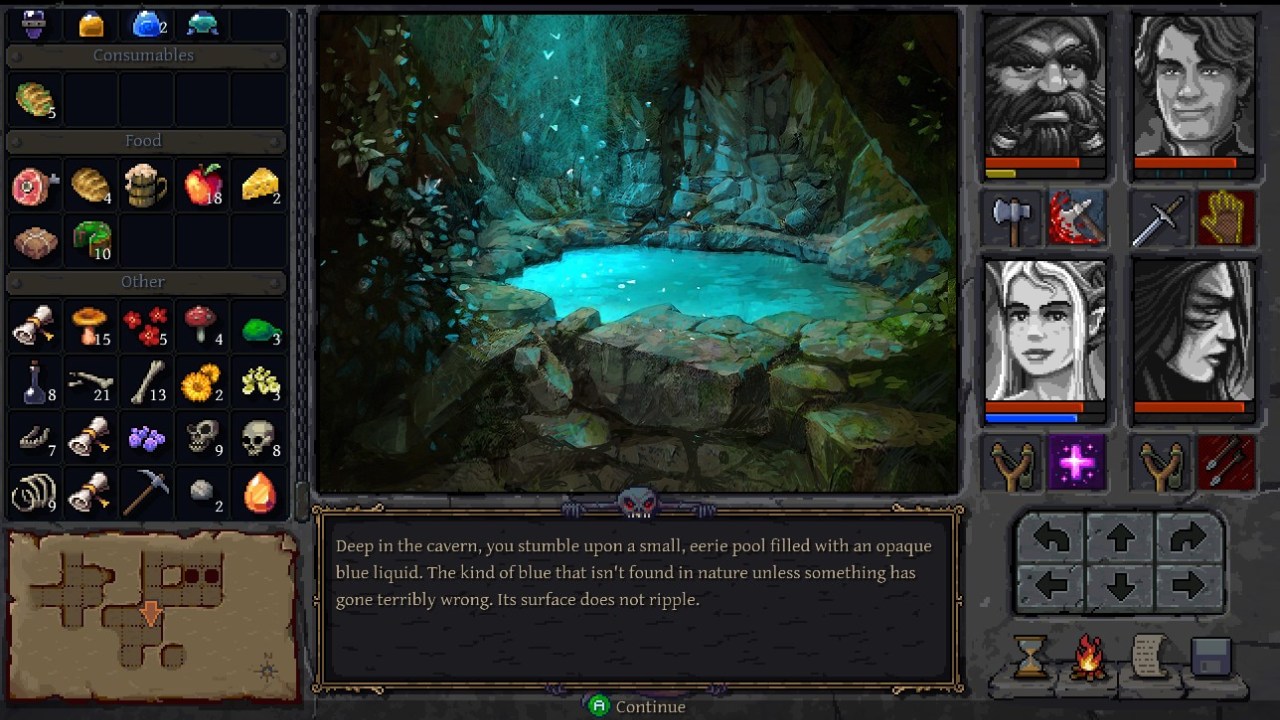
You can interact with objects directly in front of your party by pressing R. This is quicker than clicking individual objects and works with doors, levers, chests, people, alcoves, and other interactable objects.
Make it a habit to check your surroundings whenever you enter a new area. Some useful objects are easy to overlook, especially hidden stashes, pressure plates, and objects that look like part of the environment.
If you encounter an obstacle that you cannot deal with yet, mark its location on your map. You can return once you have the required tool or item.
Tools You Need for Exploration
Certain areas and resources can only be accessed with specific tools. Collecting these tools lets you explore more of the world and uncover additional rewards.
-
Pickaxe: Breaks collapsed rocks blocking paths. Some rocks require the Reinforced Pickaxe, so remember their locations if your current tool is not strong enough.
-
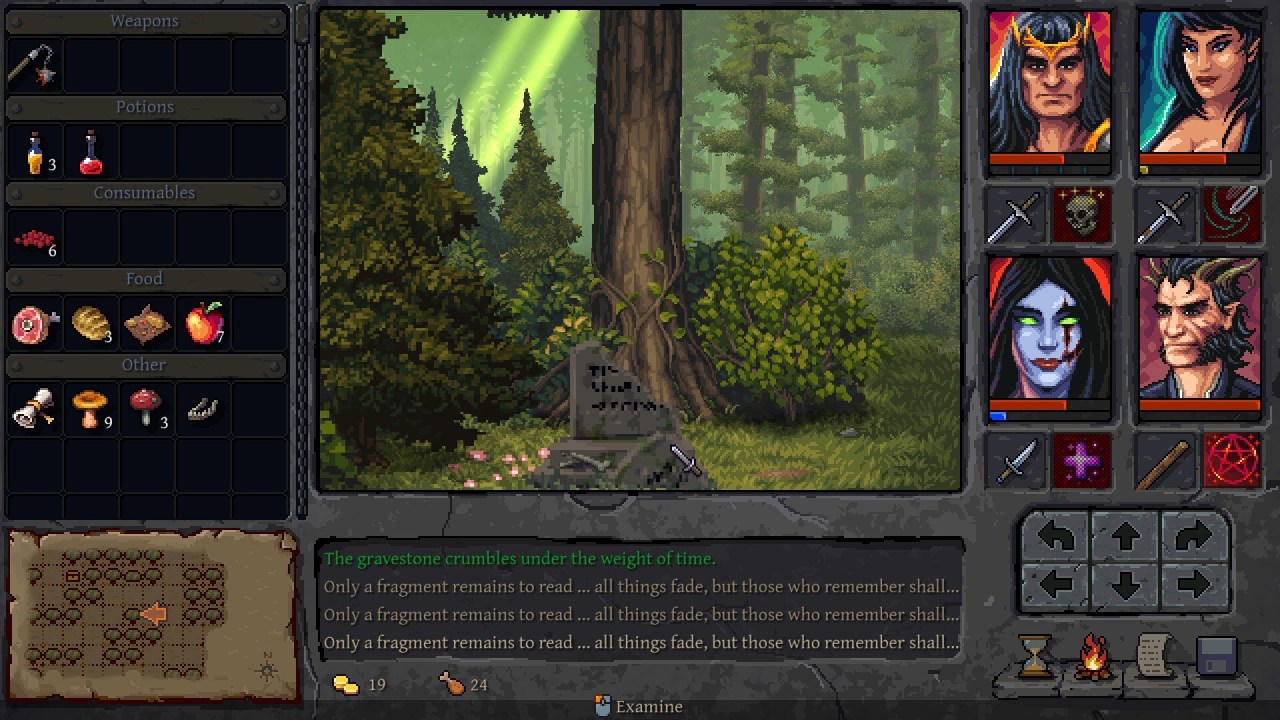
Shovel: Allows you to dig graves and uncover loot. Digging costs food, so keep your supplies in mind before searching every grave.
-
Golden Chisel: Used to mine gold veins found in rock walls.
-
Lockpick Tools: Required to open locked chests and access their contents.
-
Mortar and Pestle: Used for alchemy and cooking.
You do not need to force your way through every obstacle immediately. If you find rocks you can't break or gold veins you can't mine, mark them on your map and return later with the right equipment.
Hidden Loot and Things to Check
Underkeep contains several types of hidden objects and environmental interactions. Checking these locations regularly can help you find additional loot and discover paths you might otherwise miss.
-
Garbage Piles and Hollow Trees: Search these for hidden stashes. They can contain items that are easy to overlook during normal exploration.
-
Alcoves and Tombstones: Some contain hidden interactions, while others require you to place a specific item before revealing their reward.
-
Walls Near Dead Ends: Pay attention to suspicious walls, particularly near dead ends. Listen for the sound of stone sliding, as this can indicate a hidden passage.
-
Pressure Plates: Look for ground plates that may activate mechanisms or reveal new paths.
-
Pushable Objects: Examine objects that appear movable. Moving them may help you access otherwise unreachable areas or interact with environmental mechanisms.
-
Fragile Objects: If something looks breakable, try attacking it. Some objects can be destroyed to reveal what is hidden behind them.
-
Signposts: Read signposts whenever you find them. They point you toward the next region and help you navigate unfamiliar areas.
Do not rush through rooms after defeating enemies. Take a moment to inspect the environment, especially around dead ends and unusual objects.
Fast Travel and Portal Stones
Portal stones make traveling between explored areas much easier. Whenever you discover one, touch it to activate it.
Once activated, the portal stone begins to pulse and becomes available for fast travel. You can then travel between activated portals instead of walking through previously explored areas.
This is particularly useful when you discover something you cannot access yet. For example, you might find a locked chest before obtaining Lockpick Tools or a collapsed passage that requires a Reinforced Pickaxe. Activating nearby portal stones makes returning to these locations much easier.
Make activating every portal stone a priority. Even if you don't need to travel back immediately, more activated portals give you additional options when revisiting earlier regions.
Using the Map
Press M to open the map and check your surroundings. The map includes a legend that identifies different locations and environmental features.
The map legend displays:
-
Doors
-
Treasure
-
Statues
-
Pressure plates
-
Pits
-
Rocks
-
Shrines
-
Teleports
-
Portals
-
Passages
Use these markers to keep track of important locations while exploring. If you encounter an obstacle that requires a tool you don't have, note its position so you can return later.
The map also helps you identify portals and plan your route through previously explored areas.
Final Thoughts
Exploration in Underkeep becomes much easier when you know what to look for. Press R to interact quickly, search suspicious objects for hidden loot, and carry the tools needed to open new paths and access resources. Most importantly, activate every portal stone and use your map to remember obstacles you cannot overcome yet. A little extra attention during exploration can save time and help you uncover rewards you might otherwise miss.
FAQ
Q. How do you interact with objects in Underkeep?
A. Press R while facing an interactable object. This works with doors, levers, chests, people, alcoves, and other objects.
Q. What tools do you need for exploration?
A. The main tools are the Pickaxe, Reinforced Pickaxe, Shovel, Golden Chisel, Lockpick Tools, and Mortar and Pestle. Each provides access to different resources or activities.
Q. How do you open locked chests?
A. You need Lockpick Tools to open locked chests.
Q. Does digging graves cost anything?
A. Yes. Using a Shovel to dig graves and search for loot costs food.
Q. How does fast travel work?
A. Touch a portal stone to activate it. Once activated, you can travel between the portal stones you have already discovered.
Q. What should you do if you find rocks you cannot break?
A. Mark their locations on your map and return later with the required equipment, such as the Reinforced Pickaxe.
Q. How do you open the map?
A. Press M to open the map and view its legend, which identifies important locations and environmental features.
Editor, NoobFeed
Latest Articles
No Data.