
NVIDIA GeForce RTX 4080 Intermittent Detection and Fan Ramp Issues Caused by GPU Sag and Pad Failure
Mechanical stress caused intermittent GPU detection, display failure, and unstable PCIe behavior under physical load conditions.
Hardware by Nahe Yan on Dec 13, 2025
A graphics card came with several problems that made it hard to figure out what was wrong. The card crashed under load, showed nothing on any of its ports, and behaved differently depending on its orientation.
Even with these problems, the system could still find the card, the memory tests worked, and it worked as a second GPU. When we looked more closely, we saw that the card was running at PCIe x8 instead of x16, suggesting a more serious hardware issue.
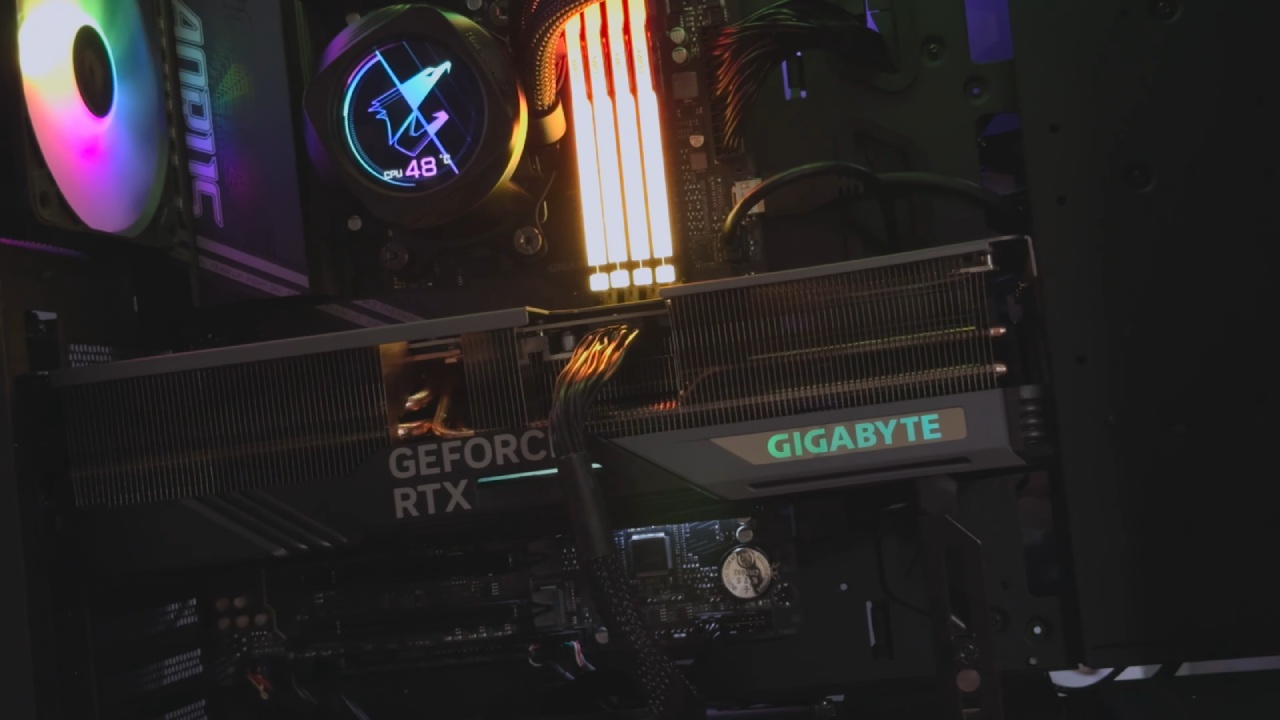
First Signs and Symptoms
The customer said the program crashed frequently, although during the first tests, there was no display output. The system could see the GPU and RAM tests ran without a hitch, but none of the display ports worked.
The card could run as a secondary device, ruling out a complete GPU failure. Even though continuity testing confirmed that all data lines were present, the PCIe link speed was limited to x8. This made it look like there were problems with signal integrity rather than missing connections.
Testing for Slots, Risers, and Orientation
We started by eliminating external factors. We cleaned the PCIe pins with isopropyl alcohol and installed the GPU directly on the motherboard, bypassing a riser. When I turned it on, the monitor flickered for a second, then the fans sped up to 100% and there was no display output. When the card was turned around, it behaved differently, to the point that the GPU was not identified at all.
Finding the Root Cause
At this point, it was evident that the GPU had not been properly cared for during use or transport. The pads under the GPU die may have been damaged by mechanical stress induced by sag. The fan control signals and display output routing are located in different lower corners of the device. This explains the fan ramping, display loss, and sporadic detection. The missing memory vendor information made it even more likely that the strap signal was damaged near the die.
Taking Apart the Board and Looking at It
We took the card apart and removed the GPU core to inspect the substrate. There were no evident problems on the rear of the PCB, no broken capacitors, and no scratches around the PCIe lane routing. This made it even clearer that the damage was mostly under the GPU die.
When the core was extracted, it was clear that many pads were broken or missing on both lower corners. Some pads didn't accept solder at first, which may indicate they were dirty or damaged on the surface. To restore normal wetting of solder, a more corrosive flux was employed. This way, the full extent of the damage could be seen.
Checking for Damage to the Pad
After cleaning and wicking, about 10 pads were found to be broken or missing. Some were no-connect pads, and others were used to send or receive signals or ground. We used heat to test each pad to ensure that none were mechanically weak. The extent of the damage was not as bad as first thought, so it made sense to try to fix it.
The Process of Fixing
We fixed the broken pads and reball the GPU. The power rails, including the 12V and 3.3V ones, were all fine. The voltages relevant to PCIe, including PEX signalling, were in the expected ranges. Again, continuity testing confirmed that all lanes were present, but it was clear that these testers do not check signal quality.
The card was still negotiated at PCIe x8, which meant the signal was still degrading. However, the power usage remained at about 1.6A, the same as before. Still, the GPU powered up and started the operating system.
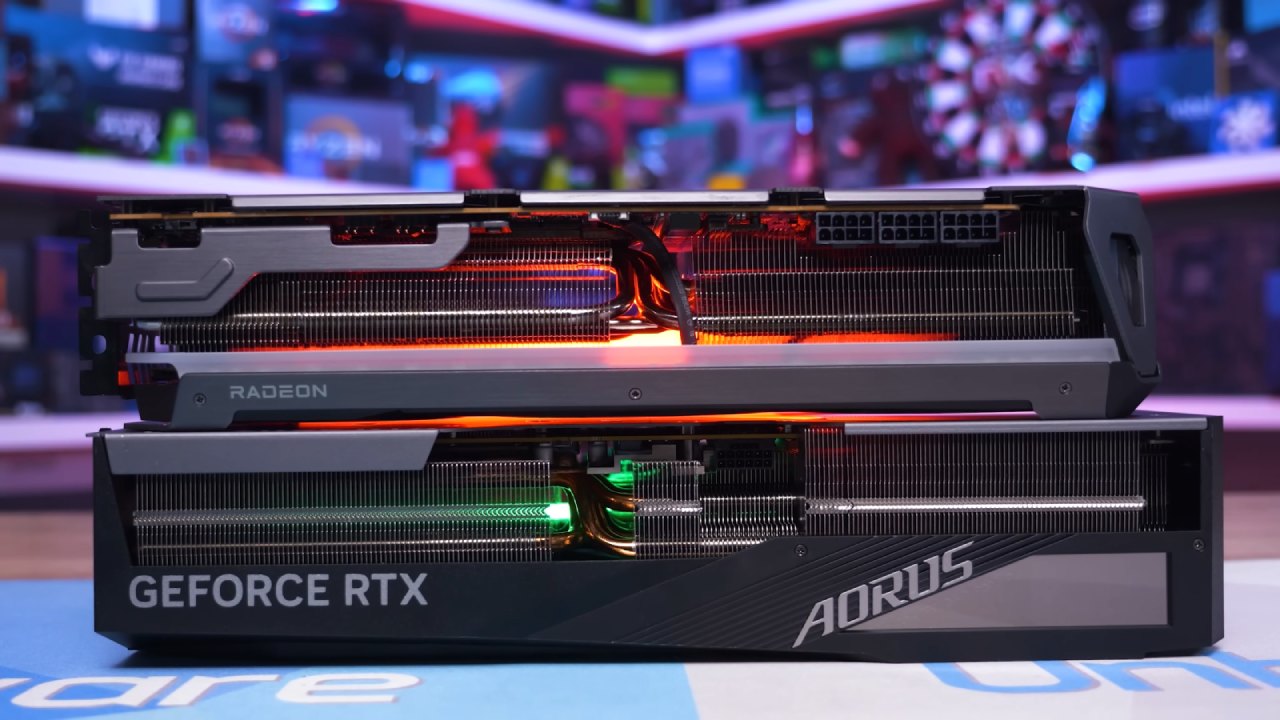
Testing After Repairs
The system correctly detected the GPU and operated normally under load after the card was assembled enough for testing. People were still worried about the memory chips near the broken corners, but no errors showed up right away. Stress testing showed that the gadget worked normally, with no fan runaway or dips.
Final Thoughts
The way it failed clearly indicated that it was damaged by GPU sag or by poor handling after shipping. This card was damaged at both lower corners, unlike most sag failures, which affect only one corner. This suggests it was bent or shocked during fitting. Even though fixing the pads under the GPU die was risky, the card was fixed and worked again.
We did a comprehensive cleaning, put everything back together, and ran additional tests to ensure it was stable before sending it back. Proper GPU support is still very important because even high-end cards can sustain significant internal damage from excessive mechanical stress.
Also, check our other NVIDIA articles below:
- NVIDIA GeForce RTX 5080 Review (2025): Still A 4K Gaming Powerhouse?
- NVIDIA RTX 5070 Review: Mid-Range Muscle or Marketing Hype?
- RTX 5070 Ti Review: Performance, Thermals & Power Efficiency Tested
- ASUS GeForce RTX 5090 LC Liquid Cooled GPU Review: Unmatched Silence & Speed
- MSI GeForce RTX 5090 32GB SUPRIM SOC Review: Power Efficiency, Cooling, and Gaming Performance
- INNO3D RTX 5060 Ti 16 GB X2 Review: Gaming Benchmarks, Temps, and Power Efficiency
- HP Omen 45L Review: RTX 5090 Performance, Thermals, and Value Analysis
- ASUS TUF Gaming GeForce RTX 5060 Ti Review: DLSS 4, Power Efficiency, and Gaming
- ASUS Prime RTX 5060 Ti OC 16GB Review: DLSS 4, Ray Tracing, & Thermals Tested
- NVIDIA GeForce RTX 5060 Review: Specs, Gaming, and Cost per Frame
- MSI GeForce RTX 5090 GAMING TRIO OC Review: A Monster Power GPU
Editor, NoobFeed
Gaming Hardware Updates
No Data.