
Legion Space Update Adds VRAM Controls and Interface Changes for Lenovo Legion Go Devices
The latest Legion Space update introduces a redesigned interface, controller mapping improvements, and new VRAM allocation controls on supported devices.
Hardware by Tanvir Kabbo on Mar 15, 2026
The newest version for Legion Space adds new features, modifies the look of the game, and updates the firmware for all Lenovo Legion Go Windows devices. The update works on most Legion Go models that are supported.
It makes changes to the interface, controller settings, and performance choices. While some changes are cosmetic, others bring functional improvements, including new VRAM management capabilities on newer hardware.
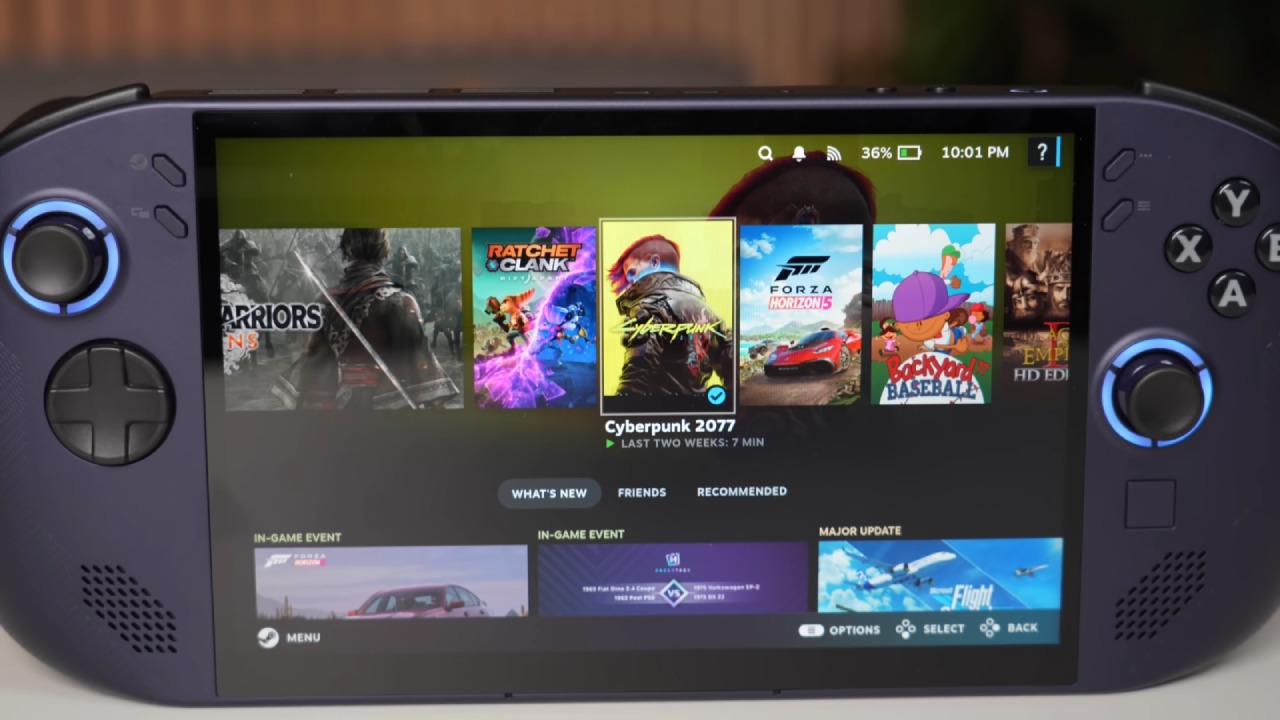
Updating Legion Space on Legion Go
The update process begins automatically when opening Legion Space. If the system is currently using the Xbox full screen experience, switching to Windows desktop mode makes the update process easier.
Once Legion Space opens, the application checks for the update, downloads it, and installs it automatically. Several internal changes are included in the update, and a controller firmware update may also appear during the process. The firmware update shows up on both the Legion Go 2 and the original Legion Go.
After installation, a notification related to the full screen experience may appear, especially on newly updated systems or devices recently configured with the Xbox full screen interface.
BIOS Differences Between Legion Go 2 and Original Legion Go
There is an important hardware difference between the Legion Go2 and the original Legion Go. The newer Legion Go2 recently received a BIOS update that introduced direct BIOS access for UMA frame size adjustments. This allows VRAM allocation to be controlled directly through Legion Space.
The original Legion Go has not yet received a BIOS update that supports this feature. Because of that limitation, the VRAM adjustment option does not appear within Legion Space on the Z1Extreme model.
New Interface and Design Changes in Legion Space
Opening Legion Space on the Legion Go2 reveals several visual adjustments throughout the interface. The layout and design have been refreshed, and performance information now appears more prominently within the menus.
A new section called the Legion Store has been added. Legion Space now contains two store sections: the original game store and the new Legion Store. Selecting items within the Legion Store opens a web browser where purchases and browsing take place. Users can also adjust their region settings within this section before accessing store links.
The library section and game suggestions are still there, and the new design makes it easier to find your way around.
.jpg)
General Settings and System Tabs
Most of the general settings stay the same. The General tab still has the same setting options, with no new ones that stand out.
The update checker is still in the Disk and Drives section. It shows the version of the BIOS that is currently installed. The Audio and Display settings stay the same, with the same possibilities for configuring them as previously.
The update is mostly about making little changes to the interface rather than adding big modifications to these parts.
Controller Settings and Button Mapping Improvements
The Controllers section includes one of the more noticeable functional changes. While most controller settings remain the same, the button mapping interface has been redesigned.
The layout is now easier to navigate and clearer to view, particularly when using the controller instead of the touchscreen. Within the View and Edit Layout menu, users can now switch between front and rear controller views through tabs. This makes navigation easier and removes the need to scroll through a single long layout screen.
Function shortcut options remain mostly the same. These features were already updated previously to support the Xbox full screen experience.
Performance Settings and VRAM Allocation
The Performance section introduces a new feature on the Legion Go2: frame buffer size control. This allows direct adjustment of VRAM allocation within Legion Space.
All available VRAM size options that normally appear in the BIOS can now be selected directly through the software. After selecting a VRAM value, the device restarts to apply the change.
These VRAM options are not always fully available when using AMD Adrenaline software, so having the settings integrated into Legion Space provides a more reliable way to manage memory allocation.
The feature works because of the new BIOS update on the Legion Go2, which connects BIOS-level memory controls with Legion Space.
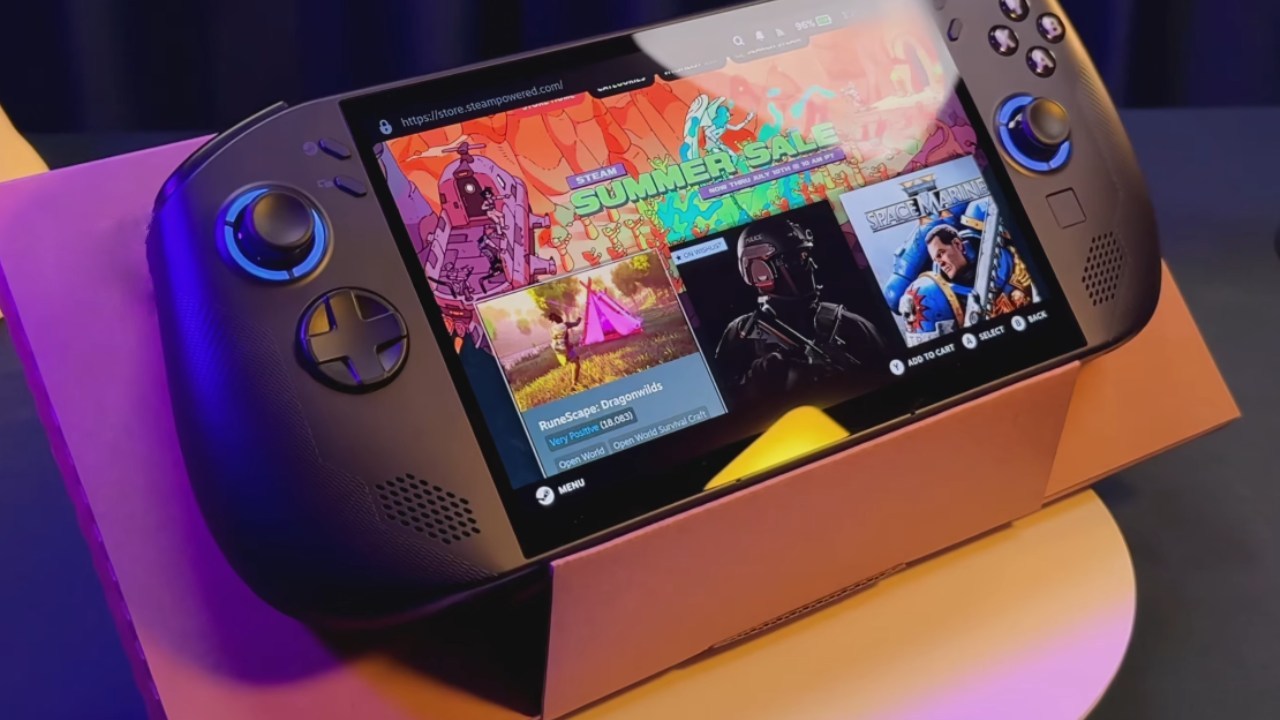
Missing VRAM Feature on the Original Legion Go
On the original Legion Go with the Z1Extreme processor, the VRAM adjustment option does not appear in the Performance section.
All other updates within Legion Space are present on the original device, including visual changes and controller updates. However, the UMA frame buffer control remains absent due to the missing BIOS update.
If Lenovo releases a BIOS update for the original model in the future, the VRAM adjustment option could eventually be added.
Quick Access Menu and Final Observations
The Quick Access menu on the Legion Go 2 has only minor aesthetic changes. The layout and available options remain largely the same, and no new shortcuts or controls have been added.
Even though this phase doesn't bring any big new features, the overall makeover makes Legion Space look very different. The program feels more polished since the menus have been rebuilt, the controller mapping interface has been improved, and VRAM management has been added to newer hardware.
With continued BIOS updates and Legion Space improvements, further enhancements such as updated GPU drivers and broader hardware support may arrive in future updates.
Also, check our other hardware articles:
- AMD Ryzen 9 9950X3D Review: Setting The Standard For 2025 Gaming CPU
- Amazon Luna 2025 Review: Is Prime Gaming's Cloud Service Your Go-To For Casual Fun?
- AMD RX 9070 XT Review: AMD's RDNA 4 Champion for 1440p Gaming
- GeForce Now Ultimate: Ditching Your Gaming PC For Cloud RTX 4080 Power?
- NVIDIA GeForce RTX 5080 Review (2025): Still A 4K Gaming Powerhouse?
- Intel Core Ultra 9 285K Review And Performance Breakdown (2025)
- AMD Ryzen 7 9800X3D Review: 3D V-Cache Goes God Mode with Stunning Gaming Performance
- Intel Core Ultra 9 285K vs AMD Ryzen 7 9800X3D: In-Depth Gaming Performance and Benchmark Comparison
- NVIDIA GeForce RTX 5080 Super Performance In Cyberpunk 2077: Path Tracing & DLSS 4.0 Tested
- AMD Radeon RX 9070 XT In Cyberpunk 2077: Ray Tracing & FSR 4.0 Tested
- Intel Arc B580 Review: The $250 GPU Revolutionizing 1440p Gaming
- Intel Arc B570 Vs. B580: Value, Specs, And Real-World Gaming Performance
- RTX 5090 Laptop Vs. M4 Max MacBook Pro: Ultimate Raw Performance Vs. Battery Endurance
- Intel Arc b580 Vs. RTX 4060: Game Performance And Value Analysis
- RTX5090 Hell Is Us Demo 4K Ultra Benchmark: DLSS Vs. Native Performance Guide
- NVIDIA RTX 5070 Review: Mid-Range Muscle or Marketing Hype?
- Nintendo Switch 2 Review: Handheld Performance, Features & Value Breakdown
- RTX 5070 Ti Review: Performance, Thermals & Power Efficiency Tested
- Samsung Odyssey OLED G81SF Review 2025: Ultimate 32-Inch QD-OLED Gaming Monitor
- AMD RX 9070 Performance Review: Thermals, Clocks, and Real-World FPS
- AMD Ryzen 5 7600 Review: Best Budget Gaming CPU of 2025?
- AMD Radeon RX 7800 XT Review: RDNA 3 Power For Midrange Gaming
- Asus ROG RTX 5090 Astral OC Vs. Founders Edition: The 4K Gaming Benchmark
Senior Editor, NoobFeed
Gaming Hardware Updates
No Data.