
GeForce RTX 5060Ti vs. Radeon RX 9060 XT vs. Used GPUs: Multiplayer Benchmark Breakdown
Performance differences emerge clearly when comparing modern GPUs against older used models in demanding multiplayer titles at varied settings.
Hardware by Nahe Yan on Dec 04, 2025
Prices for graphics cards have changed recently. RTX 5060 Ti 16GB and RX 9060 XT 16GB are now below their suggested retail prices. Sometimes, prices drop by around 10% below the stated price, sparking a fresh conversation about value.
The question is whether these cards are better buys than the old ones, especially when you look at popular multiplayer games on Steam. Testing includes both 1080p low settings for competitive players and 1440p high settings for anyone who wants higher graphics settings. There are also three used GPUs in the comparison: the RX 6800 16GB, the RTX 3070 8GB, and the RTX 3080 10GB.
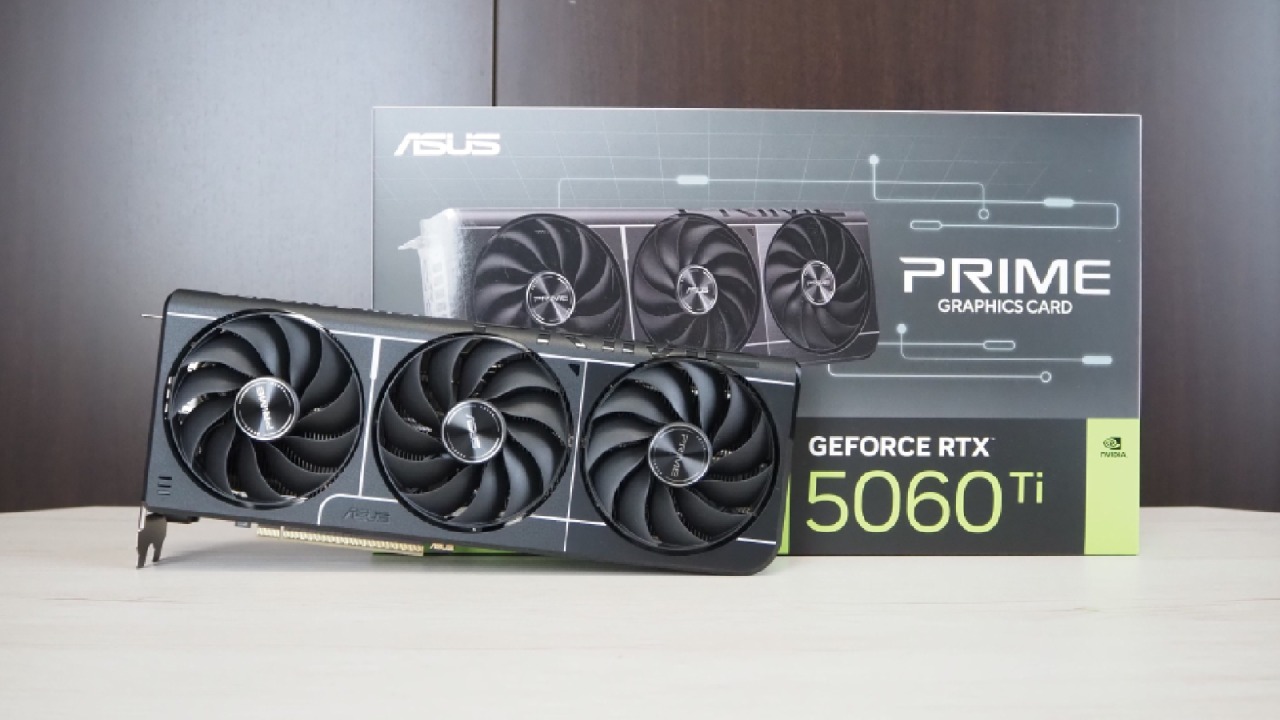
An Overview of Multiplayer Performance
Battlefield 6 looks great at 1080p, and the 5060 Ti and 9060 XT are both very well optimised. Some games work better with tweaking, and Battlefield 6 is a good match for the updated cards. RTX 3080 works nicely at 1440p, but the 0.1% lows on both the 3080 and the 3070 make me worry that earlier Nvidia architectures might not be getting as many optimisations.
The 0.1% lows are important because they indicate the worst frame-rate conditions and possible stuttering. Game creation or driver optimisation can cause these problems.
Arc Raiders Performance in Both Modes
Arc Raiders runs just as well at 1080p on current GPUs as Battlefield 6 does. RTX 5060 Ti 16GB and RX 9060 XT 16GB are the best examples. At 1440p, the RTX 3080 is still the best because it has the best hardware.
RX 6800 also performs well here, but it enters a part of the game where various problems start to show up in subsequent games.
Problems with the Behaviour of Drivers on RX 6800 in Fortnite
Fortnite makes things a little harder. RX 6800 has clear problems with the latest AMD driver, including purple lines while playing. RX 9060 XT has the same problem, but it is less severe. It's also hard for FPS monitoring software to work with the RX 6800.
At first, AMD said it would stop making improvements for RX 6000 cards, but then it changed its mind. But the way things behaved during testing suggests they were less important. This is important to consider when making long-term suggestions.
At 1080p, the RTX 3080 can outpace the competition in Fortnite. It still leads the averages and 0.1% lows at 1440p. Other GPUs are still close, but the 3080 has a long history of optimisation and benefits from improvements that have been there for a long time.
Limitations on Escape from Tarkov's Performance
Escape from Tarkov still shows bad 0.1% lows on all cards tested, regardless of resolution. The averages are still about the same across GPUs. If this is the main game someone plays, a used RTX 3070 is a good option because neither vendor is working on making it run better.
Results from Battlefield 6 and How Drivers Act
The latest cards perform quite well at 1080p thanks to recent improvements. RTX 3080 shows its true power at 1440p due to its memory bus and hardware configuration. But the bad 0.1% lows on older Nvidia cards are easy to see, which makes us wonder if support for optimisation is changing.
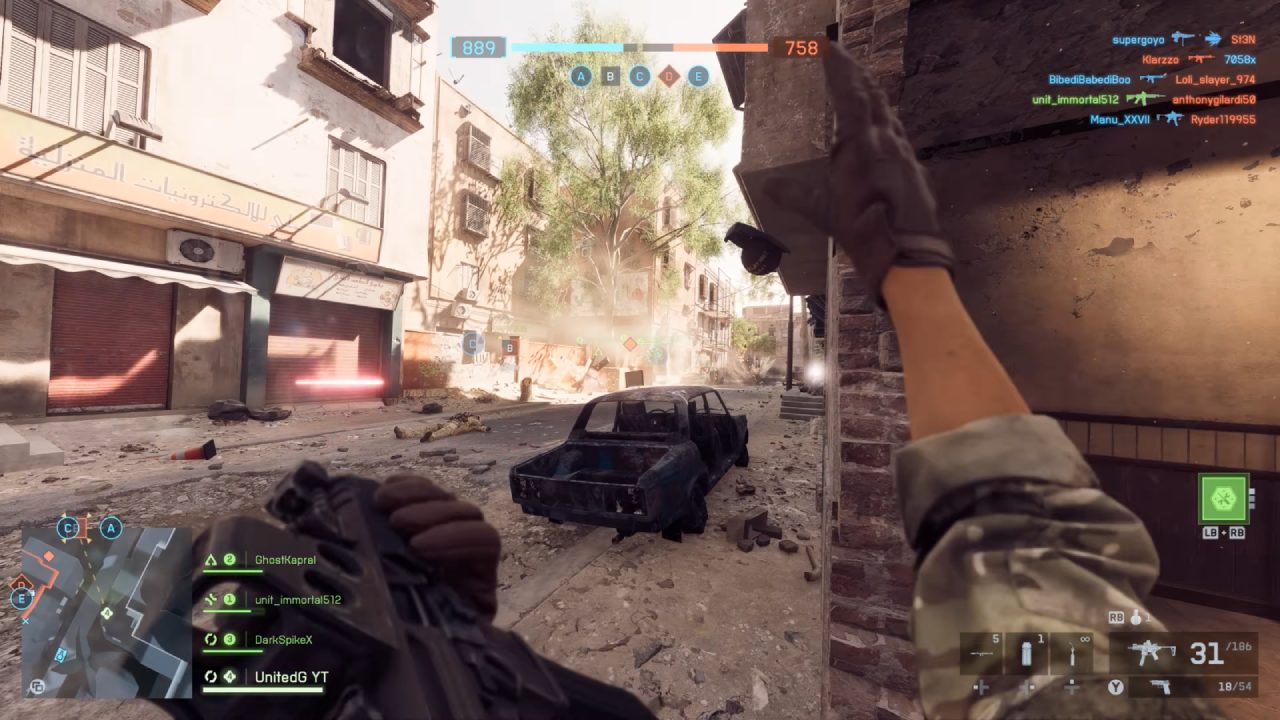
How the GPU works in Counter-Strike 2
RTX 3080 is the best at 1080p low settings. RX 9060 XT and RX 6800 cards from AMD are just behind. At 1440p, both AMD cards lag, with the RX 6800 lagging the most. This trend makes me wonder again about how consistent driver updates are after game patches.
The width of the memory bus also matters. The 5060Ti and 9060 XT work with narrower bus configurations than old cards like the 3080 and 6800.
PUBG's Behaviour with Different Resolutions and Settings
PUBG doesn't always work the same way. RTX 5060 Ti has the highest average FPS at 1080p, but its 0.1% lows are really bad. This problem goes away at 1440p high settings, where the GPU works perfectly. Other GPUs work fine; however, PUBG remains erratic during benchmarking.
The finest results come from DX11 Enhanced. DX12 adds more stuttering.
Metrics for Power Use and Efficiency
The amount of power used and the amount of heat produced have a big impact on how users feel about the product. RTX 3080 uses the most power while it's working hard. Even though it has a large cooler and runs quietly, the temperature rises because the measured wall wattage is high. A dual-BIOS option lets you flash the VBIOS to save power.
The model examined also showed that the RTX 3070 draws more power than planned. On the other hand, the RTX 5060 Ti 16GB is known for its power efficiency. Undervolting cuts the GPU's power consumption by almost half and brings the total system draw down to the low 200W range. This makes it good for small rooms or structures where heat output is important.
RX 9060 XT 16GB also undervolts, but not as well as the Nvidia card. FSR4 lets you change the performance level, while DLSS 4 on Nvidia hardware provides value, especially in games like Arc Raiders.
Price-to-Performance Comparison for All Cards
RTX 5060 Ti doesn't perform well on price-to-performance graphs, coming in last at 1080p and 1440p. Nvidia has better features and efficiency, but the RX 9060 XT 16GB is a better value for money.
In both resolutions tested, the RX 9060 XT is a better value. RTX 3070 is the greatest value card for FPS per dollar at both 1080p and 1440p. The 8GB VRAM restriction is a problem for tasks that require higher resolutions and ray tracing.
Suggestions Based on the Resolution and the Use Case
RTX 3070 is a great deal for 1080p low settings and competitive games. The amount of VRAM needed stays within limits, and performance remains the same.
RX 9060 XT 16GB and RTX 5060 Ti 16GB are better choices for 1440p at high settings because they have more VRAM. RTX 3080 also moves forward thanks to its raw power, but its excessive power consumption warrants more attention.
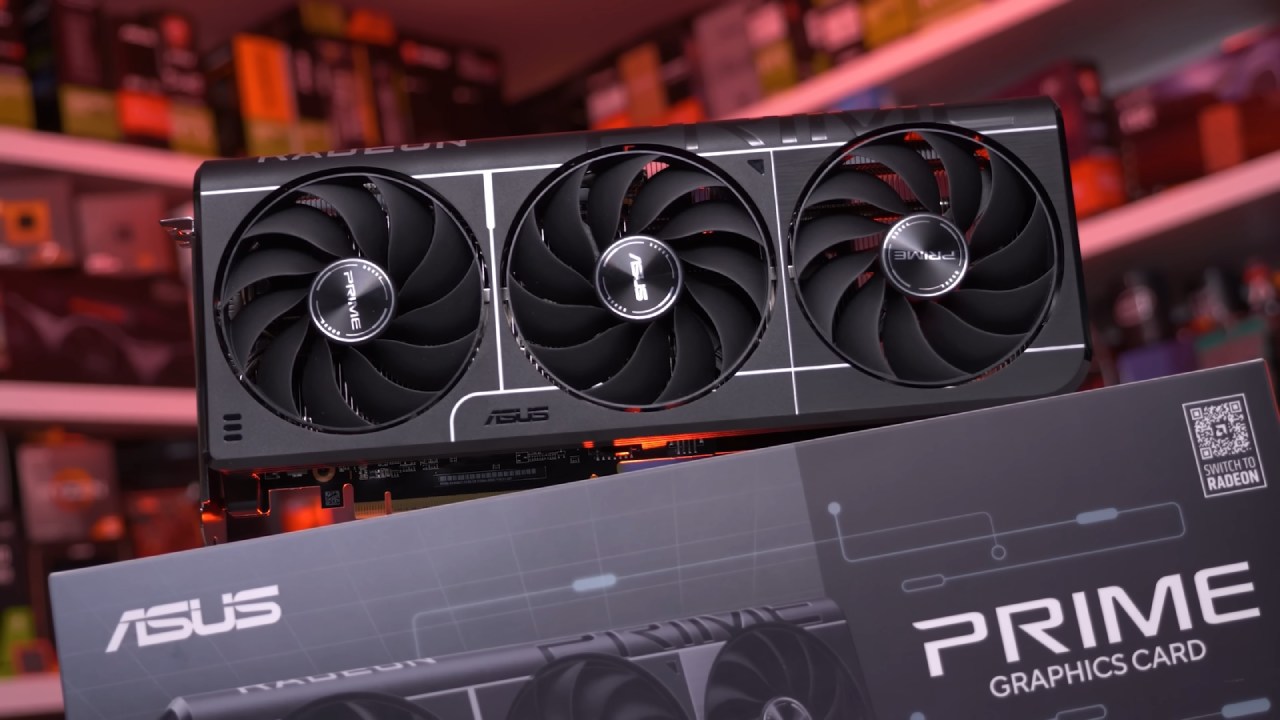
RX 6800 works well when priced fairly, but concerns about ongoing driver support make it less appealing in the long run. When ray tracing is taken into account, having more VRAM becomes more crucial. This makes the newest cards with 16GB of VRAM better options.
Current Market Notes and Pricing Trends
Recent price tracking shows that the RTX 5060 Ti 16GB dropped to as low as $380 in the US before rising to roughly $410. Sales change quickly, indicating they are sensitive to modest price changes. RX 9060 XT 16GB is now priced below MSRP at about $340 US. This is the lowest point in its history.
Used RTX 3070 cards cost approximately $200 US; however, you can find them for less in your area. Be careful with used RTX 3080 units, as they use more power and wear down faster when they get hot. RX 6800 also depends heavily on the vendor's condition and testing guarantee.
Always make sure you can get your money back when you buy used. For returns, issues such as malfunctioning fans, inconsistent power draw, or instability should be grounds for return. If you check things out first, the used market is a great place to find good deals.
Final Thoughts
The newer 16GB cards last longer when handling memory-intensive tasks and 1440p workloads. RTX 5060 Ti, on the other hand, gives up raw value for better performance and longer driver support. RX 9060 XT offers a better price-to-performance ratio; however, some games experience minor issues with early drivers.
RTX 3070 is still the best deal for low settings at 1080p. RTX 3080 still performs well, but you need to be careful about how much power it draws. RX 6800's performance and price depend heavily on how drivers behave.
Also, check our other NVIDIA articles below:
- NVIDIA GeForce RTX 5080 Review (2025): Still A 4K Gaming Powerhouse?
- NVIDIA RTX 5070 Review: Mid-Range Muscle or Marketing Hype?
- RTX 5070 Ti Review: Performance, Thermals & Power Efficiency Tested
- ASUS GeForce RTX 5090 LC Liquid Cooled GPU Review: Unmatched Silence & Speed
- MSI GeForce RTX 5090 32GB SUPRIM SOC Review: Power Efficiency, Cooling, and Gaming Performance
- INNO3D RTX 5060 Ti 16 GB X2 Review: Gaming Benchmarks, Temps, and Power Efficiency
- HP Omen 45L Review: RTX 5090 Performance, Thermals, and Value Analysis
- ASUS TUF Gaming GeForce RTX 5060 Ti Review: DLSS 4, Power Efficiency, and Gaming
- ASUS Prime RTX 5060 Ti OC 16GB Review: DLSS 4, Ray Tracing, & Thermals Tested
- NVIDIA GeForce RTX 5060 Review: Specs, Gaming, and Cost per Frame
- MSI GeForce RTX 5090 GAMING TRIO OC Review: A Monster Power GPU
Editor, NoobFeed
Gaming Hardware Updates
No Data.