
Massive SteamOS Update Adds New Steam Deck Features and Performance Tools
A major SteamOS update introduces new Steam Deck features, bug fixes, improved notifications, and hardware-based review insights.
Hardware by Tanvir Kabbo on Mar 16, 2026
A major update for SteamOS just came out. It adds a lot of new features and addresses bugs to make the Steam Deck experience better and get the platform ready for the Steam Machine, which is coming soon.
The upgrade changes a lot of things, such how alerts and login security work, as well as performance diagnostics, library management, and demo handling. Alongside the update, extensive testing of Resident Evil Requiem on the Steam Deck reveals optimized settings capable of delivering stable gameplay at both 30fps and 40fps.
SteamOS Update Adds Notification Controls and Login Improvements
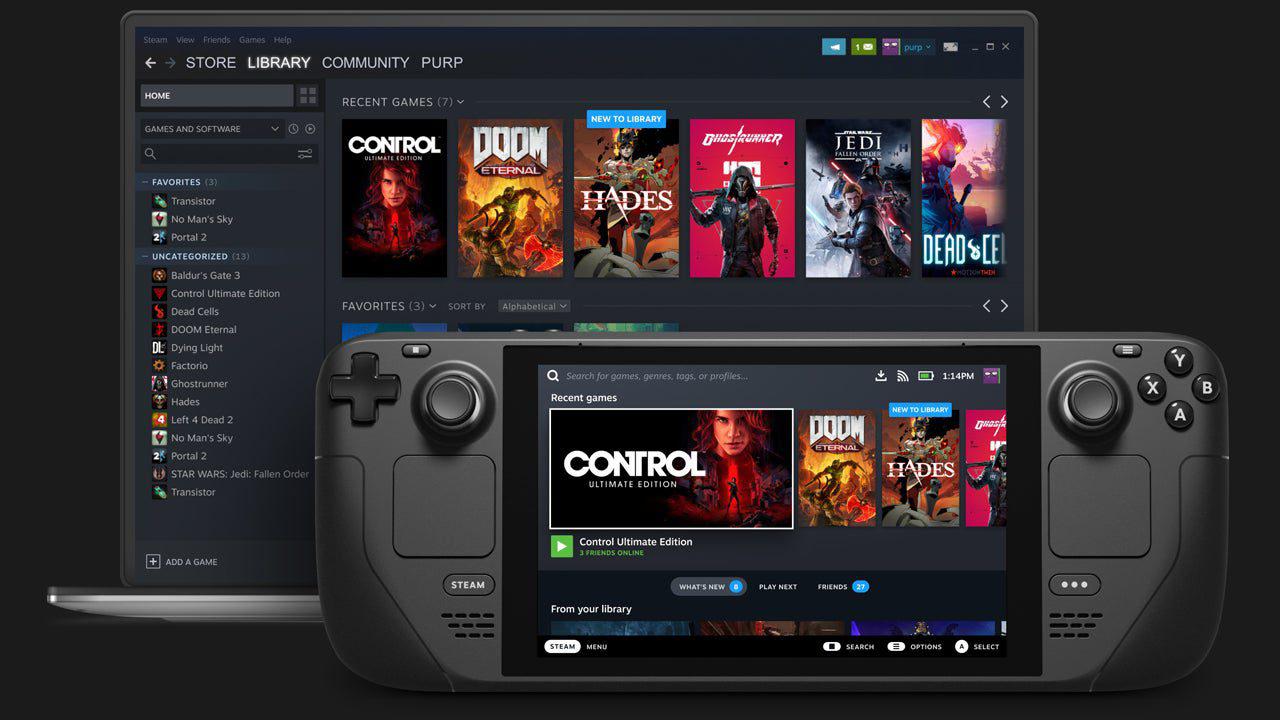
The latest SteamOS update introduces several quality-of-life improvements. One of the first new features is the option to manage "toasts," which are alerts of achievements. These are the little boxes that pop up in the bottom right corner of the screen when you unlock an achievement, a friend joins online, or your progress on an achievement changes. Users can now change these notifications to suit their needs, just like they can with other alerts in the system.
The login screen has also been redesigned. The changes are clearly designed with the upcoming Steam Machine in mind. Previously, two similar options existed for locking the device: one triggered before login and another on system wake. Because these options essentially served the same purpose, they have now been merged. When the login screen feature is enabled, the device will display the login prompt every time the screen turns on.
While many people rarely lock their Steam Deck, the feature becomes more useful for a desktop-style setup like the Steam Machine, where users are likely to spend more time in desktop mode and may want additional security.
Fixes for Large Game Libraries and Download Management
Valve has also fixed a number of problems that people with very big game libraries were having. Some players had a problem where games would show a "not valid" warning when they tried to start them, even if the games were already fully installed on the Steam Deck. The games looked like they were installed in storage, but they wouldn't start. This bug has now been resolved and rolled out from beta to the stable release.
Another fix focuses on the download system. Steam organizes downloads into three sections: queued downloads, scheduled updates that run at certain times each day, and unscheduled updates for games that have not been played recently.
Previously, moving an update from the scheduled or unscheduled category into the queued section could cause the update to fail entirely. The most recent patch fixes this problem, making sure that downloads move smoothly between categories.
Hardware Specs Now Attached to Steam Reviews
One new tool that is really helpful lets people add device specifications when they write evaluations for games. This update helps players figure out if a game will work properly on their individual configuration.
In the past, reviews sometimes had a small icon that showed that the reviewer played most of their games on a Steam Deck. Now, hardware details will make things much clearer. Players can tell if the reviewer utilized a Steam Deck or a certain PC setup when they read reviews.
This system makes it easier to find feedback from players with similar hardware, helping potential buyers understand performance expectations before purchasing a game.
Performance Data Collection to Improve Game Optimization
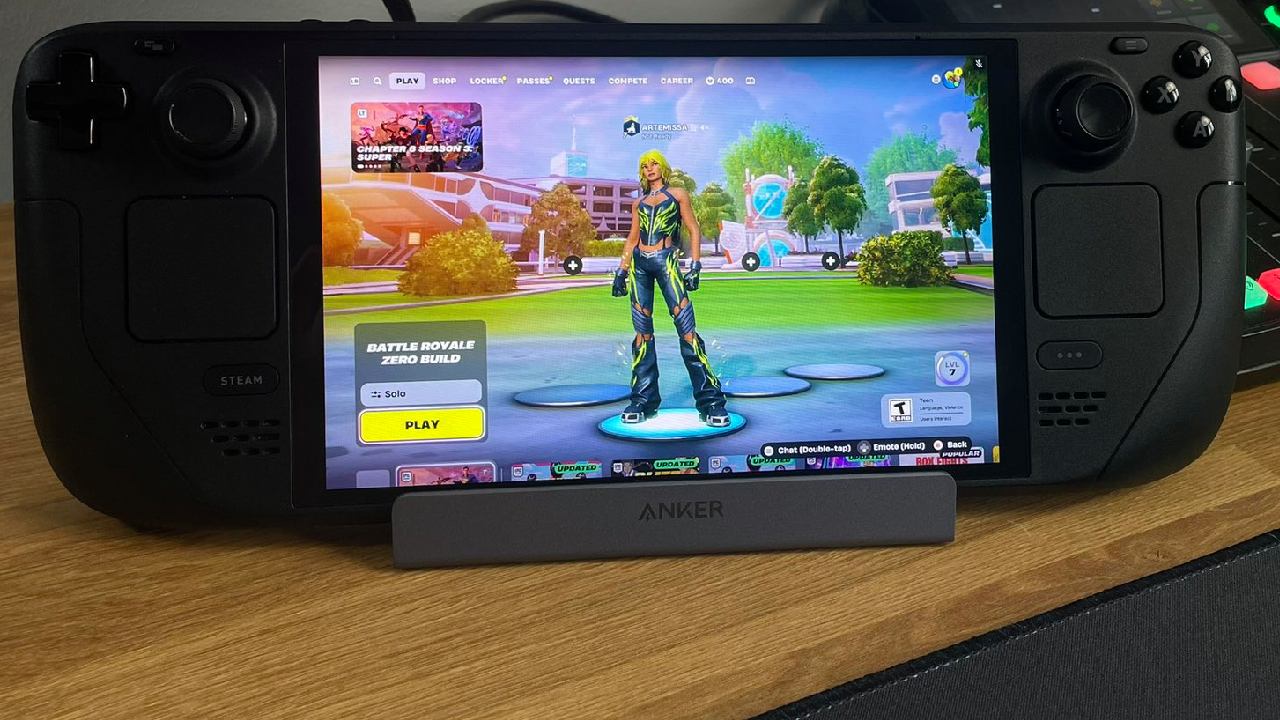
Another major feature currently in beta allows Steam to collect hardware specifications and frame rate data while a game is running. When players encounter performance drops during gameplay, Valve can analyze the data to determine whether the problem stems from the game itself, Proton compatibility, or another system-level issue.
For example, if frame rate drops occur during certain sections of Resident Evil Requiem, Valve could identify the problem and address it quickly. In some cases, the company may fix the issue through Proton updates, while in others, they may share the information with developers so that patches can be released.
This approach helps tackle the increasing number of performance problems seen in modern games. Valve’s ability to analyze real-world gameplay data allows it to respond quickly with fixes and optimizations.
Improved Feedback for Steam Deck Verification
Steam Deck verification has also received an improvement. When a game asks players whether it should be marked as verified for Steam Deck, users can now provide detailed feedback explaining their answer.
Previously, players could simply choose yes or no. Now, if someone believes a game should not be verified, they can explain the specific reason, such as poor performance or technical issues. This added context should help improve the accuracy of Steam Deck compatibility ratings over time.
Higher Resolution Images for Game Library Display
Visual presentation has also been enhanced. The system now automatically selects the highest resolution image available when displaying recently played games. This change ensures that library artwork looks sharp, especially when using the device on a large display or television.
Low-resolution images sometimes appeared when browsing older games, which made the interface feel less polished. The new system eliminates that issue by prioritizing high-quality artwork whenever possible.
Additional Fixes and Demo Improvements
Several smaller fixes were also included in the update. Valve resolved a problem where games sometimes failed to install even after bypassing the “not valid” warning. In other cases, the installation process would never begin. The patch addresses both scenarios.
Demos have also received improvements. If a demo expires while still installed on the system, the play button will now be replaced with an uninstall option. This makes it clear that the demo is no longer playable and allows players to quickly free up storage space.
Additionally, demos now appear at the top of the recently played section whenever they are launched. Before, demos were hidden in the library, which made it tougher to get to them for multiple sessions.
Resident Evil Requiem on Steam Deck
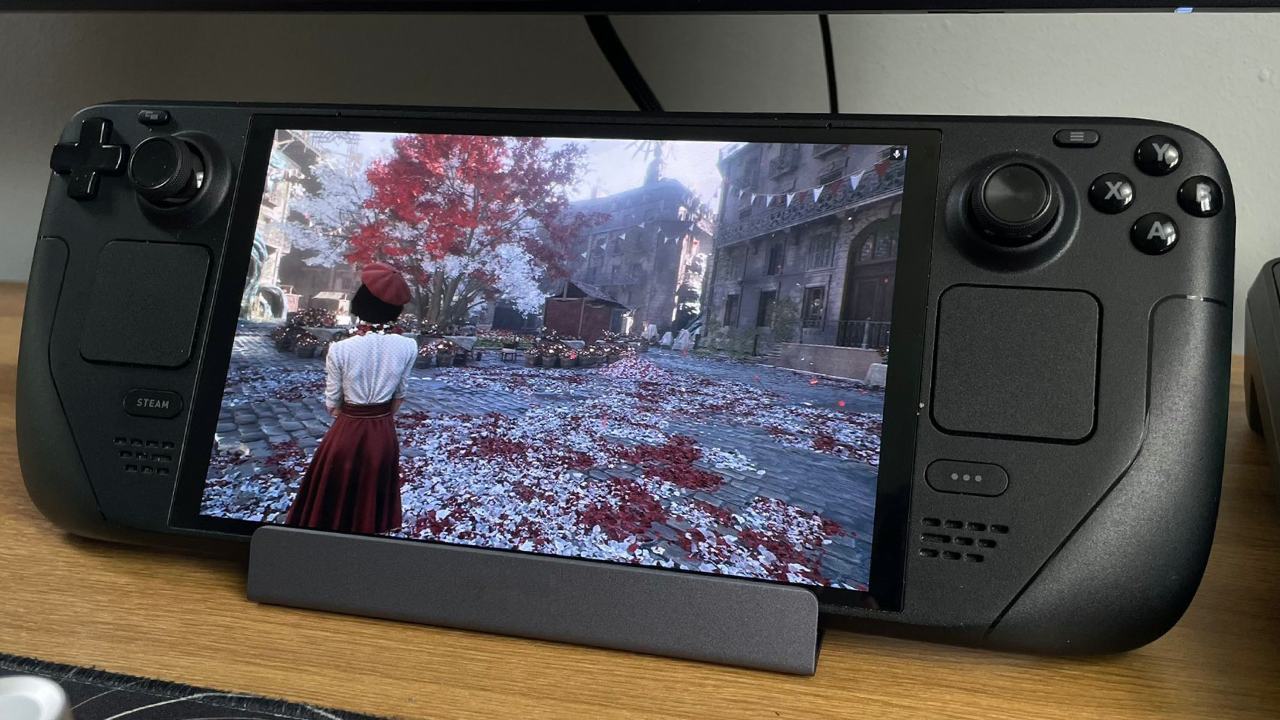
When you play Resident Evil Requiem on Steam Deck, it runs quite well the whole time. The game works remarkably well on the portable device, as long as the parameters are set up correctly.
Although technologies like DLSS would provide even better image quality, the game still performs well using FSR3. On the Steam Deck’s screen, the visual compromise is minimal compared to larger displays.
Best Steam Deck Settings for 30fps and 40fps Gameplay
To achieve stable performance, several graphics settings should be adjusted. Texture quality should be set to Low to avoid stuttering when transitioning between levels. Medium textures are technically possible but can introduce noticeable performance dips.
Texture filtering can remain on Medium for 40fps gameplay or High for 30fps configurations. Mesh quality should be set to Low, as the visual difference between Medium and Low is minimal while the performance improvement is noticeable.
Screen space reflections can remain enabled. Unlike previous titles using the RE Engine, this setting no longer creates a meaningful performance impact. Subsurface scattering should be set to Low, while depth of field can remain enabled or disabled depending on visual preference.
FSR3 should be enabled for optimal results. Balanced mode works best for achieving 40fps, while Quality mode provides a better experience when targeting 30fps.
You can keep particle lighting on, however volumetric fog should be set to Lowest for 40fps gameplay or Low for a steady 30fps setup. Dirt on the lens is not necessary and doesn't have a big effect on performance.
To keep frame rates steady, the quality of the shadows must be adjusted to Low. For installations that run at 40 fps, ambient occlusion should be turned off. For settings that run at 30 fps, it can stay on Low. Finally, VFX quality should also be set to Low.
With these settings, the game maintains a mostly stable 30fps throughout the entire experience. Certain areas in Raccoon City may briefly fluctuate, but the frame rate quickly stabilizes.
RE Engine Continues to Deliver Strong Performance
The RE Engine continues to demonstrate strong optimization across most titles. Compared to earlier entries in the series, the visual improvements are clear, especially when comparing flashbacks to earlier games like Resident Evil 2 Remake.
Despite these upgrades, performance remains strong across modern hardware. The engine still struggles somewhat in large open-world titles, but most Resident Evil games run extremely well, even on portable hardware like the Steam Deck.
Resident Evil Requiem is one of the best examples of this optimization. The game has great graphics and runs smoothly, which makes it one of the best games in the series to play again and over again.
Also, check our other hardware articles:
- AMD Ryzen 9 9950X3D Review: Setting The Standard For 2025 Gaming CPU
- Amazon Luna 2025 Review: Is Prime Gaming's Cloud Service Your Go-To For Casual Fun?
- AMD RX 9070 XT Review: AMD's RDNA 4 Champion for 1440p Gaming
- GeForce Now Ultimate: Ditching Your Gaming PC For Cloud RTX 4080 Power?
- NVIDIA GeForce RTX 5080 Review (2025): Still A 4K Gaming Powerhouse?
- Intel Core Ultra 9 285K Review And Performance Breakdown (2025)
- AMD Ryzen 7 9800X3D Review: 3D V-Cache Goes God Mode with Stunning Gaming Performance
- Intel Core Ultra 9 285K vs AMD Ryzen 7 9800X3D: In-Depth Gaming Performance and Benchmark Comparison
- NVIDIA GeForce RTX 5080 Super Performance In Cyberpunk 2077: Path Tracing & DLSS 4.0 Tested
- AMD Radeon RX 9070 XT In Cyberpunk 2077: Ray Tracing & FSR 4.0 Tested
- Intel Arc B580 Review: The $250 GPU Revolutionizing 1440p Gaming
- Intel Arc B570 Vs. B580: Value, Specs, And Real-World Gaming Performance
- RTX 5090 Laptop Vs. M4 Max MacBook Pro: Ultimate Raw Performance Vs. Battery Endurance
- Intel Arc b580 Vs. RTX 4060: Game Performance And Value Analysis
- RTX5090 Hell Is Us Demo 4K Ultra Benchmark: DLSS Vs. Native Performance Guide
- NVIDIA RTX 5070 Review: Mid-Range Muscle or Marketing Hype?
- Nintendo Switch 2 Review: Handheld Performance, Features & Value Breakdown
- RTX 5070 Ti Review: Performance, Thermals & Power Efficiency Tested
- Samsung Odyssey OLED G81SF Review 2025: Ultimate 32-Inch QD-OLED Gaming Monitor
- AMD RX 9070 Performance Review: Thermals, Clocks, and Real-World FPS
- AMD Ryzen 5 7600 Review: Best Budget Gaming CPU of 2025?
- AMD Radeon RX 7800 XT Review: RDNA 3 Power For Midrange Gaming
- Asus ROG RTX 5090 Astral OC Vs. Founders Edition: The 4K Gaming Benchmark
Senior Editor, NoobFeed
Gaming Hardware Updates
No Data.