
Stream PlayStation and Xbox Games on the PS Portal Without a Console
Cloud gaming integration transforms the PlayStation Portal into a standalone platform capable of streaming thousands of digital titles.
Hardware by Masaru Hoshino on Nov 10, 2025
The PlayStation Portal has just received a huge update, eliminating one of its biggest flaws and making it one of the best value-for-money handhelds on the market.
Originally designed to connect to a PS5 via remote play, the device now functions more independently than ever, significantly increasing its usability and appeal.
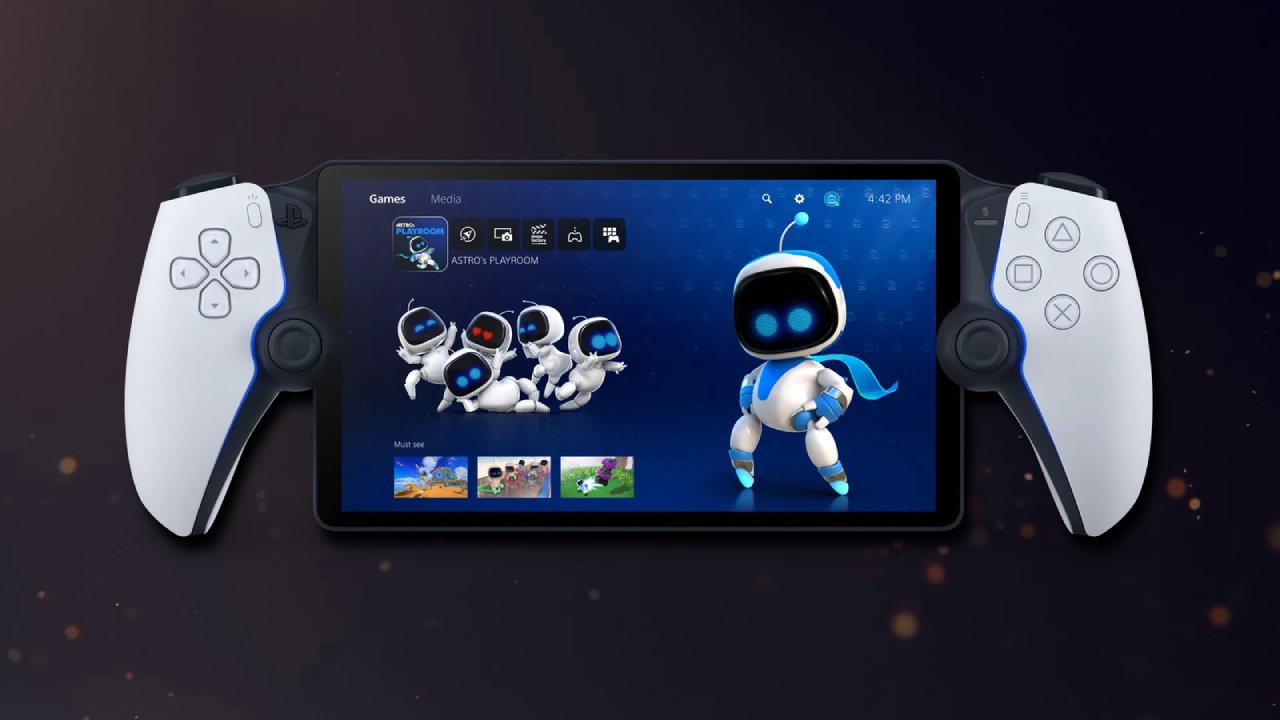
From Remote Play to Full Cloud Gaming
My main reason for buying a PS Portal last year was so that I could play PS5 games away from the system. At the time, it was a very basic device that allowed you to play games remotely on home Wi-Fi networks. It didn't have any local storage or cloud gaming possibilities. Although it had several issues, it was priced at only $200, which is less than most other handheld gadgets.
PlayStation has recently published a major update that includes comprehensive support for cloud gaming. Initially, a small beta test allowed people to stream a limited number of PS+ library games without requiring a connection to a PS5.
The most recent upgrade takes it a step further, allowing you to stream your entire digital collection without needing a console. You don't even need to own a PS5 to play your PS5 games on the Portal, fulfilling the original vision for an independent PlayStation handheld.
Access to Thousands of Games
With this update, the Portal allows streaming of up to 2,800 games completely independently. Popular titles, such as Astrobar, God of War, Powerwash Simulator, and many others, can now be played directly on the Portal without requiring the PS5 to be turned on. The device still requires a Wi-Fi connection, as it lacks local storage, and only digital copies of games are supported.
Physical discs, such as Ghost of Tsushima, cannot be used unless they are converted to digital versions. Still, this limitation doesn't detract from the overall value.
The cloud gaming feature now includes both the PS+ catalog and your personal digital library. The PS+ catalog alone offers access to around 300 games, including high-profile titles such as The Last of Us Part II Remastered, God of War Ragnarök, WWE 2K25, Spider-Man Remastered, Ghost of Tsushima, Cyberpunk 2077, and Death Stranding.
Classics like Lego Star Wars 2, Jak and Daxter, and TimeSplitters are also available. Streaming your own library works for any game that supports streaming, as indicated by the visible option on the PS5. A full list of supported games is available on the PlayStation website.
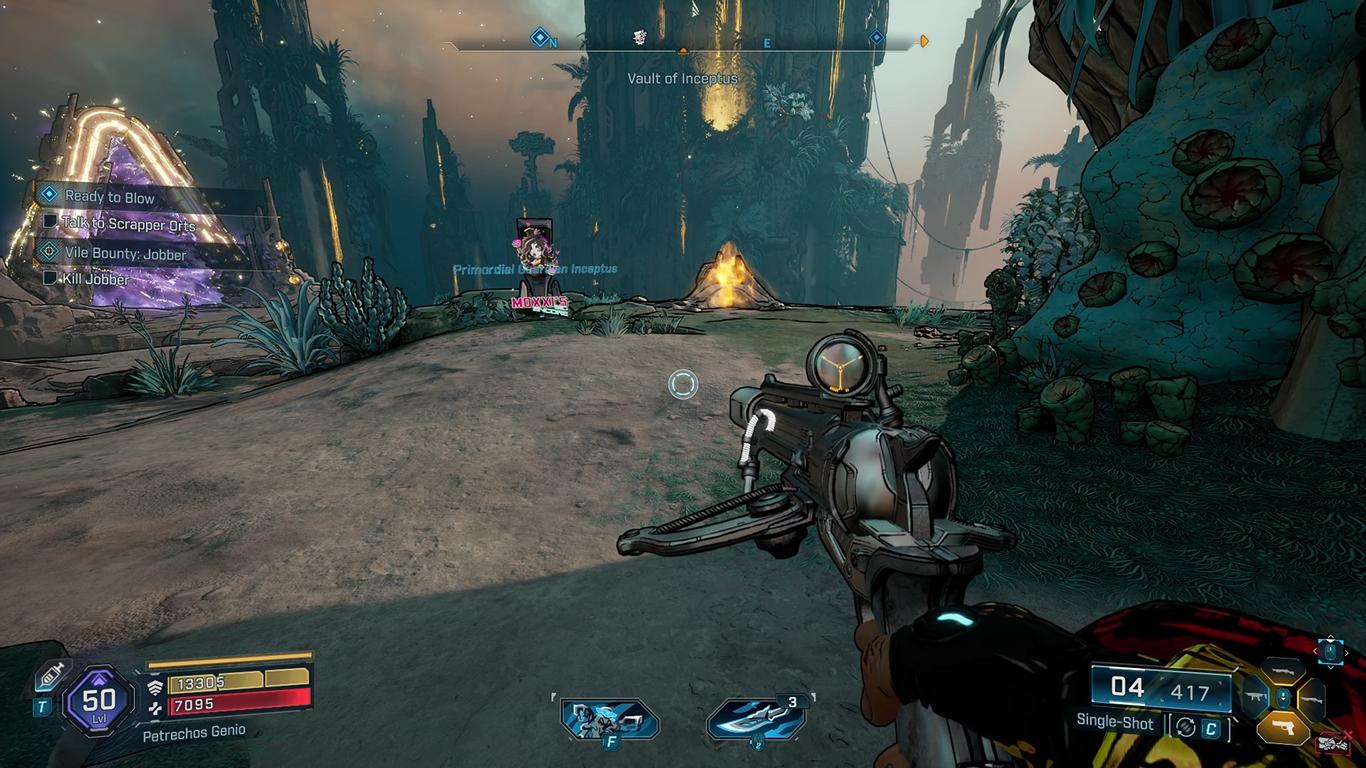
Performance and Game Testing
I tested several games on the Portal, starting with Outer Worlds 2. The game ran smoothly with minimal stuttering or clarity drops compared to remote play. Forza Horizon 5 also performed exceptionally well, highlighting the expanding availability of Xbox games on PlayStation platforms. Doom: The Dark Ages, a highly chaotic and action-packed title, streamed beautifully, and Powerwash Simulator 2 ran accurately with excellent responsiveness.
Performance will still depend on your internet connection. You can change the resolution from 1080p to 720p in the device's settings overlay to improve the game's performance and make it run more smoothly. You also need a PS+ Premium subscription to access all the cloud streaming features included with the update. This could increase the total cost. Even with two years of PS+ Premium, the total cost is still lower than that of many other handheld gaming options.
New User Interface and Features
Alongside cloud gaming, the Portal now includes a refreshed UI designed for easier navigation. Upon startup, three main tabs are available: Remote Play, Cloud Gaming, and a search feature. Cloud gaming is divided into two sections—streaming your library and streaming PS+ games—making it easy to jump into recently played titles or explore new ones. The search tab helps quickly locate specific games and verify which are streamable.
The update also introduces a quick menu accessible via the PS button. This allows you to select a paired console, adjust brightness, manage PS Link devices, access settings, and navigate to the PlayStation home screen during remote play.
Additional improvements include passcode protection, game invites, in-game purchase support via QR codes, enhanced accessibility options such as adjustable text size and screen reader support, and 3D spatial audio support for compatible devices.
Benefits for Shared Consoles
Another major benefit of the update is freeing up your PS5 while using the Portal. Multiple users can now play simultaneously on different devices without affecting each other. This is especially useful for households with shared consoles, allowing independent play on the Portal while someone else uses the PS5.
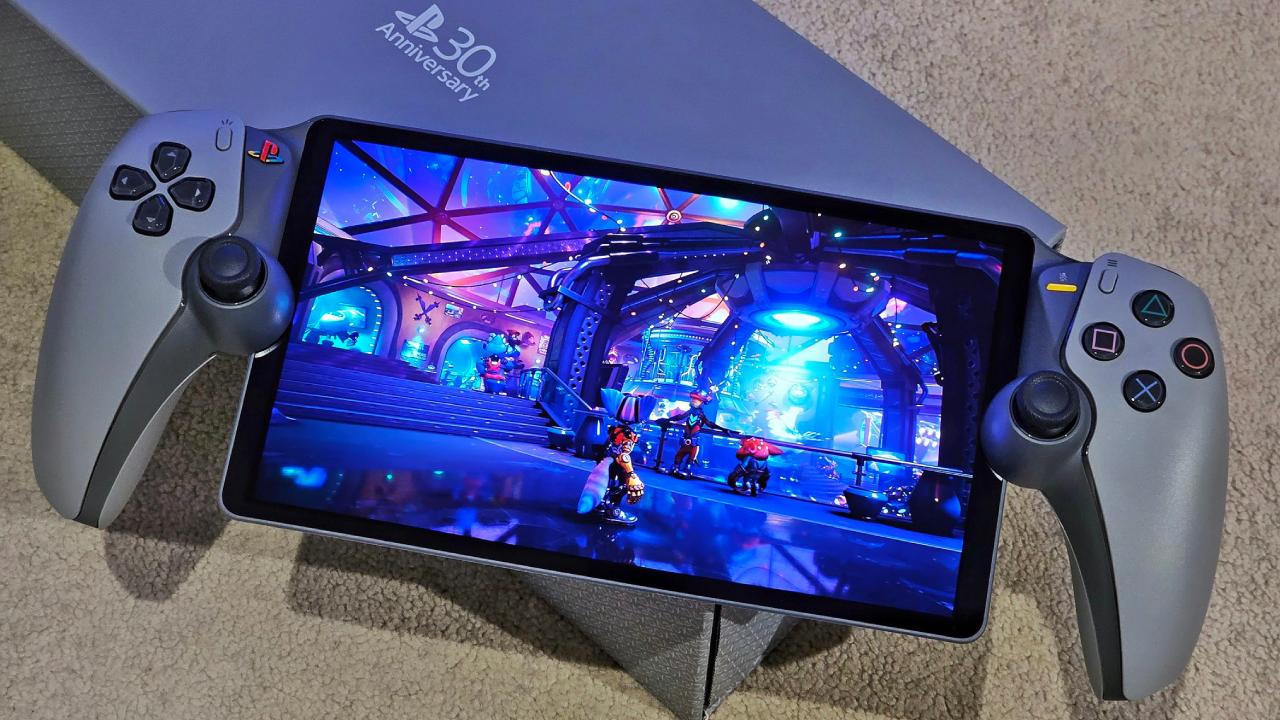
Is the Portal Worth It Now?
Before this update, the Portal was a decent value as a remote play device. After these game-changing improvements, it has become one of the best value handhelds on the market. With full cloud gaming, improved UI, enhanced accessibility, and features like 3D audio, the device remains priced at $200. Even factoring in a PS+ Premium subscription, it offers more value than most competitors while providing access to a vast library of PlayStation and select Xbox games.
The Portal is now my favorite device for playing games on the fly. It is useful, flexible, and currently functions practically as a standalone handheld console. The PS Portal has finally reached the level of autonomous gaming we've been waiting for with this upgrade.
Also, Check Our Other PS5 Pro Articles:
- PS5 Pro vs. PS5 Slim: Frame‑Rate, Graphics & Performance
- PS5 Pro vs. Radeon RX 9060 XT vs RTX 5060 Ti: Ultimate $700 Gaming Showdown
- ASUS ROG Ally PS5 Remote Play | How to do Remote play on PS5 Using Sony's Official Remote Play App
- Stream PS5 Games on Steam Deck OLED: Step-by-Step Installation and Configuration
- AI Upscaling on PS5 Pro: Can PSSR Finally Match DLSS?
- PS5 Pro vs. PS5 Slim vs. PS5 — Design, Storage, Specs, and Gaming
- PS5 Pro vs. Xbox Series X: Specs, Price, Storage, Customization, and Gaming
- PS5 Pro vs. PC Gaming: Comparison of Graphics, Frame Rates, and Price
Editor, NoobFeed
Gaming Hardware Updates
No Data.