
Valve Boosts Low VRAM Gaming Performance on Linux with New Memory Optimization
New Linux kernel and user space changes prioritize VRAM allocation to improve gaming performance on low memory systems.
Hardware by Nahe Yan on Apr 16, 2026
Linux computers that use little power are getting changes that will make games run faster by better managing resources. With the new kernel and user-space changes, a commit is added that makes sure games get their own visual memory first.
This makes performance more consistent on devices with little VRAM.
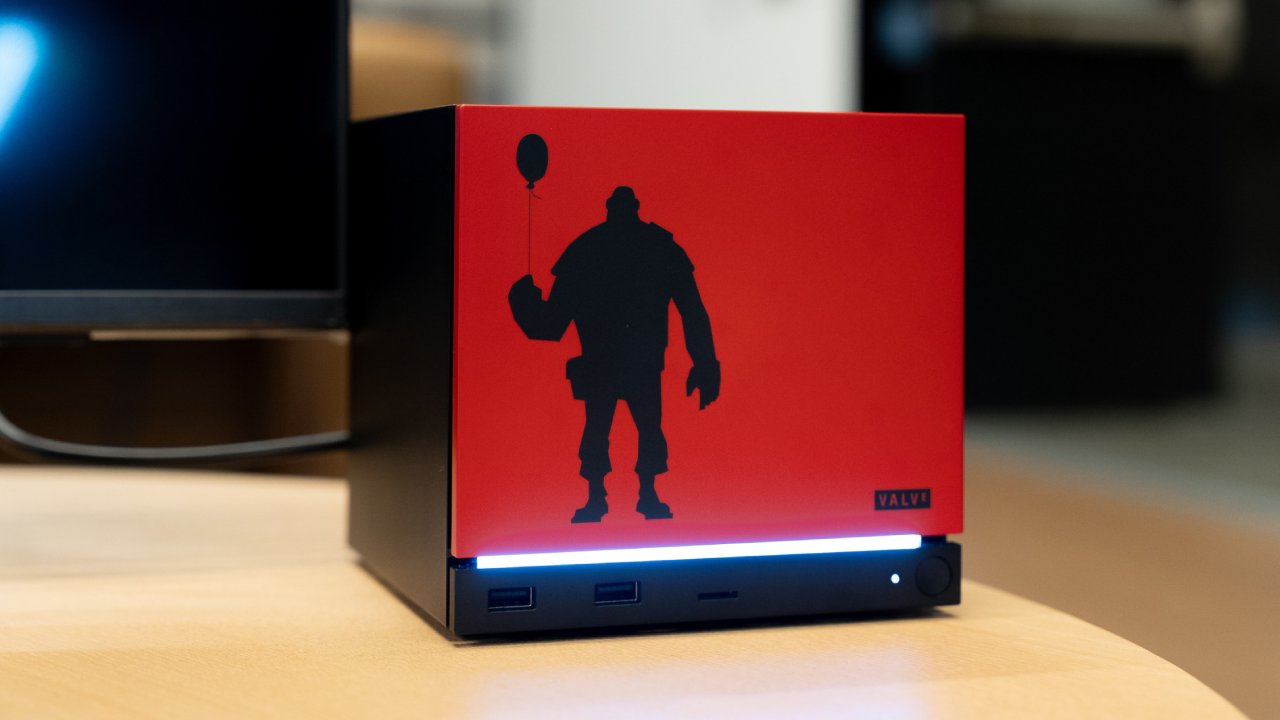
Allocation of System Resources and VRAM Priority
When we play games, we notice a change in how system resources are used. The update ensures that when a game starts, it receives priority access to dedicated video memory over other programs. If you have a lot of programs open at once, such as as a browser with many tabs, those programs can slow down your game. With these improvements, the system limits how much RAM the game can use while still allowing it to use as many resources as possible.
This is especially crucial for systems with less than 8GB of VRAM. Because the system actively controls who gets memory access first, we should expect better performance without any unneeded contention.
Desktop Mode and More Ways to Use It
The enhancements aren't just for gaming situations. These changes still apply if you want to use the system in desktop mode. Basically, we're getting a system that works better when we do more than one thing at a time. The system makes sure that a game gets priority when you start it, even if other processes are running in the background.
You might think that a gadget that is mostly used for gaming wouldn't benefit much from this, but that's not quite true. Even when you're playing a game, background UI elements and web helpers use VRAM. These upgrades make sure that these things don't get in the way of how well the game runs.
System-Level Management for Guardrails
We are also seeing system-level techniques to ensure these boundaries are followed. The system ensures that once a game is started, other programs can't run by limiting the amount of memory separate processes can use. This prevents memory from being used when it isn't needed and reduces the risk of performance decreases.
If your system has shared memory, such as an APU, the effects may not be as obvious because everything runs in a single memory pool. But these modifications are more important if you have a dedicated GPU with its own VRAM. When you move data between system memory and VRAM, it can take longer, so storing game data in VRAM first helps keep performance concerns to a minimum.
Effects on Systems with Low VRAM
These enhancements are especially useful for systems with 8GB of VRAM or less. People have been worried for a long time about whether these kinds of setups are good enough for modern gaming. These modifications don't add new technology; they only make better use of what we already have.
You might see modest changes instead of big ones. But in other circumstances, these little benefits might make a situation that seemed impossible to play work. The system ensures the game gets the memory it needs and kicks out less important processes when necessary.
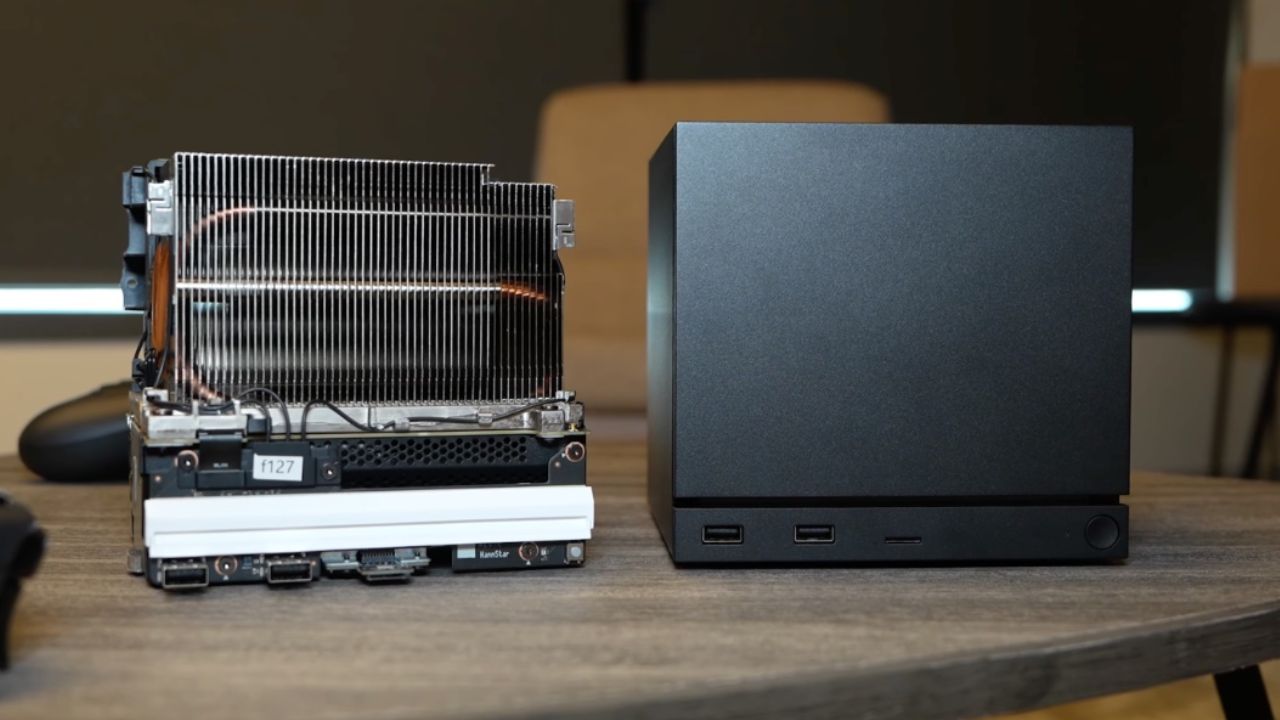
Background Optimization and What to Expect in the Future
We have been looking forward to changes that would make smaller VRAM configurations more useful. This isn't a big breakthrough, but it's a step toward better optimization. Instead of relying on much better technology, the goal is to design the system to work as efficiently as possible.
People are also talking about more advanced methods, such as neural texture compression and machine-learning-based optimizations. These methods try to use less memory by dynamically rebuilding textures, they come with higher processing costs and are harder to implement.
Final Thoughts
There is a broader trend toward improving systems so they can do more with less. Developers are now focusing on improving software rather than just upgrading hardware to achieve greater performance.
If you have a low-power system or a gadget with limited VRAM, these changes can make your experience better. Even though the improvements may not seem like much, they help make the performance profile more stable and consistent across a range of tasks.
Also, check our other hardware articles:
- AMD Ryzen 9 9950X3D Review: Setting The Standard For 2025 Gaming CPU
- Amazon Luna 2025 Review: Is Prime Gaming's Cloud Service Your Go-To For Casual Fun?
- AMD RX 9070 XT Review: AMD's RDNA 4 Champion for 1440p Gaming
- GeForce Now Ultimate: Ditching Your Gaming PC For Cloud RTX 4080 Power?
- NVIDIA GeForce RTX 5080 Review (2025): Still A 4K Gaming Powerhouse?
- Intel Core Ultra 9 285K Review And Performance Breakdown (2025)
- AMD Ryzen 7 9800X3D Review: 3D V-Cache Goes God Mode with Stunning Gaming Performance
- Intel Core Ultra 9 285K vs AMD Ryzen 7 9800X3D: In-Depth Gaming Performance and Benchmark Comparison
- NVIDIA GeForce RTX 5080 Super Performance In Cyberpunk 2077: Path Tracing & DLSS 4.0 Tested
- AMD Radeon RX 9070 XT In Cyberpunk 2077: Ray Tracing & FSR 4.0 Tested
- Intel Arc B580 Review: The $250 GPU Revolutionizing 1440p Gaming
- Intel Arc B570 Vs. B580: Value, Specs, And Real-World Gaming Performance
- RTX 5090 Laptop Vs. M4 Max MacBook Pro: Ultimate Raw Performance Vs. Battery Endurance
- Intel Arc b580 Vs. RTX 4060: Game Performance And Value Analysis
- RTX5090 Hell Is Us Demo 4K Ultra Benchmark: DLSS Vs. Native Performance Guide
- NVIDIA RTX 5070 Review: Mid-Range Muscle or Marketing Hype?
- Nintendo Switch 2 Review: Handheld Performance, Features & Value Breakdown
- RTX 5070 Ti Review: Performance, Thermals & Power Efficiency Tested
- Samsung Odyssey OLED G81SF Review 2025: Ultimate 32-Inch QD-OLED Gaming Monitor
- AMD RX 9070 Performance Review: Thermals, Clocks, and Real-World FPS
- AMD Ryzen 5 7600 Review: Best Budget Gaming CPU of 2025?
- AMD Radeon RX 7800 XT Review: RDNA 3 Power For Midrange Gaming
- Asus ROG RTX 5090 Astral OC Vs. Founders Edition: The 4K Gaming Benchmark
Editor, NoobFeed
Gaming Hardware Updates
No Data.