
iRacing Studios NASCAR 26 Review
PlayStation 5 Pro
iRacing Studios NASCAR 26 delivers better driving, smarter AI, dynamic tracks, crossplay, and some of the best visuals the series has seen. Still, its career mode, bugs, and uneven features keep it from feeling like the complete NASCAR experience.
Reviewed by Mahi Araf on Sep 18, 2026
iRacing Studios NASCAR 26 arrives as the follow-up to NASCAR 25, continuing the developer's push to make the console NASCAR series feel more like a serious racing experience. NASCAR 25 already felt like a step away from the more arcade-focused approach that had defined parts of the franchise, with iRacing's involvement bringing a stronger focus on handling and simulation. iRacing Studios NASCAR 26 continues that direction, and in some areas, the difference is immediately noticeable.
The biggest improvement is behind the wheel. iRacing Studios NASCAR 26 feels like the developers have finally found a convincing foundation for how these cars should behave. At the same time, the AI, graphics, dynamic track system, and input options add more depth. At the same time, the game sometimes feels like too many features were added without enough time to polish them properly.
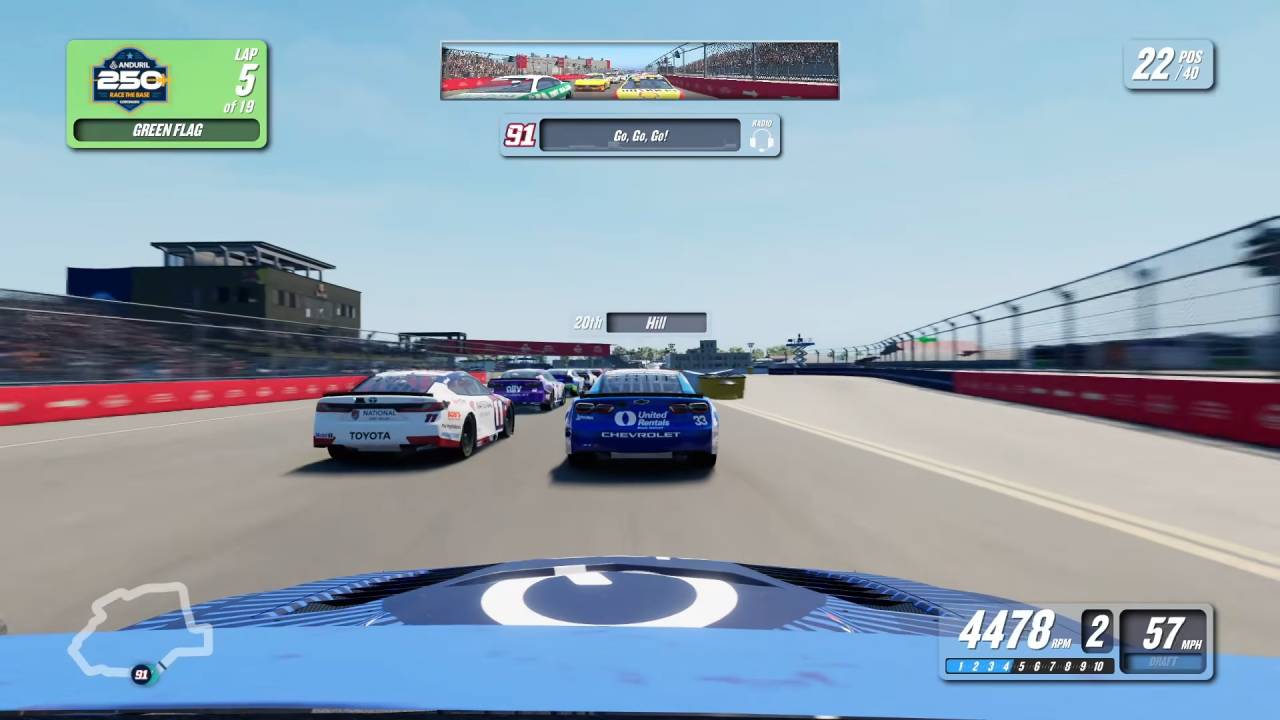
Some modes are frustratingly inconsistent, certain bugs are difficult to ignore, and the career experience still feels more like a collection of menus than a proper NASCAR journey.
That makes iRacing Studios NASCAR 26 an interesting sequel. It is clearly better than NASCAR 25 in several important areas, but it does not always feel like everything around the excellent core racing has received the same attention.
iRacing Studios NASCAR 26 has no traditional story campaign, so you spend most of your time building your own racing career through its different modes. Career mode remains the main single-player experience, allowing you to progress through a NASCAR season while improving facilities and earning money.
This year adds a few welcome changes to the career structure, especially facility upgrades. You can also play Chase mode, which first appeared in NASCAR 2005: Chase for the Cup. The mode lets you adjust who makes the Chase across all three series, giving you more control over how the championship structure plays out.
The problem is that Career mode still doesn't feel particularly immersive.
A lot of the experience comes down to moving through menus, selecting races, making upgrades, and repeating the process. Even with the facility system, it does not create the feeling of an underdog NASCAR story where you gradually build something meaningful.
Door Bumper Clear also appears in the career experience, but its implementation feels fairly limited. Random clips play before giving you some kind of boost to money or reputation, or presenting another team's issue, and it has little impact beyond that.
Money can also become far too easy to accumulate. Once you win the opening Daytona race or the other superspeedway race at Talladega, earning enough money is no longer much of a concern. That removes some of the pressure that should make career progression interesting.
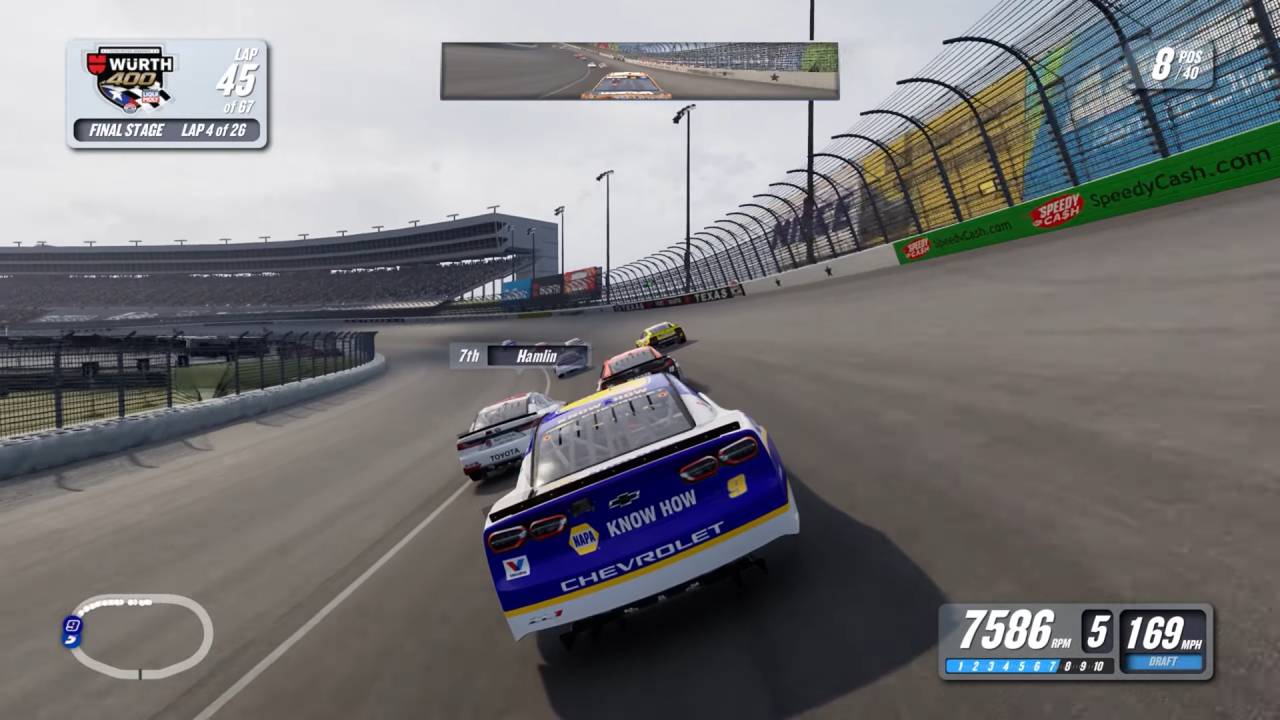
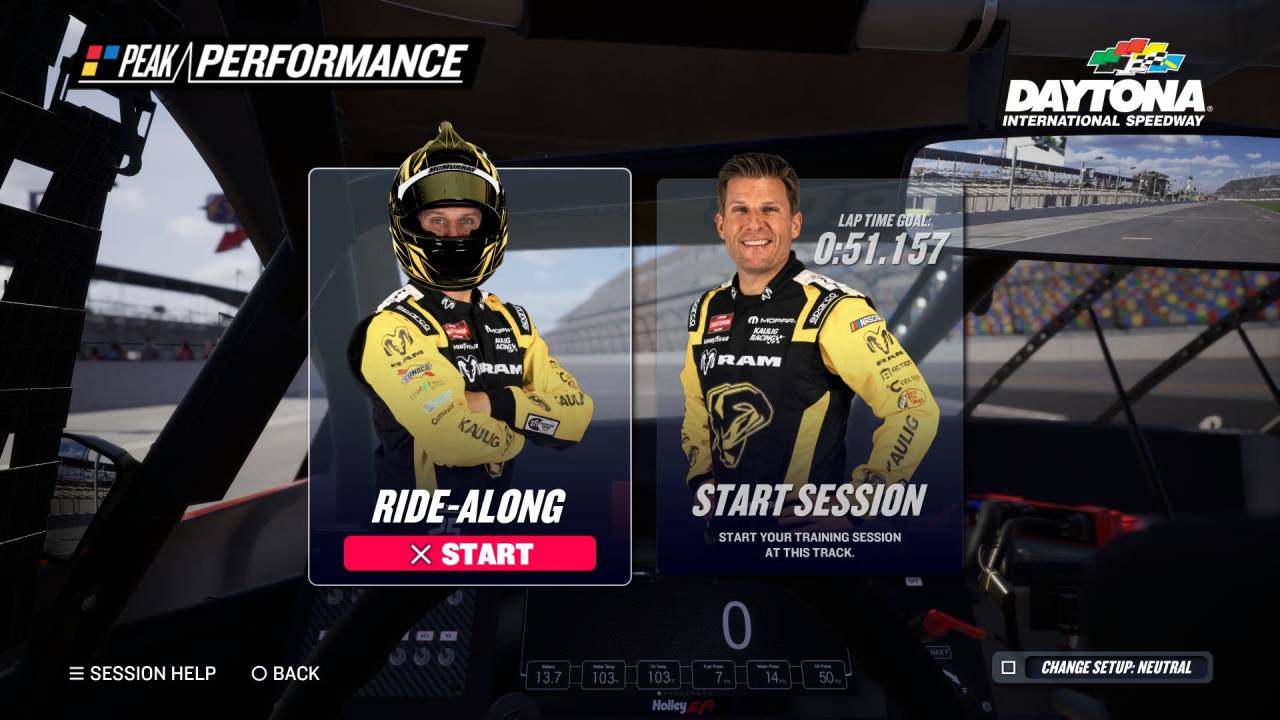
Peak Performance is another major single-player addition.
It works as a driving school of sorts, teaching you how to handle specific tracks while introducing you to the fundamentals of the game's new physics. The idea is useful, and it gives you a structured way to learn the cars instead of simply throwing you into a race.
Unfortunately, the execution is inconsistent. Some of the hardest Peak Performance targets appear almost impossible. At Chicagoland, one reviewer's best possible laps were still around 1.5 seconds away from the 105 difficulty target, which is an enormous gap on an oval. Charlotte also set a similarly unreasonable target, with the required pace about a second away.
The racing line in Peak Performance is also much easier to understand than in Quick Race. Peak Performance uses clear green and red indicators to show when you should brake or accelerate, while Quick Race uses dark and light blue that can be difficult to see against bright track surfaces.
It feels like the two systems should have been standardized rather than presenting two completely different experiences.
One of the biggest things added to iRacing Studios NASCAR 26 is crossplay. Now, bringing online multiplayer to players across platforms is a huge step for a series that benefits from having as many people as possible on the track.
AI variability has also been added to offline racing, giving you more room to create different racing experiences rather than the field behaving the same each time. Adjustable AI ratings are another major feature. iRacing Studios NASCAR 26 is the first NASCAR console game to allow you to customize driver ratings, and this can have a surprisingly large effect on how your races play out.
You can change individual drivers' strengths, letting you create a field that behaves differently from the default ratings. There are some bugs that mix up drivers, but the underlying idea is a strong addition.
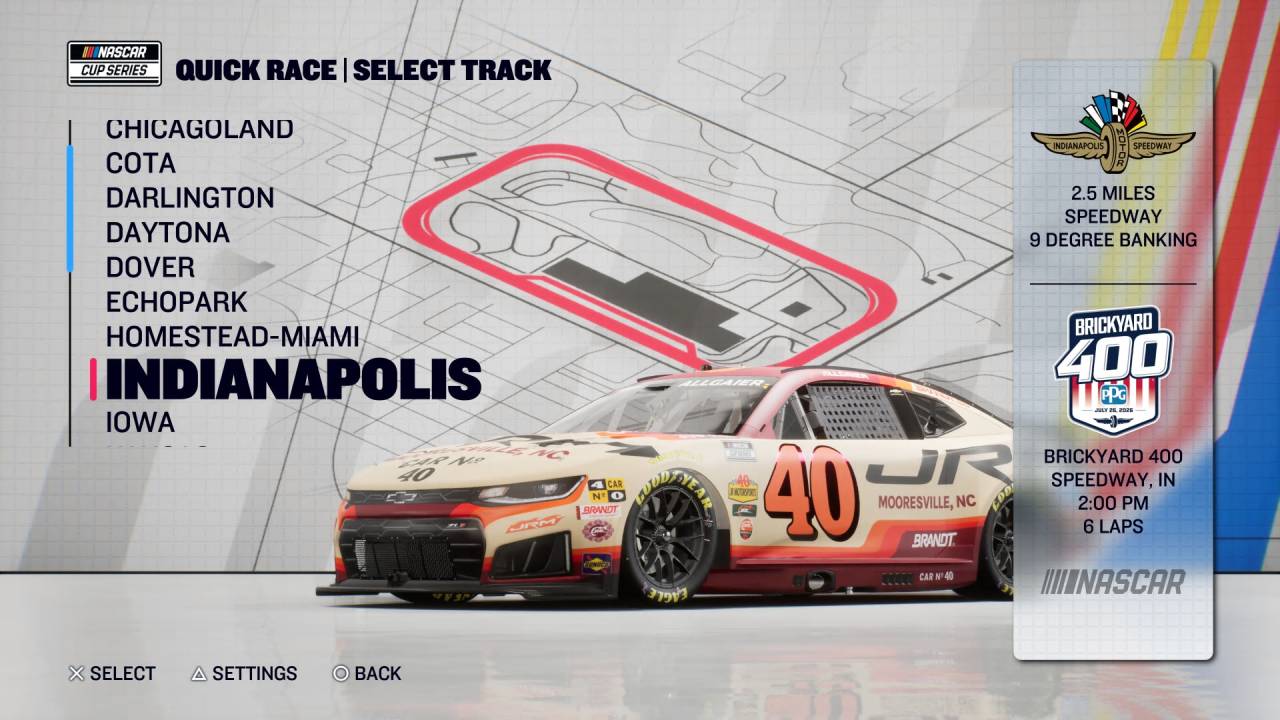
Online AI has also received more flexibility, although online progression is still lacking.
The game lacks a meaningful progression system or a strong series of events that push you to keep coming back. Crossplay helps the player base, but the surrounding online structure does not feel as developed as the racing itself.
The main reason to spend time with iRacing Studios NASCAR 26 is the racing itself. The handling is one of the strongest parts of the package, and it feels like a continuation of what NASCAR 25 was trying to accomplish rather than a complete departure.
You can race with a wheel and pedals or a controller, though the experience differs noticeably depending on your preferred input. The braking model has changed from NASCAR 25, but wheel users can adapt to it relatively quickly. Controller players might take a bit longer, and the difference between the two input types is still a concern.
With a wheel, you get a lot more information about what the car is doing.
The feedback to the driver is still very limited, especially when the car begins to slide or the tires start to wear. You get feedback mainly while the car is being hit, spinning, or braking hard. When the car starts to lose grip, you don't get enough information, which makes it harder for controller users to react naturally.
The cars are 750 hp, but tire wear, rubber buildup, braking, and track conditions all come into play. The dynamic track system is one of the game's biggest additions. On races longer than 13%, you can enable it and watch rubber build up on the racing surface as the race progresses.
That gradually opens up different lines and changes how you approach corners. The track also evolves throughout the race weekend. A line that works during practice might not remain the fastest option during qualifying or the race because surface conditions change.
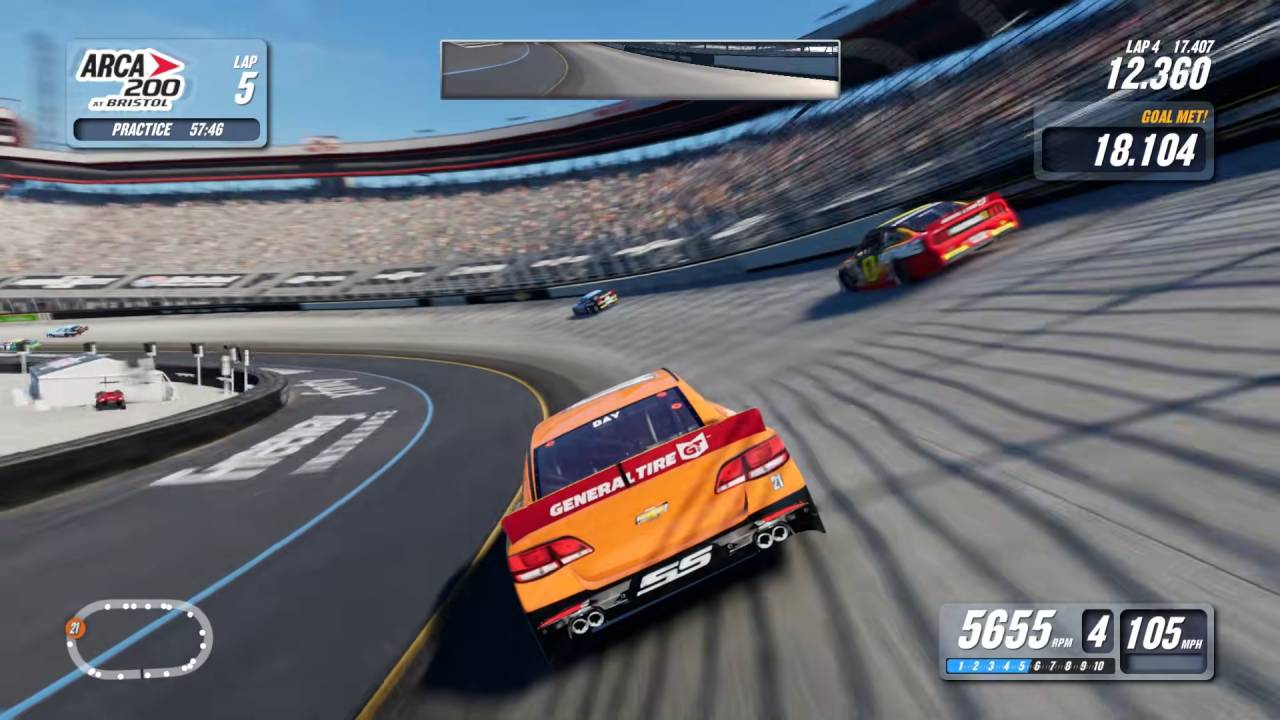
The system works well, although the rubber can take quite a long time to build up.
If you're running a 25% race with four-times tire and fuel settings, the track can still take a while to develop compared with what you would expect from a full-distance race. It would make sense for the system to scale more closely with shorter race lengths.
The AI is another major improvement. In NASCAR 25, certain tracks could produce frustrating situations where AI cars would pinch you toward the outside wall, particularly coming out of Turn 4 at Phoenix. iRacing Studios NASCAR 26's AI is more aggressive but also more aware of what's happening around it, so those situations occur less often.
The AI can still make mistakes. Cars can pile into you around pit road entry at certain tracks, and manual-gear users can still experience situations where the AI flies past them on restarts. The latter can feel almost random, and even patches during the review period were already addressing some problems.
AI difficulty is also inconsistent depending on the track type. Road courses and intermediate tracks generally feel more balanced, while superspeedways can be too easy because drafting directly behind the leader remains exploitable. Short tracks are almost the opposite, with the AI becoming extremely difficult. Qualifying inside the top 30 on 104 difficulty can be a struggle even with a setup.
The driving itself remains the game's strongest foundation despite those inconsistencies.
iRacing Studios NASCAR 26's physics are closely tied to its improved handling model. The car feels more connected to the track, and the combination of tire behavior, braking, rubber buildup, and changing surface conditions gives you more to think about during a race.
You can feel the difference between simply driving a fast lap and managing the car over a longer run. The dynamic track system also means the best line isn't necessarily fixed for the entire weekend.
Braking is noticeably different from NASCAR 25, but the adjustment is relatively easy if you're already comfortable with a wheel and pedals. The physics are not perfect, though. Controller users don't get enough feedback about the car's changing behavior, and the force-feedback experience can still feel lacking in certain situations.
There are also some strange inconsistencies around cautions and collisions.
At Lime Rock, for example, a self-spin can trigger a caution that improperly ends the race and produces questionable results. Spotter behavior can also be incorrect at times, adding to the feeling that some of these systems needed more testing before release.
The corner-cutting system is one area that has clearly improved. Penalties that were overly frustrating in NASCAR 25 are now more lenient and generally feel fairer. Watkins Glen Turn 1 and the S sections at COTA are much less likely to produce an unreasonable penalty.
The Paint Booth is another area that has moved forward. You now have 50 shapes available on each side of the car, along with new sponsors, mirror mode, and faster loading. It gives you considerably more freedom to create your own liveries. The major omission is the inability to save custom shapes.
That keeps the system from reaching the level of the old U-Technic-style paint booths that longtime NASCAR fans may remember.
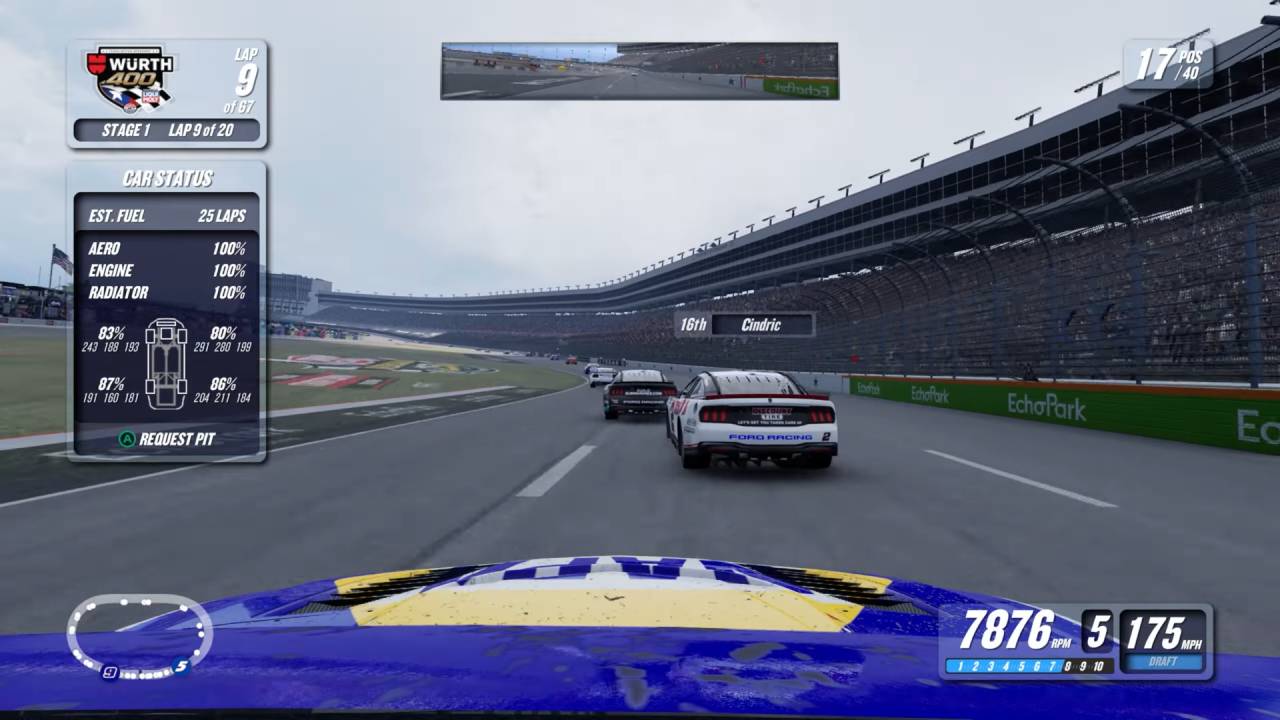
Visually, iRacing Studios NASCAR 26 is arguably the best-looking NASCAR console game so far. Cars look especially good under strong sunlight, textures have improved, and the overall presentation is considerably more polished than NASCAR 25.
The menus and general UI also look cleaner, although the in-race UI is a different story. The information on the left side of the screen can feel too large, and the position and lap information becomes difficult to read when you're driving over bright racing surfaces. The font itself also feels out of place compared with the rest of the presentation.
Performance is another major improvement. On PC, NASCAR 25 could be difficult to record and stream at higher resolutions on mid-range hardware. iRacing Studios NASCAR 26 runs considerably better at 1080p on high settings, making it much more accessible to PC players without high-end systems.
Console performance has also reportedly improved, particularly compared with the problems that affected NASCAR 25 on Xbox hardware.
The replay presentation is less impressive. The cameras have been adjusted, but they still don't always capture races convincingly. Better helicopter-style coverage on the longer oval sections and more carefully positioned cameras elsewhere would make watching replays much more enjoyable.
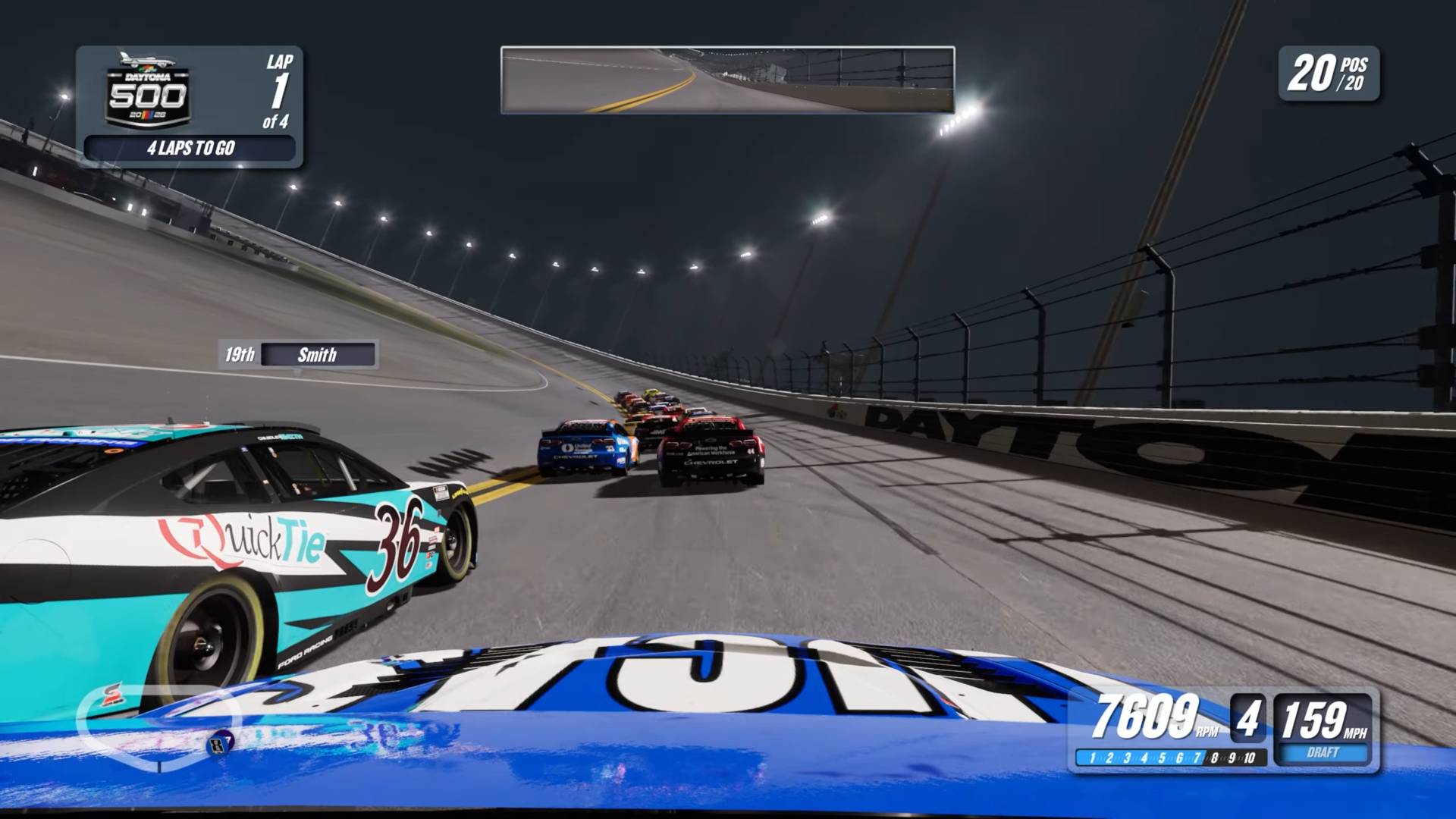
iRacing Studios NASCAR 26 adds several new locations to the series, including Chicagoland Speedway, St. Petersburg, and the Qualcomm Circuit at the Naval Base in Coronado. The track surface system gives returning tracks more life because their behavior can change throughout a race weekend. Dynamic rubber buildup also encourages you to explore different lines instead of assuming that the same part of the track will always be fastest.
That said, the difference between track types is also where some of the AI balancing problems become most obvious. Road courses have improved compared with NASCAR 25, while superspeedways remain relatively easy because of the drafting exploit.
Short tracks can be excessively difficult, creating an uneven experience when you move between different parts of the schedule.
The Peak Performance challenges highlight this inconsistency particularly well. Some track targets seem reasonable, while others require lap times well beyond what you would expect for the difficulty setting. The audio presentation is generally good, with believable cars and a general race atmosphere that fits the NASCAR setting.
Engine sounds, tire noise, and track effects contribute to a more grounded racing feel. The voice lines are the weaker side of the audio presentation. Starring Freddy Craft and Jamie McMurray, Peak Performance can get repetitive and boring quickly. Instead of making the mode feel more alive, the repeated lines can make the experience feel somewhat mechanical.
That ties into a larger issue with iRacing Studios NASCAR 26. At times, the game feels like it has the right ingredients but hasn't had enough time to bring them together naturally.
iRacing Studios NASCAR 26 is a strange sequel because the part that matters most, the actual racing, is probably its strongest feature. The driving is better, the AI is more capable, dynamic tracks add another layer to race weekends, and customizable AI ratings give you more control over how your races unfold.
The graphics are also a major improvement, while performance is much better on PC, and the addition of crossplay gives the online side of the game more potential. New tracks, Chase mode, the expanded Paint Booth, improved corner-cutting penalties, and AI variability all make iRacing Studios NASCAR 26 a broader package than its predecessor.
But the game also feels unfocused. Career mode hasn't received enough attention to feel like a proper long-term progression system, and features like Door Bumper Clear add little depth. Peak Performance is a good idea, but inconsistent targets and confusing racing-line differences undermine it.
The in-race UI is difficult to read, controller feedback remains weak, and bugs continue to affect cautions, spotters, AI behavior, and other systems.
The biggest issue is that iRacing Studios NASCAR 26 needs more quality assurance. A new game will always have bugs, but several of these problems are obvious enough to make you wonder how thoroughly certain features were tested before release.
Even with those problems, iRacing Studios NASCAR 26 is still a meaningful improvement over NASCAR 25. The core racing is good enough to carry a lot of the experience, and you can easily spend hours racing without noticing the game's weaker areas. The problem is that those weaker areas become much more obvious when you step away from the track.
iRacing Studios has the right foundation here. NASCAR 26 shows that the developer understands where the series needs to go with its driving, physics, AI, visuals, and track technology. What it needs now is more consistency and a stronger focus on the surrounding modes.
iRacing Studios NASCAR 26 does not feel like a finished version of the ultimate NASCAR console game. Instead, it feels like a very good racing foundation surrounded by features that still need another round of refinement. It is better than NASCAR 25, and there is plenty to enjoy, but the sequel's ambition sometimes works against it because not everything receives the same level of attention.
Senior Editor, NoobFeed
Verdict
iRacing Studios NASCAR 26 has excellent driving, improved AI, dynamic tracks, strong visuals, and crossplay, but shallow career progression, inconsistent AI, controller issues, and lingering bugs hold back an otherwise strong sequel.
88
Related News
No Data.